
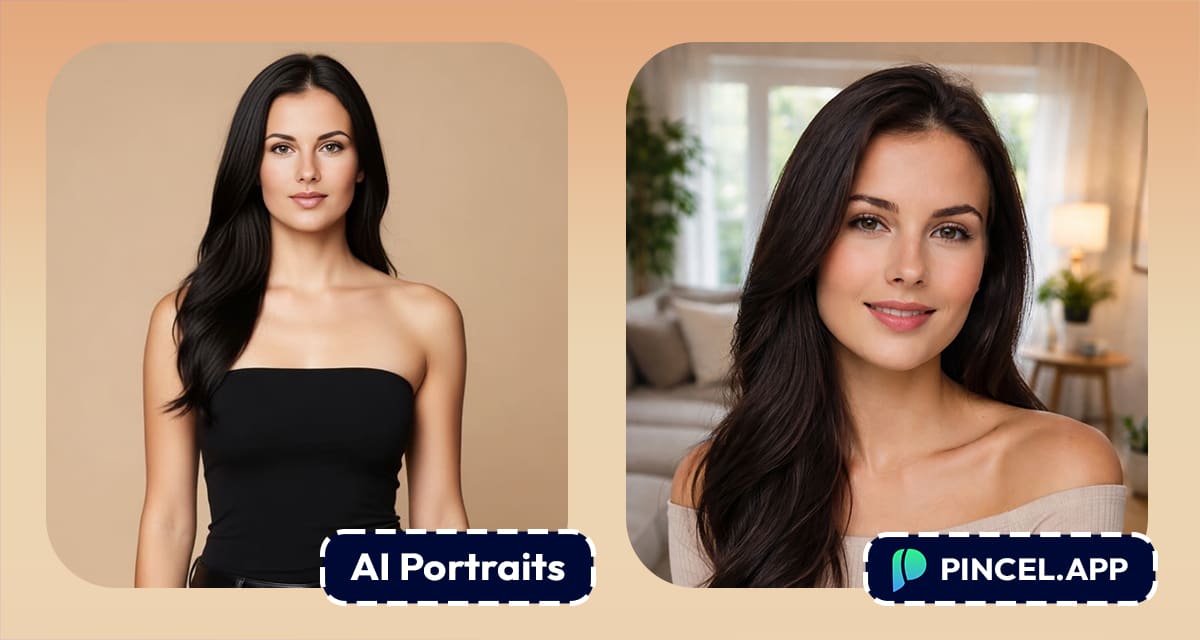
Things just got more realistic.
Not “AI real,” but in a way that actually feels usable.
We’ve just released a brand new version of the AI Portraits tool on Pincel.
This update brings a noticeable leap forward in both quality and usability.
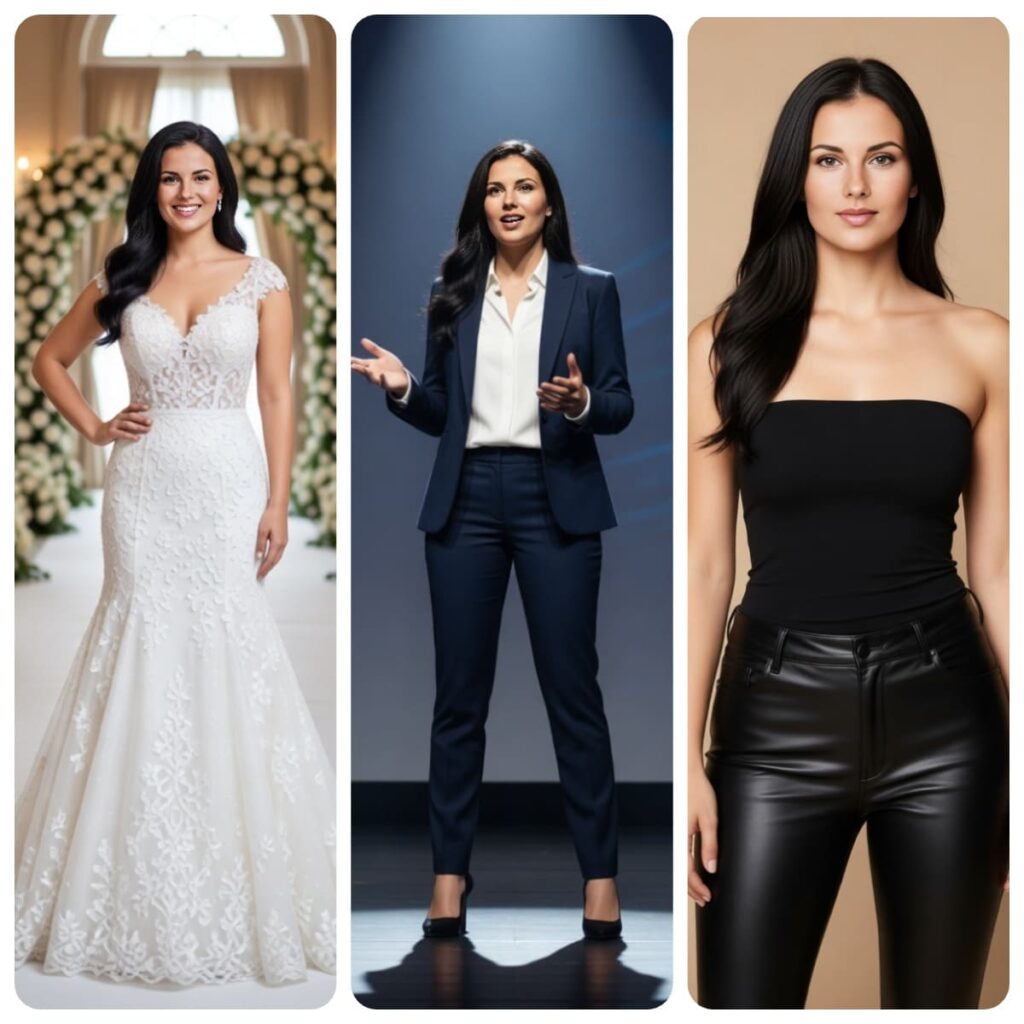
Let me show what changed 👇🏼
So What Actually Improved? 🤔
The short answer is that pretty much everything.
We rebuilt the core AI model from the ground up, which means the entire tool is now smoother and more predictable.
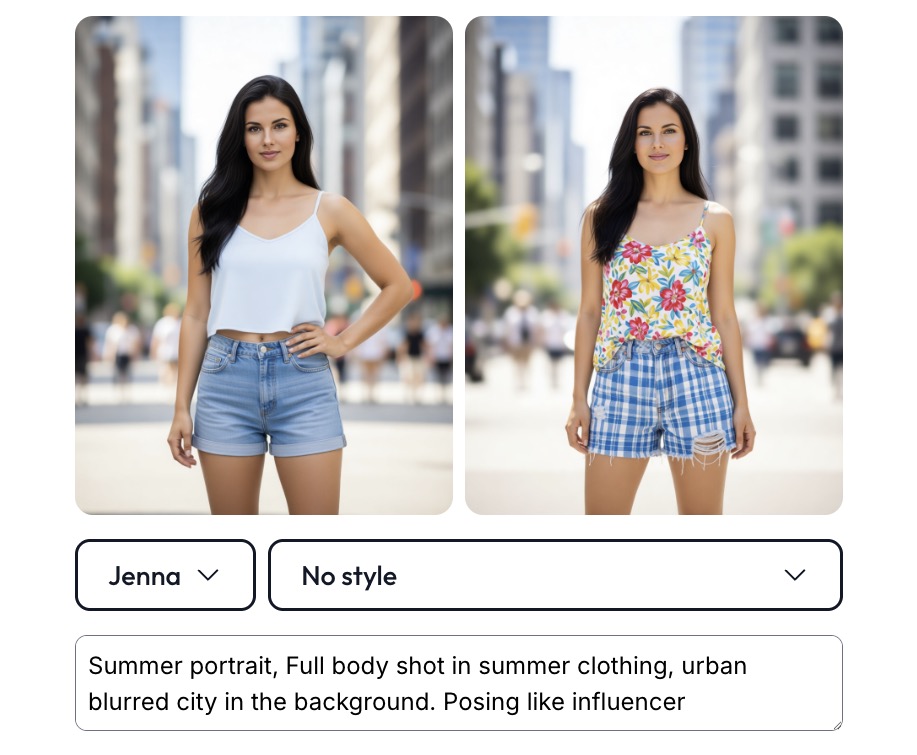
You’ll notice better understanding of your prompts, pose control, faster generation times and way more realistic human features.
And yes, finally… the small details that used to break are now fixed.
Fingers look natural, body proportions make sense, and better faces no longer have the classic “AI distortion”.
The New AI Model Feels Much More Precise
One of the first things you’ll notice is how accurately the model follows your instructions.
It closely matches your exact description, instead of something that only resembles it.
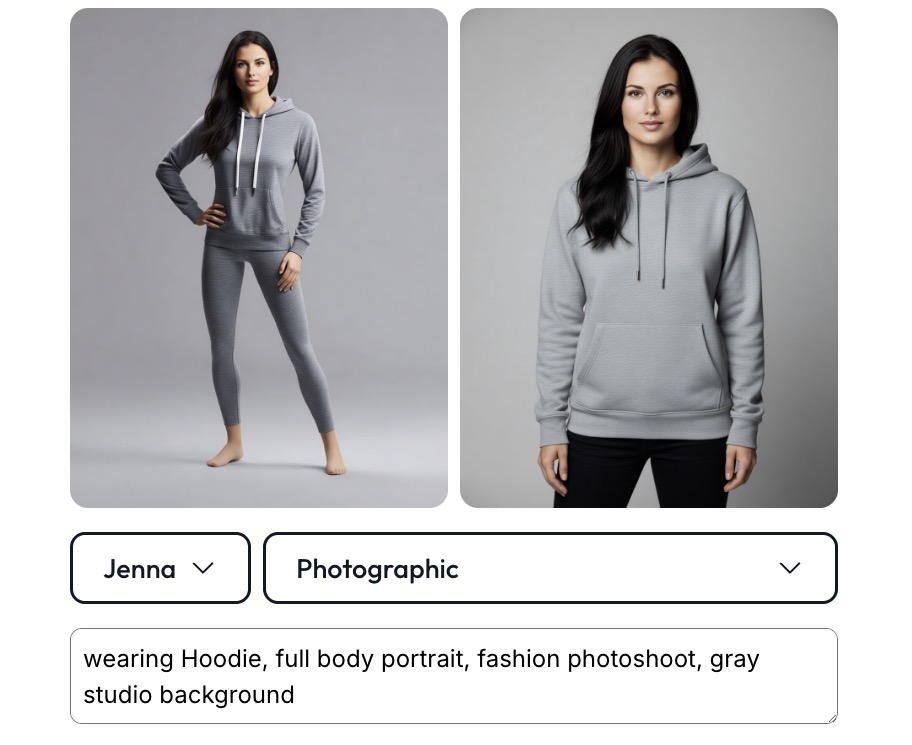
In other words, you spend less time regenerating and more time actually getting usable results.
Speed Is Now Fast Enough to Stay in Flow
Previously, generating portraits could take a bit of waiting, which interrupted the creative process.
Now, results are ready in just a few seconds.
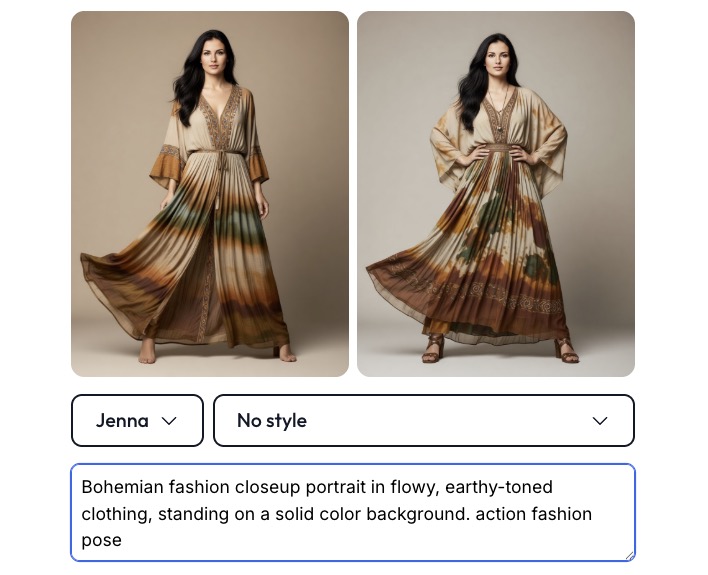
We also improved the infrastructure behind the scenes, so the model stays “warm” at all times.
This means there are no GPU boot-up delays or random slowdowns.
The experience is consistent, responsive, and reliable every time you click generate.
Humans Actually Look Like Humans
This is one of those improvements that you might not consciously think about.
Older AI models often struggled with hands, fingers and body proportions.
Now, you get natural looking people and the correct number of fingers
As a result, the portraits feel much closer to something you’d get from a real photoshoot rather than an AI-generated image.
Better Image Quality
We also pushed improvements in both resolution and detail quality.
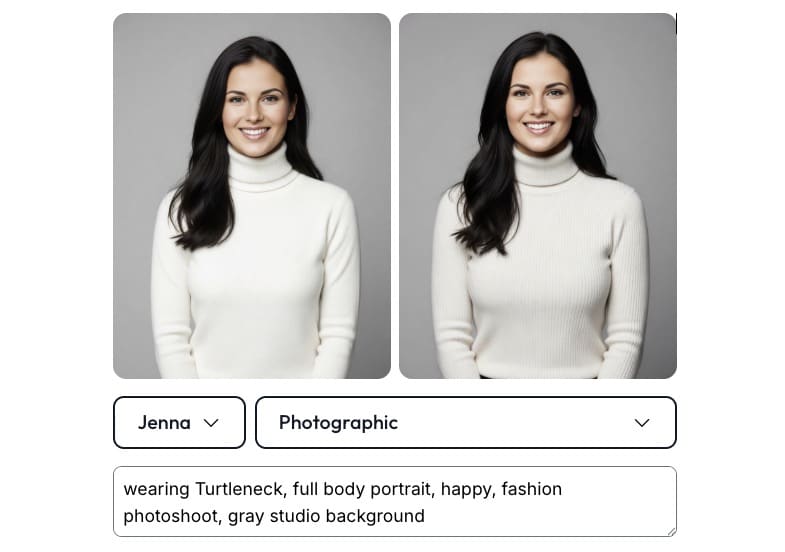
This makes images suitable for real-world use cases like profile pictures, social media content, personal branding, or even building AI influencers or dating profile photos.
Instead of looking like experimental AI outputs, the images now feel more real.
No Longer Just Portraits…
What makes this update even more powerful is that it doesn’t stop at generating images.
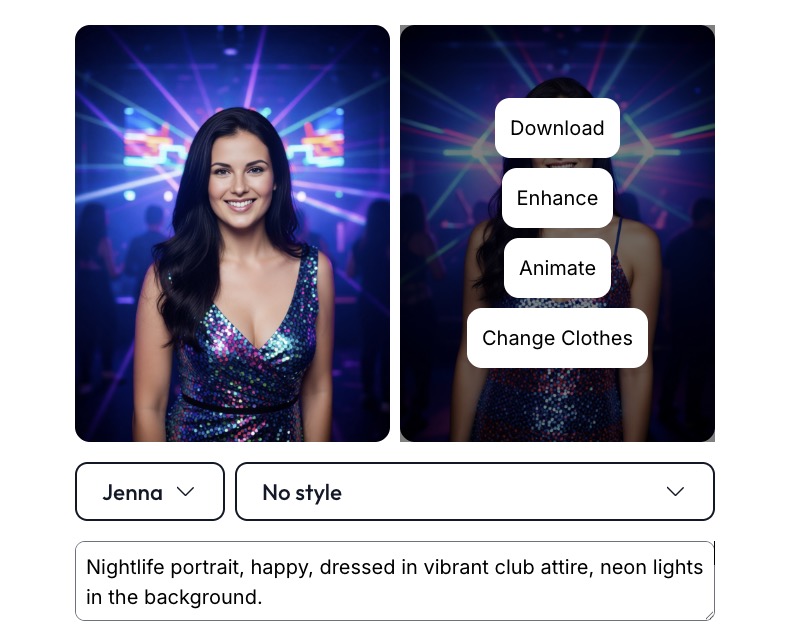
You can now take a single portrait and turn it into a full piece of content within seconds.
Turn Images into Videos
After generating a portrait, you can instantly transform it into a video and not just a silent animation…
Image Output
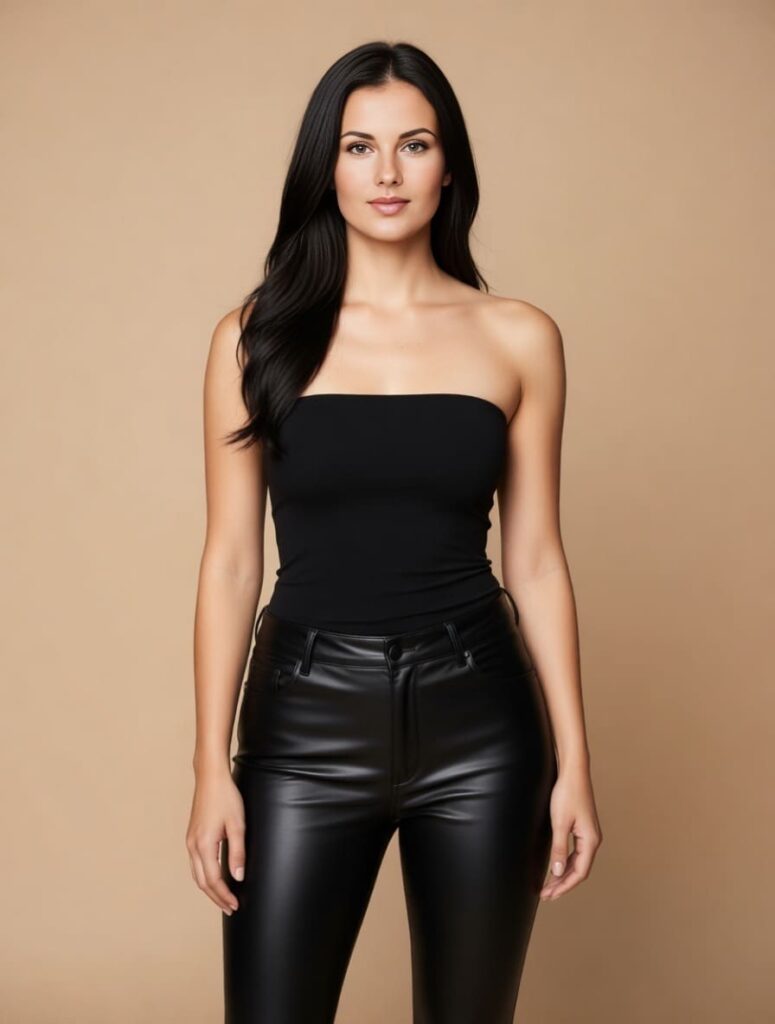
Video Output
you can also add voice, speech and personality by effectively turning a static image into a dynamic piece of content.
This opens up completely new possibilities for storytelling, content creation and digital identity, such as music and AI video production.
Change Clothes Faster and More Accurately
We also upgraded the clothing model, which means AI outfit changes are now much more reliable and more accurate.
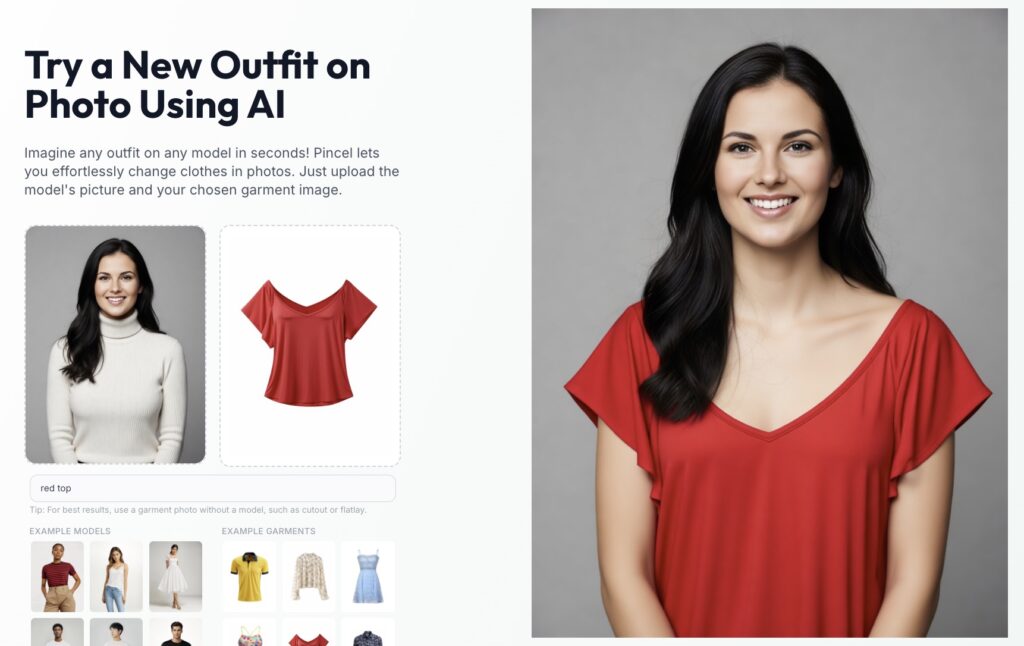
You can switch from a casual hoodie to a formal suit in seconds and the results maintain realistic textures, folds, and lighting and even text and logos.
This makes it incredibly easy to experiment with different looks without needing multiple photoshoots.
Upscale Your Images With Detailer Tools
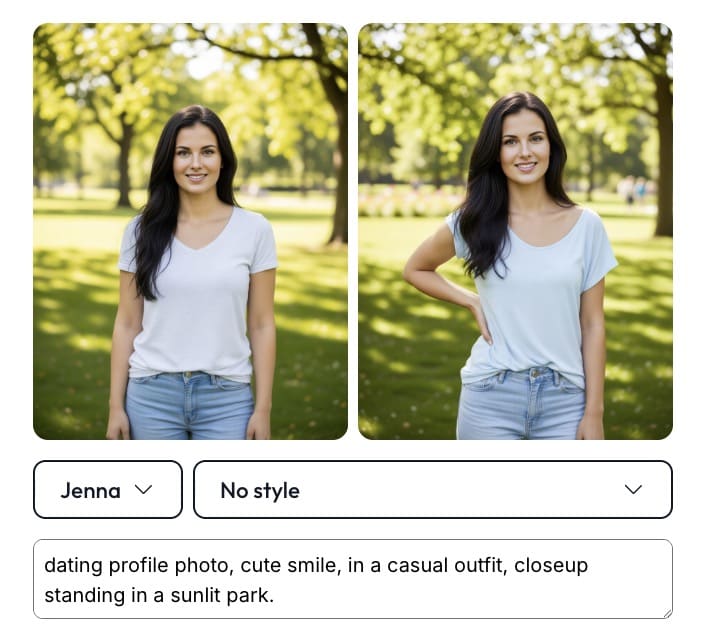
If you want to push realism even further, you can use the detailer tools to refine your results.
This helps you fix small imperfections, sharpen key areas and improve facial details.
Think of it as the finishing touch.
Turn Any Portrait Into a Talking Video
One of the most exciting features is the ability to create a realistic talking video from a single image.
You simply add text and the system generates a voice-over using text-to-speech, syncing it with the portrait to create a natural speaking avatar.
This makes it incredibly easy to create content, explain ideas, or build AI presenters.
NB: You can also save both the character and the voice for instant reuse.
Try It Again… It Feels Different
If you’re looking for a better option than PhotoAI.com then this is it.
Pincel AI Portraits is faster, more responsive, and significantly more affordable, while delivering more realistic results without the wait.
If you’ve used AI Portraits before, it’s worth trying it again now, because the difference is immediately noticeable.
And if you haven’t tried it yet, this is the best time to start.
But if you’re still looking for the old version, the it’s also available.
More updates are already on the way.

