
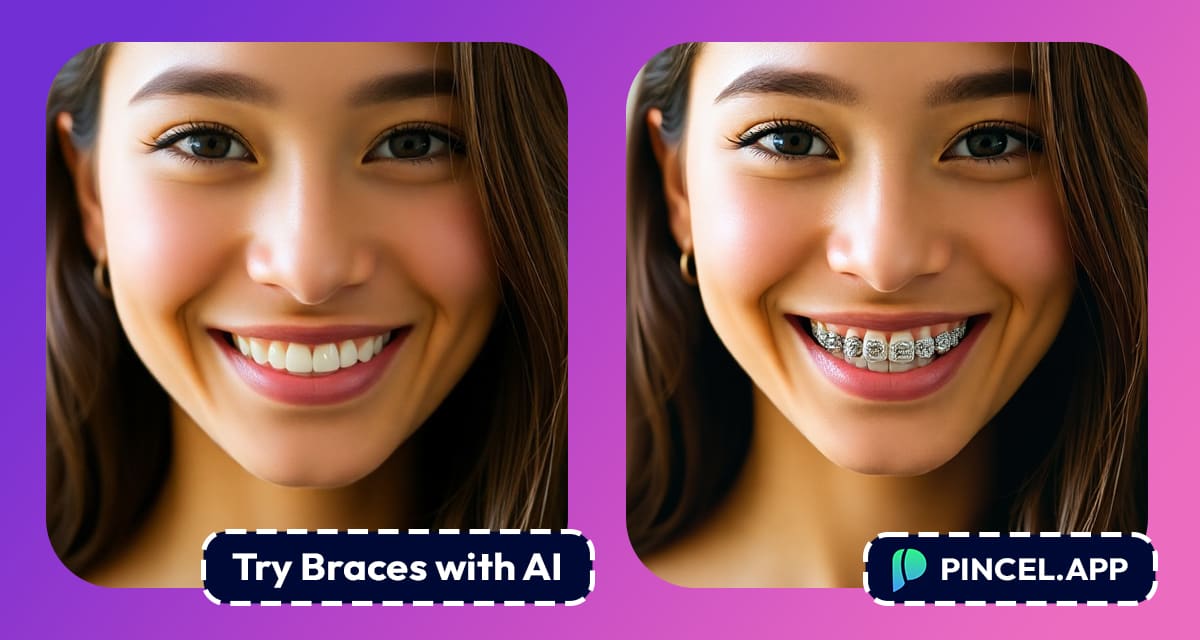
Thinking about getting braces, but unsure how they’d actually look
Whether you’re considering metal braces, colorful options, or just want to get a sense of how they would change your smile…
Pincel AI Photo Editor makes it easy to visualize the result.
And the best part is that it takes less than 30 seconds.
Let’s break down how you can try on braces using AI.
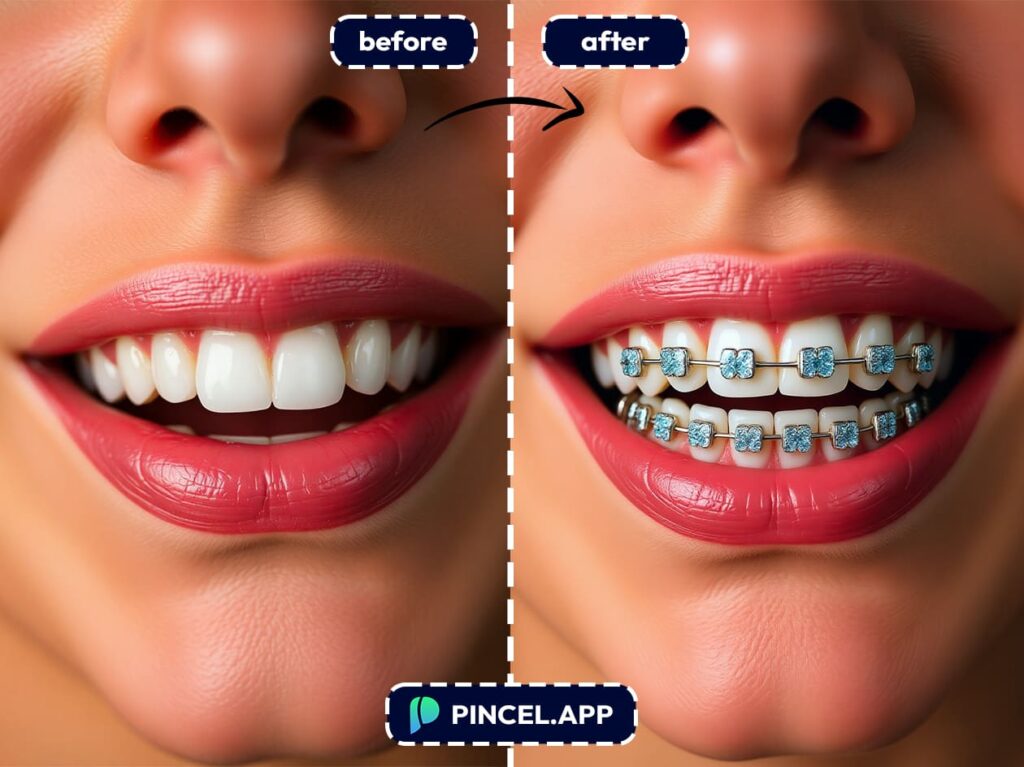
How it Works 👇🏼
You don’t need to hire a graphic designer or know how to use complicated editing tools.
With Pincel AI Photo Editor, it’s as easy as uploading a photo and typing a sentence.
Here’s how you do it:
🖼️ STEP 1: Upload a Clear Photo of Yourself
First pick a photo where your face is clearly visible.
Ideally, you should be smiling or showing your teeth slightly, as this helps the AI place the braces more naturally on your teeth.
Try to avoid blurry or low-resolution images for best results.
Just drag and drop your image into the Pincel AI Photo Editor, or upload it from your device in seconds.
📝 STEP 2: Add a Prompt
Now comes the fun part.
In the prompt box, type something like:
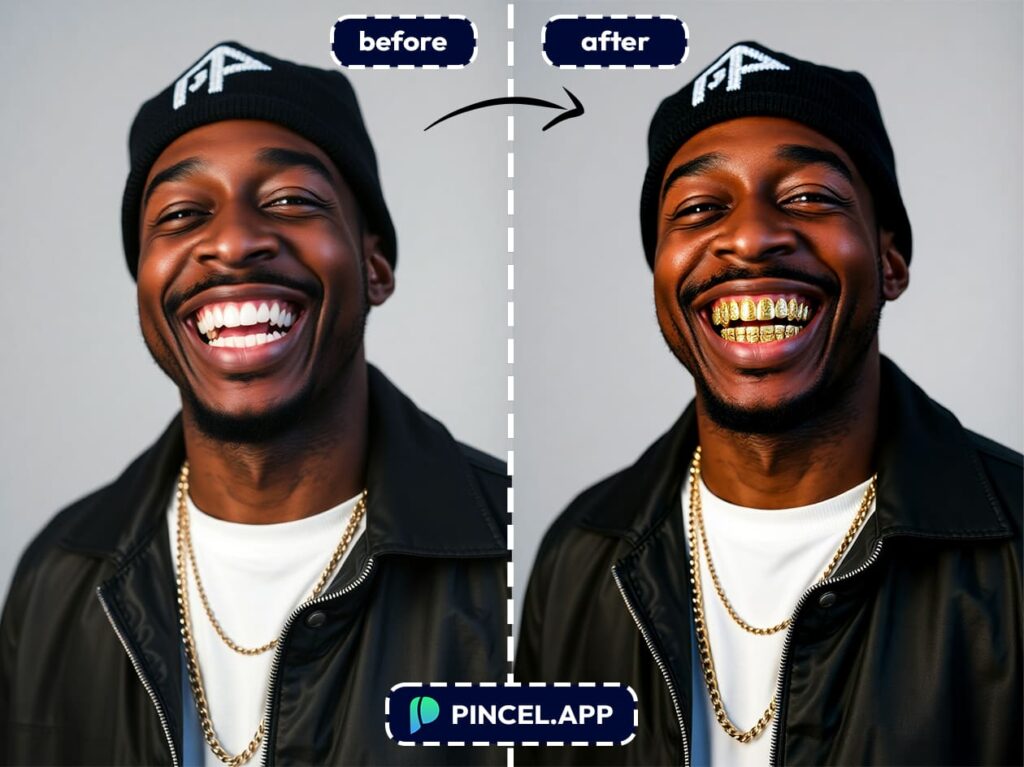
"add braces""add metal braces""add pink ceramic braces""add colorful braces""add invisible braces for upper teeth"
You can customize the color, material, or style of the braces by modifying your prompt.
The AI understands natural language, so feel free to be creative.
⚡ STEP 3: Let the AI Work Its Dental Work
Click the Generate button.
In just a few seconds, the AI will analyze your photo and apply realistic braces to your teeth, based on the prompt you typed.
No manual editing and no filters, but just AI doing what it does best.
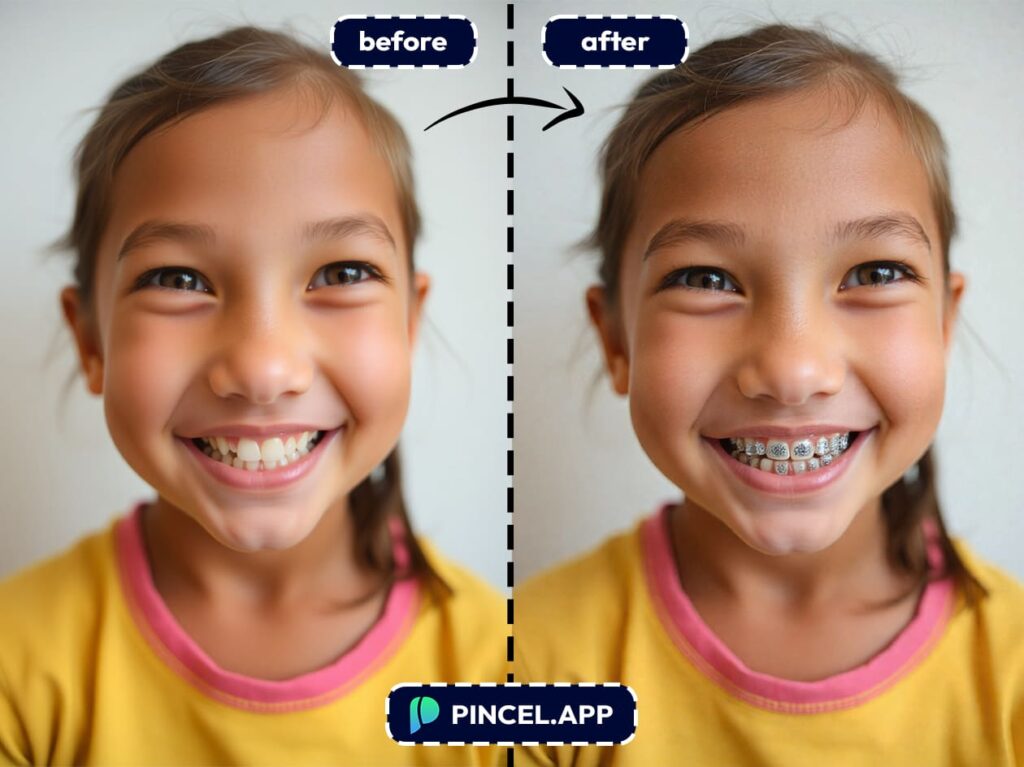
🎨 STEP 4: Preview, Edit, or Try New Styles
Want to try something else?
Maybe ceramic instead of metal or purple braces for a fun twist?
Just change your prompt and hit generate again.
You can create multiple versions until you find the one that feels just right.
Why Should I Try Braces with Pincel AI?
If you’re still wondering why this is useful then here’s a few reasons:
✅ Visualize Before You Commit
Braces are a big investment both financially and emotionally.
Seeing how they look on your actual face helps remove a lot of the guesswork.
✅ Compare Styles Easily
Want to see the difference between metal and ceramic braces?
Or maybe you’re torn between classic silver and something more fun like purple or teal?
Pincel lets you test all of them in seconds.
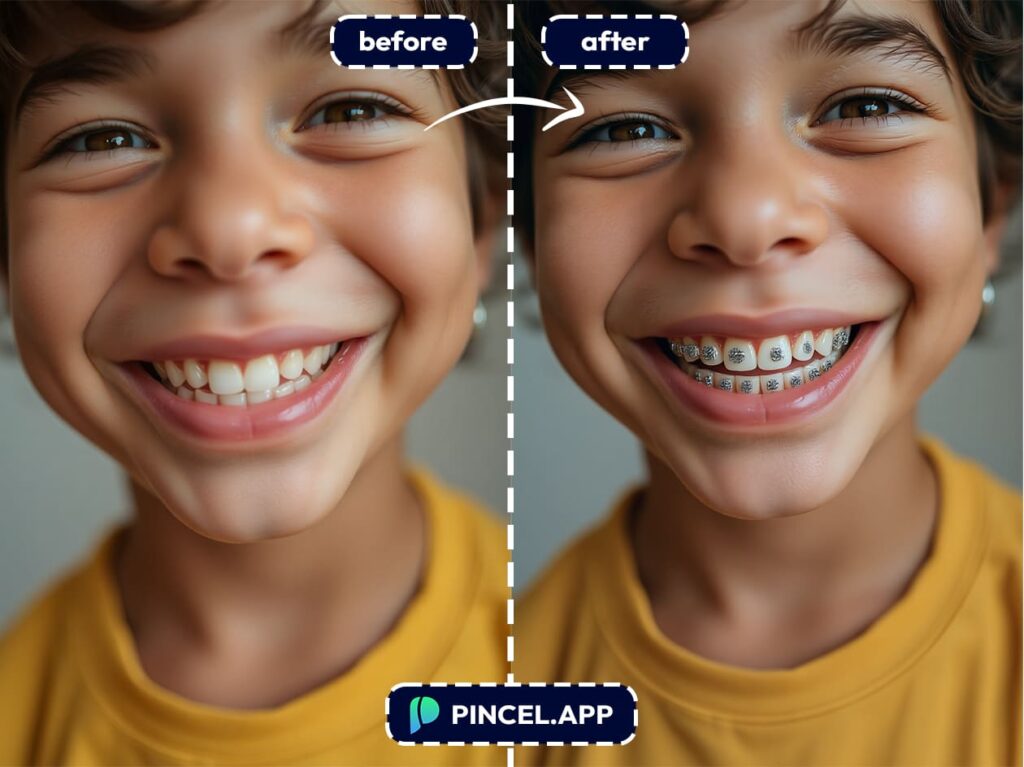
✅ Great for Teens (and Parents Too)
Teens can feel more in control when they get to visualize their options.
This means you’ll have fewer surprises later.
✅ Share with Your Orthodontist
Show the images to your dentist or orthodontist during consultations.
It’s a great conversation starter and shows you’ve done your research.
✅ Boost Your Confidence
Sometimes, seeing yourself with braces makes it easier to embrace the change, but a quick AI preview can make a world of difference in how you feel.
Why Use AI for This? 🧐
Because it’s faster, cheaper, and a lot more fun than any traditional photo editing method.
AI isn’t just a trend because it’s becoming the go-to for personal previews, from hairstyles to makeup and now braces.
And Pincel AI Photo Editor gives you powerful tools in a simple interface anyone can use.
No filters and no fake-looking results.
Just you and visualized with braces, exactly how you asked for them.
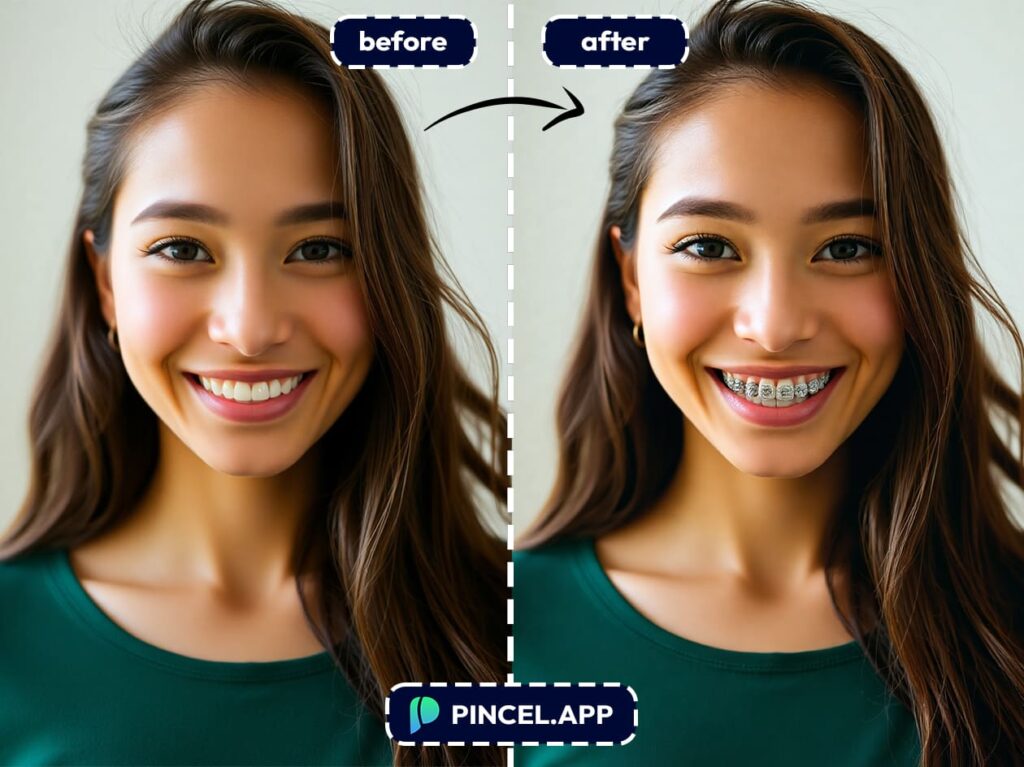
Brace Yourself…
for Your New Smile 😁
You don’t need to make an appointment.
You don’t even need to smile for the camera right now.
And you’re just one prompt away from seeing your future smile.
So go ahead and play around, experiment with styles, and maybe even surprise your orthodontist with your new look.
Because with Pincel, your “what if?” becomes “oh wow!”

