
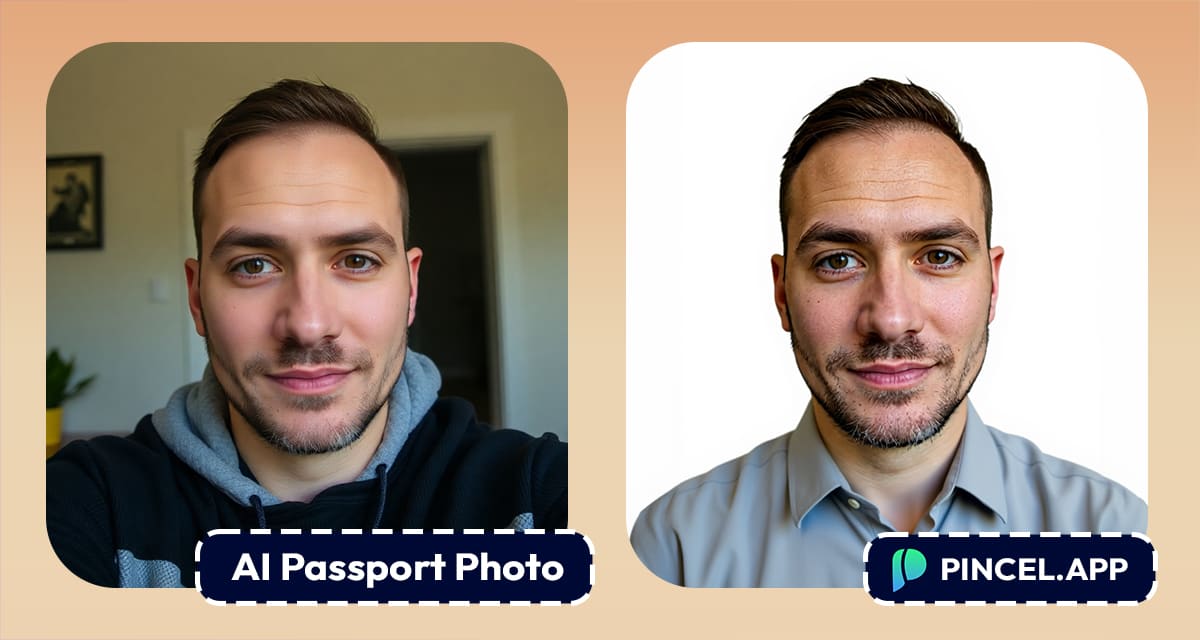
Taking a passport photo is always more annoying than it should be.
You need the right lighting with a plain white background and a neutral face.
And don’t forget you can’t just smile or tilt your head.
You’ve got to stare straight ahead like you’re on your way to a tax audit or mugshot.
But what if you could skip all that?
What if you could turn your regular photo or selfie into a proper passport photo with just one AI prompt?
With Pincel AI Photo Editor, you don’t need to visit a photo booth or spend time editing your picture.
In fact, all it takes is one upload and one simple prompt.
✅ How to Create a Passport Photo with AI:
So, here’s how it works.
Follow these steps and you’ll have your passport-ready photo in less than 30 seconds:
- Go to Pincel AI Photo Editor
- Upload your selfie or regular photo
- In the prompt box, copy the prompt below (and modify if needed):
“Create a closeup face-only portrait passport photo. Make the person look straight at the camera in front body view and neutral expression. Make plain white background and evenly lit. Make head and shoulders visible and remove accessories.” - Click Generate
- Wait a few seconds and your new passport-style photo is ready.
That’s it.
No photo studio, no manual editing an no stress.
Why Use Pincel AI for Passport Photos? 🛂
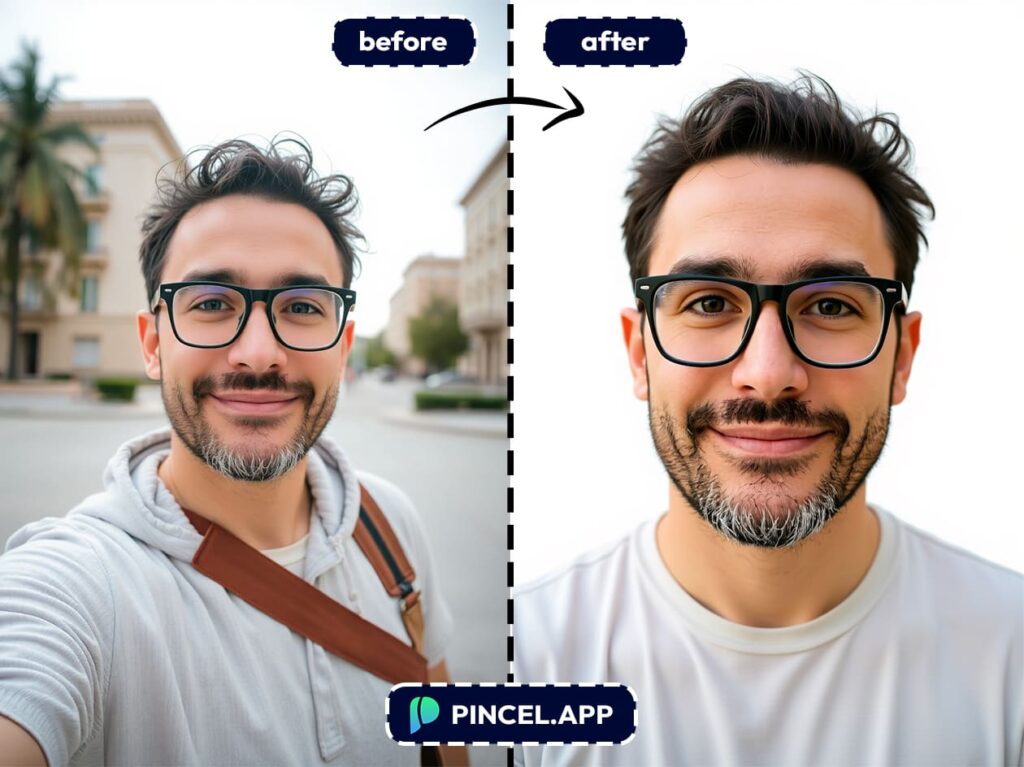
Well, here’s why it actually makes a lot of sense:
1. You Save Time
No more running to a photo center or wasting time with bad lighting, because you just upload your best photo and let AI do the work.
2. It Works on Any Image
Took a great selfie last week? Use it. Got a professional portrait from a while ago? That works too. As long as your face is visible, Pincel can do the rest.
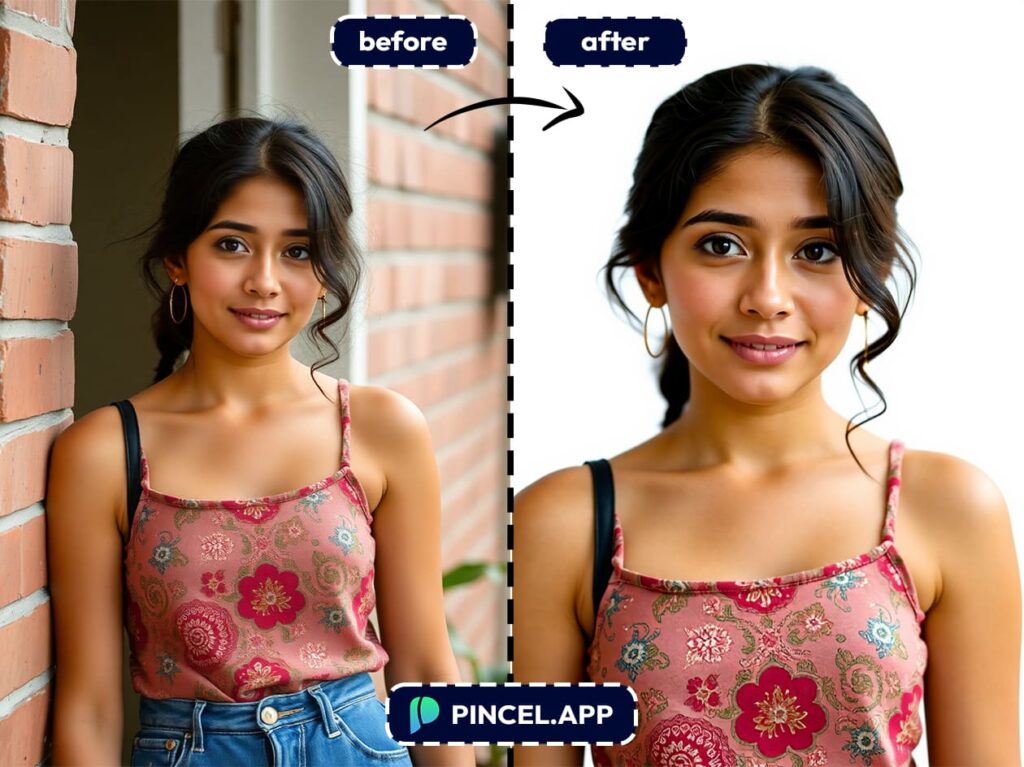
3. It Looks Real and Formal
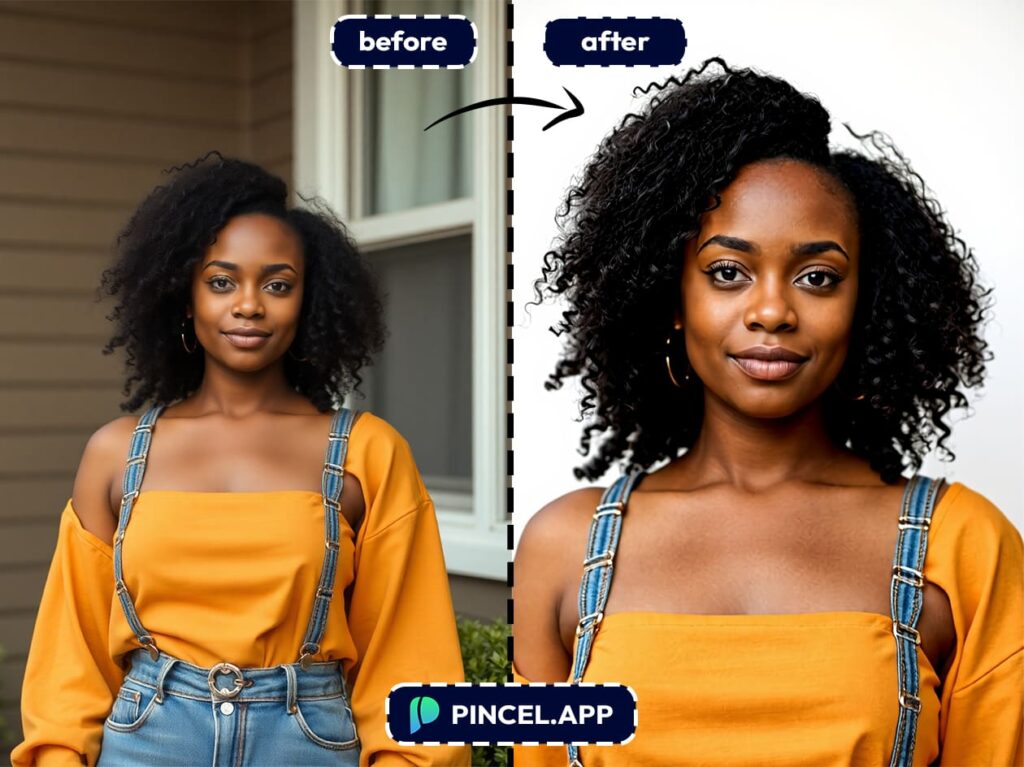
Pincel doesn’t just crop your face because it transforms the entire look to match passport standards.
This means a straight posture and a neutral expression. Also an even lighting. setup with a clean white background. All the little things that matter.
4. It’s Private and Secure
Everything you upload stays private in your account and you control what to keep or delete.
5. It’s Totally Customizable
Want to tweak it more? You can regenerate with a different prompt, change the clothes, tweak lighting, remove shadows, or even add a suit. You’re in full control.
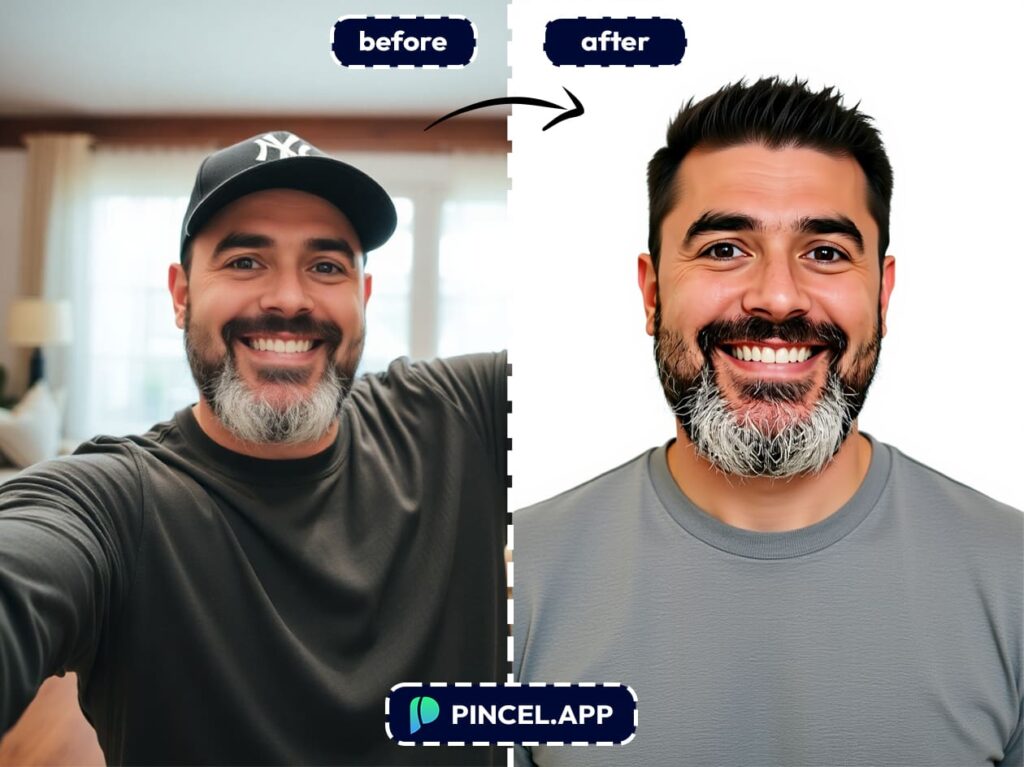
Use Cases — Not Just for Passports 👇🏼
Pincel’s passport photo prompt isn’t just for official documents.
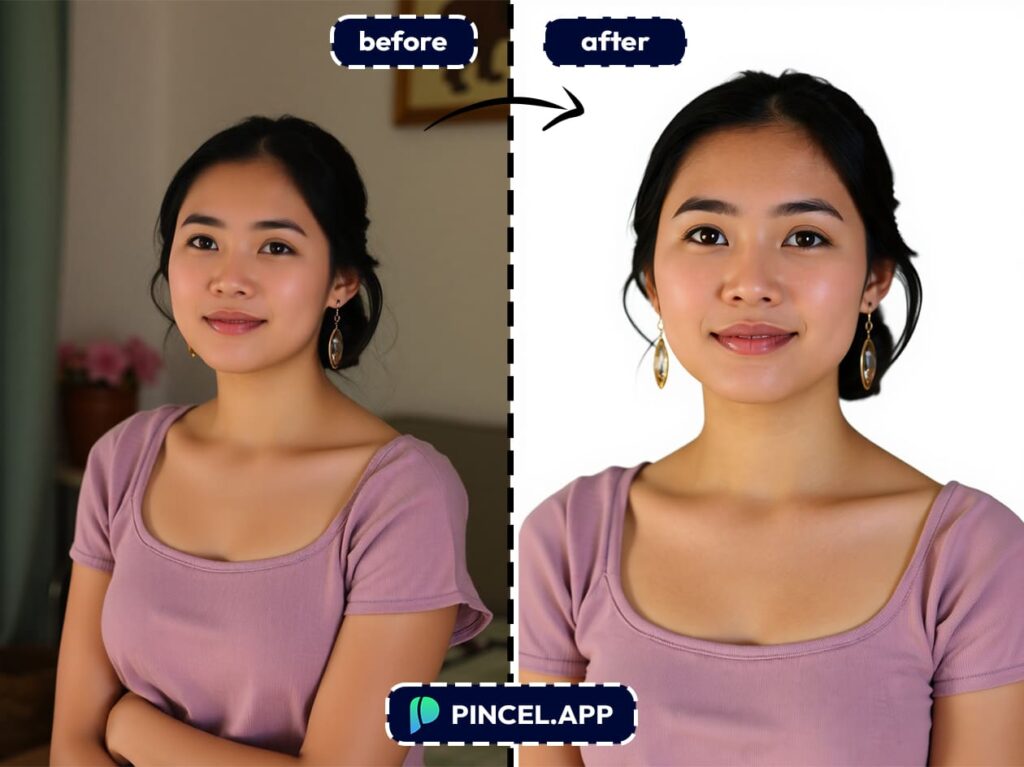
You can also use it for:
- Resume or Applications
- Professional or formal IDs
- Driver’s license renewals
- LinkedIn headshots (yes, formal works well)
- School or university portals
- Online verification systems
Basically, any time you need a clean, straight-on, neutral face photo then this tool has your back.
📸 Ditch the Photo Booth, and Go Full AI
Let’s be honest… passport photo booths never do you justice.
They create weird angles and you have zero control.
But now you can make perfect passport photos from your selfie in seconds.
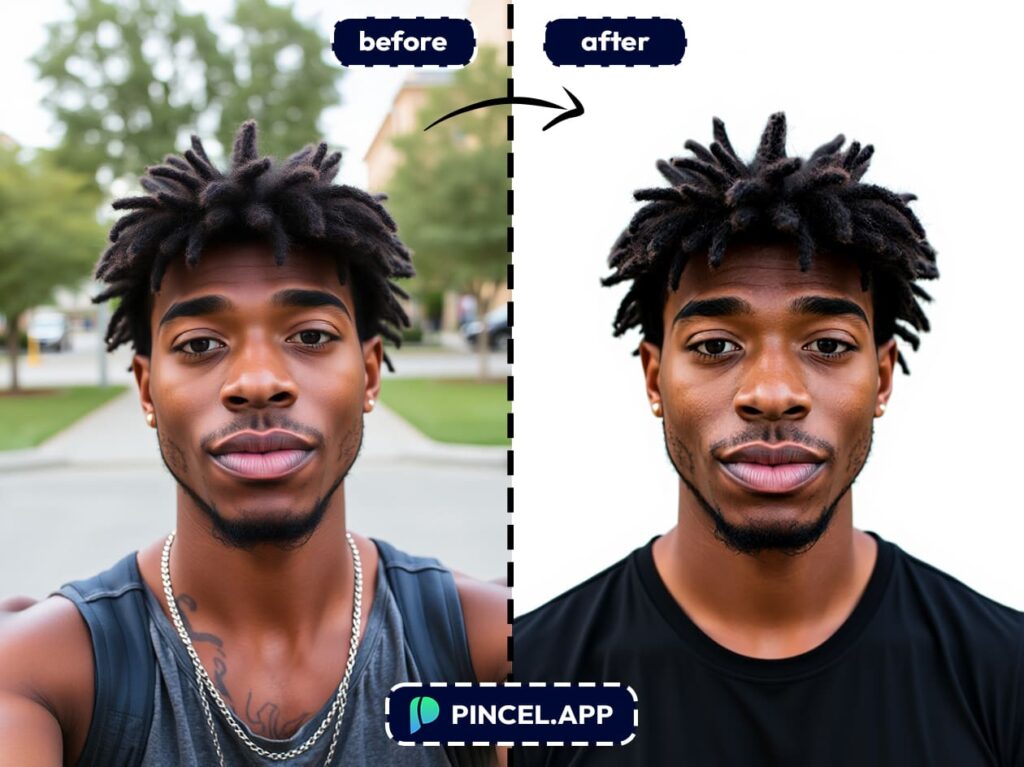
Just upload your image to Pincel AI Photo Editor, type a quick prompt, and let the AI do the rest:
- It straightens your body pose.
- Adds a white background.
- Removes shadows and accessories.
- And yes it makes you look passport-ready without leaving your chair.
Just clean, compliant and great-looking passport photos on demand.

