
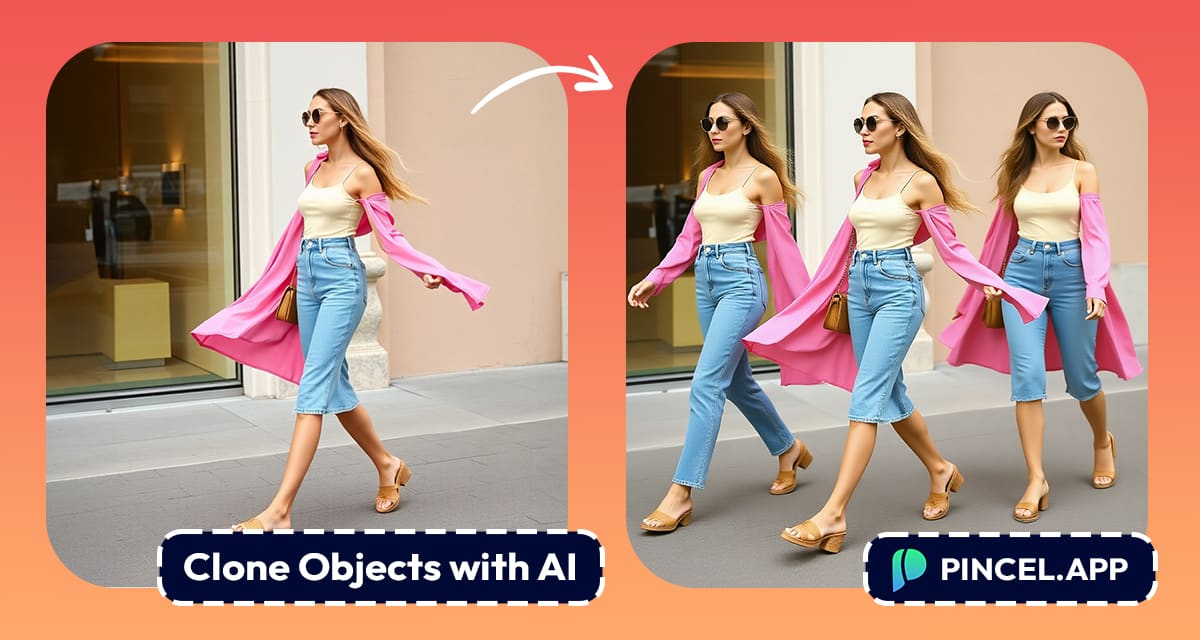
Sometimes a photo just feels like it’s missing something.
Maybe that product shot would look better with another bottle…
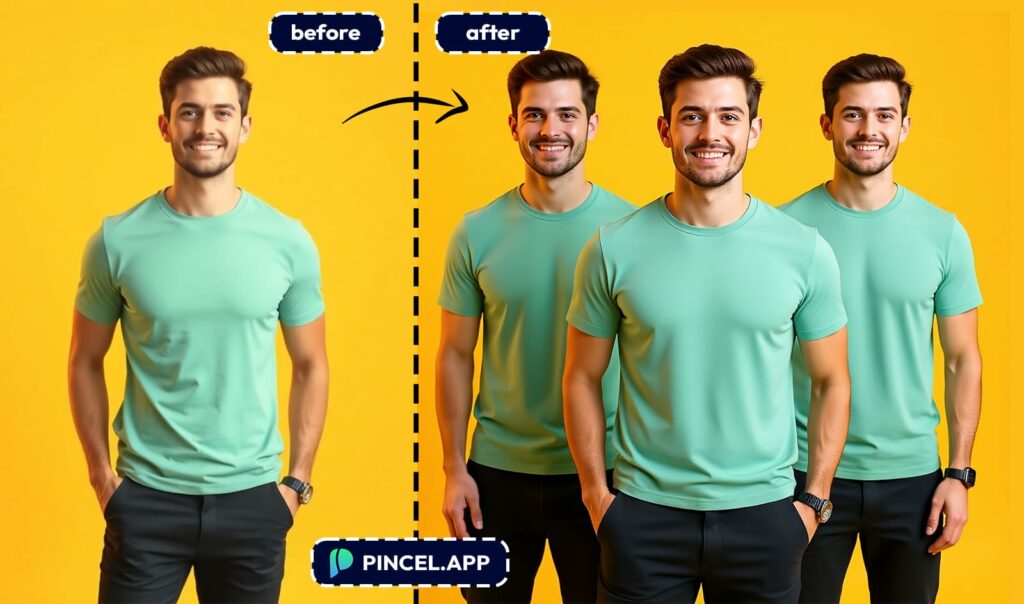
or your travel selfie would be more creative if there were two of you in the frame.
That’s where Pincel AI Photo Editor can help (fast)
It makes duplicating and cloning objects ridiculously easy.
You don’t need level 99 Photoshop Clone Stamp skills!
Just upload your photo, then type a quick prompt like and click generate.
In seconds, you’ll see a duplicate object that blends in naturally.
It’s a quick, effortless and a brilliant time saver trick for editing photos.
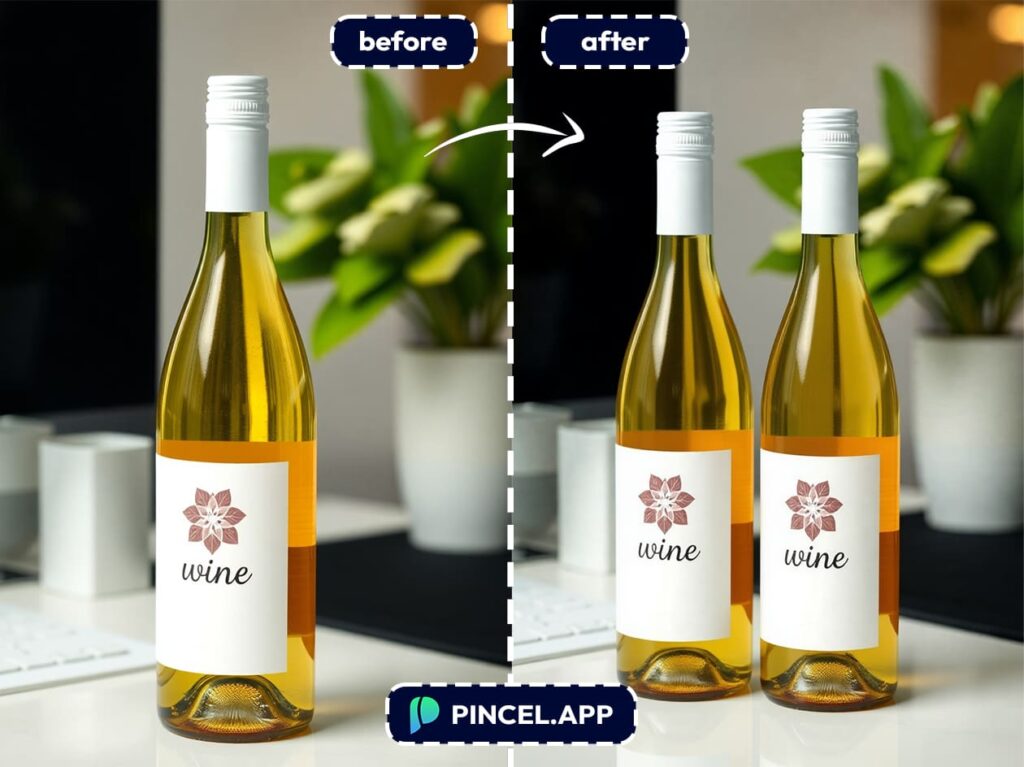
Because one bottle of wine is never enough… Pincel AI just doubled your pour!
How to Duplicate Objects in Seconds ✅
First, upload your photo to Pincel AI Photo Editor
Then type your prompt and keep it simple like “Add another coffee cup next to the first one”.
Finally, click generate and watch as the AI creates an instant copy.
Because Pincel understands depth, shadows, and perspective, the result looks like it was part of the original photo.
There are no hard edges or mismatched lighting.
Just a clean and natural-looking edit.
Real-World Use Cases You’ll Love 👇🏼
Social Media Content – In social media content, you can multiply yourself or your props to create eye-catching posts that grab attention.
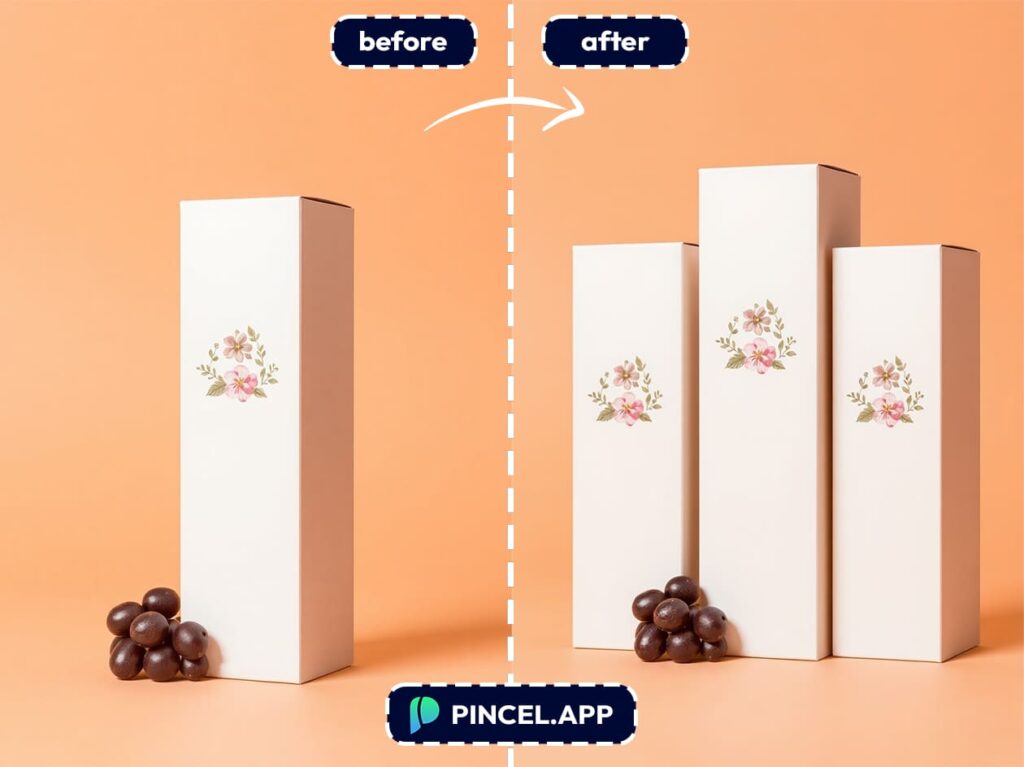
Product Photography – In product photography, you can show multiple bottles, gadgets, or fashion pieces without reshooting.
This perfect for e-commerce and catalog updates.
Marketing & Advertising – In marketing and advertising, you can add extra elements to balance a composition or fill empty space.
This eliminates the need for an expensive new photoshoot.
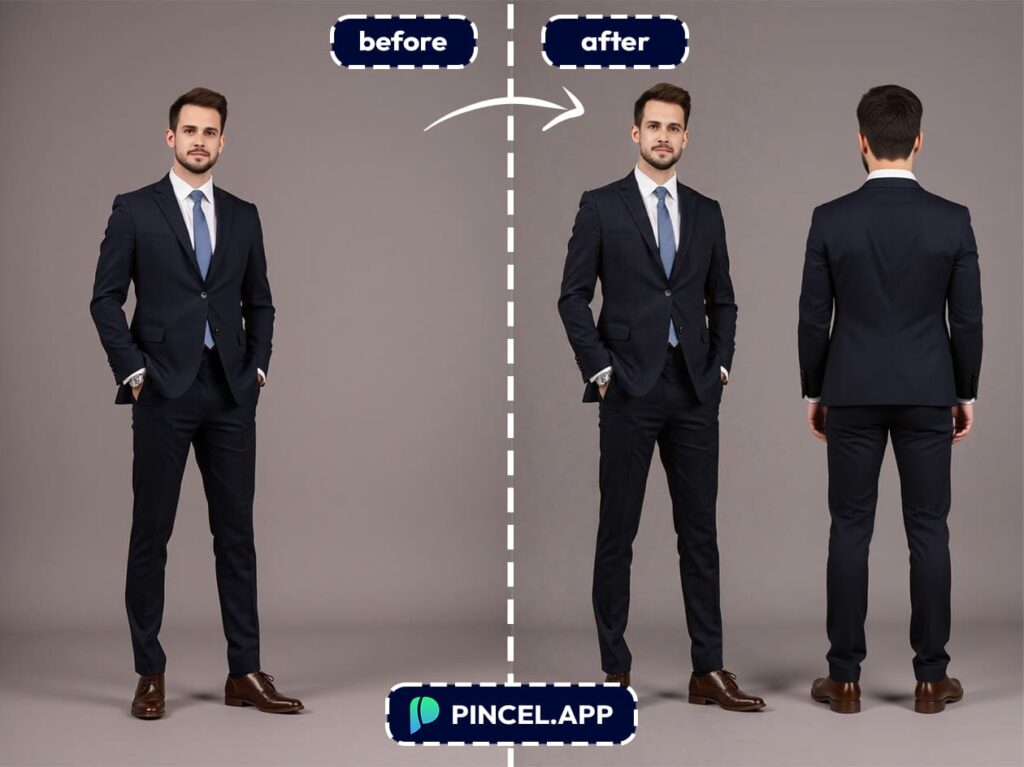
Event & Wedding Photography – Similarly, in event and wedding photography, you can duplicate flowers, candles, or decorations to enhance a scene and make it feel fuller and more polished.
Creative Art & Collage Projects – In creative art and collage projects, you can experiment with surreal or abstract designs by repeating shapes or people and so unlocking bold new ideas.
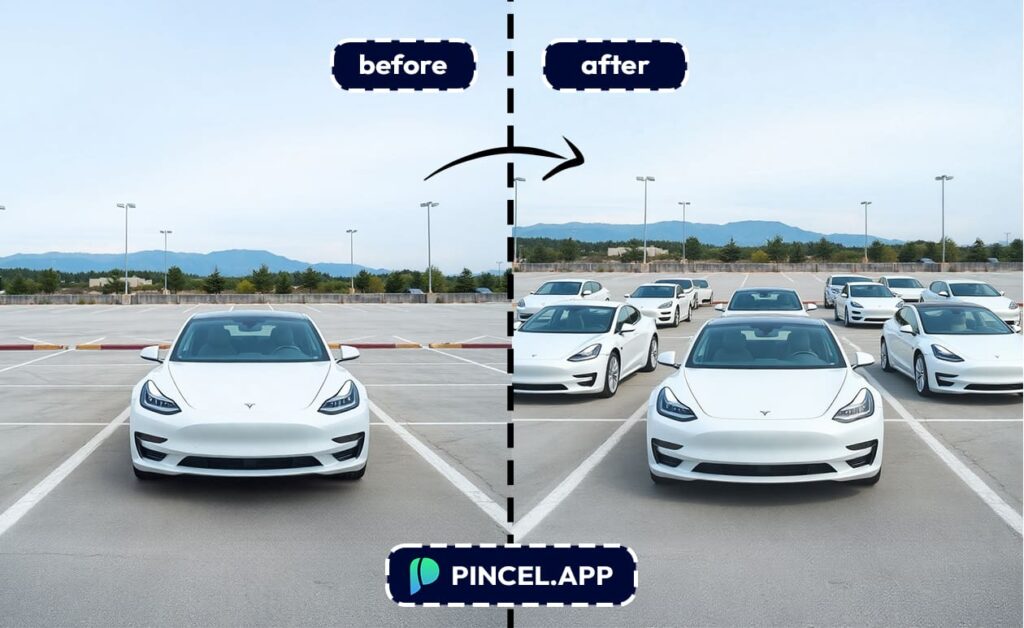
Interior Design Mockups – In interior design, you can quickly test different layouts by cloning furniture pieces in a room photo.
This saves both time and effort compared to manual edits.
Why Pincel Beats Manual Photo Editing 💪
Traditional tools like Photoshop can certainly get the job done, but unfortunately, they’re incredibly time consuming.
To begin with, you’d need to carefully copy, paste, mask, and retouch.
Sometimes spending 30 minutes or more on a single object ⏰
Even worse, tiny mistakes can still make the copy look fake.
By contrast, with Pincel AI, the entire process is done in seconds.
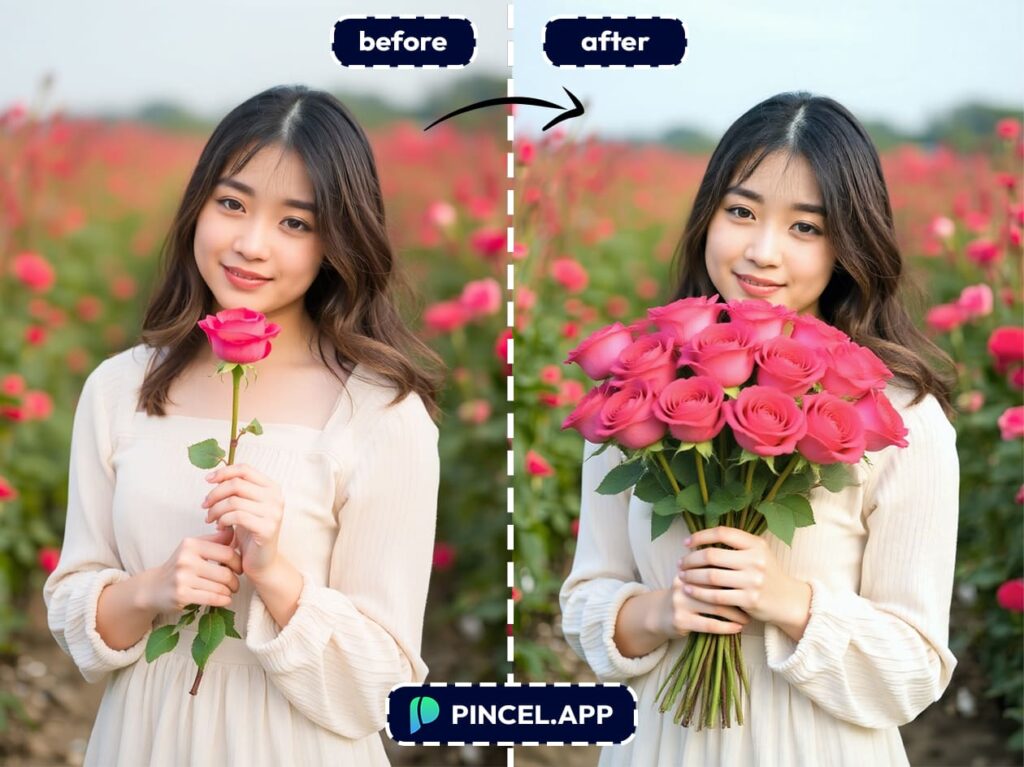
Because of its advanced AI, it automatically handles lighting, perspective, and background blending for you.
As a result, you can:
- Work Faster – Spend more time creating and far less time editing.
- Get Precise Results – In addition, you’ll avoid awkward cutouts or edges.
- Save Money – Plus, you can skip the cost of hiring a retoucher.
- Stay Flexible – Finally, you can duplicate anything, from a coffee cup to a person, without worrying about technical skills.
Double the Fun,
Half the Effort 🤯
Sometimes the smallest edit can completely transform a photo.
For example, duplicating an object can fill empty space and improve your composition, or even create something totally unexpected.
With that in mind, Pincel AI Photo Editor makes the process effortless.
Instead of manual editing tools, and rather than stressful retouching, it takes just a few simple steps.

