
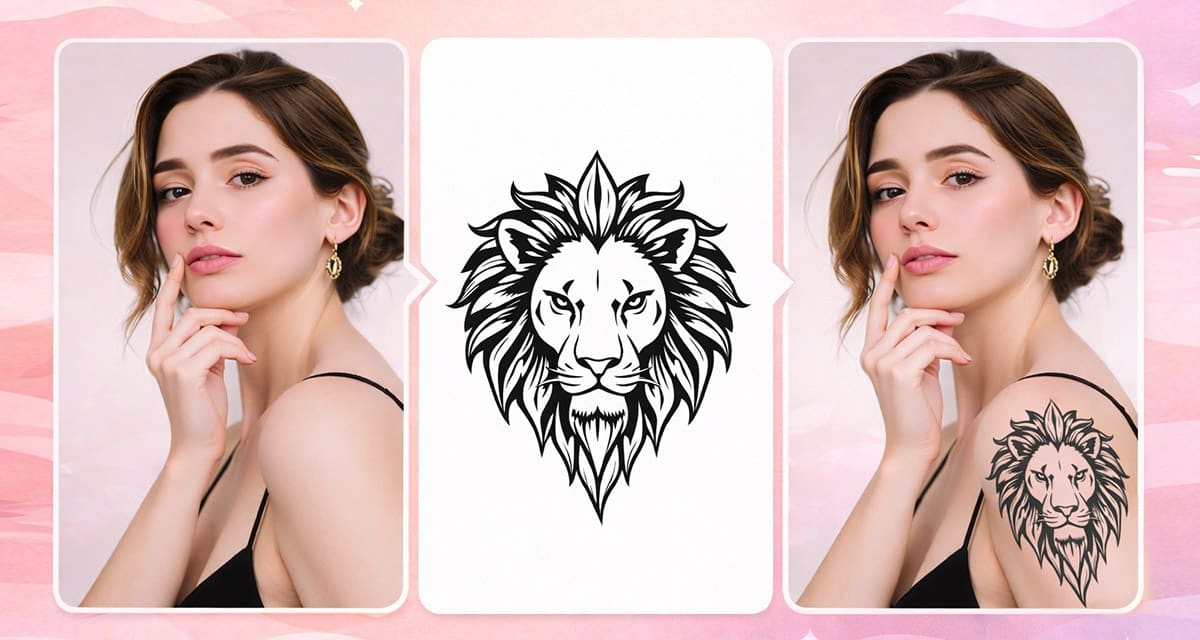
Imagine discovering your perfect tattoo…
and then seeing how it would actually look like on your own skin.
Traditionally, tattoo previews required awkward Photoshop moments.
You would stretch your design onto a photo, only for it to remain two-dimensional and hard to visualize as a realistic image.
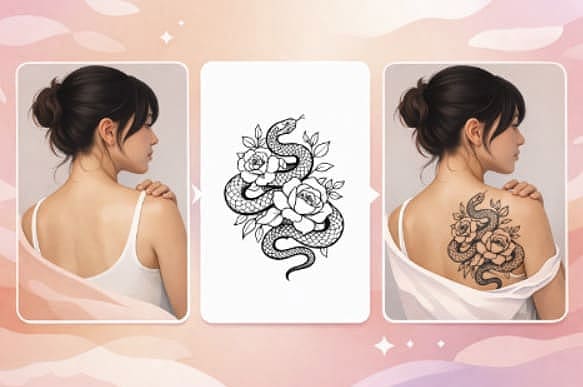
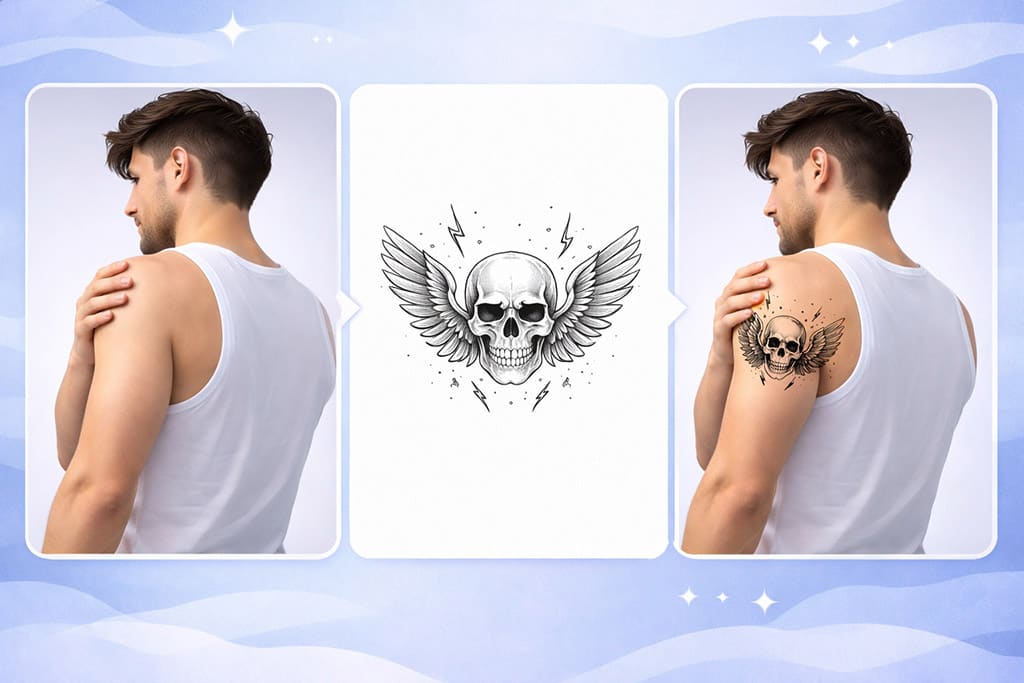
But now, with Pincel AI Editor, you can transfer a tattoo design onto your body photo in just under 10 seconds.
You simply upload your photo and in no time, you’ll see how that dream tattoo looks inked onto your skin.
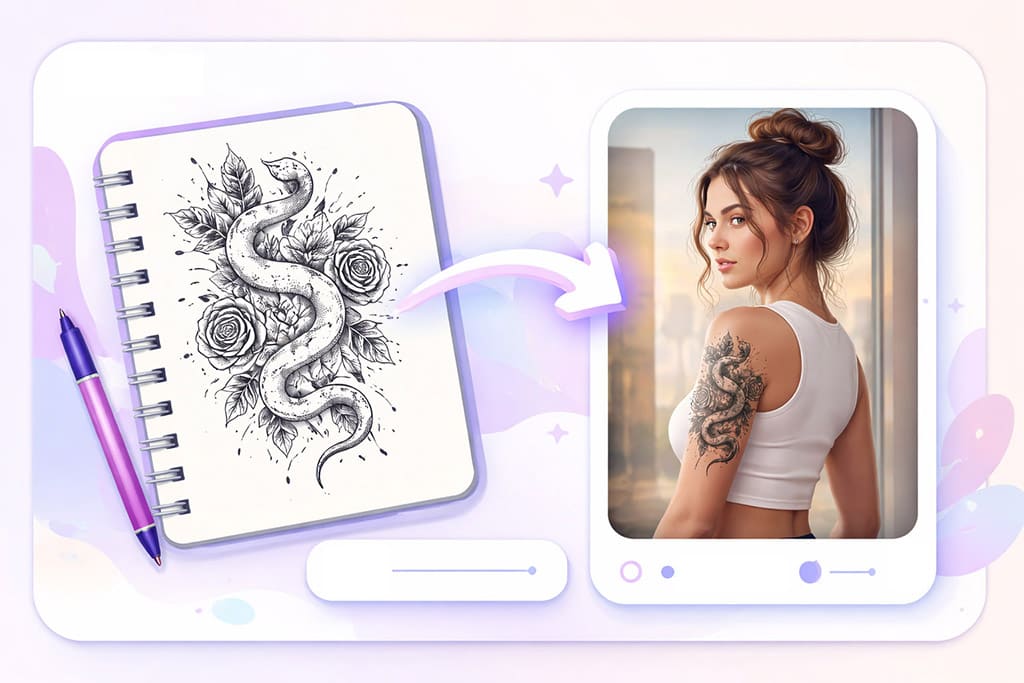
Why Previewing Tattoos Manually Is a Total Pain 😩
If you’ve ever tried using Photoshop for tattoo previews, you know the struggle of the “multiply” blend mode.
And unless you’re a pro with photo editing tools, the result will likely still be flat and one dimensional.
That’s exactly why Pincel AI Editor does the job better.
It handles all of that complexity automatically with no skills, no software, no stress.
How to Transfer a Tattoo Design Onto a Body Photo — Step by Step ✅
🖼️ Step 1: Upload Your Photo
Head over to Pincel AI Editor.
Click “Upload Image” and choose the photo you want to work with.
Ideally, use a clear image of the area where you want the tattoo.
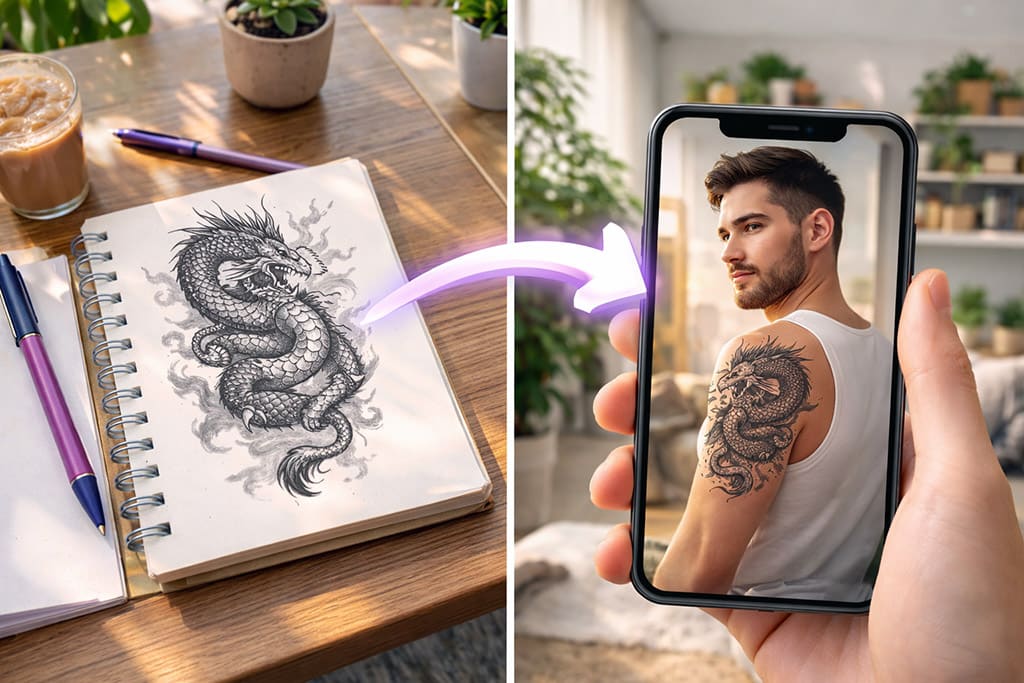
📝 Step 2: Describe What You Want
In the prompt box, describe both tthe body photo and the tattoo image.
Type something like:
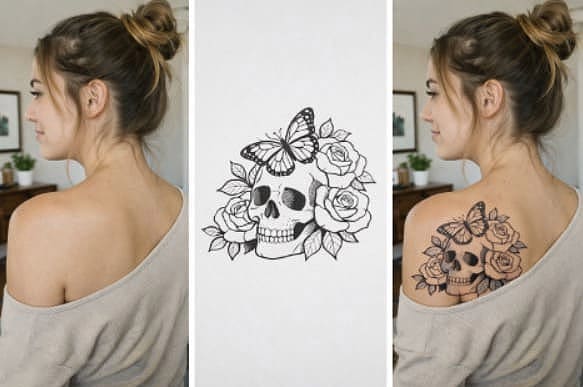
- “Transfer skull tattoo to upper arm”
- “Place the floral design on back shoulder”
- “Apply dragon tattoo on lower leg”
The AI understands natural language, so just layout your ideas casually.
⚡ Step 3: Click Generate
Hit the Generate button and wait a few seconds.
In less than 10 seconds, the AI analyzes your photo, adjusting the design to contour, match lighting, and blend naturally into your skin.
If it’s not perfect on the first try, tweak your prompt slightly and try again.
Who Is This For? 👇🏼
Tattoo Enthusiasts — Perfect for anyone considering a tattoo but wanting to see it come alive first.
Professional Tattoo Artists — Create previews for clients quickly to help them decide on placement and design.
Feel free to check out our AI Coloring to enhance your designs.
Content Creators — Get creative on social media with unique and personalized tattoo visuals.
Fashion Designers — Experiment with temporary tattoos as part of a styling project.
Personal Fun — See how different designs look without any commitment to ink, because it’s fun and easy.
Frequently Asked Questions 🤔
Is it free to transfer a tattoo design onto a body photo?
Yes. Pincel AI Editor allows new users 20 free credits with no credit card required. You can try several placements and designs before committing to a plan.
Do I need Photoshop or any software?
No. Pincel AI Editor works entirely in your browser, no downloads required, and it operates seamlessly on mobile and desktop.
How realistic are the results?
They’re very realistic. The AI automatically handles lighting, perspective, and blending to make tattoo placements look natural, as if freshly inked.
Does it work on all types of photos?
Yes. Whether it’s a full-body shot or just a segment of skin, as long as the area is visible, Pincel AI Editor can handle it.
What prompts should I use for transferring tattoo designs?
Keep it straightforward. Suggestions include:
- “Add this tribal tattoo to forearm”
- “Place the heart design on ankle”
You can also personalize it further; the AI understands plain English and can handle creative prompts.
If you want even more control, you can add things like “keep everything else the same” so AI would not alter rest of the image.
How is this different from Photoshop?
Pincel AI Editor is faster, taking under 10 seconds for results, requires no design skills, and is browser-based.
Unlike Photoshop, you don’t mess with layers.
Ink-credible Results 🎨
You don’t need a designer friend or photo editing software.
Just upload your photo to Pincel AI Editor, upload your tattoo design, and see the 2 combined on your body.
It only takes seconds..
So go ahead and visualize your next ink, play around with ideas, and walk into your next tattoo appointment with confidence.
Your dream tattoo is just a click away.

