
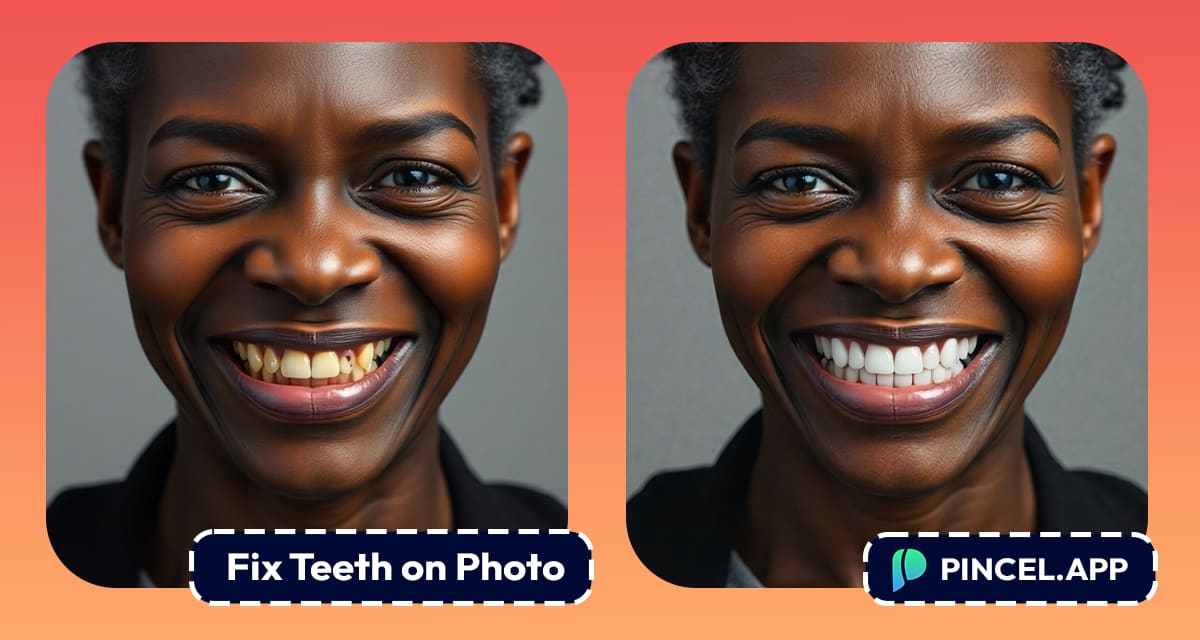
Your smile can make or break a photo.
But yellow teeth, slightly crooked… it’s the first thing people notice.
And if you’re posting to social media, updating your LinkedIn photo, or creating content, then these small detail matters a lot.
But here’s the good news:
You don’t need to spend hours in Photoshop or pay for a professional retoucher.
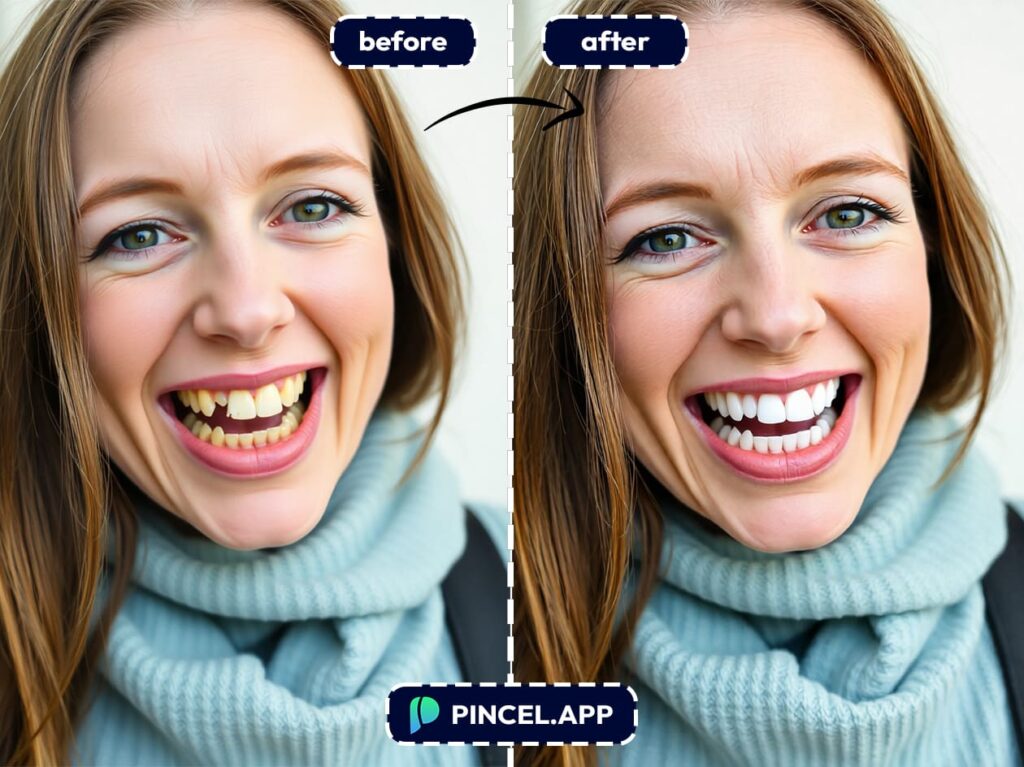
With Pincel AI Photo Editor, you can whiten, align, and fix teeth in under 10 seconds.
Just upload your photo, type a simple prompt, and let AI do the rest.
In this guide, I’ll show you exactly how to do it.
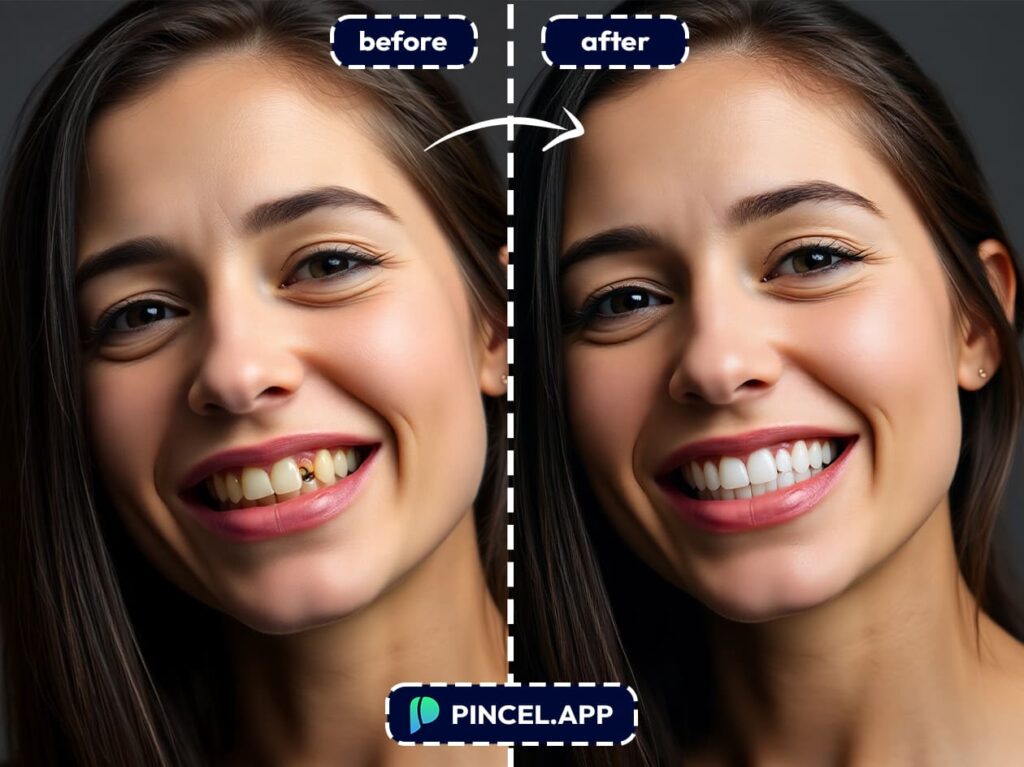
because there are no skills required and no software to install.
Just fast, flawless dental results 😉
Step 1: Upload Your Photo 😬 👇🏼
Start by heading to the Pincel AI Photo Editor.
Click “Upload Image” and select the photo you want to improve.
Whether it’s a selfie, a headshot, or a group photo with friends, Pincel handles all kinds of faces with ease.
Step 2: Type What You Want Fixed ⌨️
Once your image is uploaded, you’ll see a prompt box where you can type what you want changed.
This is where the real work actually happens.
Pincel uses AI to understand natural language, so you can write your request just like you’d say it to a human editor.
Here are some great prompts to try:
- “Whiten teeth and remove blemishes”
- “Make teeth white, straight, and aligned”
- “Improve smile, brighten teeth, and smooth skin”
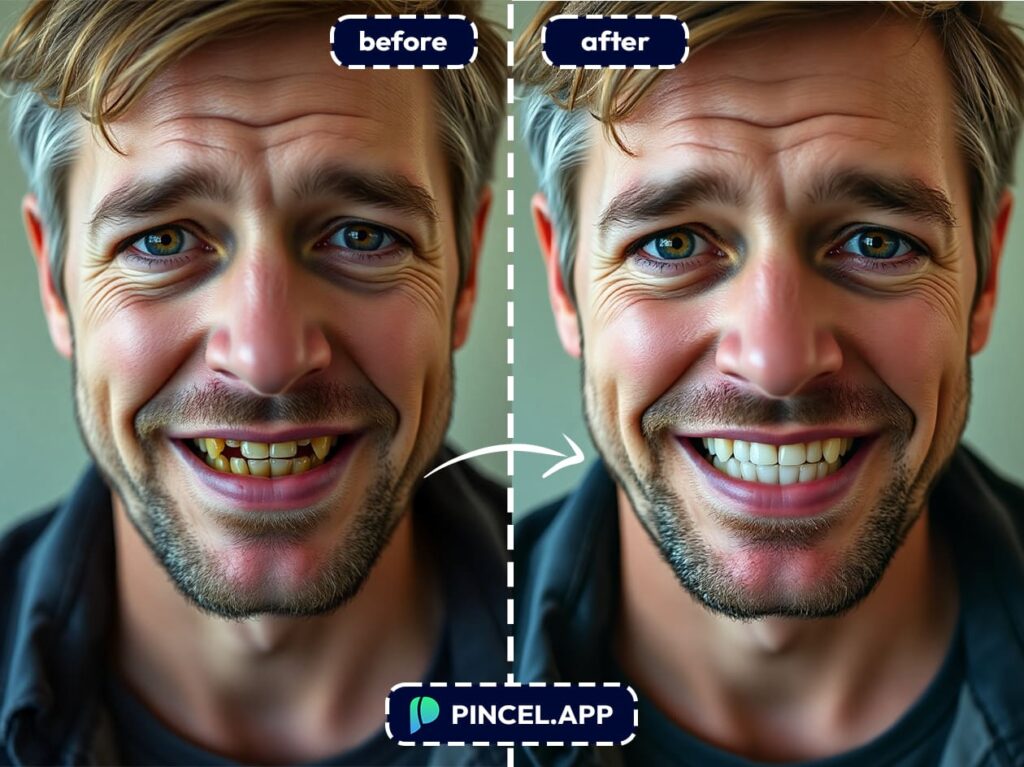
If you want to go further you can just keep adding details.
For example you can say: “Whiten teeth, fix smile symmetry, remove under-eye shadows, and enhance jawline.”
There’s no need to select specific areas or brush anything manually.
Pincel will find the smile, analyze the facial features, and apply the edits seamlessly.
Step 3: Click Generate and Watch the Results 😁
After entering your prompt, hit “Generate” and let the AI do its thing.
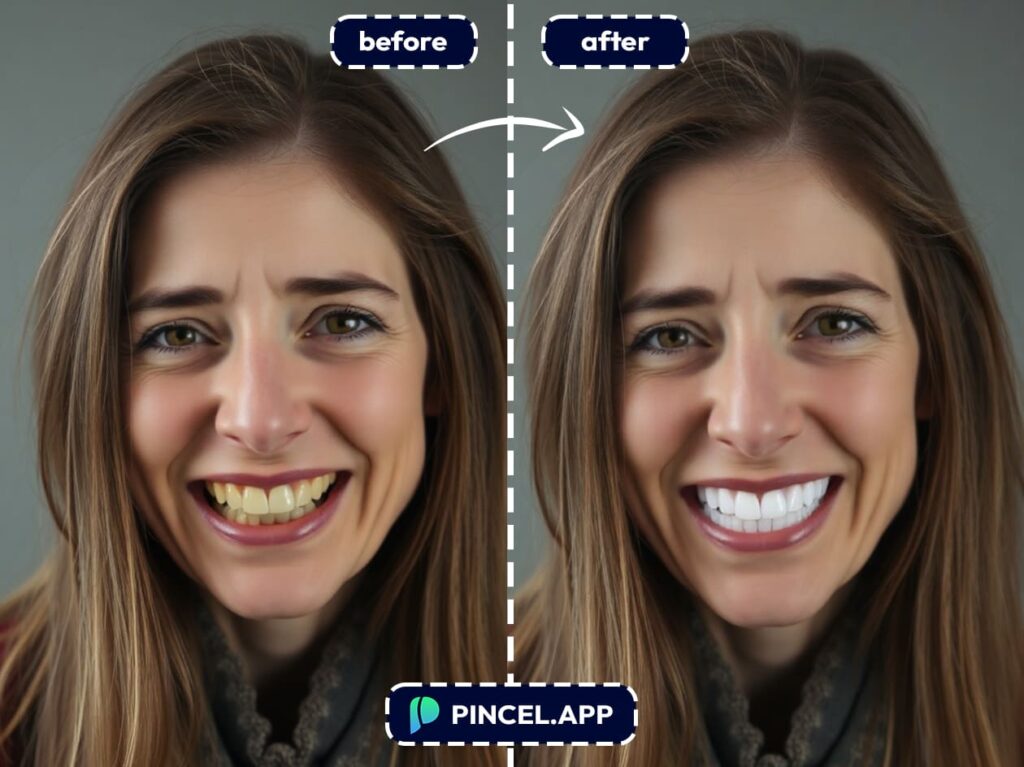
In just a few seconds, you’ll get a fully edited version of your image with a refreshed, brighter smile and cleaner overall look.
You’ll notice that teeth are whiter and more aligned, but still natural.
Why Should I Fix Teeth on a Photo Using AI? 🦷
There are a lot of benefits:
✅ Fast results – Editing is completed in seconds.
✅ No Photoshop skills needed – Just type what you want for instant results.
✅ Natural and realistic output – No overdone filters.
✅ Free to try – Get 20 free credits with no credit card needed.
✅ Customizable – Add as many edits as you want in one prompt.
✅ Great for any use – From social media to resumes to dating apps.
Whether you’re getting ready to post a photo online or need a more polished profile for professional use, a better smile can make all the difference.
And with Pincel, it takes less time than brushing your teeth.
Say Cheese… 📸
There’s no shame in wanting a photo-ready smile.
Not everyone wakes up with Hollywood teeth (and let’s be real, even they get edits).
You don’t need filters, Facetune or awkward “can you Photoshop this?” DMs to your designer friends or Reddit groups.
Just use Pincel AI Photo Editor.
It’s fast, free to try and freakishly good at fixing teeth.
So go ahead and smile wide, upload your photo, and let AI do the dental work 🪥
Your future profile pics will thank you.

