
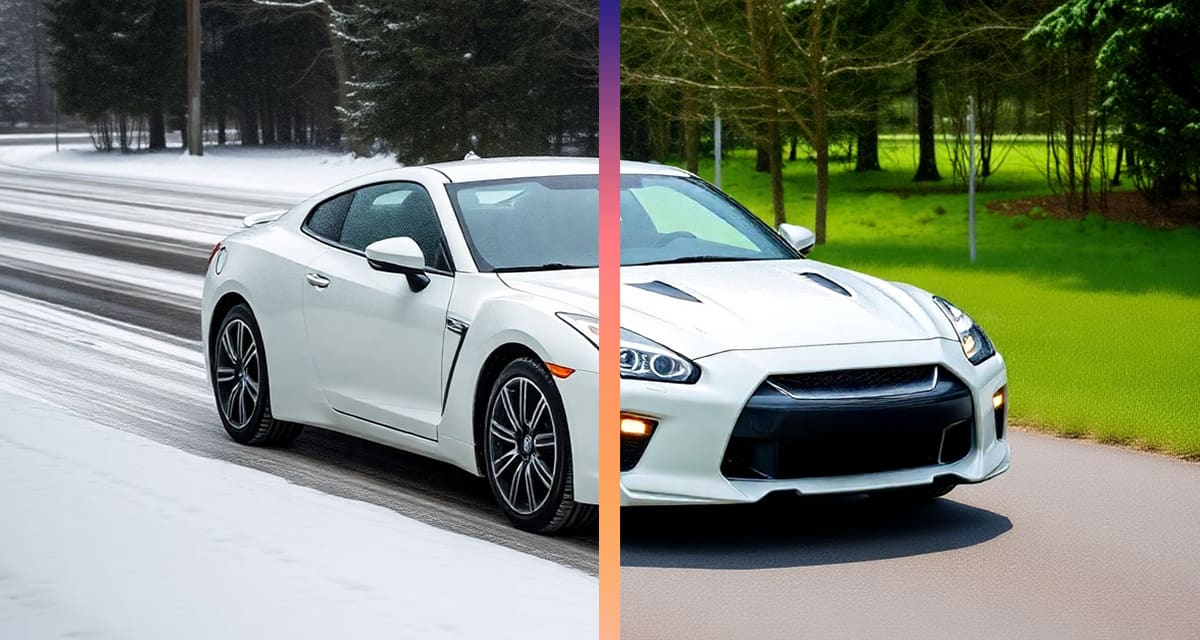
Did you know that 60% of vacation photos on social media are edited…
and bad weather is the main reason for it.
Sometimes you planned for sunlight but simply got rain instead 🤷♂️
But now you don’t have to wait for next summer to take a new photo,
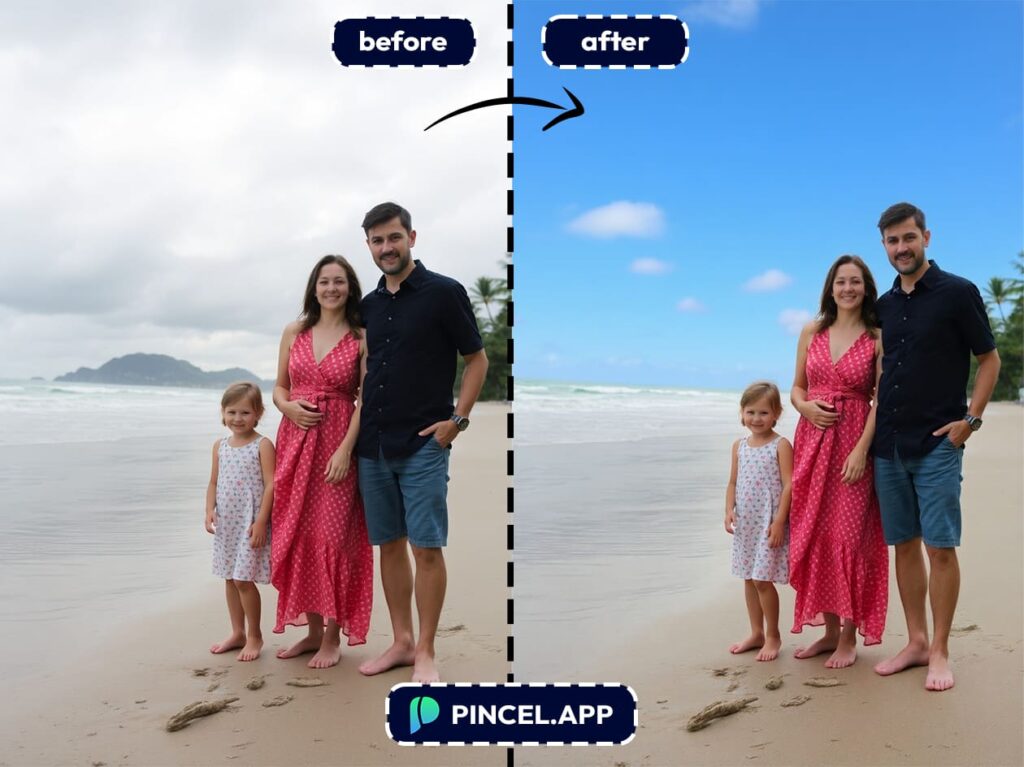
because with Pincel AI, you can instantly change the sky or weather on a photo!
It’s the best way to save a bad shot from the classic UK weather phenomenon.
How the Process Works:
Upload your photo to the Pincel AI Photo Editor.
Type a prompt describing the weather you want.
Example: “Make it look like a warm summer day” or “Add heavy rain with storm clouds.”
Click generate and wait a few seconds.
See the change with the new sky or relight the entire photo.
Download your new image or simply change your prompt to try again.
And that’s literally it, because there are no brushes, no layers and no crying over complicated menus.
Why Pincel Beats Hiring a Retouching Artist 👇🏼
Are you thinking of actually hiring someone to manually change the weather in your photo?
That’s like mailing your socks to a factory to get washed.
It’ll work, but it’s slow, pricey and you have to explain exactly what you want.
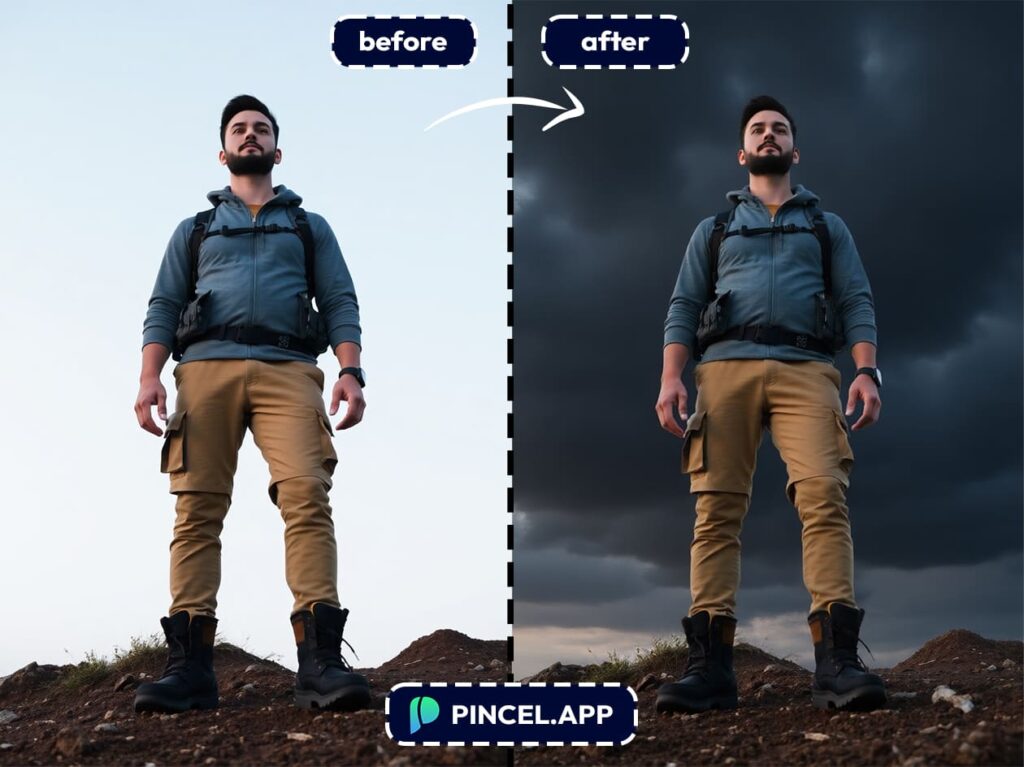
With Pincel AI, you can instantly test dozens of different moods in seconds without sending awkward “Could you make it more sunny but less sunny?” messages to a friend or a random designer.
Why Should I Want to Change the Weather? 🌦️
Save a ruined shot. That dream beach pic doesn’t have to die just because the clouds got grumpy on you.
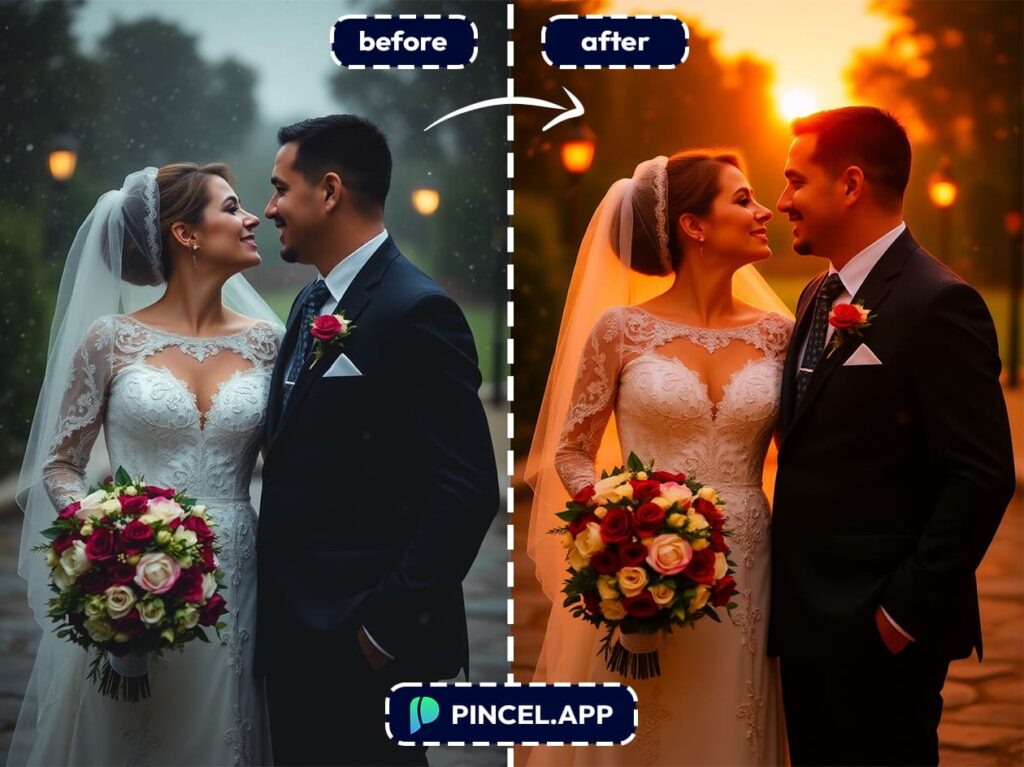
Match a mood. Want a romantic rainy vibe or a moody fog scene? Get an instant atmosphere change on your photo.
Upgrade your travel photos. Turn “meh” skies into epic postcard worthy sunset images.
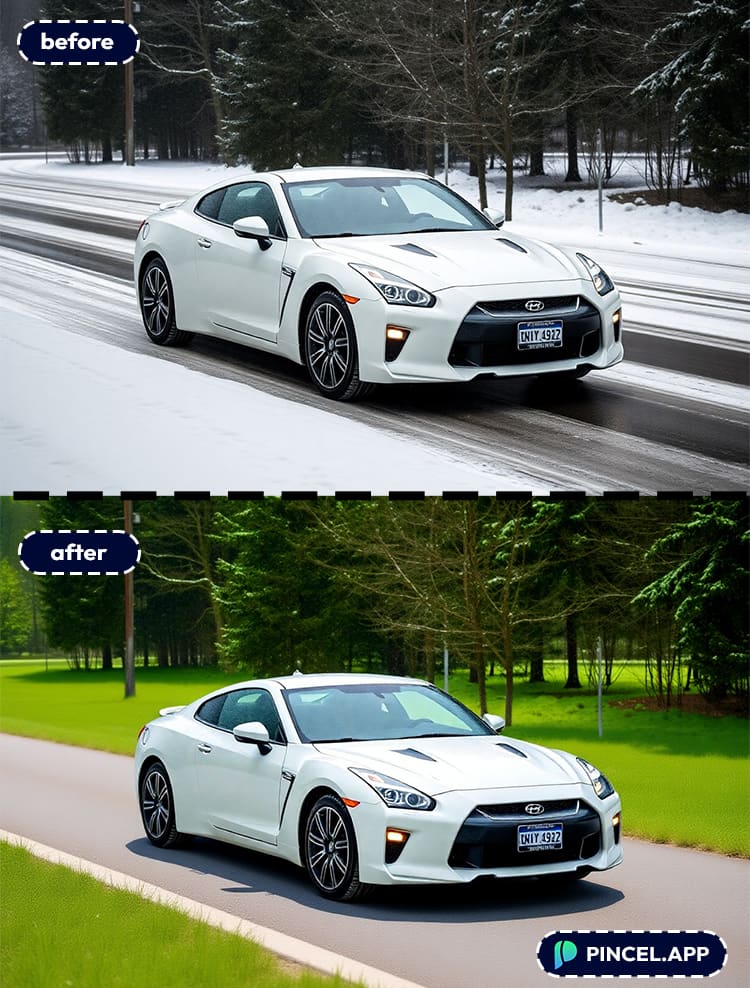
Create seasonal marketing. Make the same image work for summer or winter ads and winter promos, or spring campaigns without reshooting the whole thing.
Tell a story. Add snow for a holiday feel or lightning for a dramatic movie poster look.
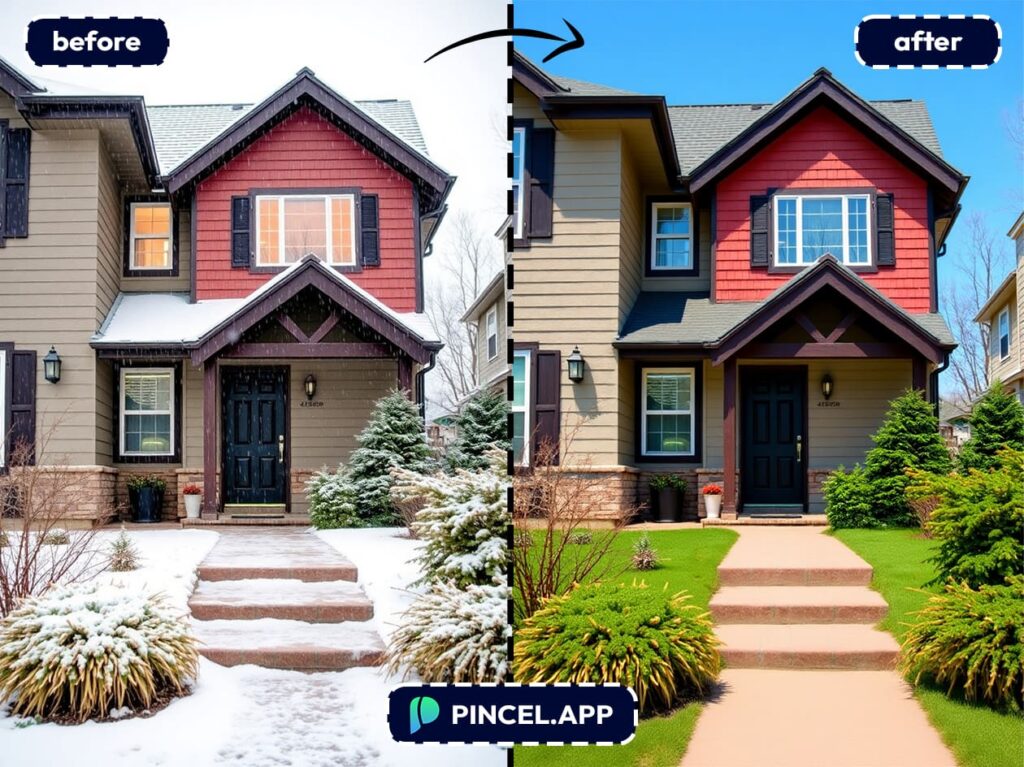
Switch seasons instantly. Transform winter into summer or summer into winter in seconds, making your photos perfect for seasonal campaigns, lifestyle shoots, or travel content without rescheduling.
Make social media pop. Create eye-catching weather gets more likes, shares and saves.
Save time and money. No need to go back to the same location just to get a better light.
Fix mismatched shoots. If you’ve got photos from different days, then you can make them look like they were taken under the same sky.
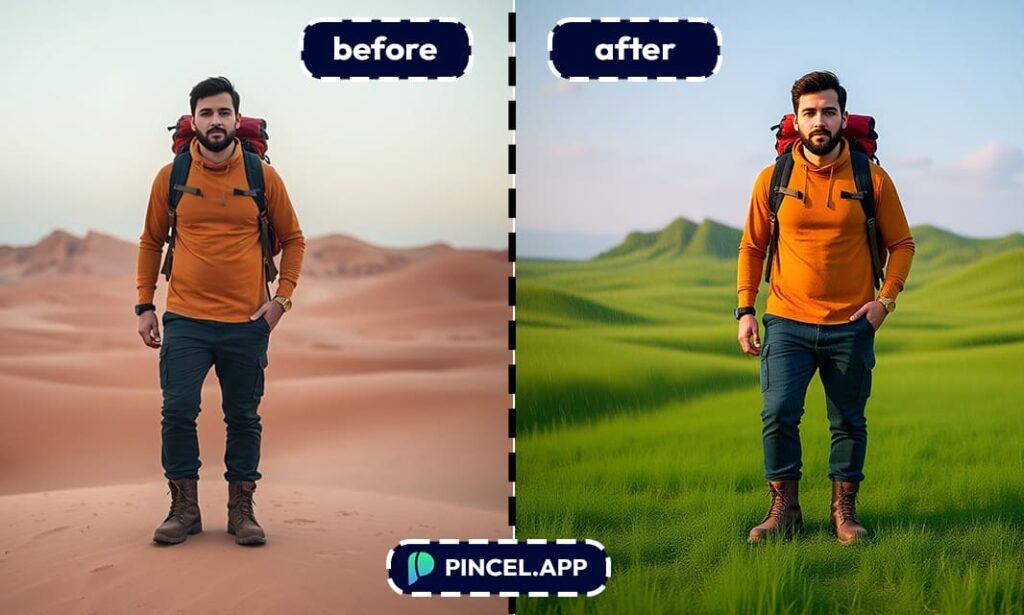
Add a creative twist. Who says you can’t have palm trees under a snowstorm?
The Sun Will Come Out… Because You Said So 🌞
You can now make it snow in the desert or bring the sun back to your rainy vacation photos.
With Pincel AI Photo Editor, it’s all possible without touching a single complex editing tool.
All you have to do is upload your photo and type how you want the weather to look, then click generate.
In just seconds, you’ll see your image changed into the perfect sunny day, snowy wonderland or moody storm.

