

Missing someone in a photo can ruin the entire image.
Maybe the shot feels incomplete with an empty background.
Or maybe you want to add a creative twist for your image.
Either way, fixing it doesn’t have to be complicated.
With Pincel AI Photo Editor, adding a person takes only a few seconds.
Upload your image, describe the person you want to add and AI blends them in perfectly, matching lighting and perspective.
It’s quick and effortless.
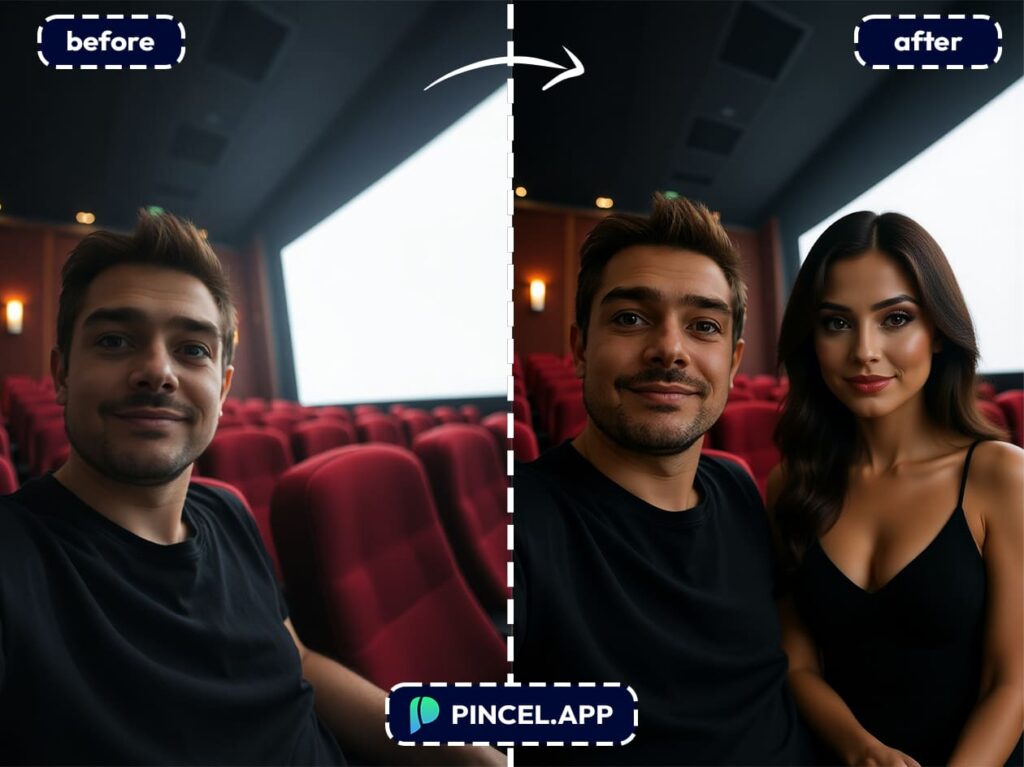
Step-by-Step: Adding a New Person Into a Photo:
First, upload the photo you want to edit to Pincel AI.
This could be a selfie, a business product image or a portrait.
Next, type a short prompt and to describe the person you want to add.
For instance: “Add a woman in a red summer dress standing to the right”
Then, click generate and wait a few seconds.
The AI will analyze your image, adjust lighting, match perspective and place the new person in perfectly.
Finally, download your updated photo or refine it by tweaking the description.
Because the process is so fast, you can try different options without losing time.
Why Pincel AI Saves You So Much Time ⏰
In the past, you would have to spend much time cutting, pasting and adjusting shadows.
However, Pincel AI handles everything automatically.
Therefore, you can skip the hard steps and go straight to the finished photo.
In addition, you don’t need to download or install any apps.
Use Cases That Actually Make Sense 👇🏼
Because this feature is so creative and fast, it actually fits countless scenarios:
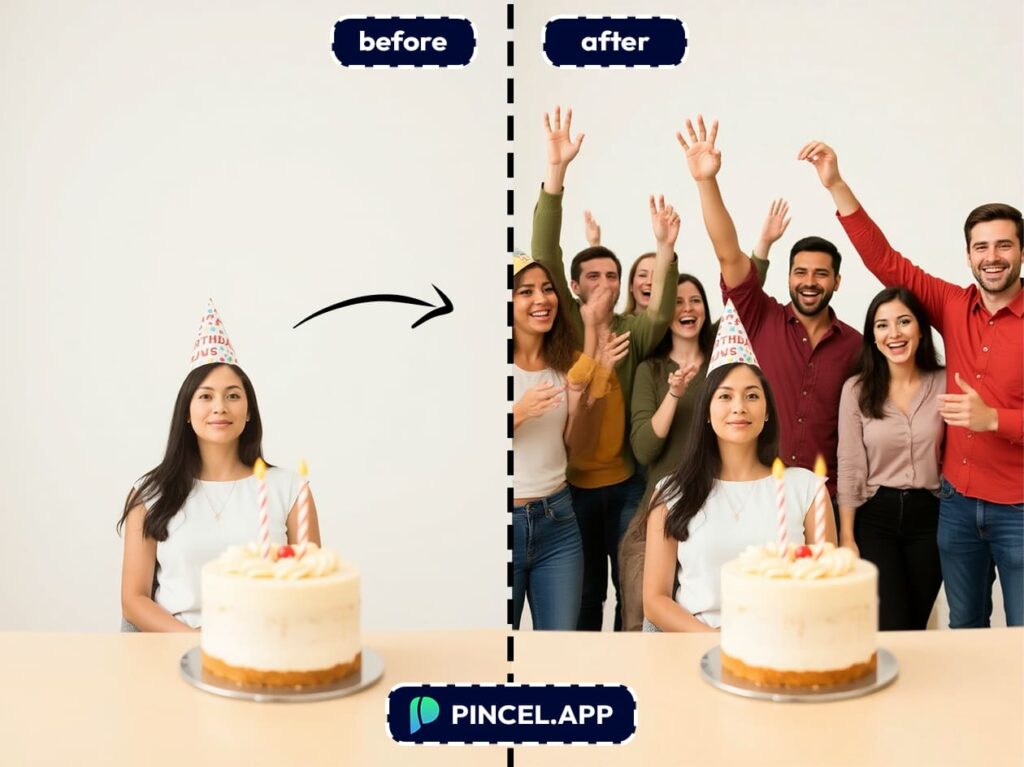
Customize Stock Photos – Insert cheering guests around a birthday table or party scene to make your celebrations feel fuller and more exciting.
Marketing Teams – Add models to lifestyle shots without booking a studio.
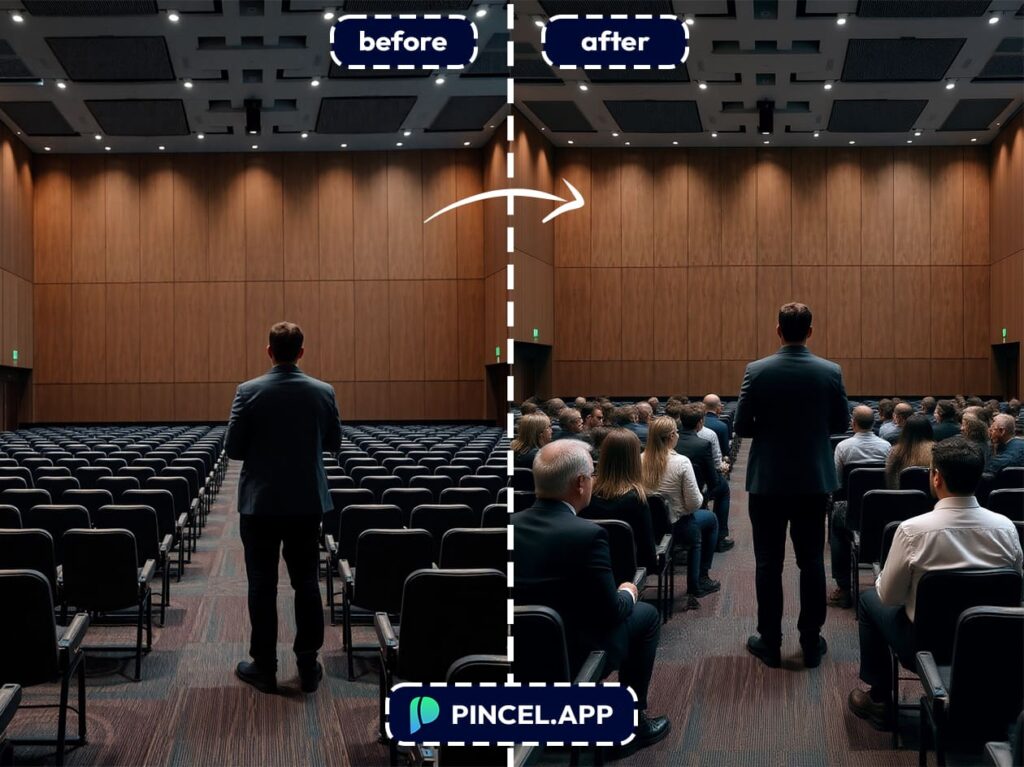
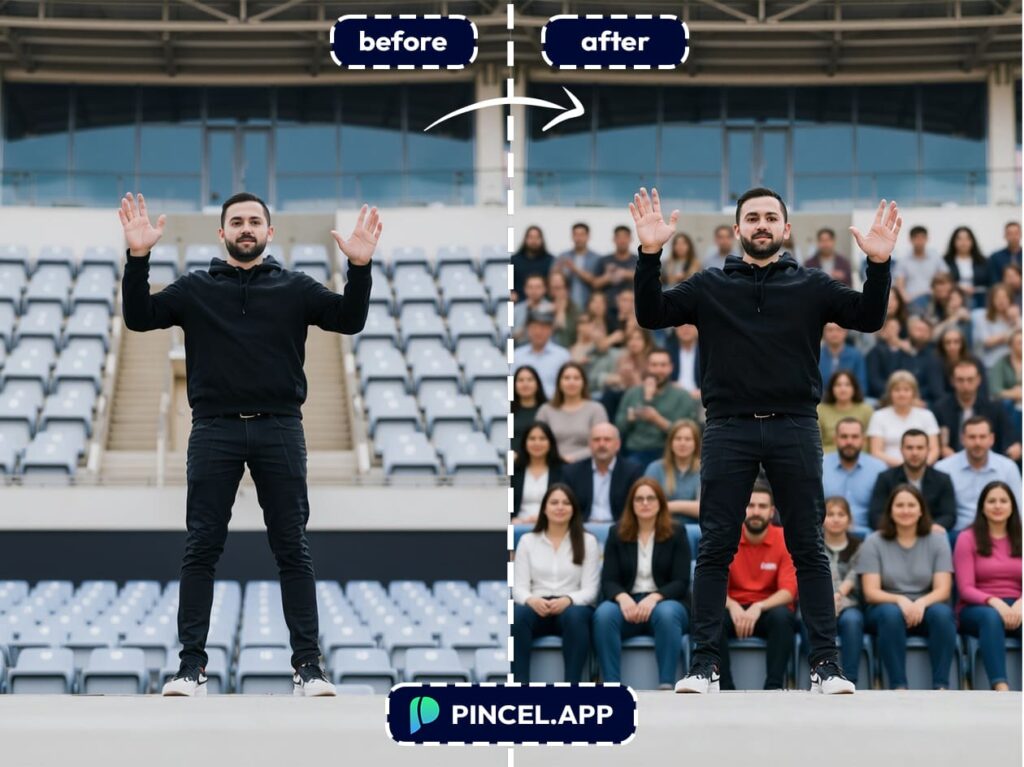
Create Event Highlights – Populate concert halls, auditoriums, or conferences with a lively audience for event recaps or promotional materials.
Fill Empty Backgrounds – Turn a quiet street, theater, or pool into a lively setting that matches your story.
E-Commerce Sellers – Create polished product photos that convert better.
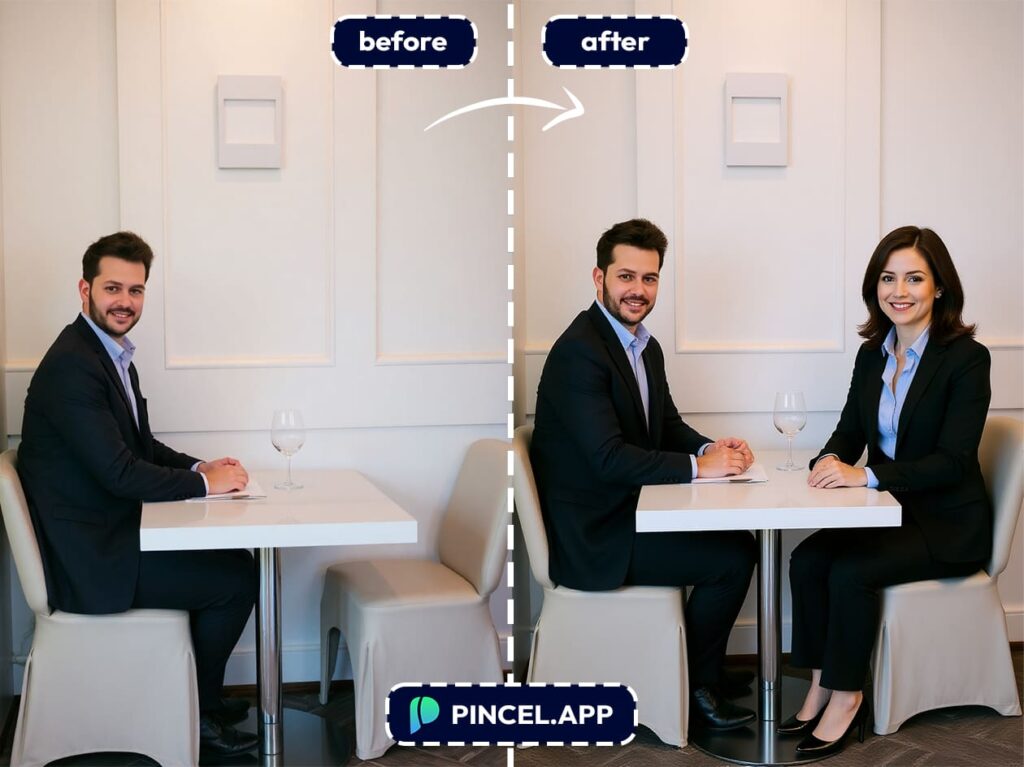
Storytelling – Drop in extra characters to give your photos a dynamic look.
Polish E-commerce or Marketing Images – Place models or customers into product photoshoots without expensive reshoots or hiring.
Perfect Portfolio or School Projects – Add actors or extras to scenes when you don’t have access to a large team or location shoot.
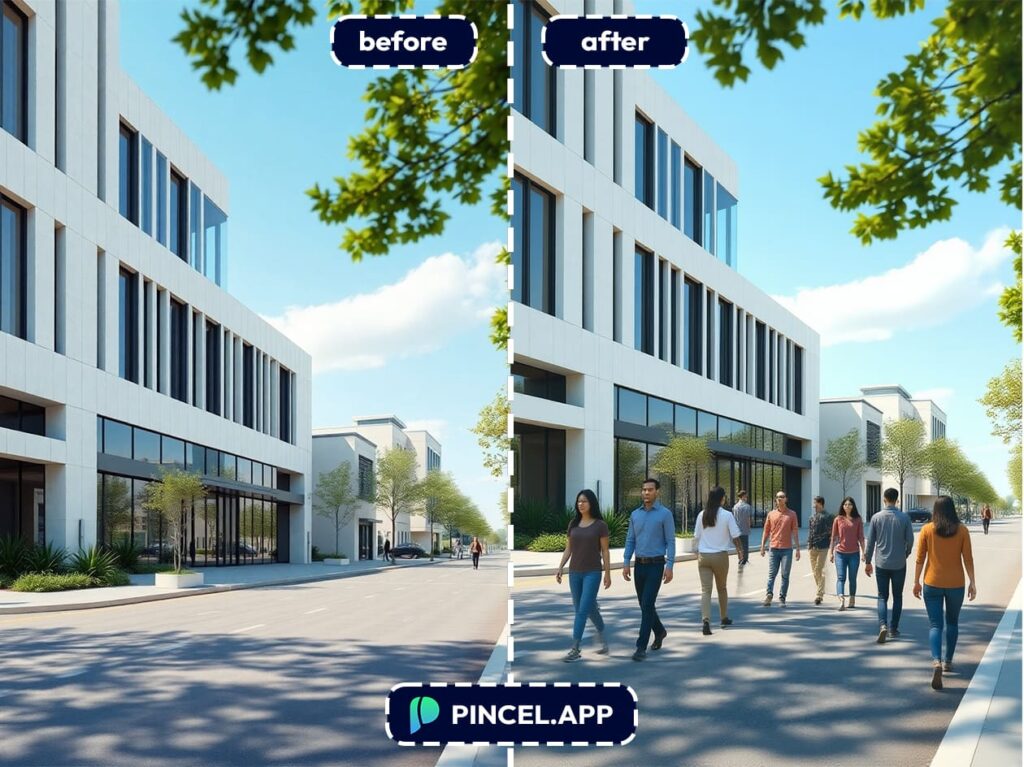
Craft Memes and Creative Edits – Insert unexpected characters or celebrities for viral social media posts.
Go From Lonely Pics
to a Full House ✌🏼
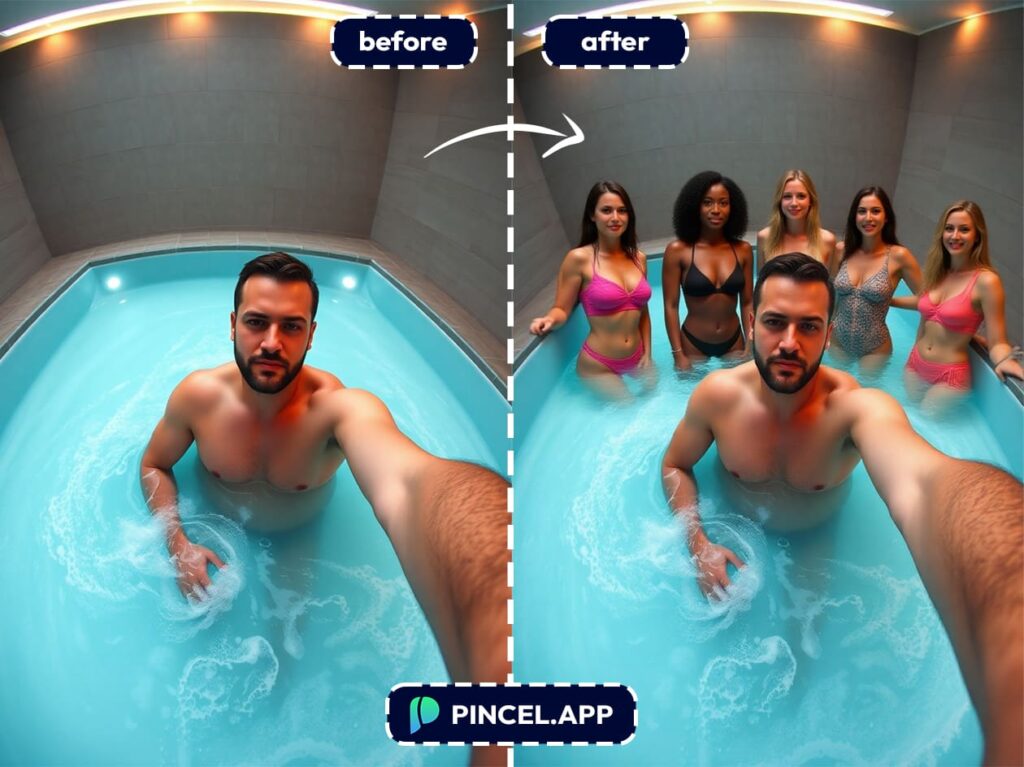
Stop wasting time hunting for complicated photo software or apps.
You searched for a way to add people to a photo so this is the easiest and fastest solution.
Pincel AI Photo Editor does all the hard work for you and you don’t need to download or install apps!
It blends lighting, shadows, and perspective automatically.
Because speed matters when you’re creating content.
So instead of wondering how to fix that photo, just fix it.

