
YouTube just dropped AI avatars for Shorts and yes, you can literally clone yourself into a talking digital twin.
It sounds amazing… until you realize the limits: only 1 character, short clips, region locks, and very little creative control.
If you’re wondering whether there’s a better way to do this, then keep reading.
For making these avatar videos, Pincel AI Photo Talker is is surprisingly a better alternative.
Because with Pincel AI toolset, you can do the same thing but it is:
much faster, easier and supports 5x longer videos (YouTube only does 8 seconds, while Pincel can generate 60 seconds)
You can simply upload your photo, add your audio via text and Generate and it’s that simple.
What YouTube Just Launched … and Where It Falls Short 🤷♂️
Let’s break it down quickly.
YouTube’s new feature lets you create a digital avatar of yourself.
You record a “live selfie,” say a few lines… and it builds your avatar.
Then you type what you want. And it generates a video.
Cool idea.
But here’s the reality:
- Videos are limited to short clips (around 8 seconds)
- You need to go through a setup process (selfie recording, voice capture)
- It’s tied inside YouTube only
- Every video is labeled and restricted
- You don’t get much creative flexibility
Even Reddit users pointed it out:
“Videos max out at 8 seconds… you have to chain clips.”
So yes, it works.
But it’s not built for speed and definitely not built for scale.
How to Create an AI Avatar Video with Pincel (Way Simpler) ✅
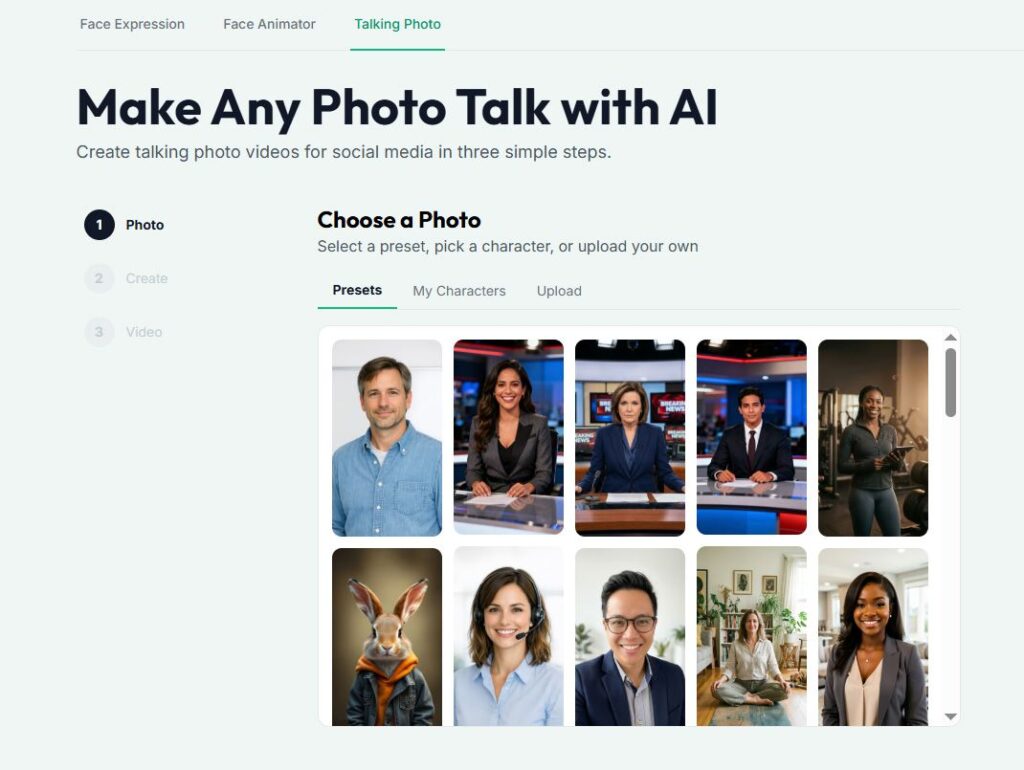
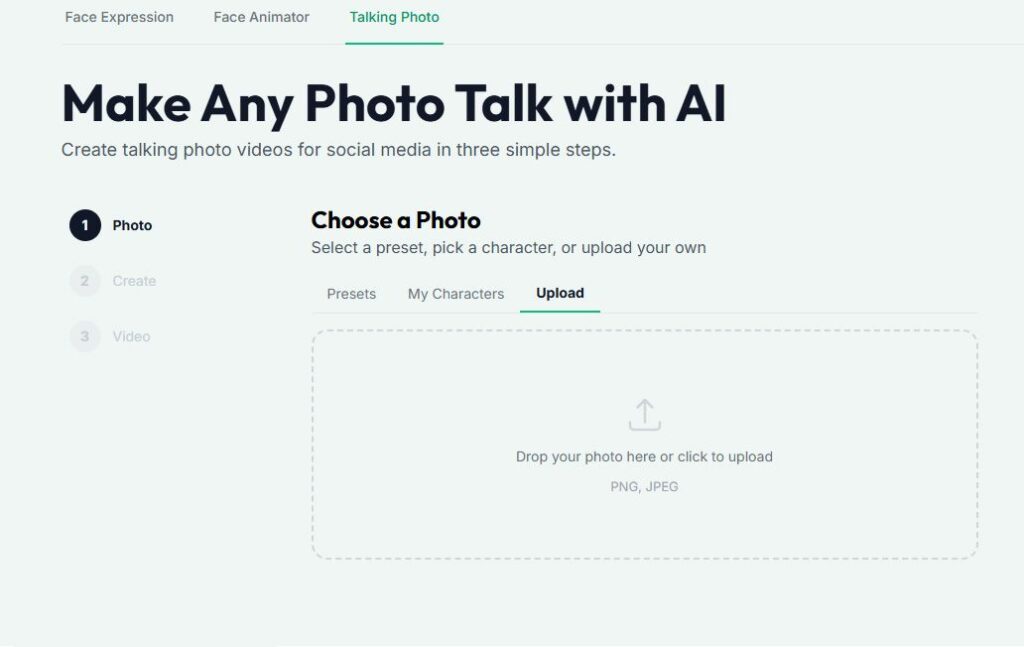
🖼️ Step 1: Choose or Upload Your Photo
Start with a face.
You can:
- Pick a preset character
- Or upload your very own photo
- save it as a reusable character
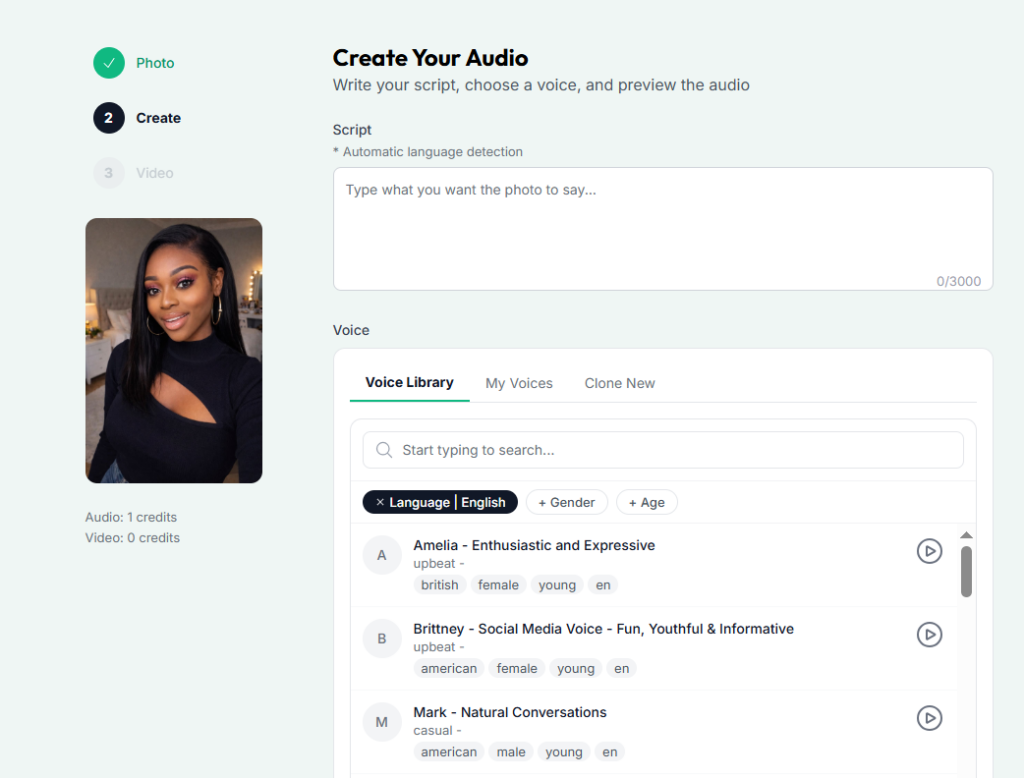
🎤 Step 2: Choose or Generate Audio
Now decide how your avatar sounds.
You can:
- Pick from a voice library of thousands of voices.
- Upload your own voiceover or audio
- Or clone your voice
This is where Pincel really stands out.
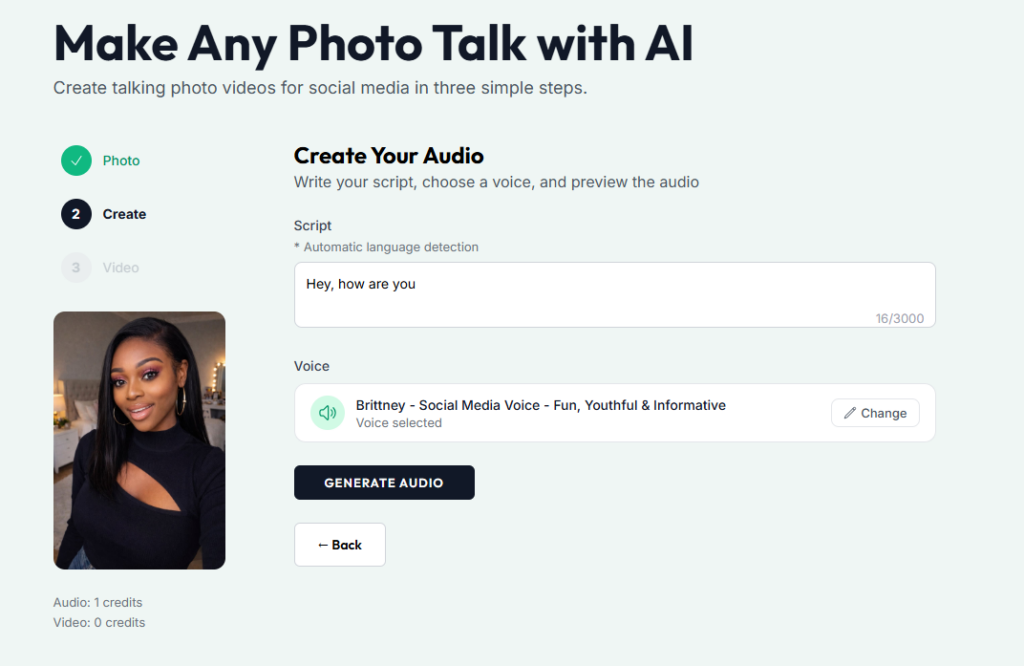
✍️ Step 3: Type Your Script
Now just write what you want your avatar to say.
No complicated tools.
Just type like you’re writing a caption, your script.
Done.
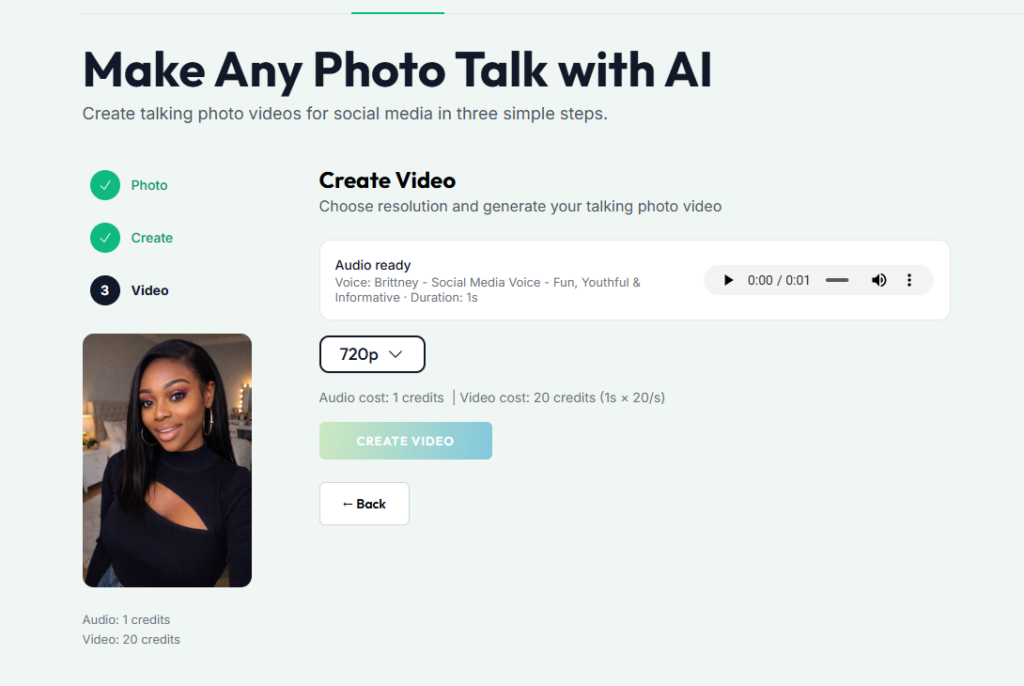
🎬 Step 4: Generate Your Video
Click generate.
And your photo… starts talking.
Clean lip sync, natural voice and ready-to-post video.
📥 Step 5: Download and Scale
Download your video.
Now here’s the real advantage:
You can create multiple versions fast.
Different hooks.
Different tones.
Different audiences.
All from the same photo.
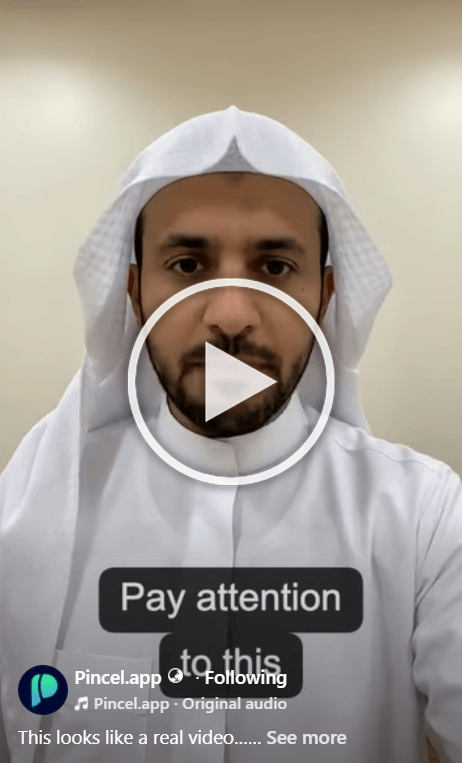
This is Pure AI Avatar 👇🏼

Why Pincel Is Actually Better Than YouTube’s Avatar Tool 💡
Let’s keep it real.
YouTube’s tool is exciting, but Pincel is more practical.
Here’s why:
1. No Setup Friction
YouTube → record selfie + voice
Pincel → upload photo and go
2. Longer, More Flexible Content
YouTube → short clips (~8 seconds)
Pincel → full short-form videos up to ~60 seconds
3. Full Creative Control
YouTube → limited to your avatar
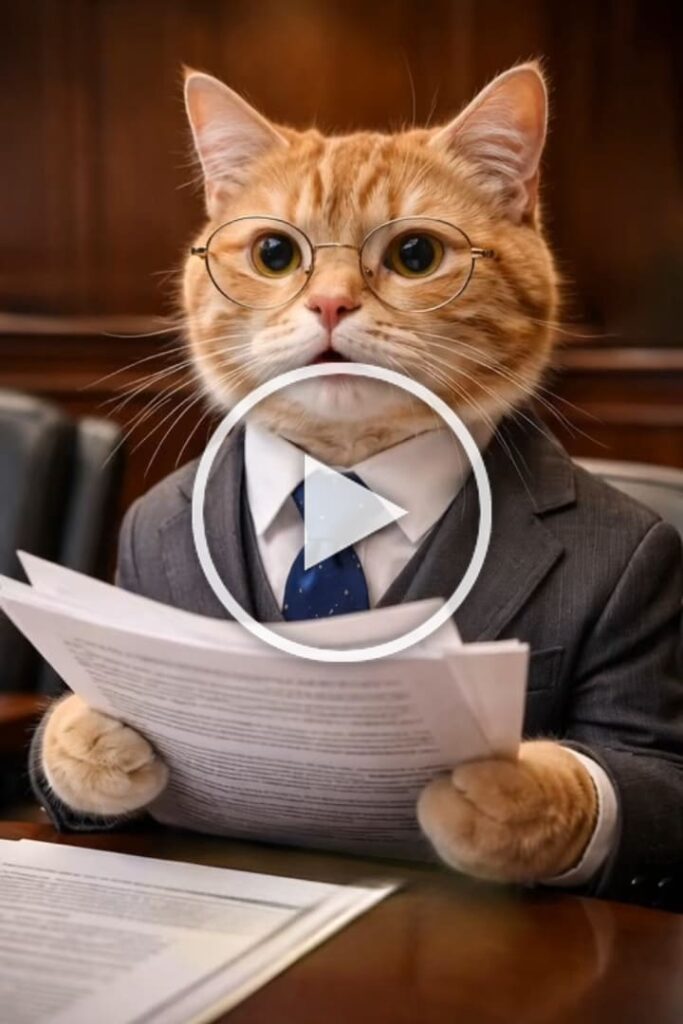
Pincel → use any face (even fictional or animal), any style and any concept
4. Faster Iteration
YouTube → generate → stitch clips
Pincel → generate full variations instantly
5. Not Platform-Locked
YouTube → only inside Shorts
Pincel → use anywhere (TikTok, ads, Reels, etc.)
Who This Is Perfect For 👇🏼
Content creators — Post daily without filming yourself.
Create consistent short-form content without worrying about lighting, camera angles, or retakes.
Just type your idea and generate your own AI influencer.
Faceless channels — Grow without showing your face.
Run niche pages, storytelling channels, or educational content using avatars instead of being on camera.
Perfect for scaling anonymously.
Marketers — Create ads without production.
Turn product ideas into quick video ads. Test multiple hooks, tones, and audiences without hiring models or shooting new content.
Agencies — Scale content output instantly.
Deliver more creatives for clients in less time. Generate multiple variations from one concept and iterate fast.
Personal brands — Stay consistent without burnout. You don’t need to show up on camera every day.
Use your avatar to stay active while keeping your energy focused elsewhere.
Businesses — Turn ideas into videos fast. Explain products, share updates, or create promotional content without a full production setup.
Just upload, script, and generate.
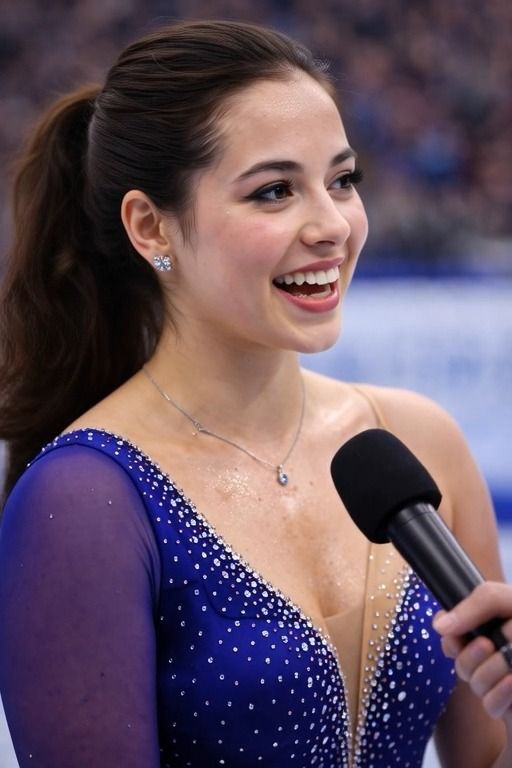
See How it Works 👇🏼
Because content is no longer the hard part… execution is.
And now… it only takes a few minutes.
Instead of recording → editing → stressing
You just generate.
And instead of one video, you make five.
Frequently Asked Questions 🤔
Can I use my own face?
Yes. Upload your photo and turn it into a talking avatar instantly. It also supports fictional or 3D characters.
Can I use my own voice?
Yes. You can upload or clone your voice easily.
How long can the videos be?
Pincel supports up to 60 seconds which is perfect for short-form content.
No Camera, just Content 🎬
You don’t need a setup or the perfect lighting.
You don’t need confidence on camera.
You just need an idea.
Upload a photo, than add a voice and type your script.
And let Pincel AI do the rest.
So while everyone is still figuring out YouTube’s new tool,
You’re already creating content faster.

