
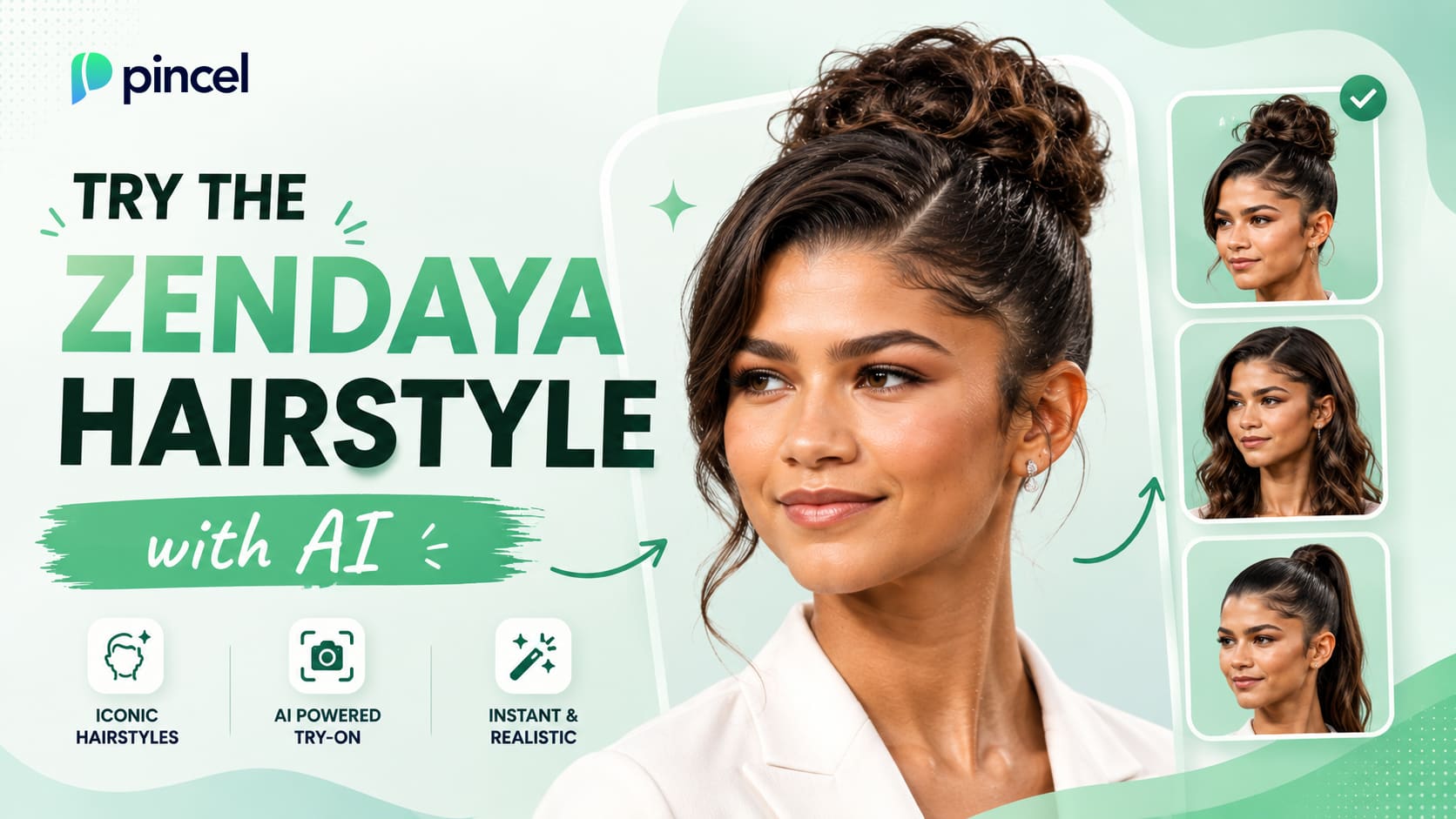
Zendaya is one of the most followed style icons active today.
Red carpets, magazine covers, music videos, she is everywhere.
Every look of her becomes a viral moment, recently the Dune desert costume.
Many of us have scrolled past a photo of her and thought, that would actually suit me.
Recreating one of her hairstyles in Photoshop could be a very long process.
And exactly that’s why Pincel AI Hair Studio is here.
Just upload your photo, pick a style from the visual menu or give a reference image, and let the AI do the rest.
Here’s how it works:
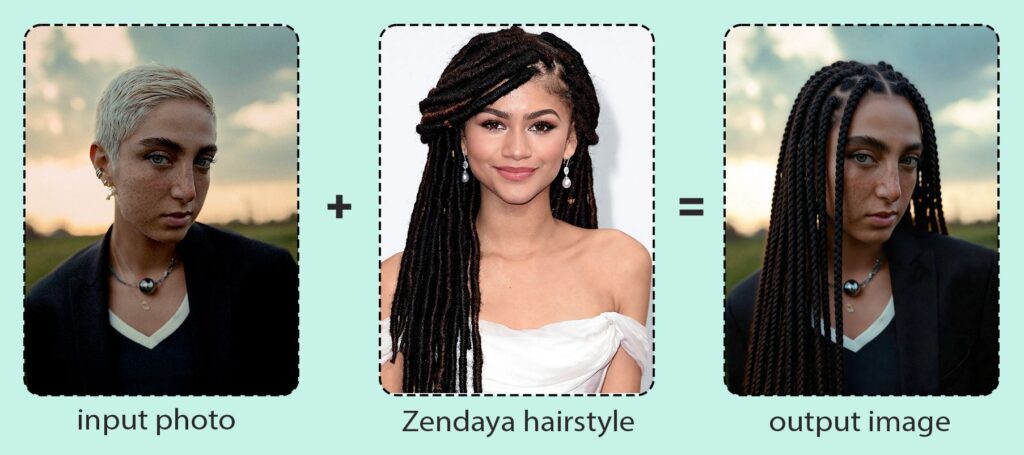
How to Try the Zendaya Hairstyle with AI ✅
🖼️ Step 1: Upload a Front-Facing Photo
Open Pincel AI Hair Studio.
Then upload your photo with your face clearly visible.
Good lighting helps.
And a simple background makes the hair edges look even cleaner.
🎛️ Step 2: Pick a Zendaya-Inspired Look
This tool uses a visual picker, so you’re not stuck “prompt engineering” your way to a haircut.
You choose the vibe: cut, length, texture, color, and even beard options.
Try combinations that match common Zendaya-style directions:
– Cut / style: bob, layered, slick-back, shag, side part
– Length: short bob, medium shoulder-length, long glam waves
– Texture: straight, wavy, curly (Zendaya lives in all three)
– Color: rich brunette, warm caramel, subtle highlights, deep chocolate
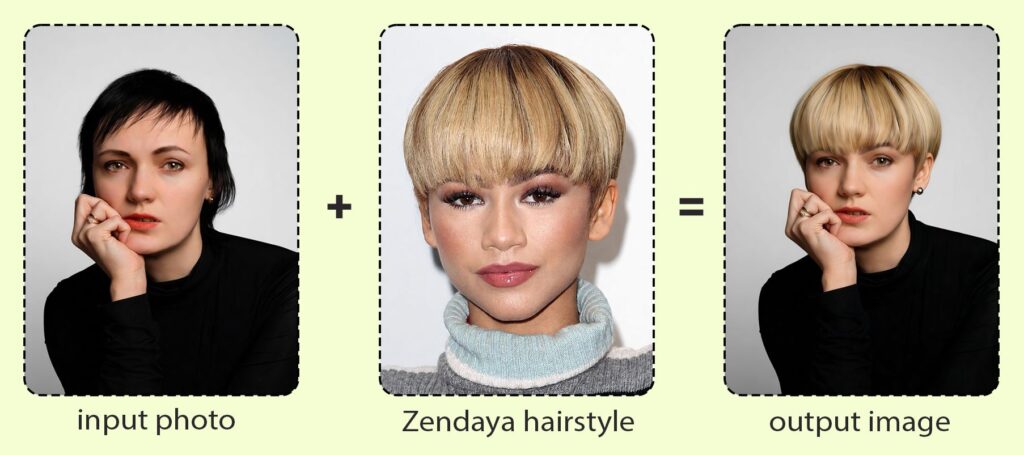
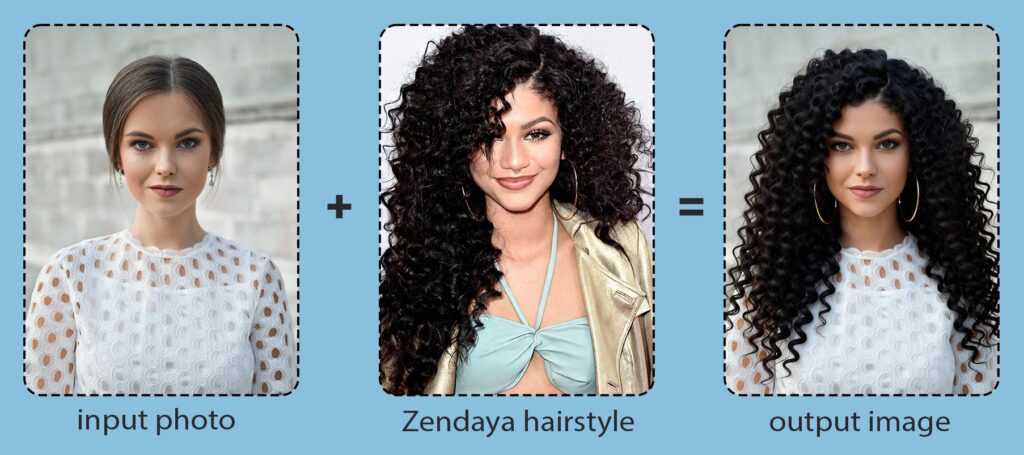
And if you have a specific reference, upload a hair photo to copy the silhouette.
It’s the closest thing to saying “this exact one” without cutting anything yet.
Example “inputs” is your image (reference image ideas or style targets):
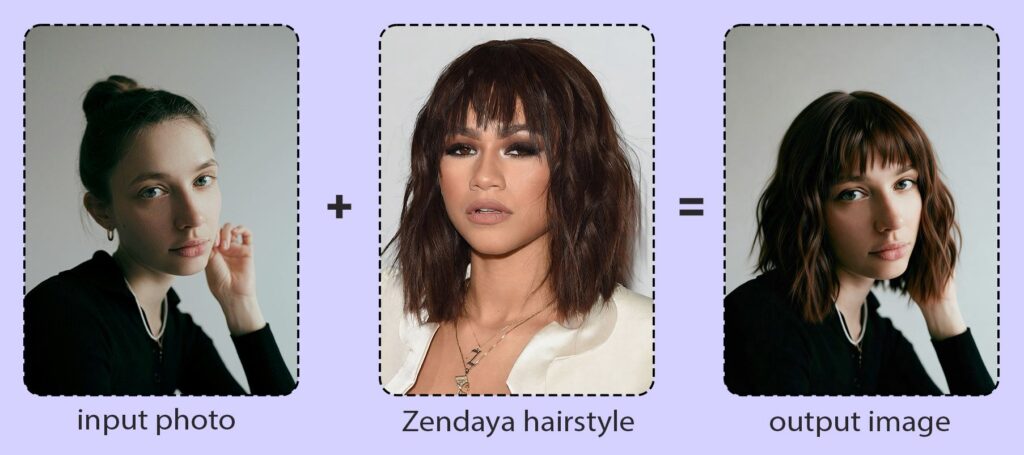
⚡ Step 3: Generate Your Preview
Hit Generate, and your result appears in seconds.
Most of the time it’s under 10 seconds, which is wildly faster than booking a consultation just to “see how it might look.”
If you want it a little shorter, darker, curlier, or more dramatic, adjust the picker and generate again.
This is the fun part.
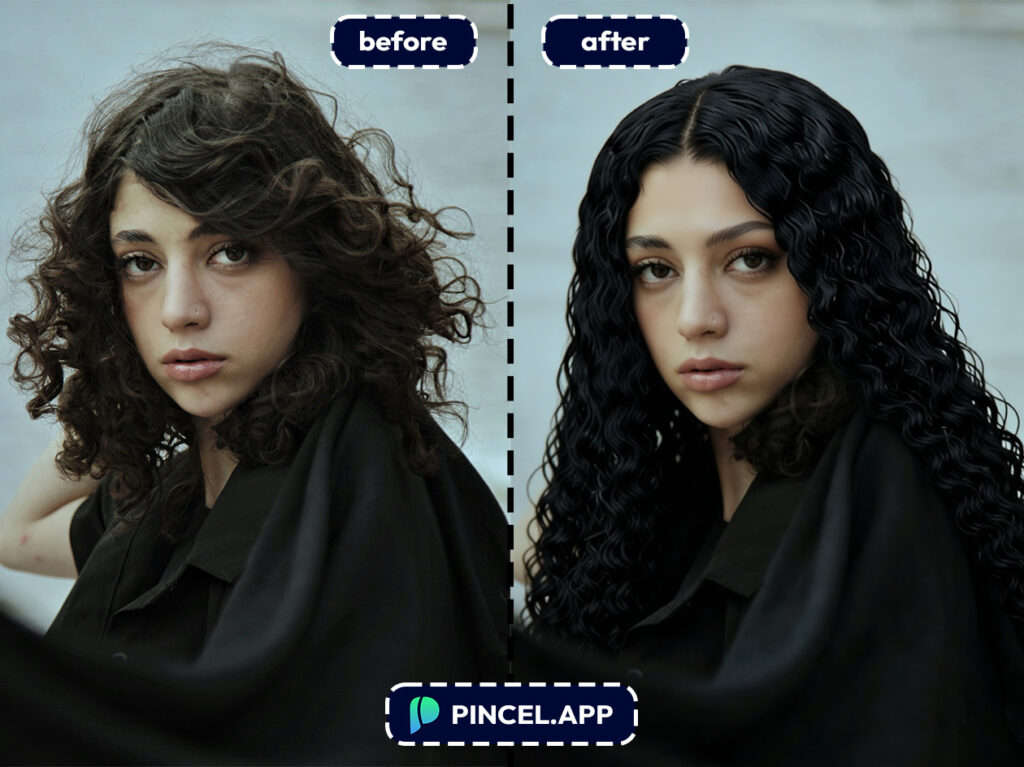
🌓 Step 4: Compare Before/After, Then Download
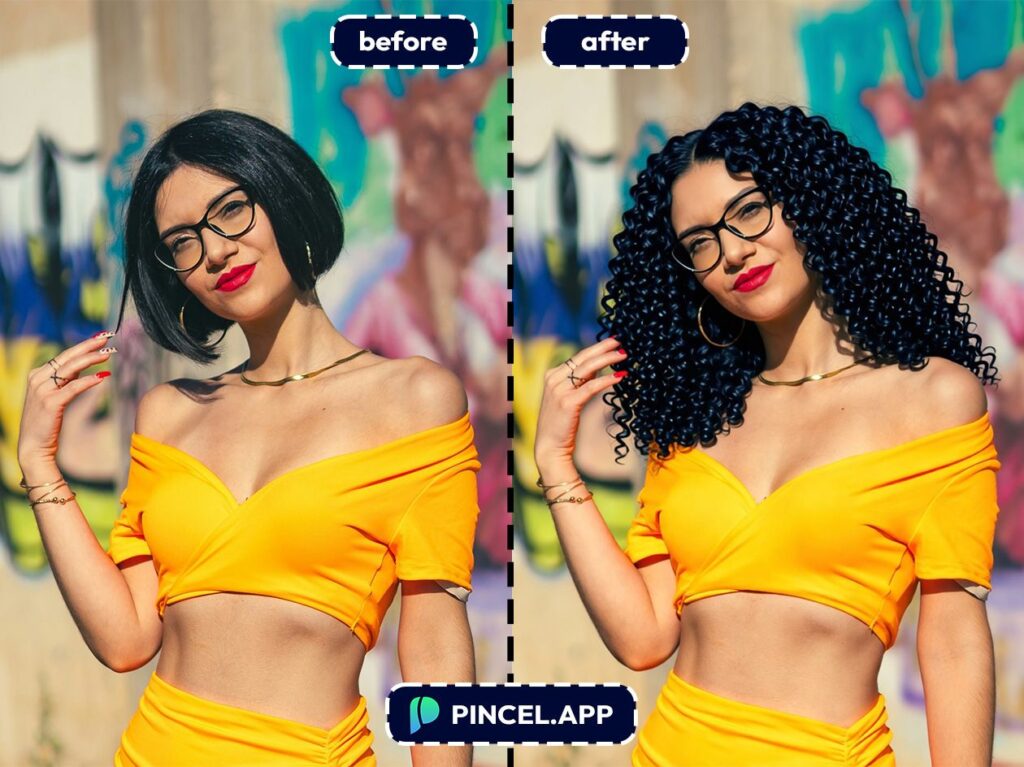
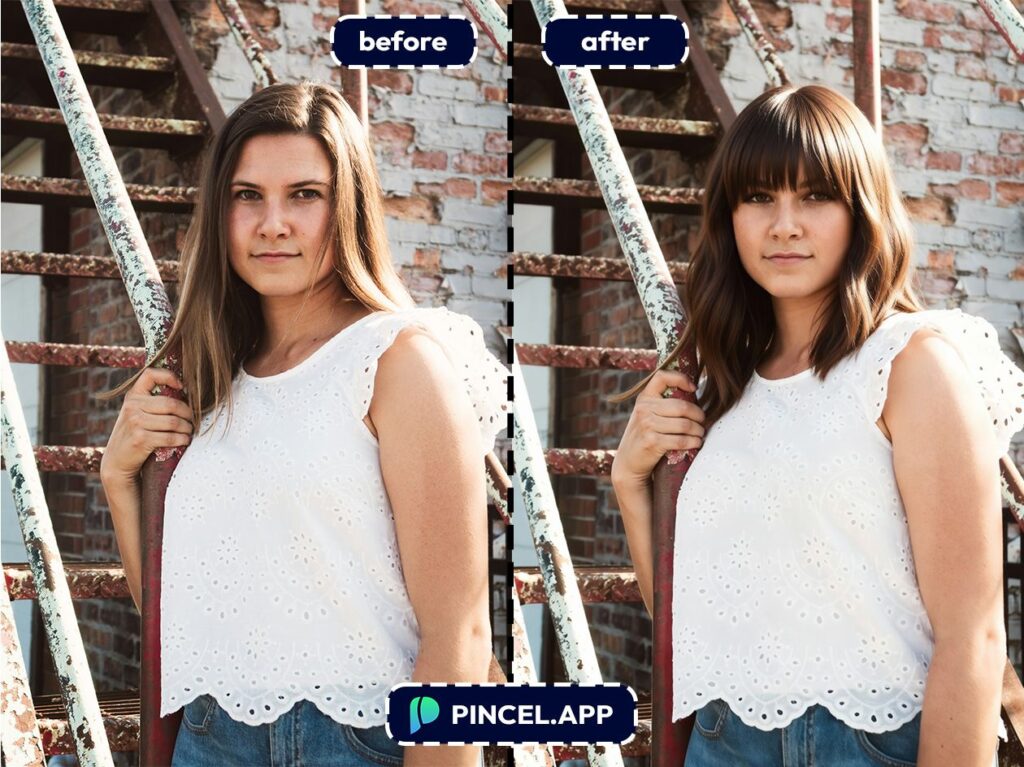
Use the built-in before/after slider to see what changed.
It’s a quick reality check for “Is this me?” versus “Is this a costume?”
When you’re happy, download the image in one click.
Then bring it to your stylist like the world’s most helpful mood board.
Who Is This For? 👇🏼
Pre-salon previewers — You can test a Zendaya-inspired cut before you commit.
Pair it with lighting tweaks from Relight Photos with AI to see how the look plays in different vibes.
Color experimenters — Try caramel highlights, a deeper brunette, or even a bold tone without bleach or damage.
If you’re also exploring overall style direction, AI Fashion Styles is a fun next step.
Hair texture curiosity — Wondering how you’d look with softer waves or more defined curls?
You can explore straight/wavy/curly variations without heat tools or a risky perm.
Brides & event prep — Nail the hair direction before the big day.
And if you’re building the full “I clean up nicely” package, AI Resume Photo is surprisingly useful for professional headshots too.
Style content creators — “New hair, who dis?” content performs because transformations always do.
You can even stack effects later, like making a matching character version with AI Memoji.
Glow-up planners — Hair is usually step one.
Teeth, skin, and small fixes are step two, and posts like Fix and Whiten Teeth on Photo and Remove Wrinkles from Photo show how far quick edits can go.
Full look visualizers — If you’re changing hair and you want to see how it works with your whole silhouette, try Full Body from Selfie.
Hair reads differently when it’s framing your full outfit.
“What if I went shorter?” people — A bob is a power move, but it’s also a commitment.
If you’re specifically debating the chop, Buzz Cut Filter is another fun “before I do something impulsive” tool to explore.
Frequently Asked Questions 🤔
How can I try the Zendaya hairstyle with AI on my own photo?
You can try the Zendaya hairstyle with AI by uploading a clear selfie to Pincel AI Hair Studio and selecting a similar style using the visual picker.
The result shows up in seconds, so you can iterate quickly and compare options.
If you have a specific Zendaya reference photo, you can use that as a target to match the vibe more closely.
Will it still look like me, or does AI change my face?
It will still look like you because Pincel AI Hair Studio preserves your identity, expression, and facial features.
The tool focuses on changing hair (and optional facial hair), not your face structure.
That’s the difference between a real preview and a “beauty filter” effect.
Does Pincel AI Hair Studio work with selfies?
Yes, it works best with a single, front-facing selfie where your face is clearly visible.
Good lighting and minimal obstruction (like hands or heavy motion blur) help the hairline blend naturally.
Group photos aren’t ideal, because this tool is designed for one face at a time.
Can I try hair colors that I couldn’t realistically do in real life?
Yes, you can preview bold colors and highlight looks without bleaching or dyeing anything.
It’s perfect for testing “should I go lighter?” without the months-long grow-out regret.
And you can generate multiple options in under 10 seconds each.
Is Pincel AI Hair Studio free to try?
Yes, you can test it with free credits (no credit card needed) and see the quality before you commit.
Each generation uses a small number of credits, so you can try multiple Zendaya-inspired variations quickly.
Get the Zendaya Look ✂️
We have all seen Zendaya try a dozen different looks over the years.
Now you can try them on yourself.
All you need to do is upload your photo to Pincel AI Hair Studio.
Pick the Zendaya style you like and see it on your face in a few seconds.
If it looks good, show it to your stylist. If not, you can always try another one.

