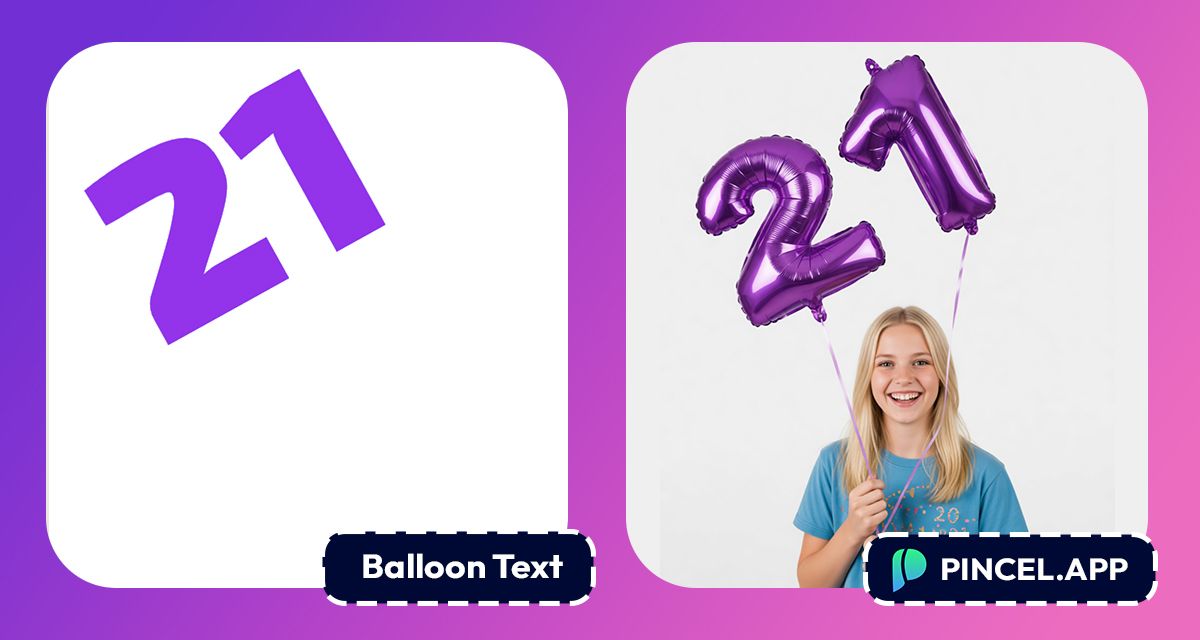
Balloon letters make everything more fun.
A birthday post, a party invitation or a celebration announcement.
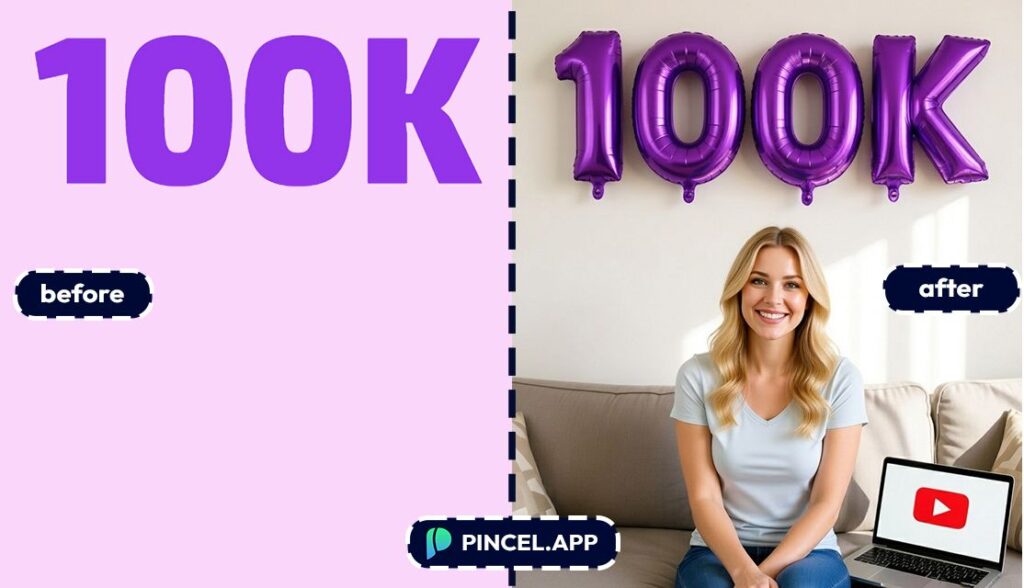
The same words in balloon letters just feel like a party.
But creating realistic balloon text the old way means hours in Illustrator or Photoshop, tweaking shapes, adding gradients. But now it takes seconds.
Upload your text to Pincel AI Text Effects, describe the balloon letter style and background you want, and watch it come to life instantly.
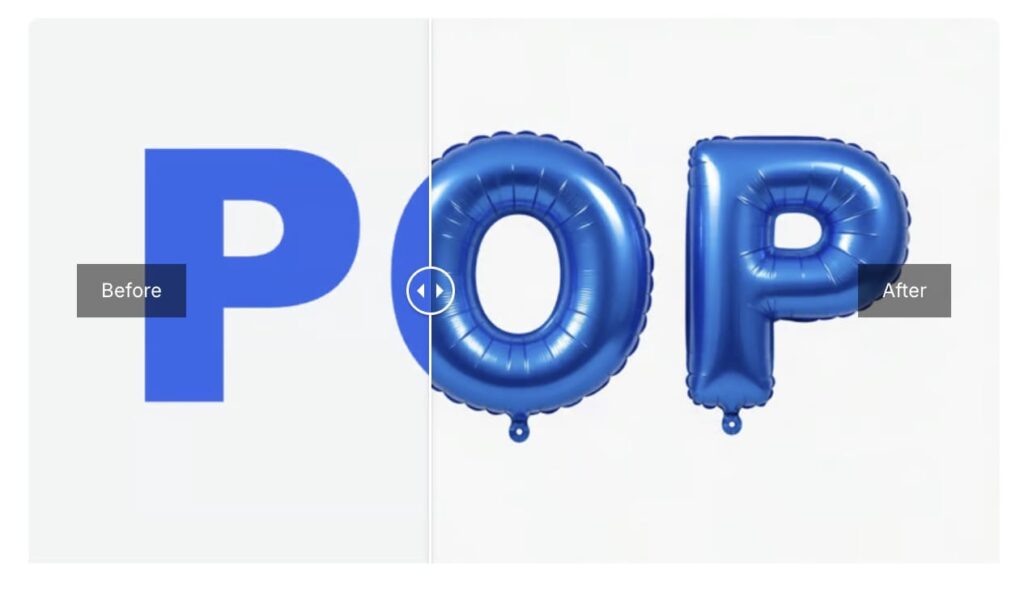
Here’s how it works:
How to Turn Text Into Balloon Letters ✅
🅰️ Step 1: Type Your Text
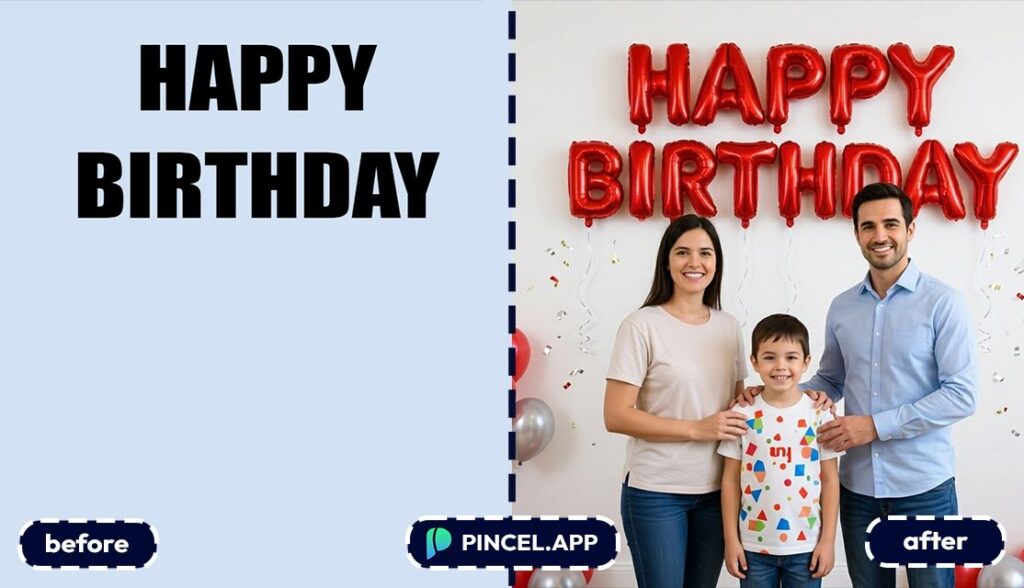
Open the Pincel AI Text Effects.
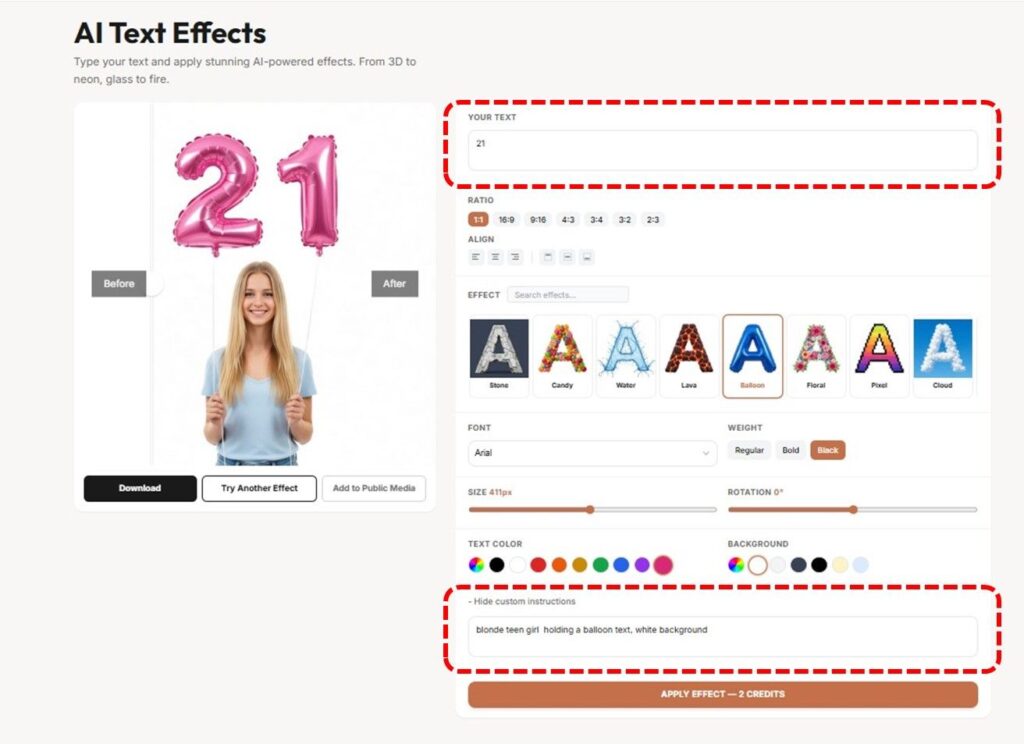
Type a short word or phrase.
1–4 words is the sweet spot for that bold, “party banner” look.
Try inputs like these:
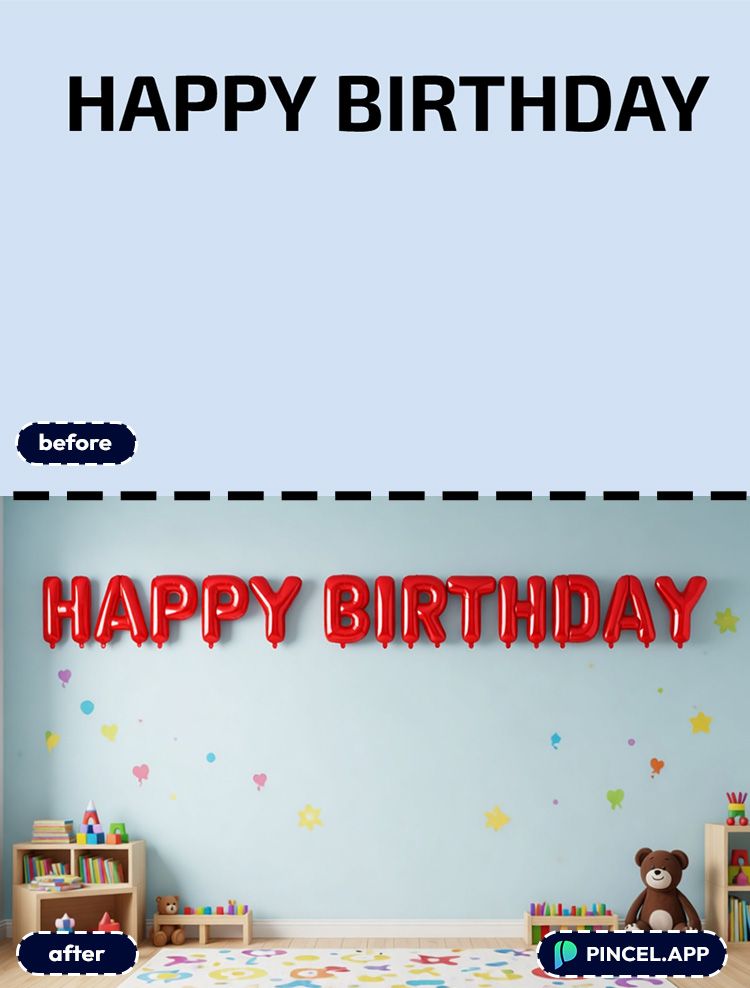
- HAPPY BIRTHDAY
- 21
- REUNION
- PARTY TIME
🔤 Step 2: Pick a Font + Custom Instructions
Choose a font that matches the vibe.
Rounded fonts feel more inflated. Bold display fonts feel more like a helium banner at a party.
But here is where it gets interesting.
The Custom Instructions Box is where the magic happens.
Instead of just generating balloon letters on a plain background, you can describe the whole scene.
Tell it the context of the image, background you want, color, and the overall mood.
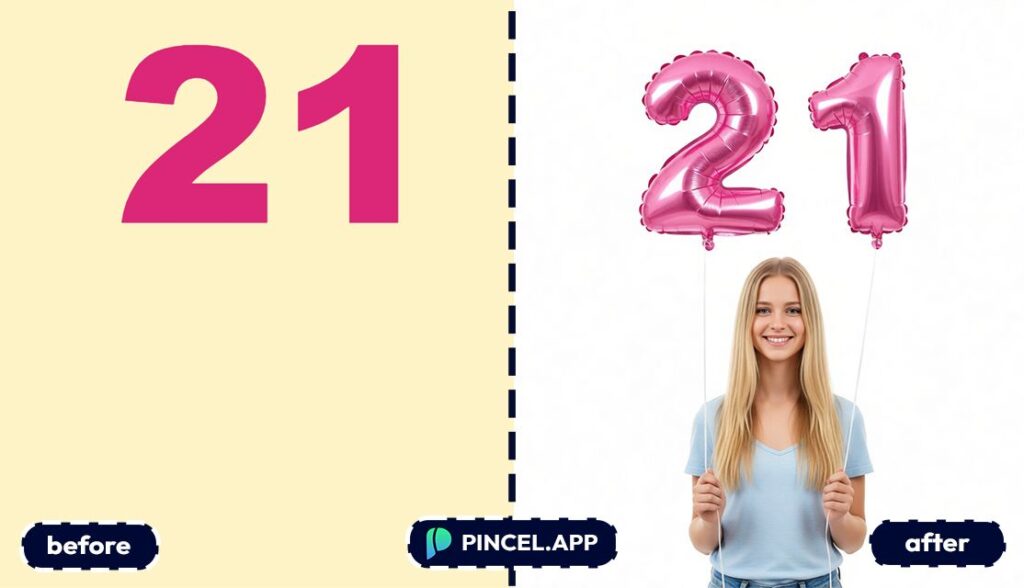
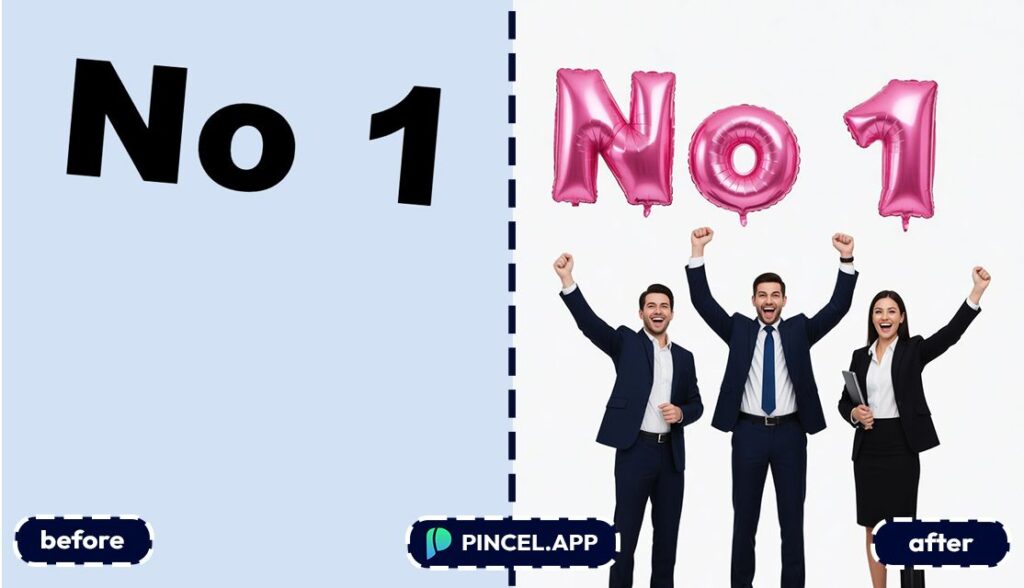
Something like “blonde teen girl holding a balloon text, white background” and the AI builds the entire image around your text.
🖼️ Step 3: Set Your Aspect Ratio and Colors
Pick an aspect ratio based on where the text will live.
Square works for posts and thumbnails.
Tall works for Stories and posters, and wide works for banners.
And if the preset supports color overrides, set your balloon color.
Pastels for baby showers, bright primaries for birthdays, black/gold for classy events.
⚡ Step 4: Generate and Download
Click Generate and wait a few seconds.
Most results appear in seconds, so you can iterate fast.
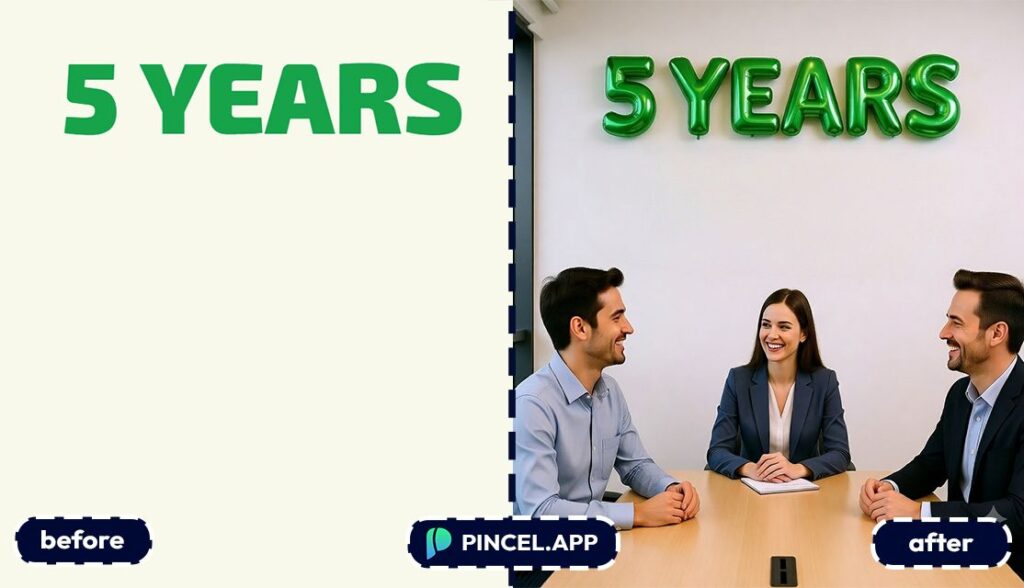
Use the before/after preview to compare variations.
Then download with one click.
Ready to make yours?
Who Is This For? 👇🏼
Birthday posts and invites — Turn names into balloon letters for instant “party energy.”
Pair it with themed visuals like you’d do in Valentine AI Photos (same idea, different holiday).
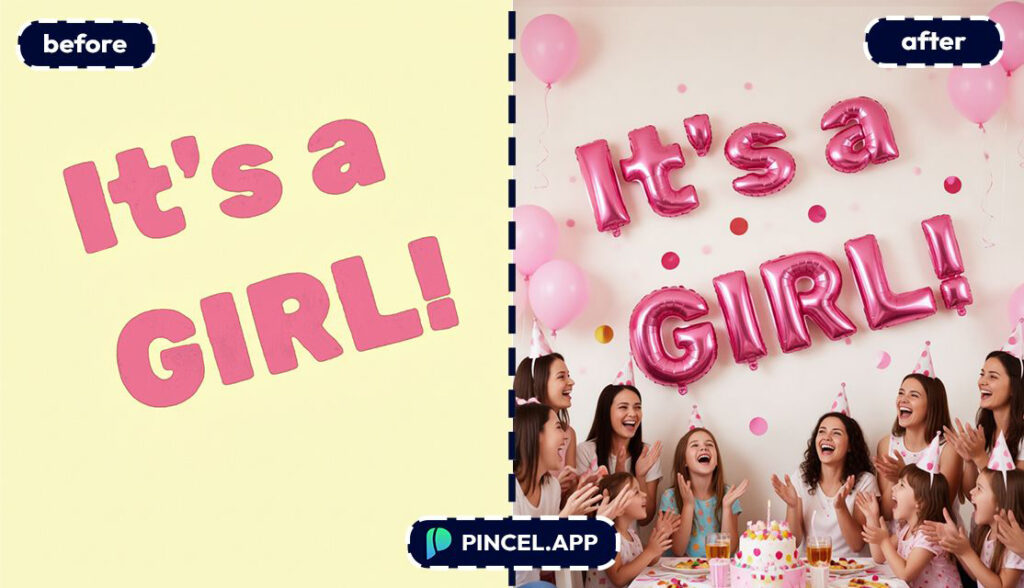
Baby showers and gender reveals — Make “BABY” and the name pop in soft balloon colors.
Tall layouts work great for Story-style announcements.
Social media managers — You can crank out campaign headers fast, without begging a designer for “just one more version.”
And if you’re also polishing images, Relight Photos with AI is a perfect sidekick.
Thumbnail makers — Balloon text is a cheat code for scroll-stopping titles, especially for celebration content.
If you’re doing character-led thumbnails, you can generate matching visuals using AI Memoji.
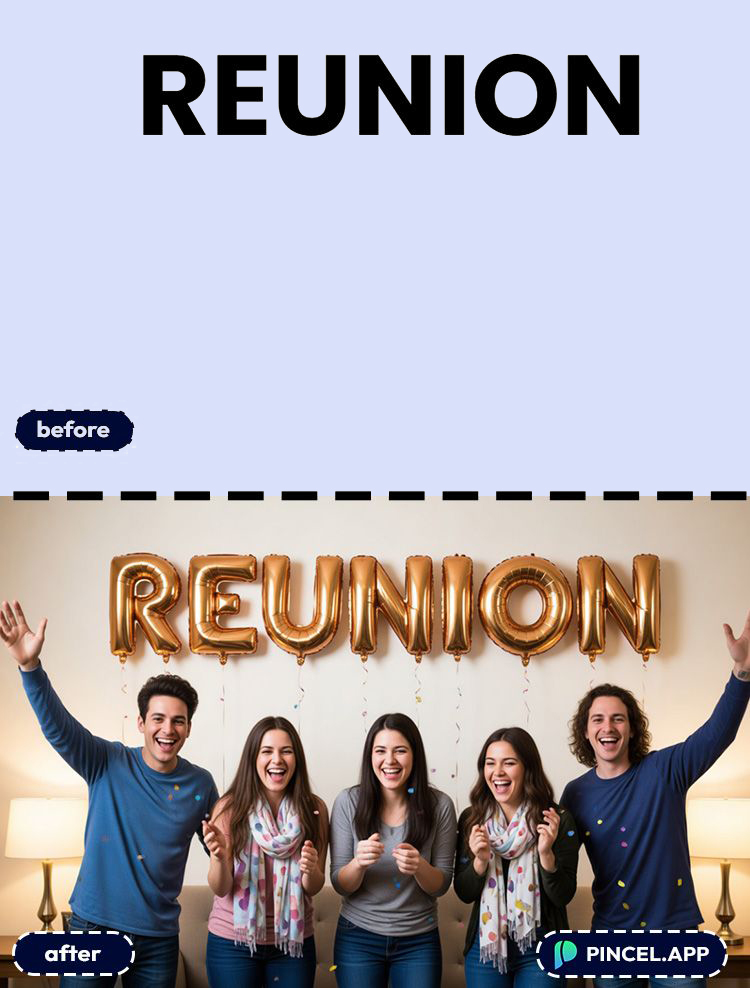
Poster designers — Balloon lettering on a tall canvas makes an instant event poster headline.
If you need more canvas room later, combine it with ideas from Extend Photo with AI.
Etsy and merch sellers — Create balloon-style word art for stickers, mugs, and printable party decor.
And for clean product visuals, check out AI Product Photography.
Content creators (video intros + title cards) — Drop balloon text into quick title cards for birthday vlogs, family reels, or celebration recaps.
If you’re merging assets, Combine Photos can help you assemble a full graphic.
Just-for-fun chaos — Make your group chat name in balloon letters and watch the vibe improve instantly 🎈.
No design degree required.
Frequently Asked Questions 🤔
How do I turn text into balloon letters online?
You can turn text into balloon letters online by typing your words into Pincel AI Text Effects, choosing a Balloon preset, and generating.
Your balloon-style typography appears in seconds and is ready to download immediately.
Is Pincel AI Text Effects free to try for balloon letters?
Yes, it’s free to try.
New users get 20 free credits (no credit card needed), and each generation uses a small number of credits.
Do I need design skills to make balloon letter text?
No.
You don’t need to understand layers, lighting, or shadows—just pick a font and a preset, then generate.
Can I change the balloon color and background size?
Yes.
You can choose your canvas aspect ratio (square, wide, tall) and adjust colors when the effect supports it.
Is this the same as Canva balloon text?
No.
Canva effects often look like styled fonts or flat templates, while Pincel renders a more “material” balloon look with volume and shine.
Can I use balloon letter text commercially?
Yes.
You can use the generated text for commercial projects like merch, ads, and social content.
Let the Party Begin 🎈
Balloon letters used to take hours of working in illustrator and photoshop.
Now it takes one prompt and a few seconds.
Upload your text to Pincel AI Text Effects, describe the style and background you want, and get a fun ready to post graphics instantly.
Birthday posts. Party invitations. Celebration announcements.
Whatever the occasion, balloon letters make it feel like a party before it even starts.
Go ahead and share your fun balloon text.