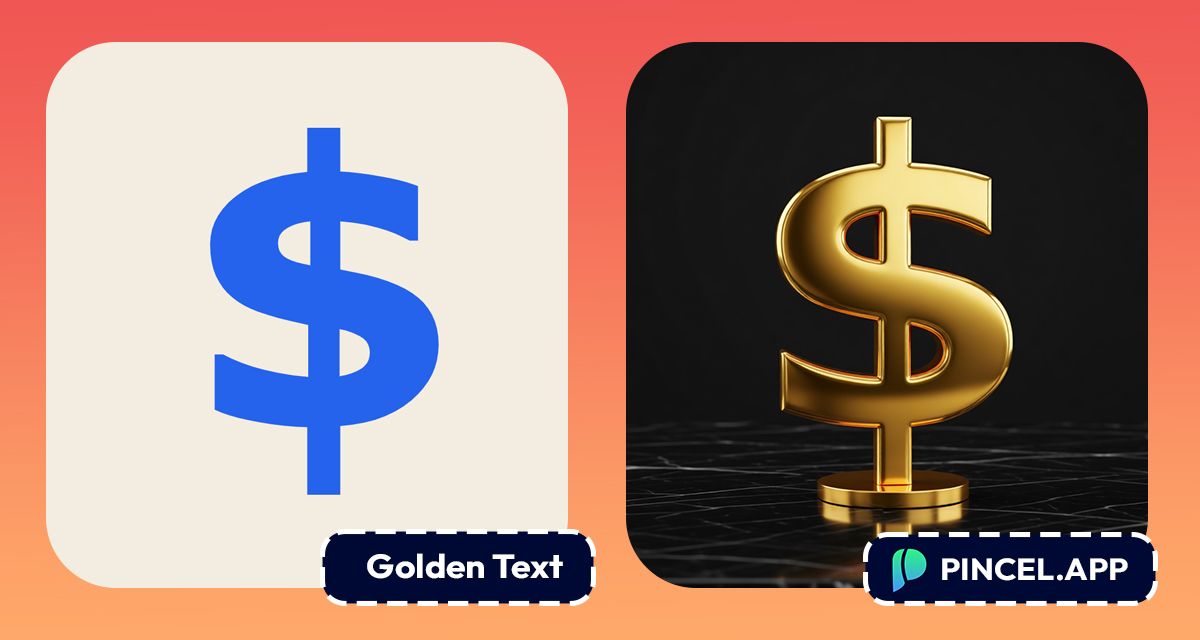
Gold text makes everything look more premium.
It could be a logo, a wedding invitation or even a social media post.
The same words in gold feel different.
And brands know it… because luxury packaging uses it.
But creating a realistic gold text effect the old way means a lot of time in Photoshop.
Now it takes seconds.
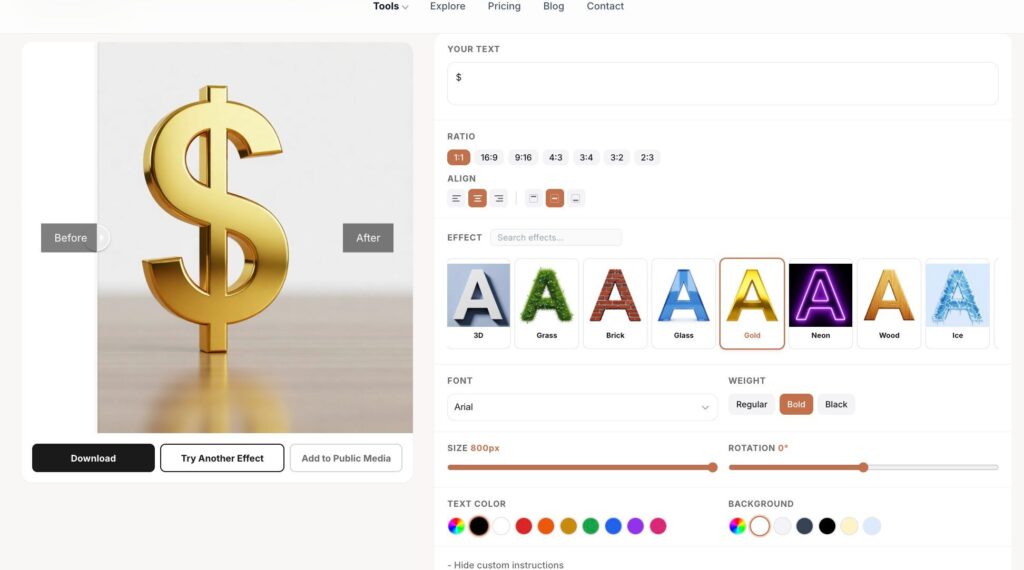
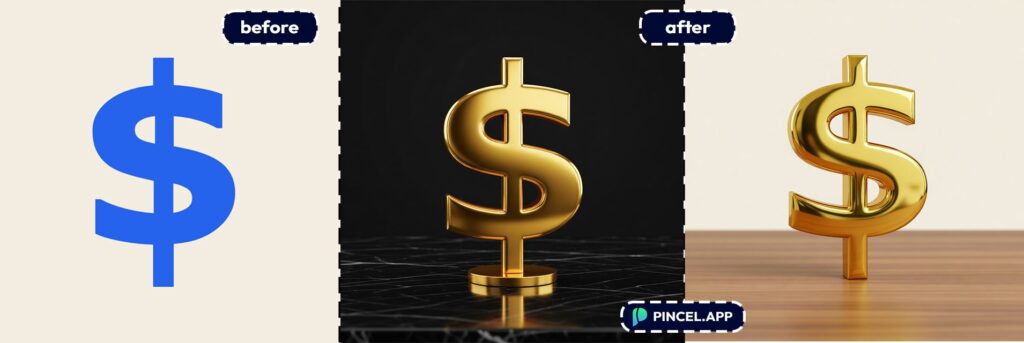
Upload your text or image to Pincel AI Text Effects, describe the gold effect you want, and watch it transform instantly.
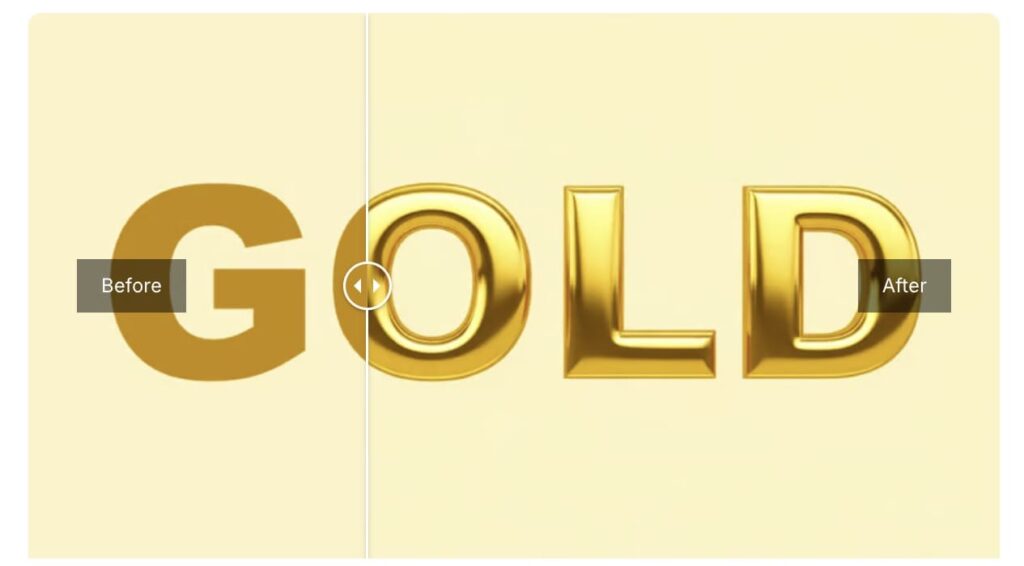
Here’s how it works:
Making Gold Text the Old Way Is so Difficult ✨
Gold text sounds simple, however it’s not.
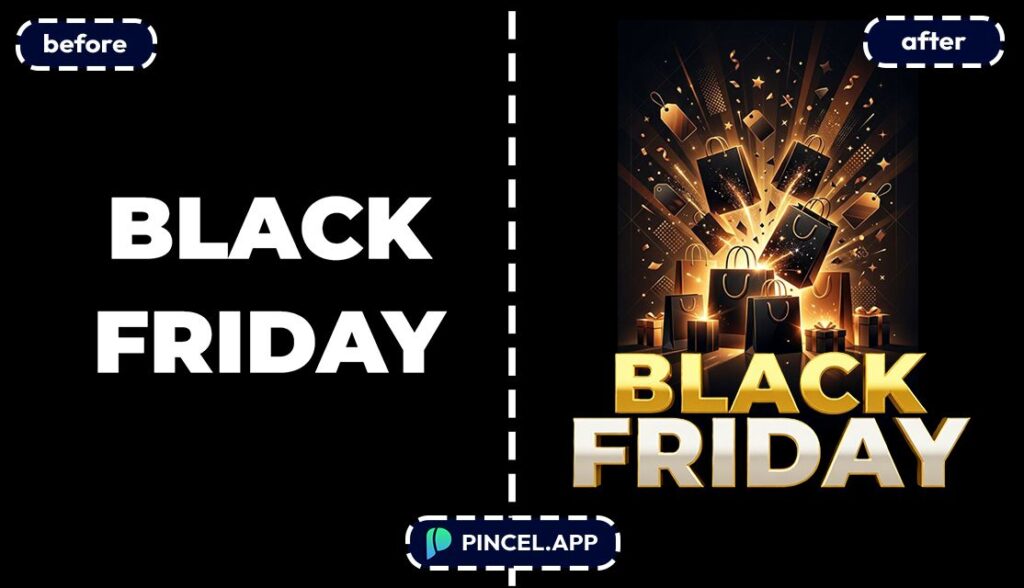
In Photoshop you are layering gradients, adding bevel effects, and tweaking shadows just to make it look real.
And if you want it to match a specific shade of gold, warm gold, rose gold, antique gold, you are spending another hour adjusting color values.
Filter apps exist but they give you the same flat gold every time.
No depth. No shine and no premium feel.
That is exactly why Pincel AI Text Effects exists.
Describe the gold effect you want and get a realistic result in seconds.

Turn Text Into Gold Letters Online ✅
📝 Step 1: Type Your Text
Open the Pincel AI Text Effects.
Type a word, name, or short phrase.
For the cleanest “logo” look, keep it to 1–4 words.
Try inputs like:
- AURORA
- GOLD CLUB
- NEW DROP
- VIP ACCESS
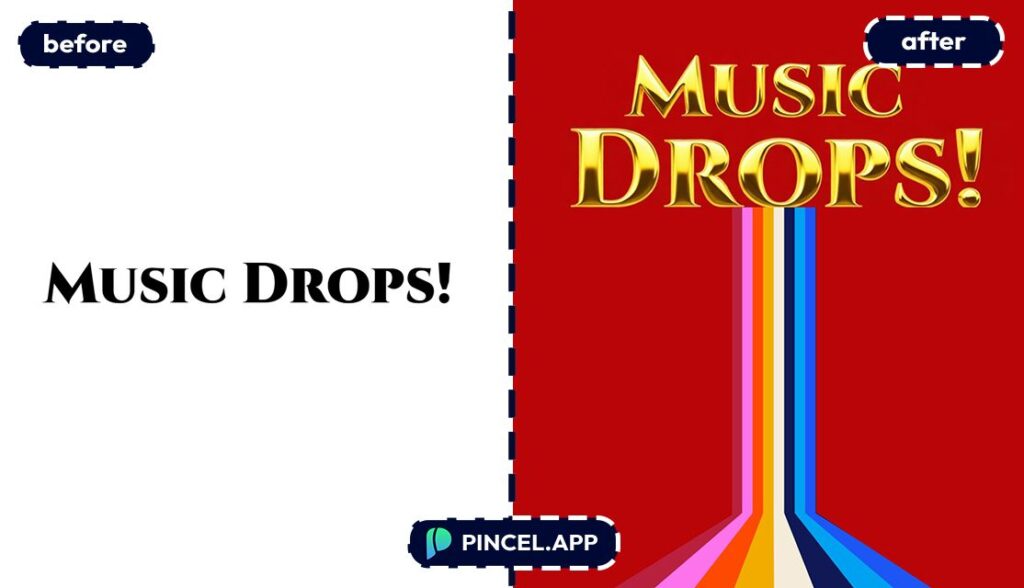
🔤 Step 2: Choose a Font + Gold Effect Preset
Pick a font that matches the vibe.
Serif fonts feel luxury, sans-serif feels modern, and bold weights read better at small sizes.
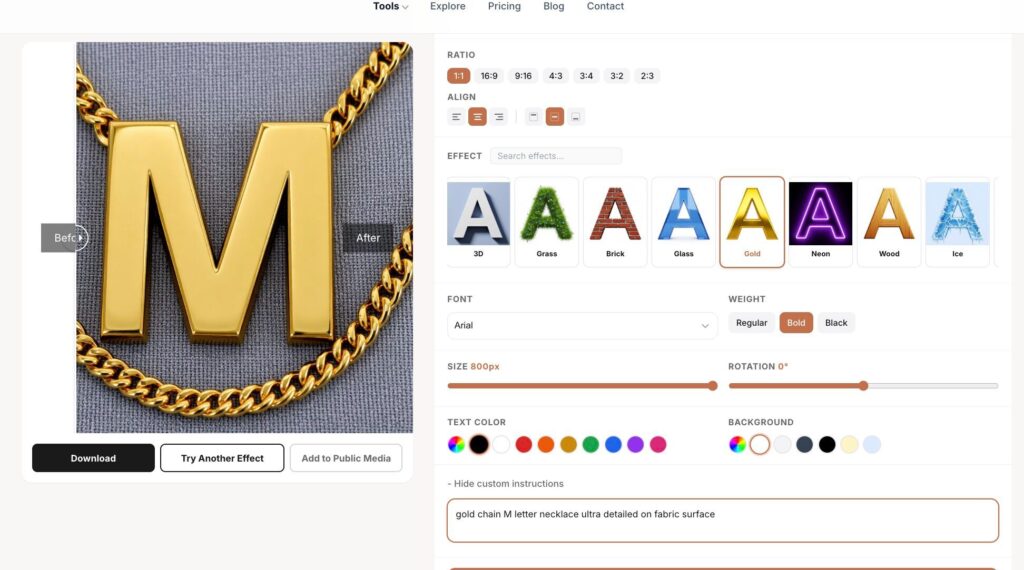
Then choose a gold text preset (gold foil, metallic gold, shiny gold, etc.).
You’re not faking it with gradients—this is an AI-rendered material look.
If you want to explore more styles later, this pairs nicely with other “finish” looks like chrome, glass, marble, and neon.
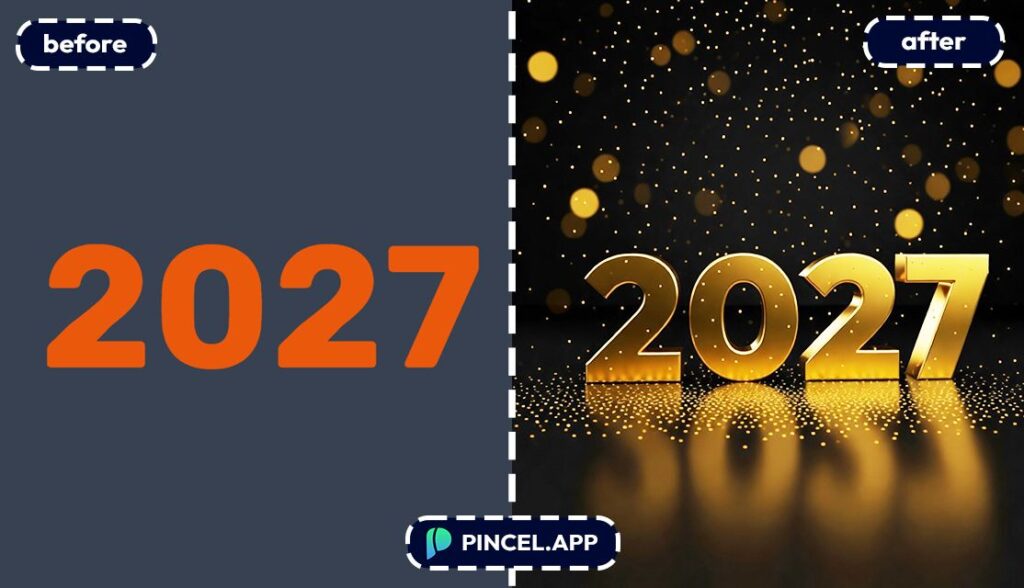
🧱 Step 3: Set Aspect Ratio and Background Color
Pick your canvas size based on where the text will live:
- Square for profile posts and album-style graphics
- Wide for banners and YouTube thumbnails
- Tall for Stories, posters, and flyers
Then set a background color that makes gold pop.
Black, deep navy, and dark green are basically cheating (in a good way).
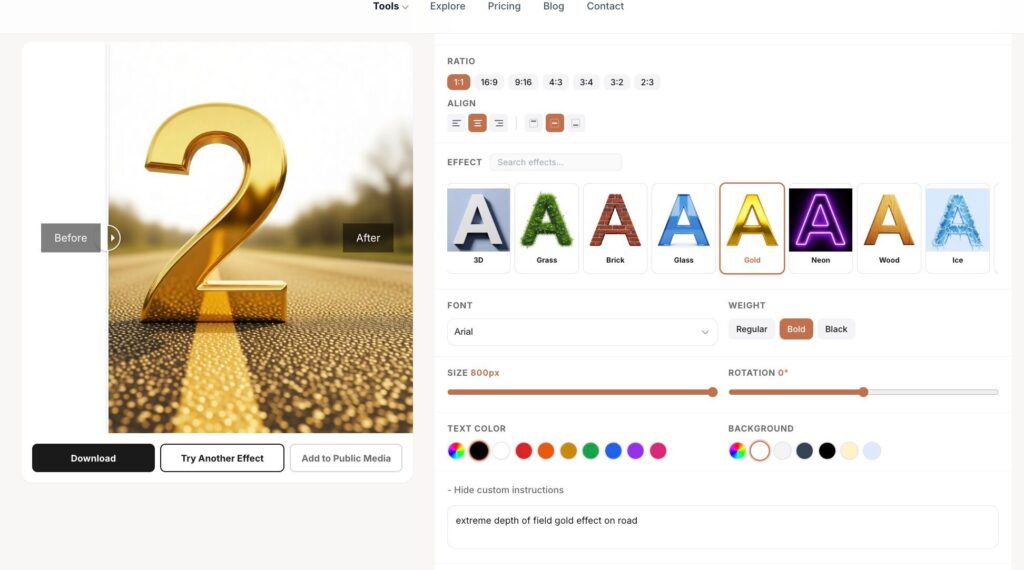
⚡ Step 4: Generate and Download
Click Generate and your gold text appears in seconds.
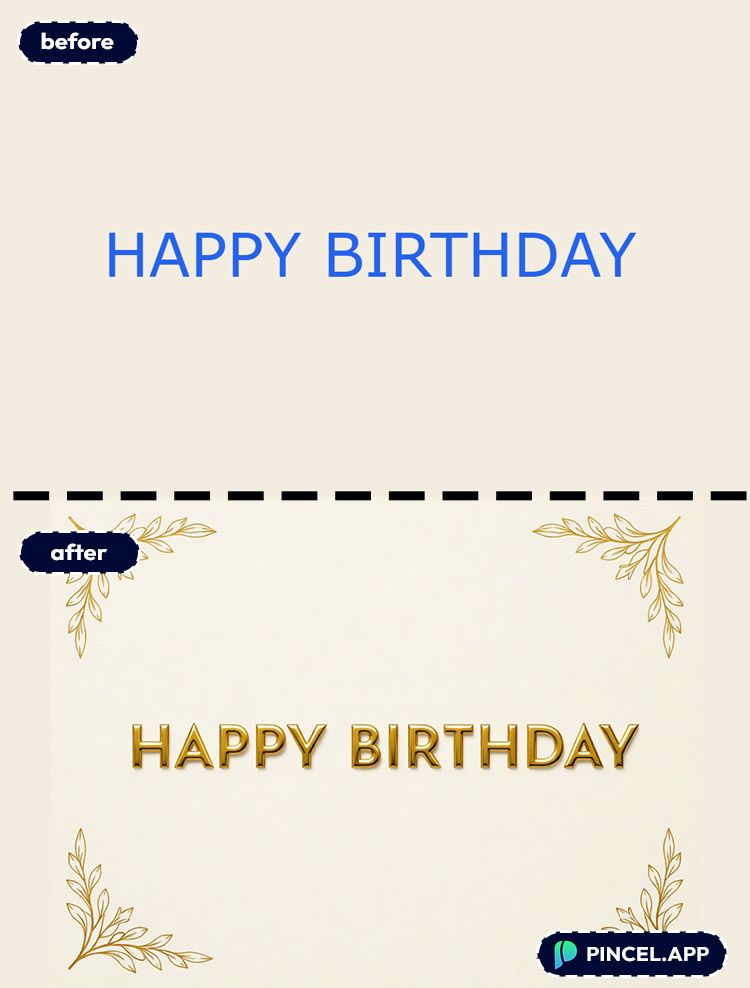
Use the before/after view to compare, then download with one click.
If you want a different vibe, switch fonts or try another gold preset and regenerate in seconds.
Ready to make it shiny?
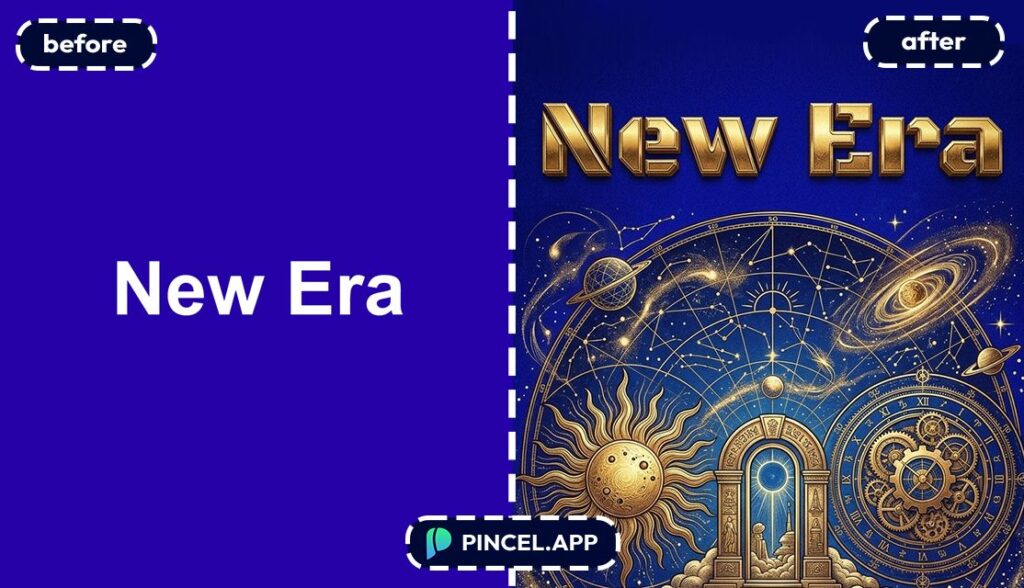
Who Is This For?👇🏼
Thumbnail makers — Gold text is instant “premium” energy for YouTube and TikTok titles.
Pair it with bold composition tricks from change camera angle when you’re building a whole thumbnail look.
Poster designers — Concerts, pop-ups, club nights, and workshops look expensive with gold headers.
And if you’re building full visuals, you can match the vibe by adjusting lighting in photos using relight AI.
Brand kit builders — Need a quick wordmark for a pitch deck or a landing page hero?
Create gold typography variants, then test them alongside your visuals like you’d do with AI product photography.
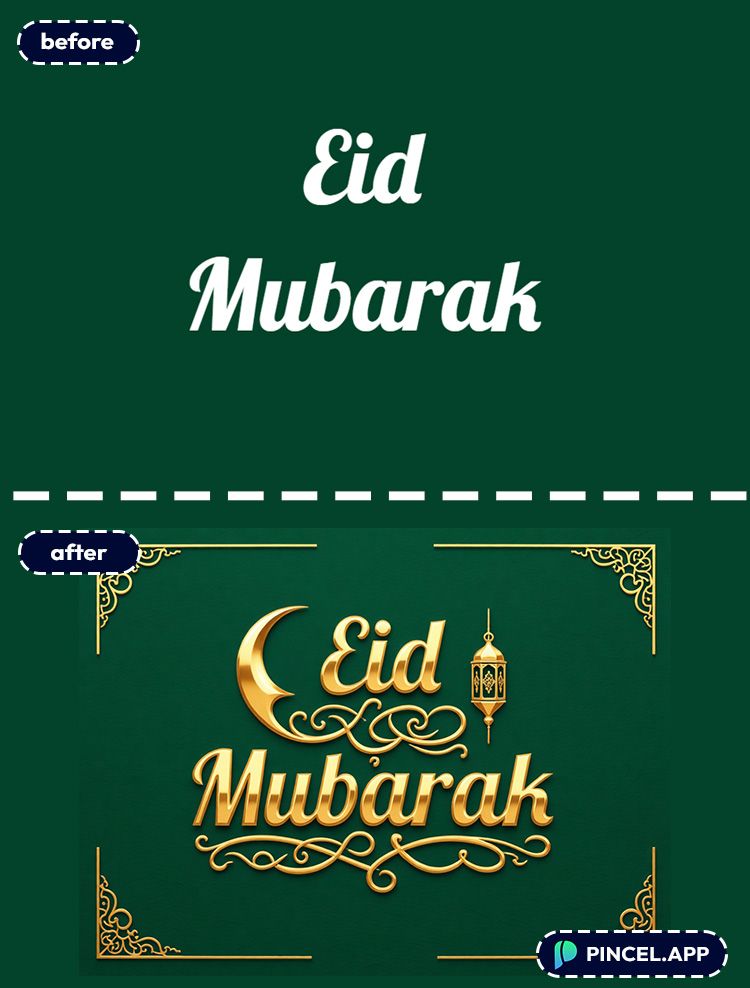
Social media managers — Gold “SALE”, “NEW”, “LIMITED” text stops scrolls fast.
And if you’re also updating on-image copy, edit text on image is a handy companion.
Birthday & event planners — Gold “Happy Birthday” or “Congrats” titles look great on invites and signage.
If you’re making themed sets, grab more fast graphic ideas from Valentine AI photos.
Content creators — Gold title cards for intros, series names, or segment bumpers.
And if you need extra canvas space for a title area, use extend photo with AI to build a clean header zone.
Etsy & merch sellers — Gold typography is perfect for prints, mugs, stickers, and hoodie mockups.
You can even create multiple “finishes” (gold, chrome, marble) without rebuilding anything.
Bloggers — Gold headline typography makes featured images feel intentional instead of “screenshot energy.”
If you publish often, having a quick title-style generator saves hours per month.
Want to spin up a gold title for your next post or thumbnail?
Frequently Asked Questions 🤔
How do I turn text into gold letters online?
You can turn text into gold letters online by typing your text into Pincel AI Text Effects, choosing a gold preset, and generating the result in seconds.
Then you download the image and use it in your design, thumbnail, or post.
Is there a free way to turn text into gold letters online?
Yes. Pincel gives new accounts 20 free credits with no credit card required.
A single generation uses 2 credits, so you can test multiple gold styles before paying.
Do I need design skills or Photoshop to make gold text?
No. You don’t need Photoshop or design skills because you’re not building layer styles manually.
You just pick a font and a gold effect preset, and the tool handles the rendering.
If you’re used to doing this in Photoshop, this will feel like skipping straight to the finished look.
Can I use my own font?
Yes. You can choose from system fonts and a big library of Google Fonts, including different weights.
That makes it easy to match your brand typography instead of forcing a template font.

What size or aspect ratio should I use for gold text?
Use square for social posts, wide for banners and thumbnails, and tall for Stories or posters.
If you’re unsure, start wide for flexibility, then crop where needed.
Can I use the gold text result commercially?
Yes. You can use the generated text effects for commercial projects under Pincel’s licensing terms.
That includes merch, ads, client work, and brand graphics.
Word to Your Brand 💎
Gold text used to take time, layers, and a lot of Photoshop patience.
Now it takes seconds.
Upload your text or image to Pincel AI Text Effects tool and describe the gold effect you want.
Warm gold. Rose gold. Antique gold. Shiny and bold or subtle and elegant.
Try a few versions until it looks exactly right.
Then download and use it anywhere.