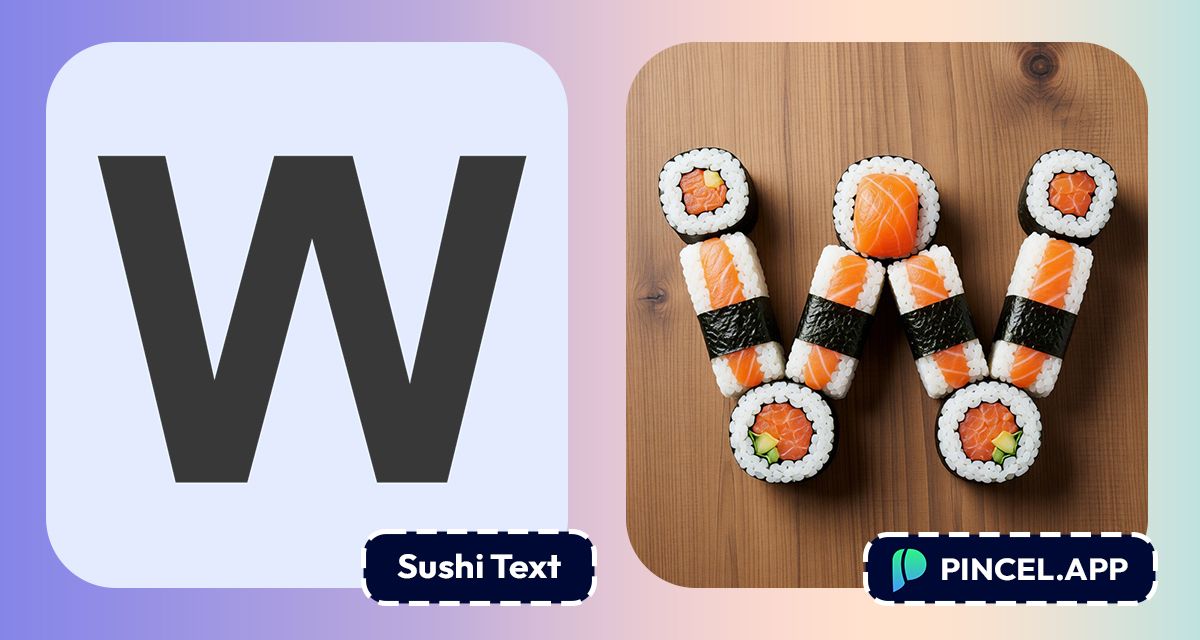
What if your name or a text was made of sushi?
Not a filter, but a proper, realistic, beautifully arranged sushi text that makes people look twice.
Food bloggers use it and restaurant owners use it.
However, creating it used to mean hours of cutting out sushi photos and arranging them letter by letter like a puzzle.
But now, with Pincel AI Text Effects, you can turn text into sushi online in under 10 seconds.
All you need to do is type your words, pick sushi style preset and download a finished image.
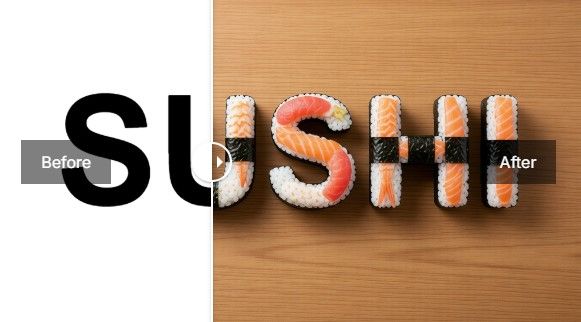
Here’s how it works:
How to Turn Text Into Sushi Online ✅
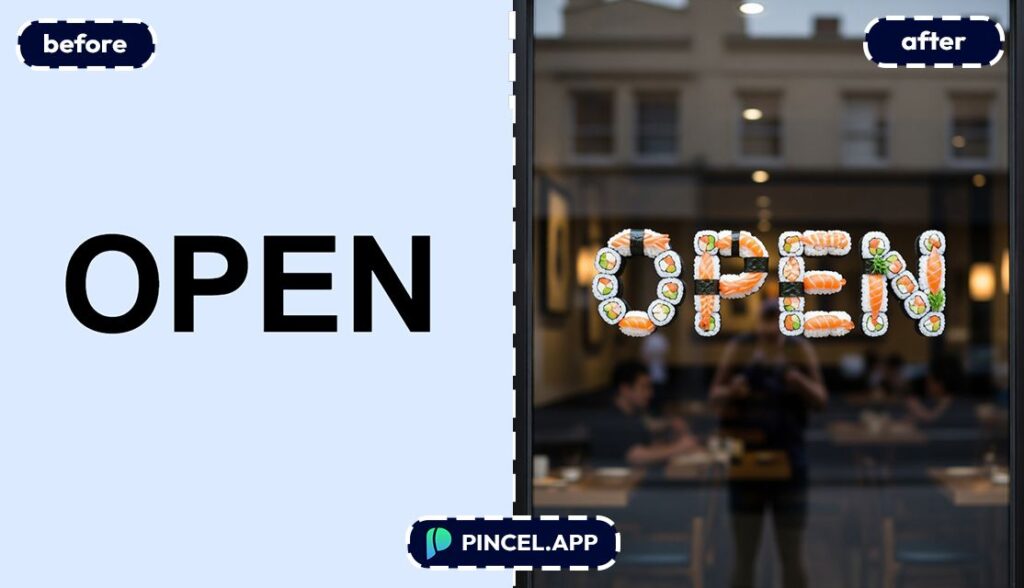
📝 Step 1: Type Your Text
Open the Pincel AI Text Effects tool.
Type a short word or phrase.
1–4 words usually looks the most “logo-like” and detailed.
Try inputs like:
- SUSHI NIGHT
- CALM
- TOKYO VIBES
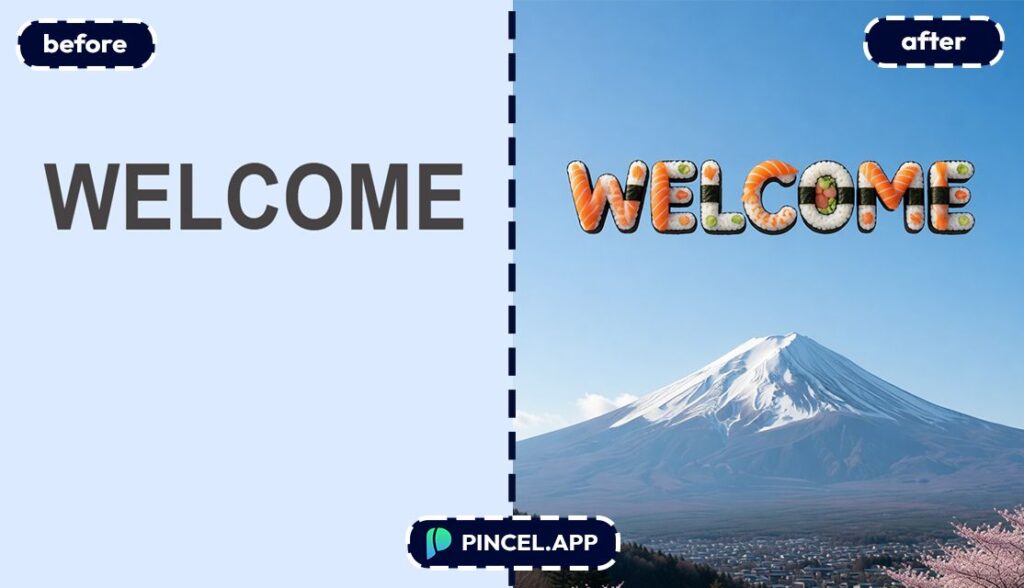
- WELCOME
🔤 Step 2: Pick a Font + Sushi Effect Preset +Custom Instructions
Choose a font that matches your vibe.
Bold fonts read best for food textures.
Then pick “Sushi” preset in Pincel AI Text Editor.
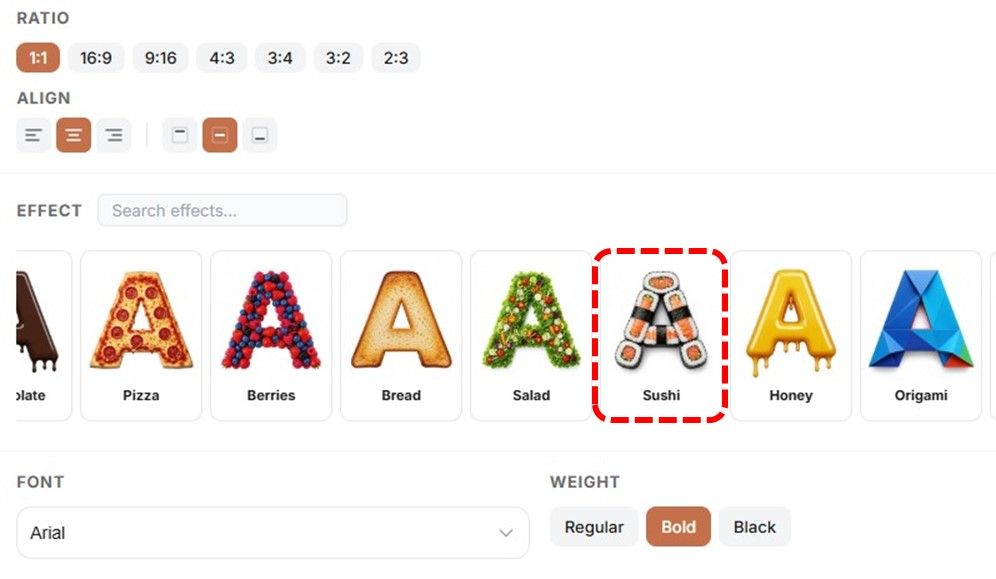
You can use adjacent styles for the same project.
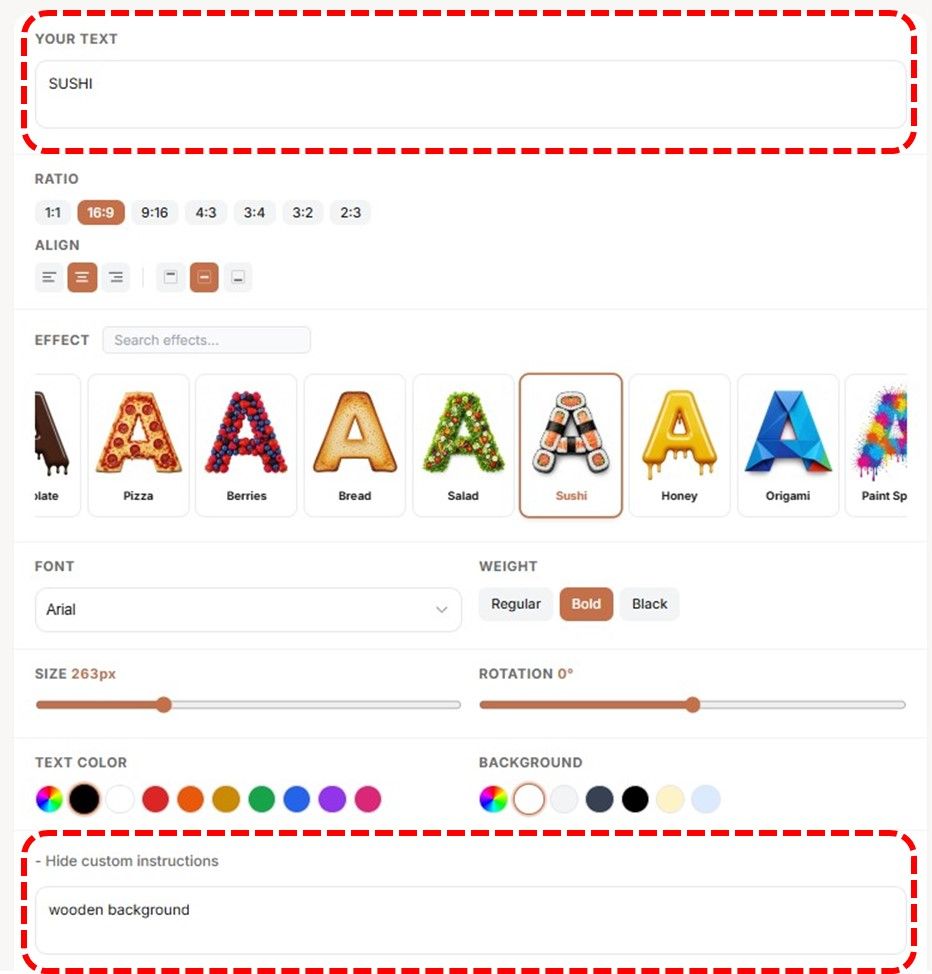
But to make it more interesting Pincel has “Custom Instructions Box”.
The custom instructions box is where the magic happens.
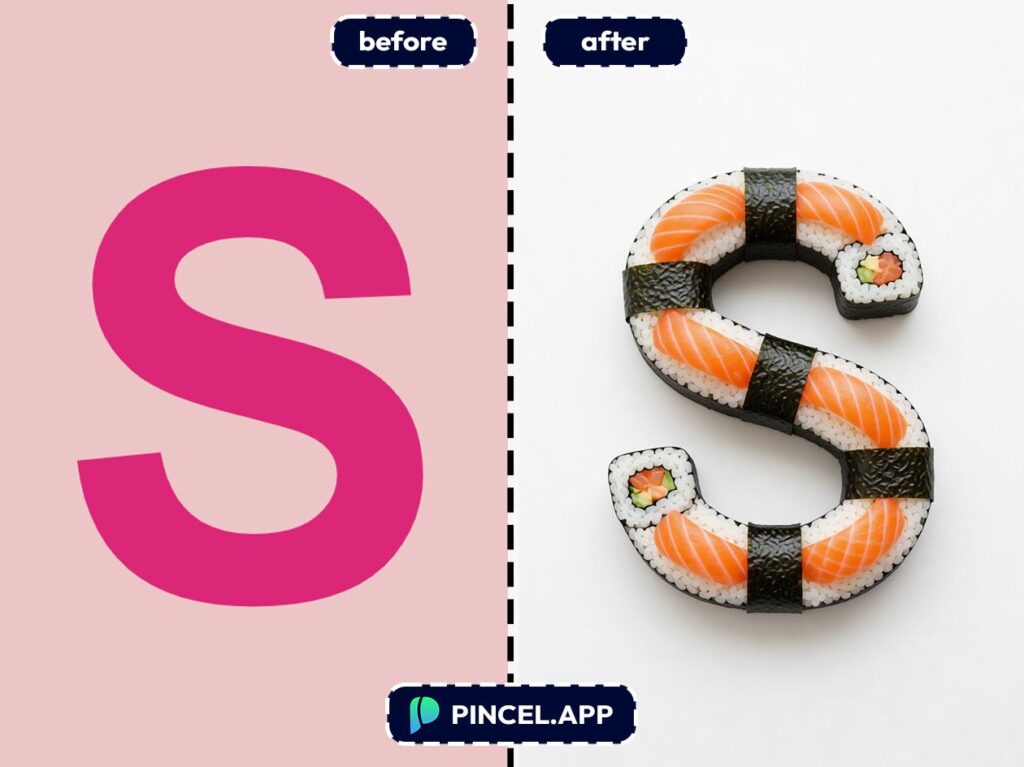
Instead of just generating sushi letters on a plain background, you can describe the whole scene.
Tell it the type of sushi, the background you want, and the overall mood.
Something like “text in a glass door of a restaurant” and the AI builds the entire image around your text.
If you’re also building graphics for a photo post, you might like pairing this with edits from AI product photography or quick background tweaks from relight photos with AI.
🧱 Step 3: Set Aspect Ratio and Colors
Choose your canvas size based on where it’s going:
- Square for IG posts and stickers
- Wide for YouTube thumbnails and banners
- Tall for Stories, posters, and flyers
And if the preset supports it, adjust colors to match your brand.
Think “salmon-pink,” “seaweed-dark,” or “rice-white” depending on the look.
If you’re doing a whole content package, it’s the same workflow vibe as edit text on image.
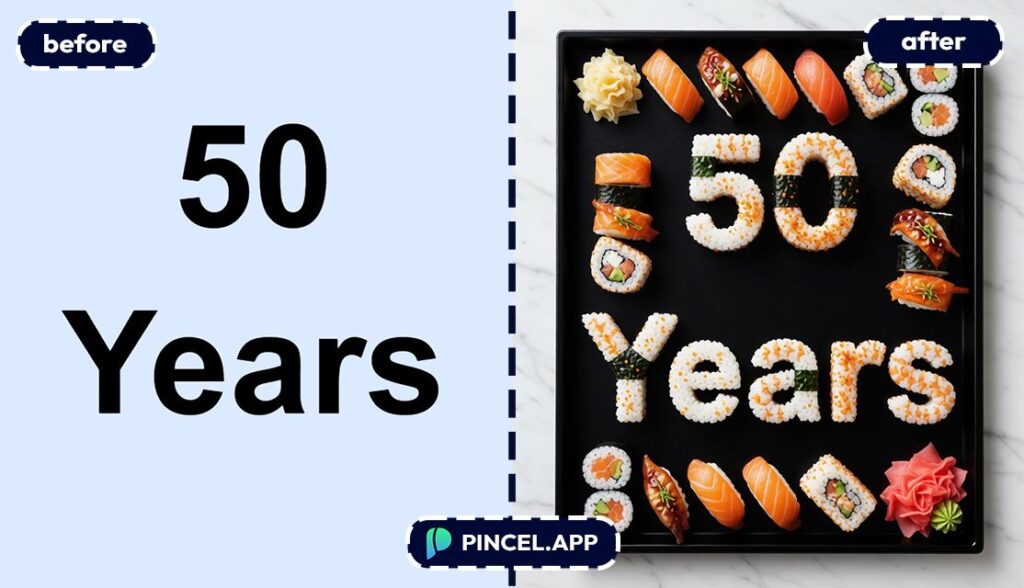
⚡ Step 4: Generate and Download
Click generate and wait a few seconds.
Most results show up in under 10 seconds.
Use the before/after view to compare variations.
Then download with one click and drop it into your thumbnail, poster, or listing.
Ready to make it?
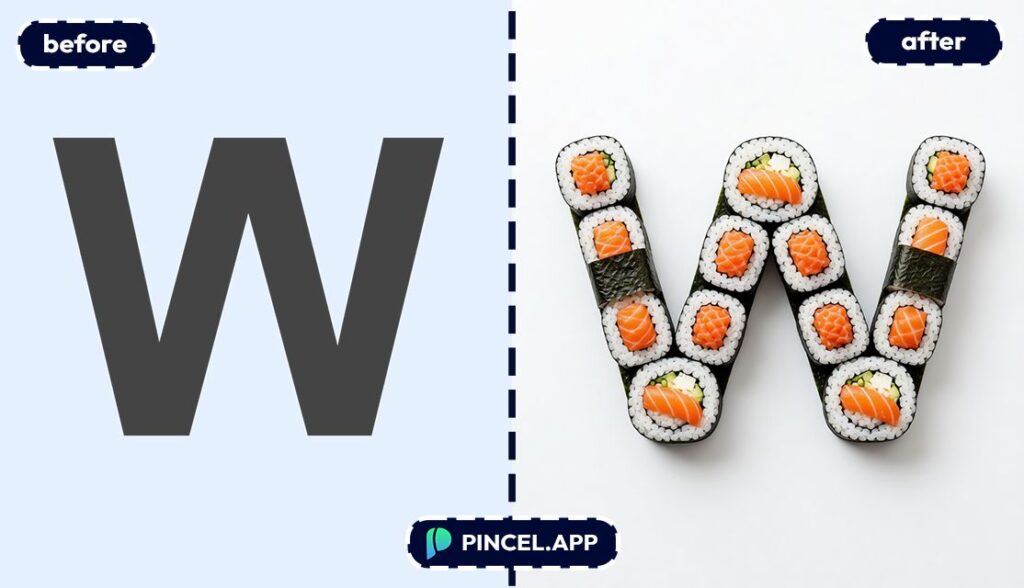
Who Is This For? 👇🏼
Poster designers — Create event titles that look custom-made for the theme.
If you’ve ever made a flyer and thought “this needs more… salmon,” this is your moment.
Brand kit builders — Mock up a restaurant name, pop-up concept, or food truck logo fast.
And if you’re also creating character mascots or side visuals, you’ll probably enjoy AI memoji for quick personality graphics.
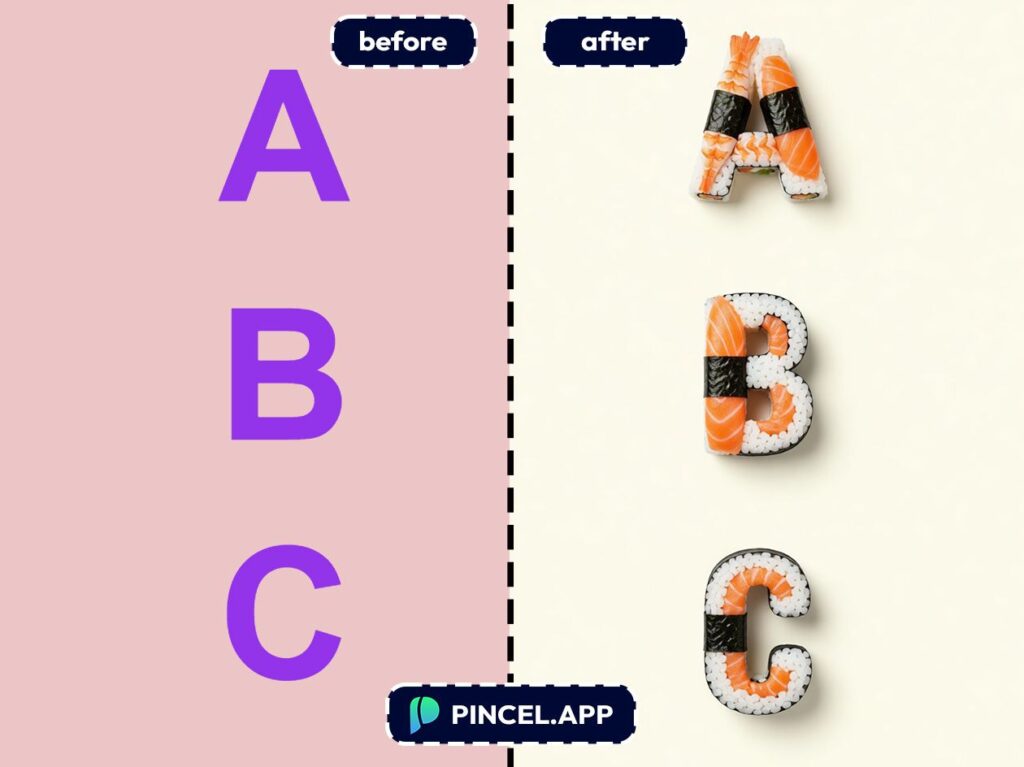
Social media managers — Turn weekly promos into scroll-stoppers in seconds.
Because “2-for-1 rolls” looks more shareable when it looks like it’s made of rolls.
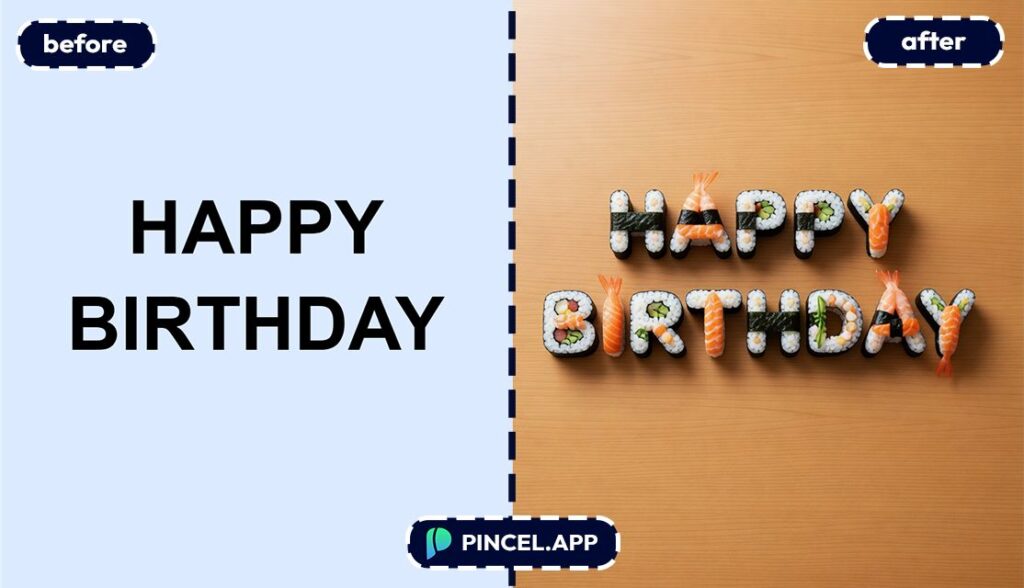
Birthday & event planners — Make themed name signs and invites with food-style text.
For other party visuals, you can combine it with a fun photo edit like change weather in photo for seasonal vibes.
Bloggers — Build featured-image titles that don’t look like every other template on the internet.
If you’re extending hero images to fit new layouts, extend photo with AI is a perfect sidekick.
Frequently Asked Questions 🤔
How do I turn text into sushi online using AI?
You can turn text into sushi online by typing your words into Pincel AI Text Effects, selecting a sushi/food effect preset, and generating the design.
The result renders in seconds, ready to download for thumbnails, posters, or social posts.
Is Pincel AI Text Effects free to try?
Yes. You get 20 free credits to test it, and each generation uses 2 credits.
That’s enough to try multiple sushi-style variations and different fonts before upgrading.
Do I need design skills to make sushi text?
No. You don’t need Photoshop, Canva tricks, or any typography training.
You just choose a font, pick a preset, and generate.
Can I use my own fonts?
The tool includes a full font picker with system fonts and Google Fonts, plus weight selection.
So you can match your brand style instead of being stuck with a template look.
What sizes does it support for thumbnails and posters?
It supports common aspect ratios like square, wide, and tall.
So you can design the title for YouTube thumbnails, IG posts, banners, or story posters without resizing headaches.
Your Name Has Never Been This Delicious 🍣
A simple sushi text effect can make your image way more interesting.
It can turn an image into a delicious one.
Upload your text to Pincel AI Text Effects, and describe what you want.
Maki rolls, nigiri, a full spread, whatever feels right.
So go ahead and make your next title edible.
Send it to someone and watch them screenshot it immediately.
That is how you know it worked.