
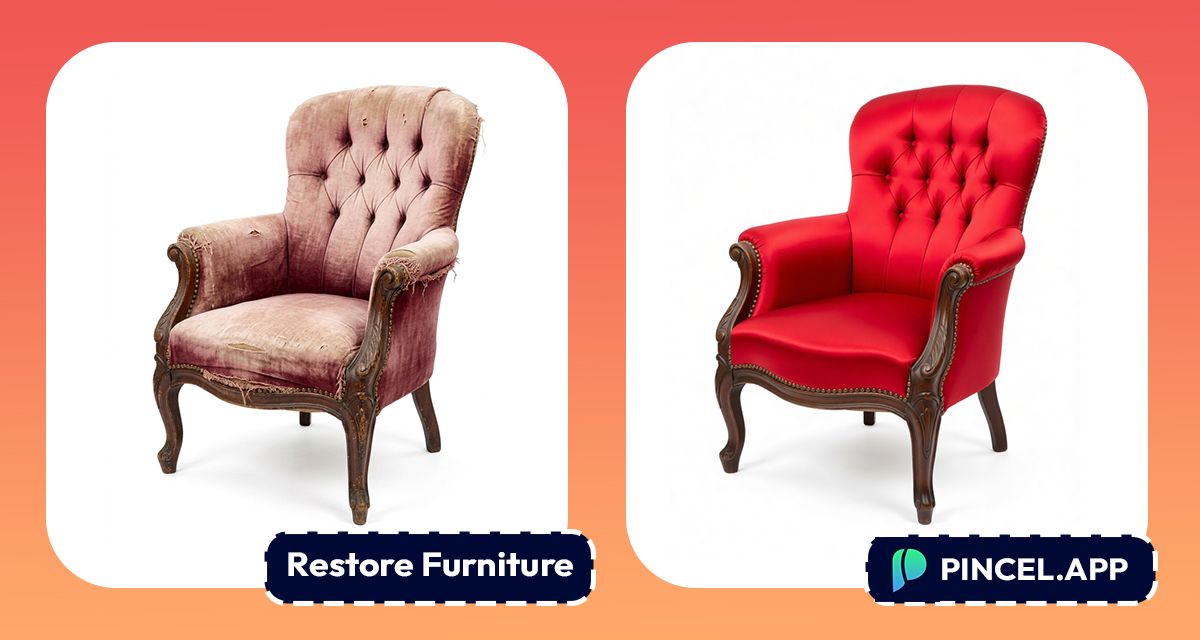
Vintage furniture instantly takes us back to the past.
You can feel the history and warmth radiating from them.
It makes you want to look back and imagine what it looked like when it was brand new.
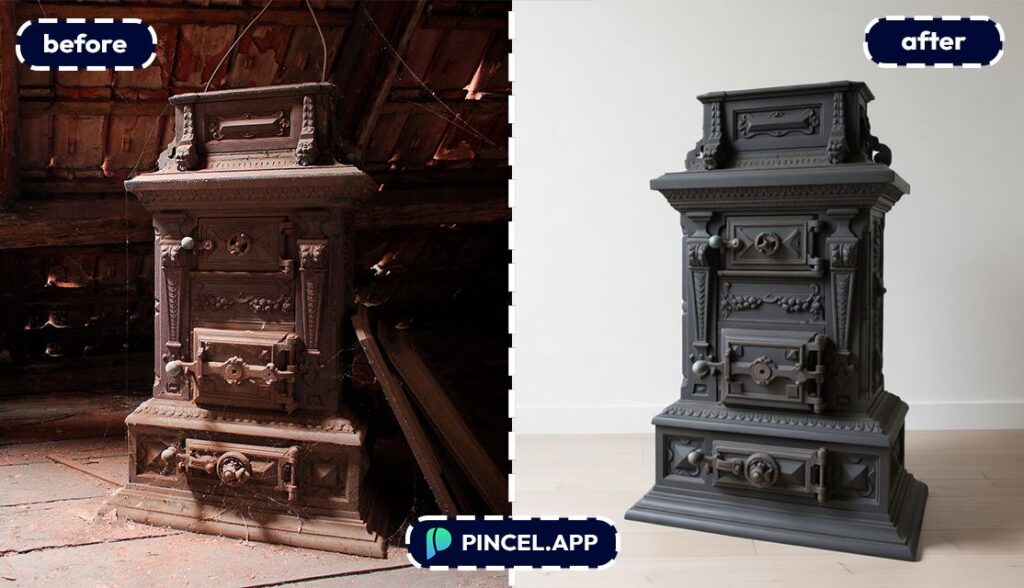
However, restoring the original look using photoshop requires hours of work.
But now, with Pincel AI Editor, you can step into a time machine and see the vintage furniture come to life in 10 seconds.
All you need to do is to upload your photo, type what kind of restoration you are looking for and AI will do the rest.
Here’s how it works:
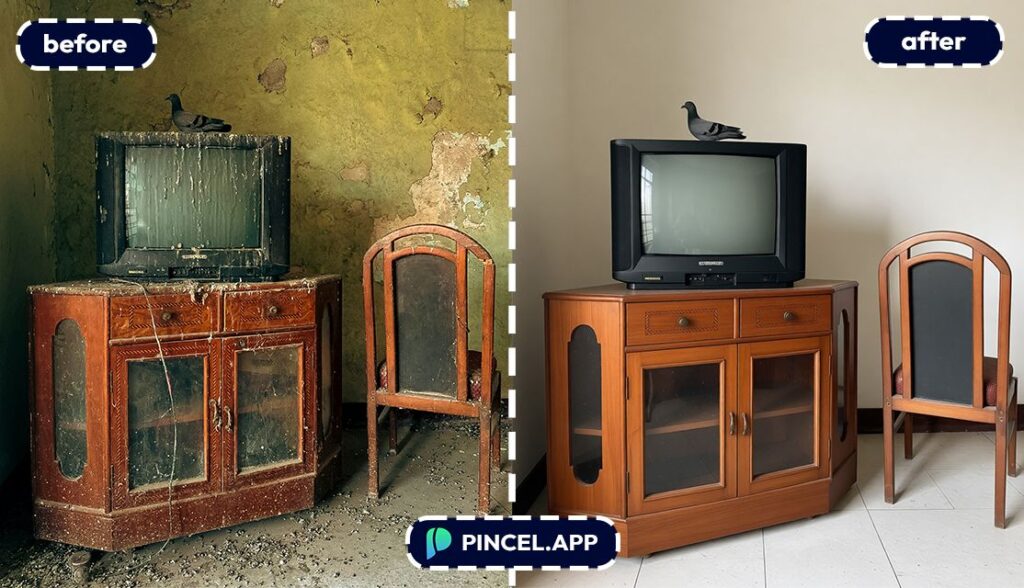
Furniture Photos Are Harder to Edit Than They Look🚪
Restoring furniture the old way is quite tricky.
And doing it in real life is possible, but not all of us have the carpenter skill.
Or when we only have photos to work with, it’s a different ball game.
Getting it right in Photoshop means hours of your life you are not getting back.
And at the end of it the wood might still look orange.
That is exactly why Pincel AI Editor exists.
Describe what needs fixing and get a clean natural result in seconds.
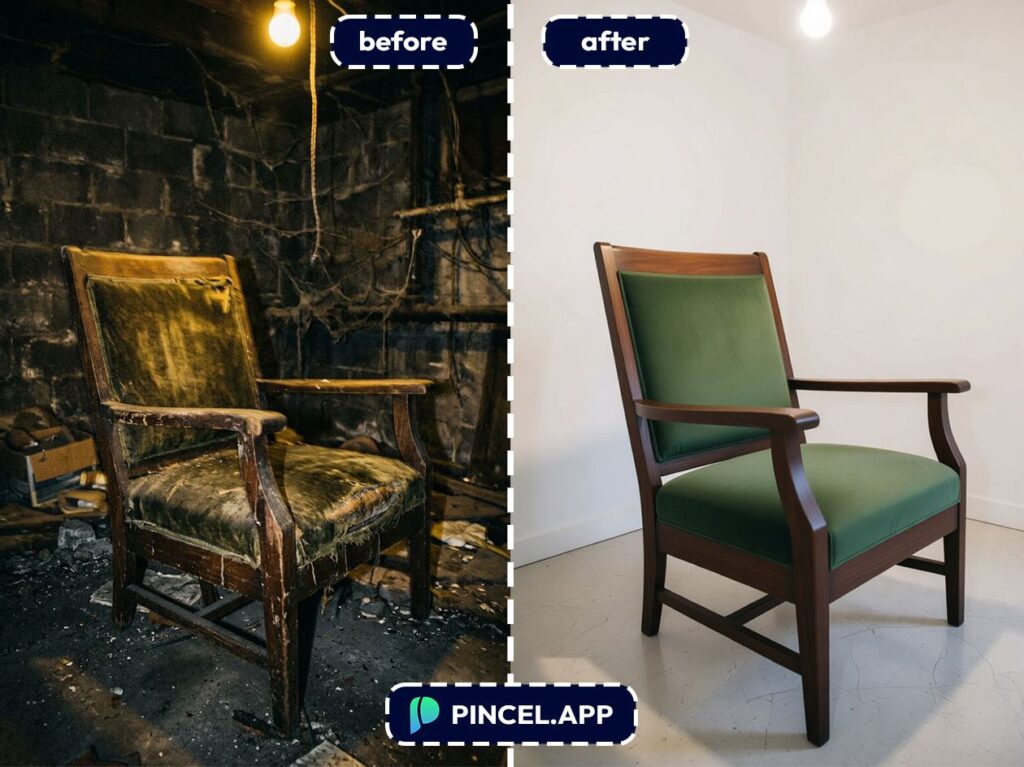
How to Restore a Furniture Photo ✅
🖼️ Step 1: Upload Your Furniture Photo
Open the Pincel AI Editor.
Click upload and choose your image.
Bright, sharp photos help, but even old phone pics can improve a lot.
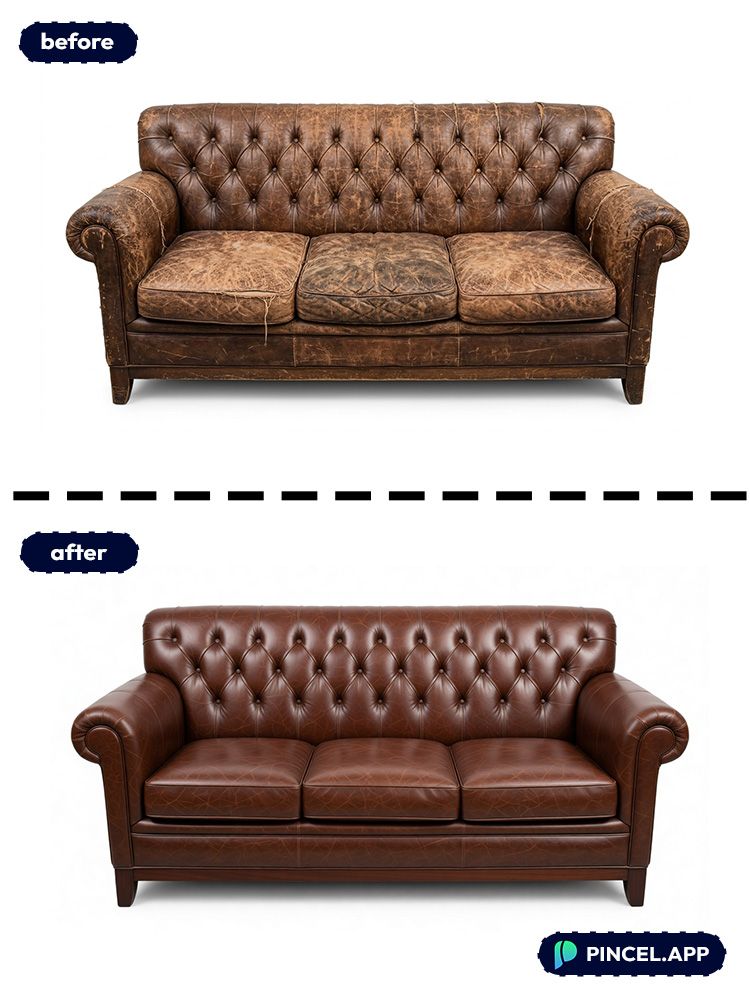
📝 Step 2: Type a “Restoration” Prompt (Use Natural Language)
Think like you’re briefing a furniture restorer.
You can mention the material, finish, era, and what you want removed or improved.
Try prompts like these:
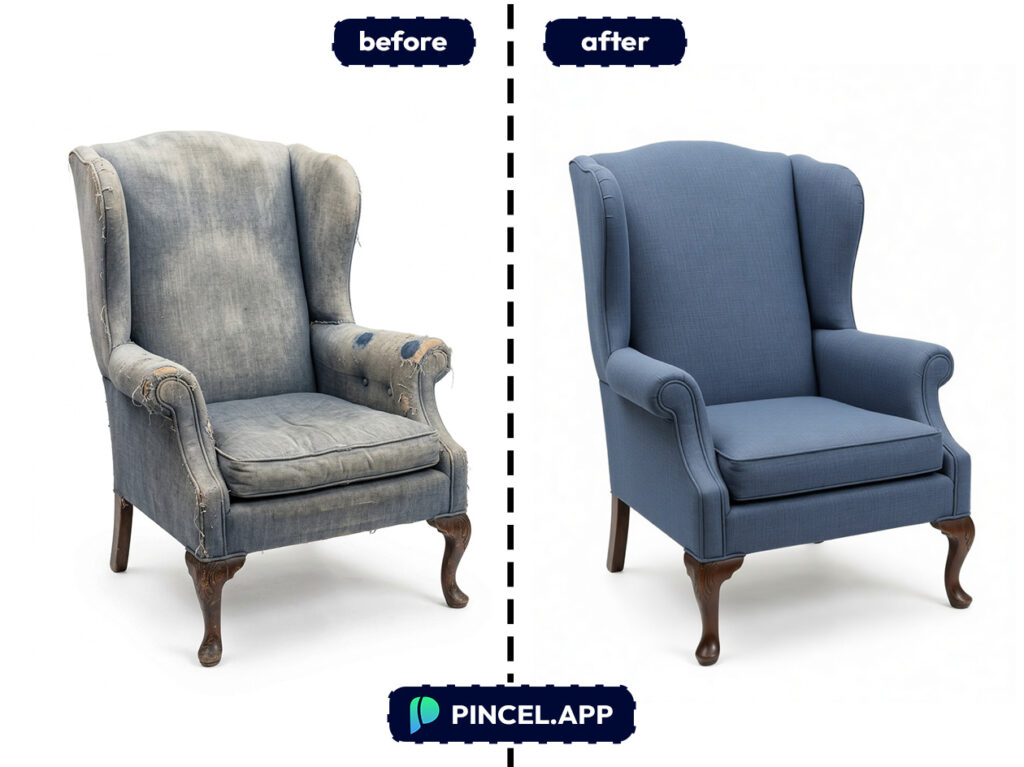
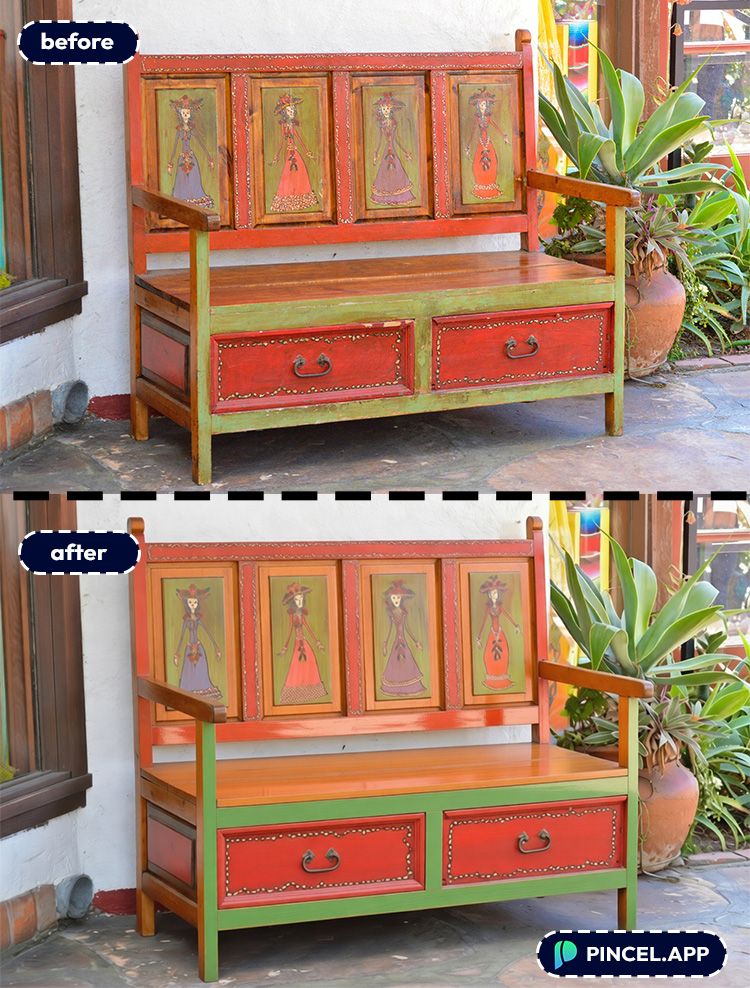
- “Restore the wooden finish, remove scratches and scuffs, keep the same shape and details, realistic lighting”
- “Make the furniture looks “
- “Make the furniture look refurbished and clean, remove stains and dust, keep background unchanged”
- “Replace the background with a clean white studio backdrop, keep the chair identical, realistic shadows”
Keep it specific when you can. Words like “realistic,” “keep the same design,” and “preserve details” help a lot.
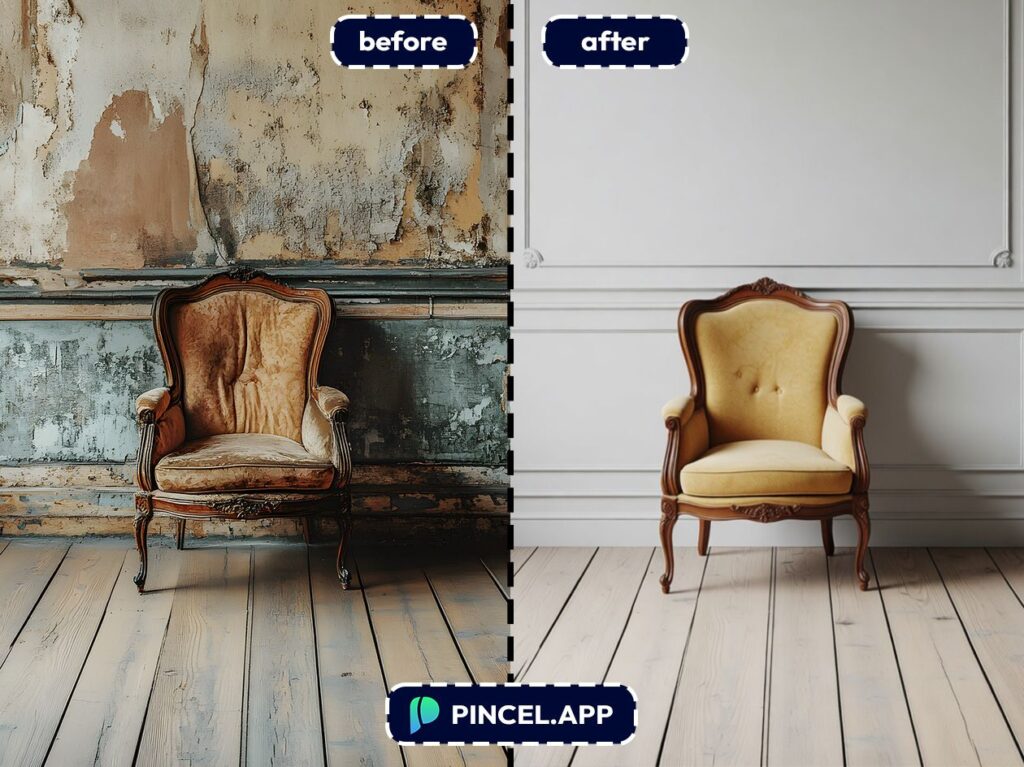
⚡ Step 3: Click Generate
Hit Generate and wait 5–10 seconds.
The editor will adjust color, remove visual noise, and “repair” small imperfections in a way that looks like the original photo—just better.
If the result is close but not perfect, regenerate with a tighter prompt.
For example, add “don’t change the color” or “keep the wood grain pattern.”
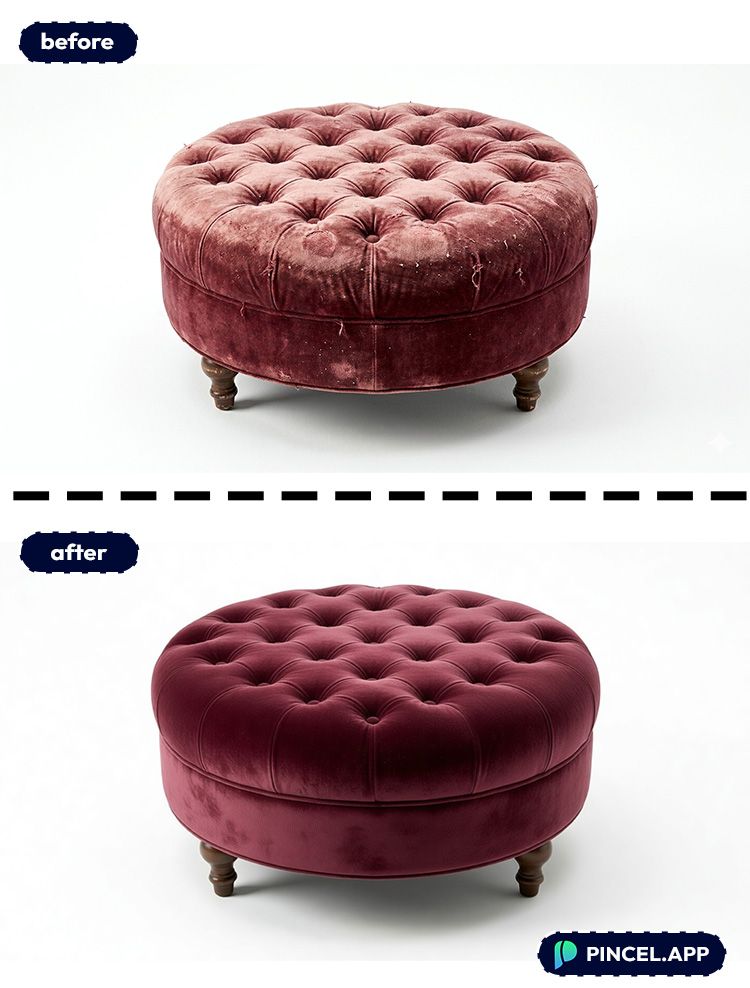
📥 Step 4: Download
Download your restored image when it matches what you had in mind.
And if you want variations (different finish, different background, different vibe), just prompt again.
This is also a great time to do related edits like relighting the scene or expanding the photo for a wider composition using photo extender.
Ready to test it on your own listing photo?
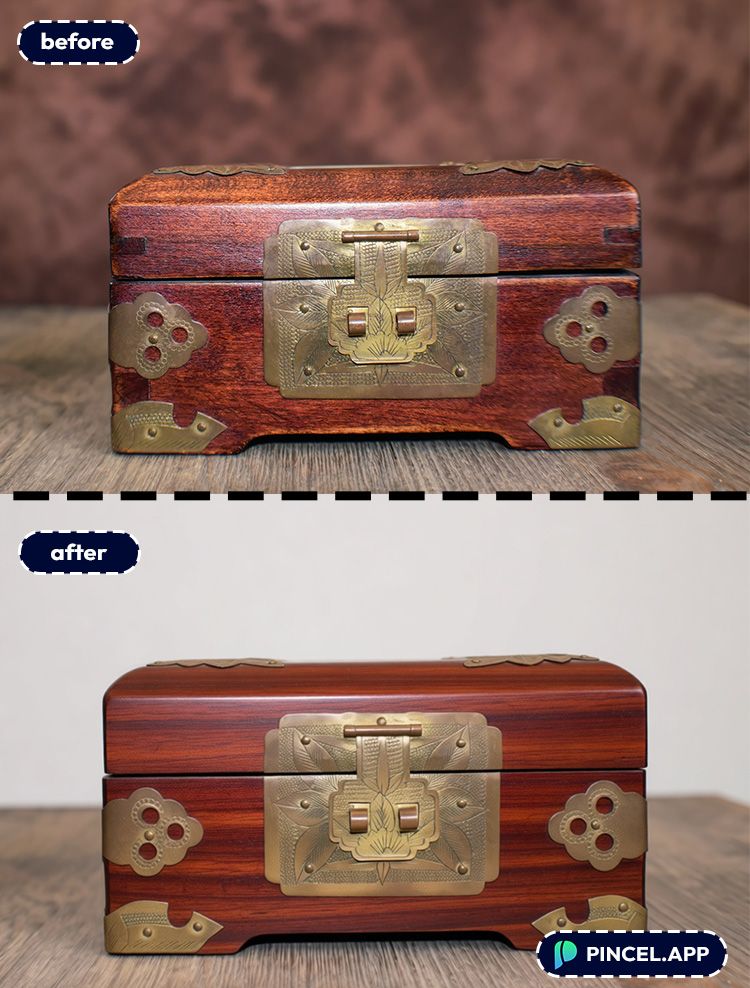
Who Is This For? 👇🏼
Marketplace sellers (FB Marketplace, eBay, Etsy) — Clean, restored-looking photos help your listing look more valuable. Pair this with AI product photography for a more “catalog” vibe.
Antique dealers & vintage resellers — You can keep the charm, but lose the grime. And you can quickly create consistent images across your inventory in seconds.
Furniture flippers — Before-and-after content becomes effortless when your “before” photo is at least clear and balanced. If you want extra punch for social posts, try a bold background swap inspired by replace sky style edits.
Interior designers — Turn quick client snapshots into cleaner references, then mock up different moods. If you’re presenting concepts, extending the scene with extend photo with AI can help with layout.
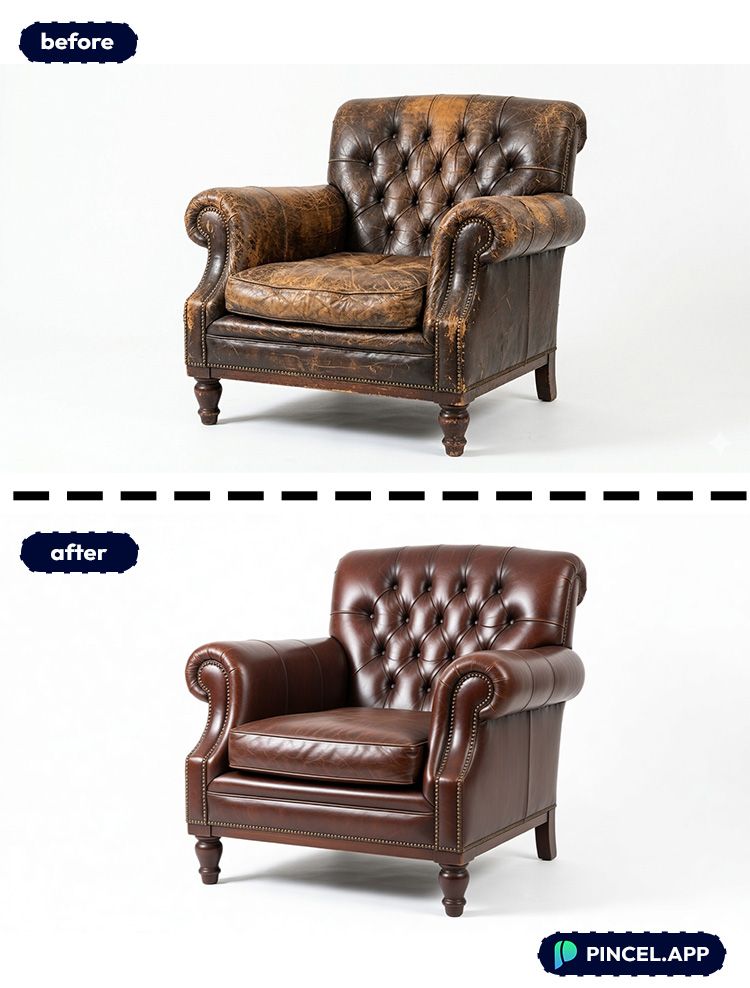
Brands and small shops — Need a fast creative refresh for a chair, lamp, or table image? Restore it, then test ad-ready variants with different lighting or backgrounds.
Content creators — “DIY restore” content performs best when viewers can actually see the details.
If you also create thumbnails, learning quick edits like edit text on image makes the whole post look more professional.
Real estate & home staging — When a room shot includes worn furniture, restoring the furniture photo can make the whole scene feel cleaner.
You can also fix overall mood with change weather in photo style adjustments (brighten gloomy shots without re-shooting).
Just-for-fun restorations — Old family furniture photos can look surprisingly modern after a quick cleanup.
Same energy as “fix the small stuff” edits like remove wrinkles from photo, just applied to wood, fabric, and texture.
Frequently Asked Questions 🤔
How do I restore furniture photo using AI without Photoshop?
You can restore a furniture photo using AI by uploading it to Pincel AI Editor, describing the fixes you want, and generating an edited version in seconds.
It’s all browser-based, so you don’t need masking, clone stamping, or any manual retouching tools.
Can AI remove scratches and scuffs from furniture photos?
Yes, AI can remove scratches and scuffs from furniture photos if you explicitly ask for it in the prompt.
For best results, tell it to “remove scratches and scuffs” and “preserve wood grain and details” so the texture stays believable.
Will the AI change the furniture design or shape?
It can if your prompt is too vague, but you can prevent that.
Add phrases like “keep the same shape,” “preserve details,” and “don’t change the design” to keep the piece consistent.
What prompts work best for restoring furniture images?
The best prompts describe the material, the finish, and what to fix.
Try something like: “Restore the natural oak finish, remove stains and scratches, keep the same grain pattern, realistic lighting.”
Is Pincel AI Editor free to try for furniture restoration?
Yes. Pincel AI Editor includes 20 free credits for new users with no credit card required.
That’s enough to test multiple restorations and find a prompt style you like.
See How it Works in Less Than 30 Seconds 👇🏼
Zero Sawdust 🪑
You have an amazing vintage furniture photo.
You want to check how it looks in real life.
Now you don’t need Photoshop layers or endless trial-and-error.
You just need a decent photo, a clear prompt, and about 10 seconds.
Simply upload your your photo, describe what you are dreaming in mind.
Pincel AI Editor will do the rest.

