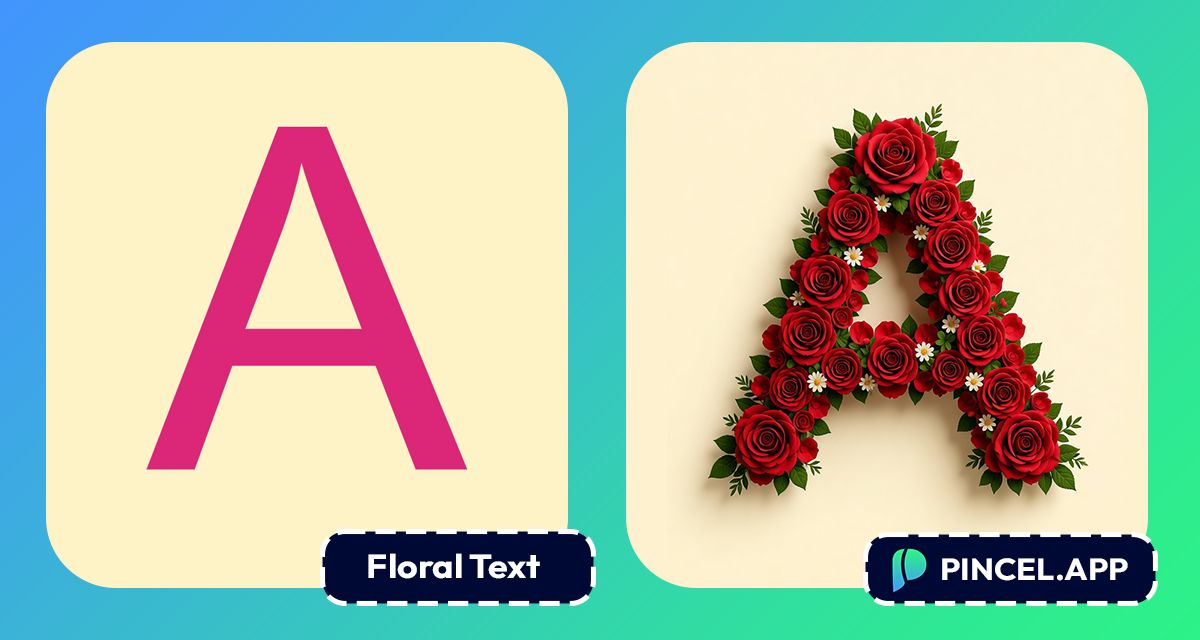
Flower letters have a way of making words feel alive.
A wedding invitation, a spring post or a birthday greeting.
The same words wrapped in blooms floral pattern feels completely different.
It bring a different vibe to the letters.
Creating realistic flower text the old way meant Photoshop actions or searching floral assets
But now it takes only a few seconds.
Upload your text to Pincel AI Text Effects, describe the floral style you want, and watch your words bloom instantly.
Here’s how it works:
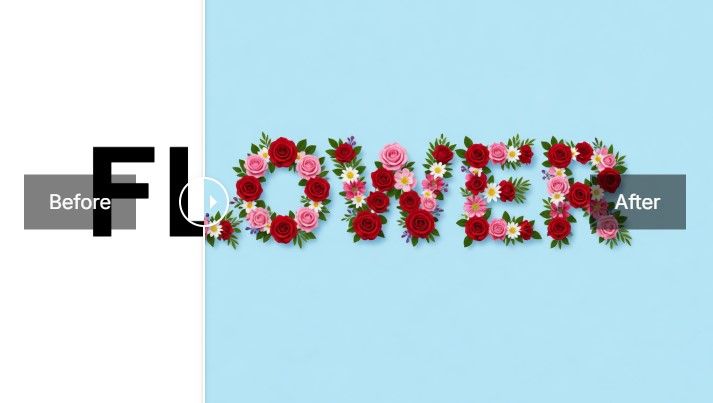
How to Turn Text Into Flower Letters
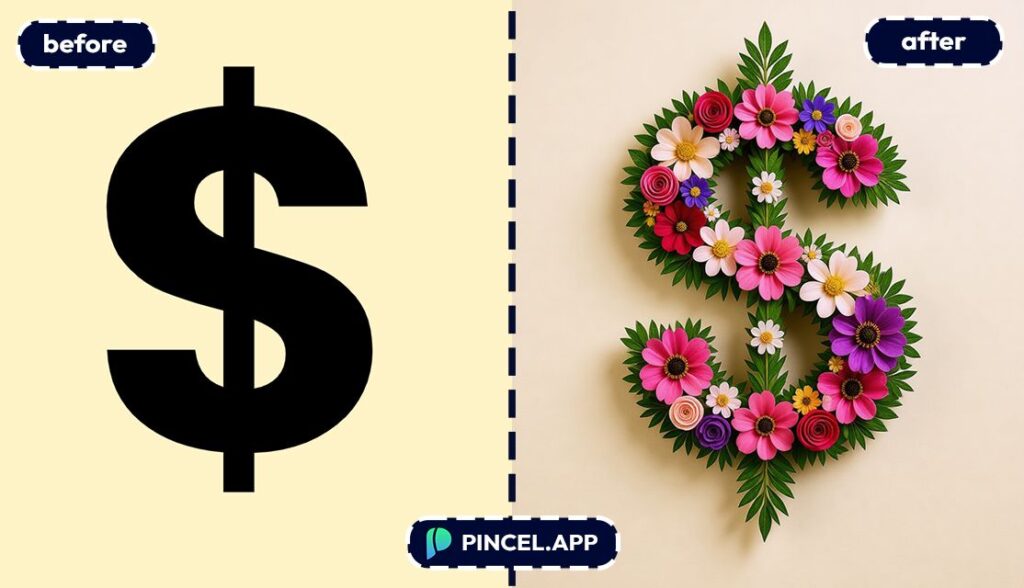
📝 Step 1: Type Your Text
Open the Pincel AI Text Effects and start with a short phrase.
1–4 words usually looks best for floral lettering.
Try inputs like these (copy/paste friendly):
- HAPPY BIRTHDAY
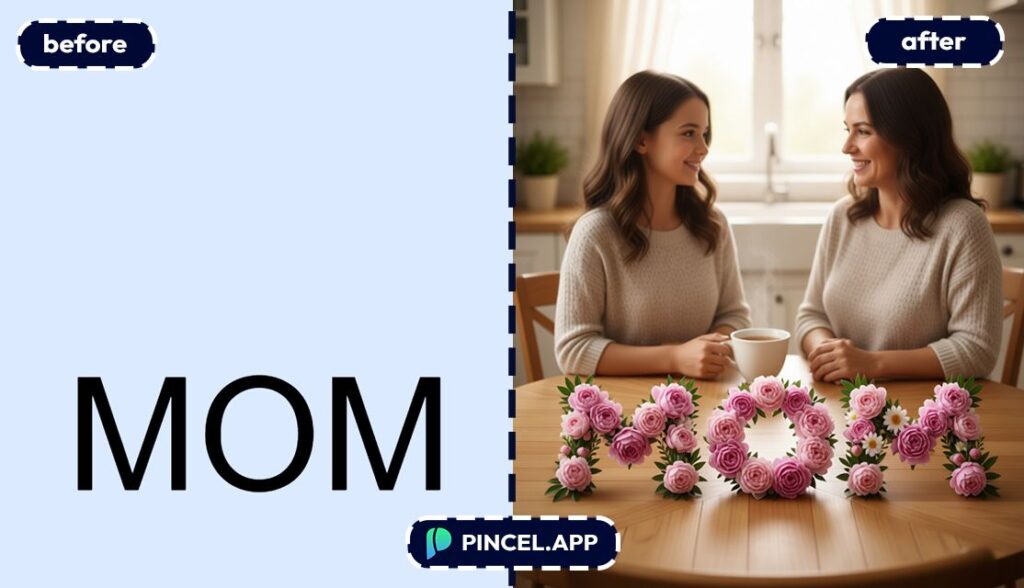
- MOM
- SPRING SALE
- BRIDE TO BE
Want it to feel more like a logo?
Use one word, all caps, and keep it punchy.
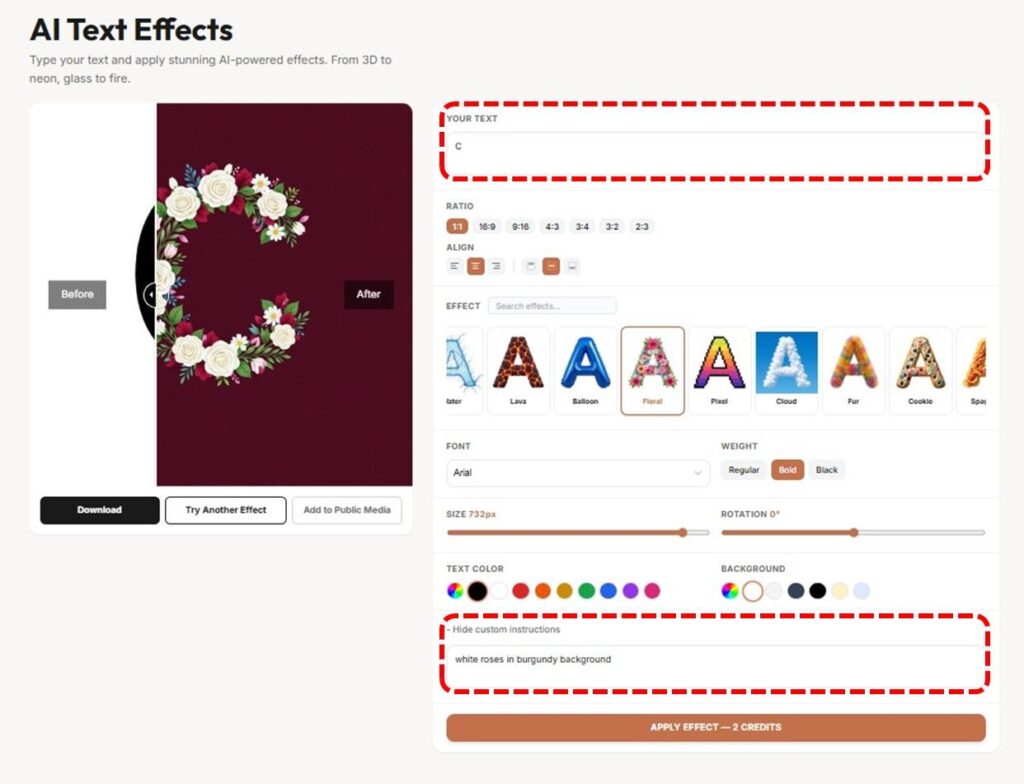
🔤 Step 2: Pick a Font + a Floral Preset + Custom Instructions
Choose a font first, because the letter shape changes the whole vibe.
Then browse the 70+ presets and pick something that reads “Floral.”
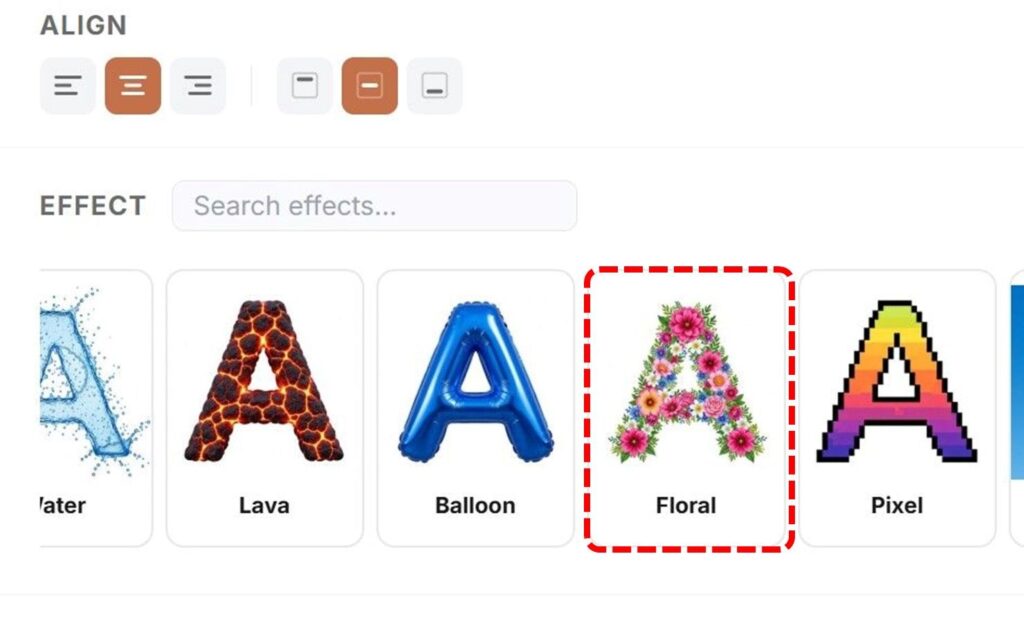
If you want adjacent styles for the same project, mix and match from nearby categories too:
But to make it more interesting Pincel has “Custom Instructions Box”.
The custom instructions box is where the magic happens.
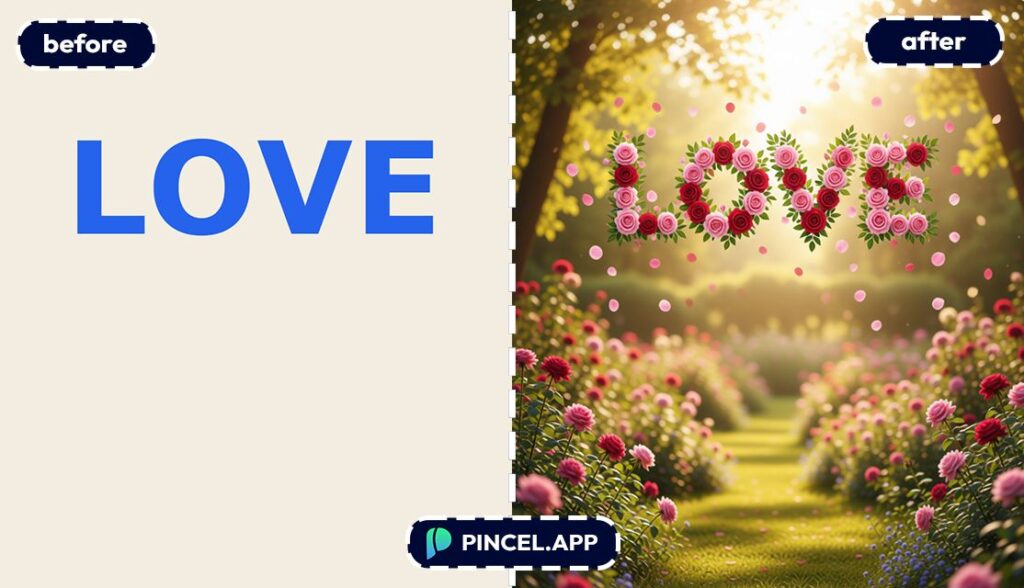
Instead of just generating floral letters on a plain background, you can describe the whole scene.
Tell it the color of the flowers, type of flowers, the background you want, and the overall mood.
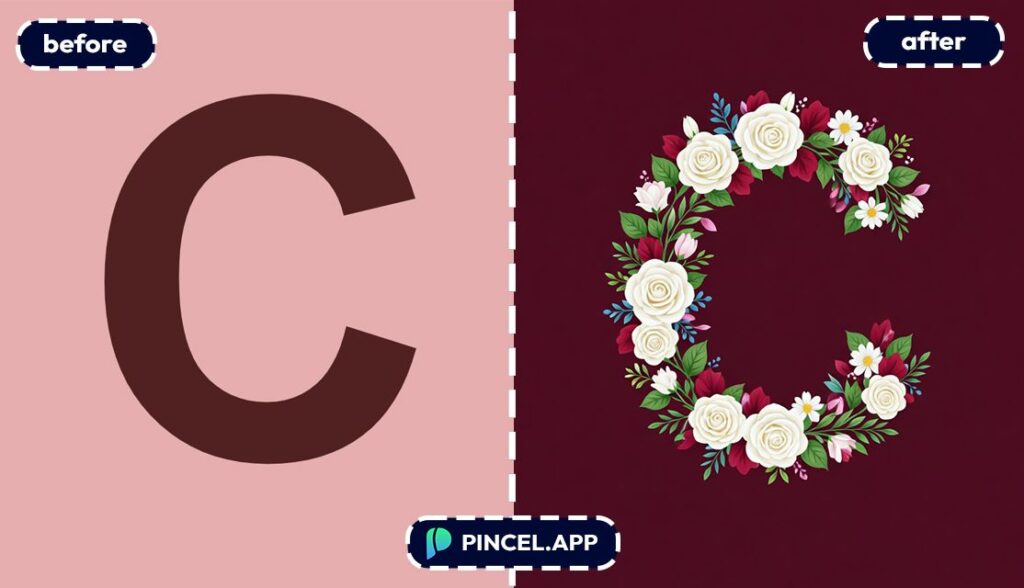
Something like “white roses in burgundy background” and the AI builds the entire image around your text.
🎛️ Step 3: Set Aspect Ratio and Colors
Pick a canvas size based on where you’re posting:
- Square for feeds and profile graphics.
- Wide for banners and thumbnails.
- Tall for Stories, posters, and invites.
Then adjust colors if the preset supports it.
A tiny color shift can take you from “spring picnic” to “luxury wedding” fast.
⚡ Step 4: Generate, Compare, and Download
Hit Generate and your result shows up in seconds.
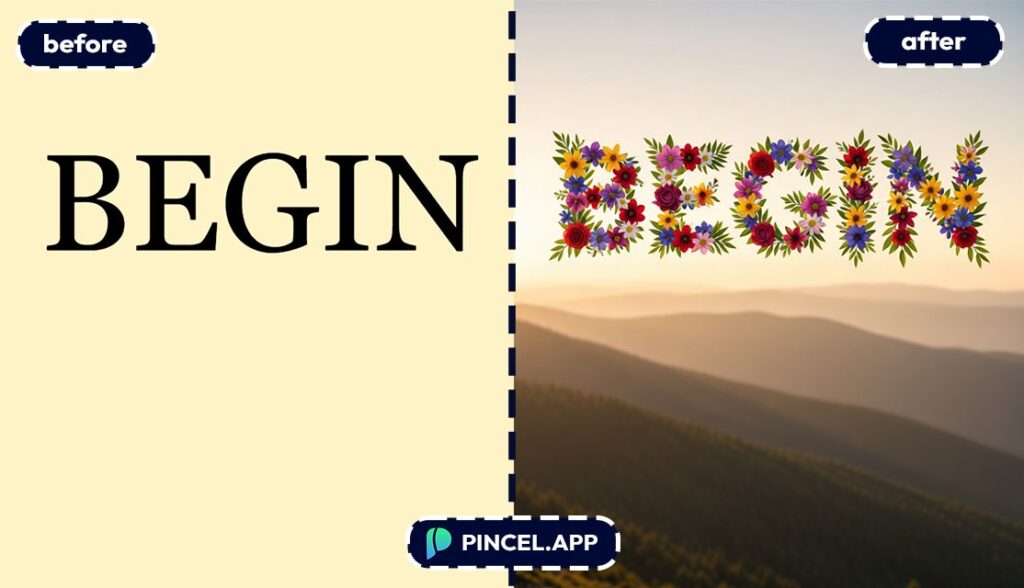
You’ll get a clean before/after comparison, so it’s easy to decide if it’s the one.
Not perfect yet?
Change the font or preset and regenerate.
When it looks right, download with one click.
Then drop it into your design, post or print.
Ready to make your own?
Who Is This For?👇🏼
Birthday posts and party signage — Make “Happy Birthday” actually look like a party.
Pair it with a quick themed visual from Valentine AI Photos when you want that extra “aww” factor.
Wedding stationery and event boards — Floral letters are basically made for bridal vibes.
And if you’re already doing edits for the big day, you’ll love fast tools like Combine Photos for simple composites.
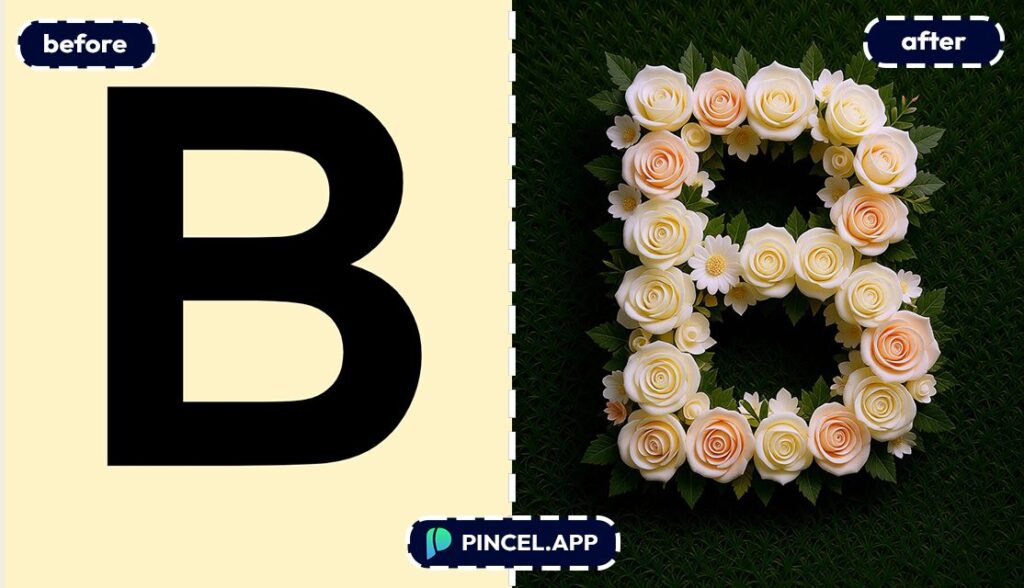
Social media managers — You can spin up weekly promos with flower lettering for spring campaigns, Mother’s Day, or boutique drops.
If you’re also updating visuals, Relight Photos with AI is a great partner tool for consistent feeds.
Thumbnail makers — Floral text can be a surprising pattern-breaker in a sea of neon and flame titles.
If you want the opposite vibe too, check the creator-friendly workflows in Faceless Video Maker.
Etsy and merch sellers — Flower-letter wordmarks look great on prints, stickers, mugs, and greeting cards.
And if you sell physical items, AI Product Photography helps make your listing images look studio-clean.
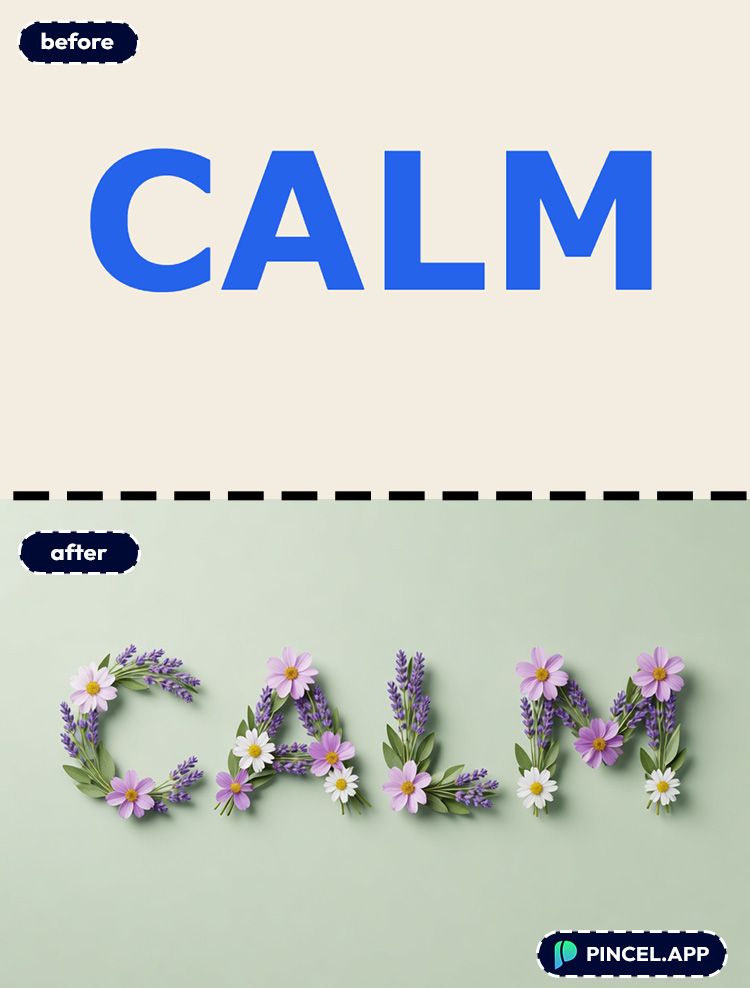
Brand kit builders for small businesses — Need a seasonal logo lockup like “Spring Collection” without hiring a designer?
Generate a few options, then pick the one that fits your vibe.
Bloggers and newsletter writers — Floral headers make great hero text for featured images and promo banners.
If you’re also working with images, Extend Photo with AI is perfect for creating extra negative space behind typography.
Anyone making cute announcements — Baby showers, bridal showers, graduations, new shop launches.
You bring the words, Pincel brings the petals.
When you’re ready
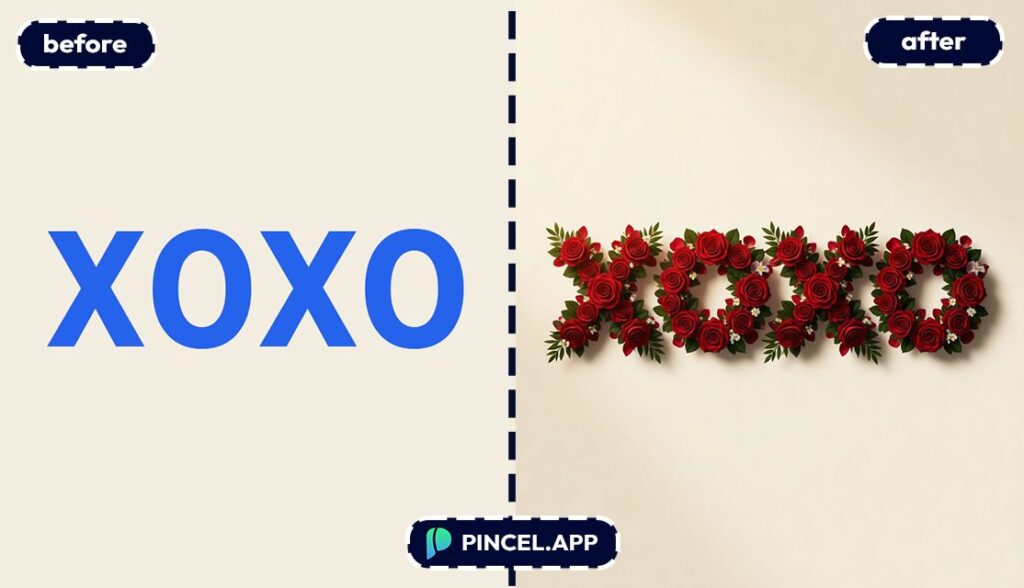
Frequently Asked Questions 🤔
How do I turn text into flower letters online?
You can turn text into flower letters online by typing your words into Pincel AI Text Effects, choosing a font, and selecting a floral-style preset.
Then click Generate and download the result in seconds.
Is there a free flower letters generator?
Yes, you can try Pincel AI Text Effects with free credits (20 credits, no credit card).
That’s enough to generate multiple versions and test different fonts and looks.
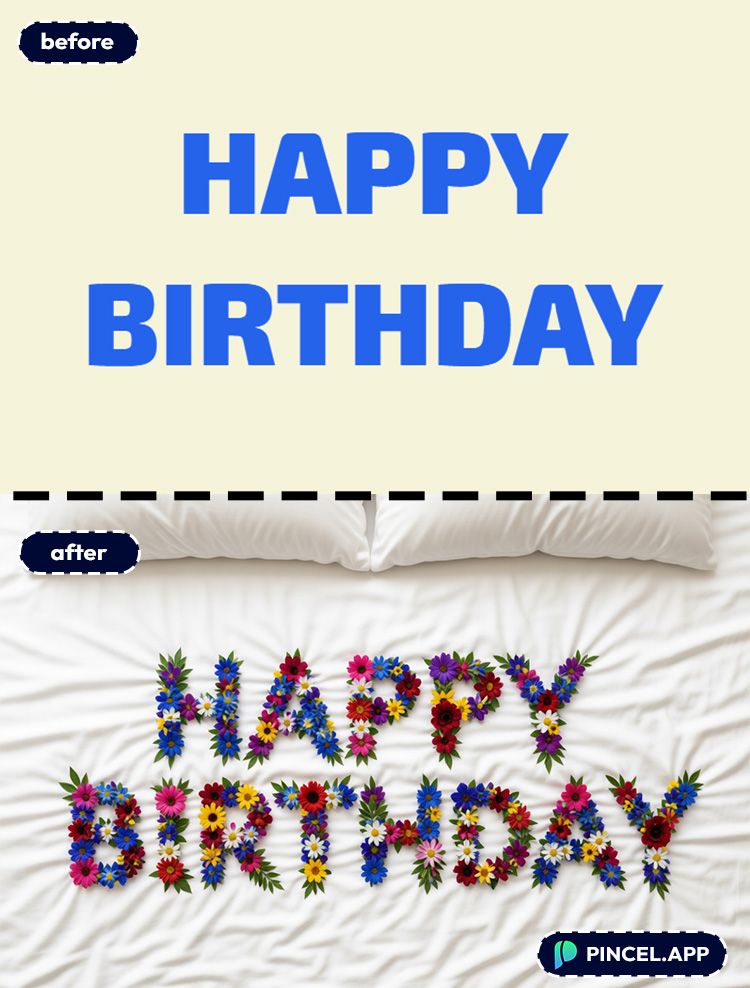
Do I need design skills to make flower letter text?
No, you don’t need design skills because you’re not building the effect manually.
You’re just choosing a preset and letting AI render the material look for you.
Can I use my own fonts for flower letters?
Yes, you can choose from system fonts and a big Google Fonts-style library in the font picker.
Font choice matters a lot for readability, especially with “petal-heavy” looks.
Is this the same as Canva or Photoshop text effects?
No, it’s not the same as simple layer styles or template effects.
Pincel AI Text Effects renders the typography as if it’s made from a real material, which usually looks richer and more dimensional than basic effects.
If you’re comparing editing workflows in general, this Photoshop breakdown is a helpful reference point.
Flower Power 💐
Some words deserve more than a plain font.
A wedding date, a special name.
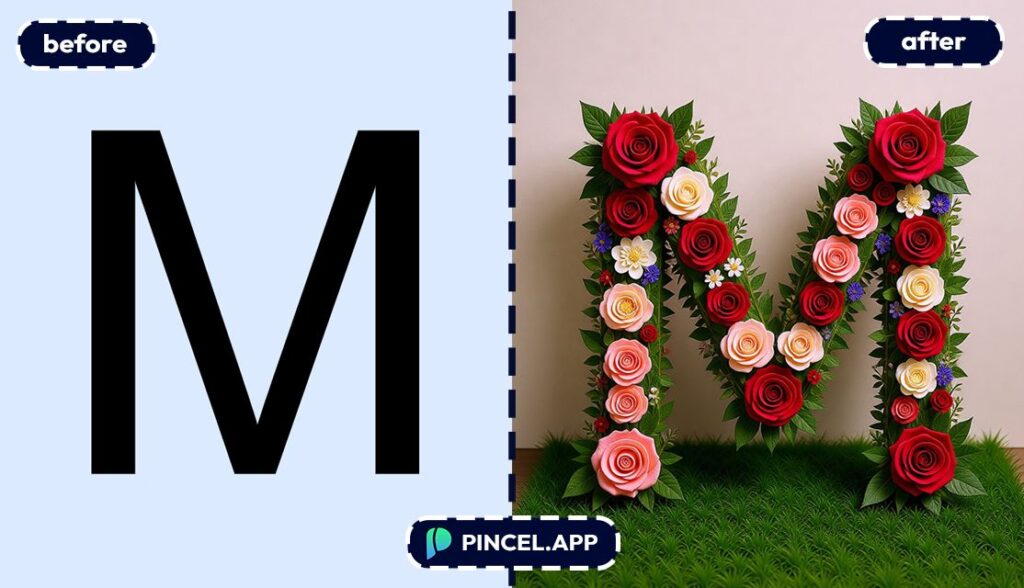
Wrap it in flowers and it becomes something people save, print, and frame.
Cherry blossoms, wild roses or even soft lavender.
Upload your text to Pincel AI Text Effects and describe the floral style you want.
The AI builds it in seconds.
You just have to decide which bloom fits the moment.