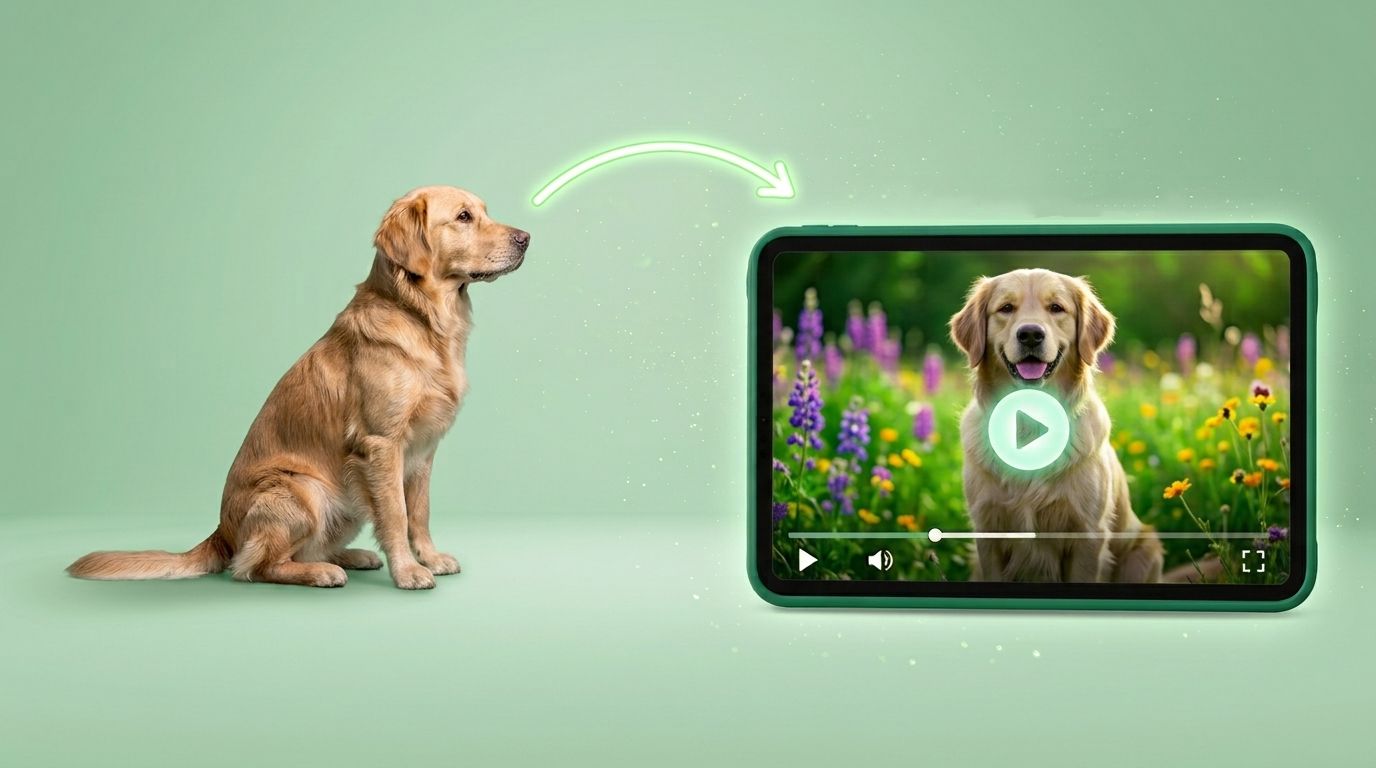
We have hundreds of pet photos on our phone.
And many of them deserve more than just a like.
However, static photos just capture a scene.
But five seconds of motion turns a great photo into something people actually share and smile at.
With Pincel AI you can now turn your photo into a creative pet video.
Upload your pet photo to Pincel AI Image to Video, describe what you want to happen, and watch your pet come to life in seconds.
Here’s how it works:
How to Animate Pet Photos into Videos ✅
🖼️ Step 1: Upload your still image
Go to the Pincel AI Image to Video.
Then upload your still of your pet.
Clear eyes, clear face, and decent resolution animate best.
If you want to prep the image first, it helps to clean up distractions.
For quick fixes, these Pincel guides pair nicely: Relight photos with AI and Extend a photo with AI.
📝 Step 2: Describe the motion (and the mood)
In the prompt box, describe what should move.
Think “camera movement + pet movement + atmosphere.”
Here are a few pet-story prompts you can copy-paste:
- slow dolly-in toward the cat’s face, gentle breathing motion, cozy living room, soft film grain
- dog turns head slightly toward the camera, tail wagging, golden-hour light flickering through trees, cinematic
- close-up on a rabbit, subtle nose twitch, shallow depth of field, calm dreamy mood
- parrot blinks and tilts head, handheld camera feel, tropical ambient vibe, soft wind
You can also add an audio vibe if you want.
Try things like “soft room tone,” “rain ambience,” or “playful upbeat mood.”
⚡ Step 3: Generate, preview and download
Click generate, and your clip renders in about 30 seconds to a few minutes (depending on mode and length).
Once it’s done, you can preview it and download the MP4.
Your output also saves automatically in your My Content library.
So you can come back later and re-run variations without starting from scratch.
Ready to make your pet the main character?
Who Is This For?👇🏼
Memorial Pet Videos – Turn cherished photos of a beloved pet into gentle, animated memory videos that celebrate the moments you shared.
Pet parents with too many photos — Turn your camera roll into tiny “episodes” you’ll actually share.
If you’re already making cute edits, you’ll probably also like Royal pet portraits.
Pet brands and e-commerce sellers — Animate product-plus-pet shots into ad-ready clips.
Pair this with AI product photography for clean, consistent visuals.
Groomers, vets, and local services — Turn one “after” photo into a cinematic reveal for social.
And if you want more punch, combine motion with lighting fixes from Relight photos with AI.
Short-form creators — Fill a 5-second gap in a Reel without filming anything.
If you’re building faceless content formats too, see Faceless video maker.
Kids’ bedtime stories — Animate a pet photo, then narrate over it.
Suddenly your dog is “Captain Biscuit,” protector of the couch kingdom.
Memory clips — Bring older pet photos to life with subtle, respectful motion.
Less “dancing meme,” more “warm moment you’ll rewatch.”
Illustrators and comic artists — Animate a pet character drawing into a moving panel.
If you’re experimenting with stylized looks, AI coloring is a fun companion tool.
Frequently Asked Questions 🤔
Can I animate pet photos into stories using AI for free?
Yes, you can animate pet photos into stories using AI with Pincel using free credits.
Every new account gets 20 free credits, so you can test prompts and see the motion quality before you upgrade.
How long does it take to turn a pet photo into a video?
It usually takes about 30 seconds to a few minutes, depending on the model and clip length you choose.
Fast/Draft is quickest for testing, while Standard is best when you’re ready for the final cinematic version.
How long can the AI pet video be?
Pincel AI Image to Video generates 5-second or 10-second clips.
You choose the length right before you generate.
If you need longer, you can create multiple clips and stitch them together.
That’s often how “mini stories” are made anyway.
Can I use the pet videos commercially?
Yes, the tool includes a commercial license, so you can use clips in ads and branded content.
That’s especially useful if you’re a pet shop, groomer, or creator doing sponsored posts.
Where do my generated videos get saved?
They’re saved automatically in your My Content library inside Pincel.
And you can also download the MP4 anytime and share it wherever you want.
Turn Any Pet Photo into a Video 🐹 🎥
Your pet has given you hundreds of great moments.
Most of them are sitting quietly in your phone gallery.
Pick just one.
Upload it to Pincel AI Image to Video and describe what you want to happen.
Maybe the ears perk up. Maybe the tail starts moving.
Maybe they just sit there looking unbothered and somehow that is the funniest thing anyone has seen all week.
Five seconds is all it takes to turn a photo into a viral clip.