
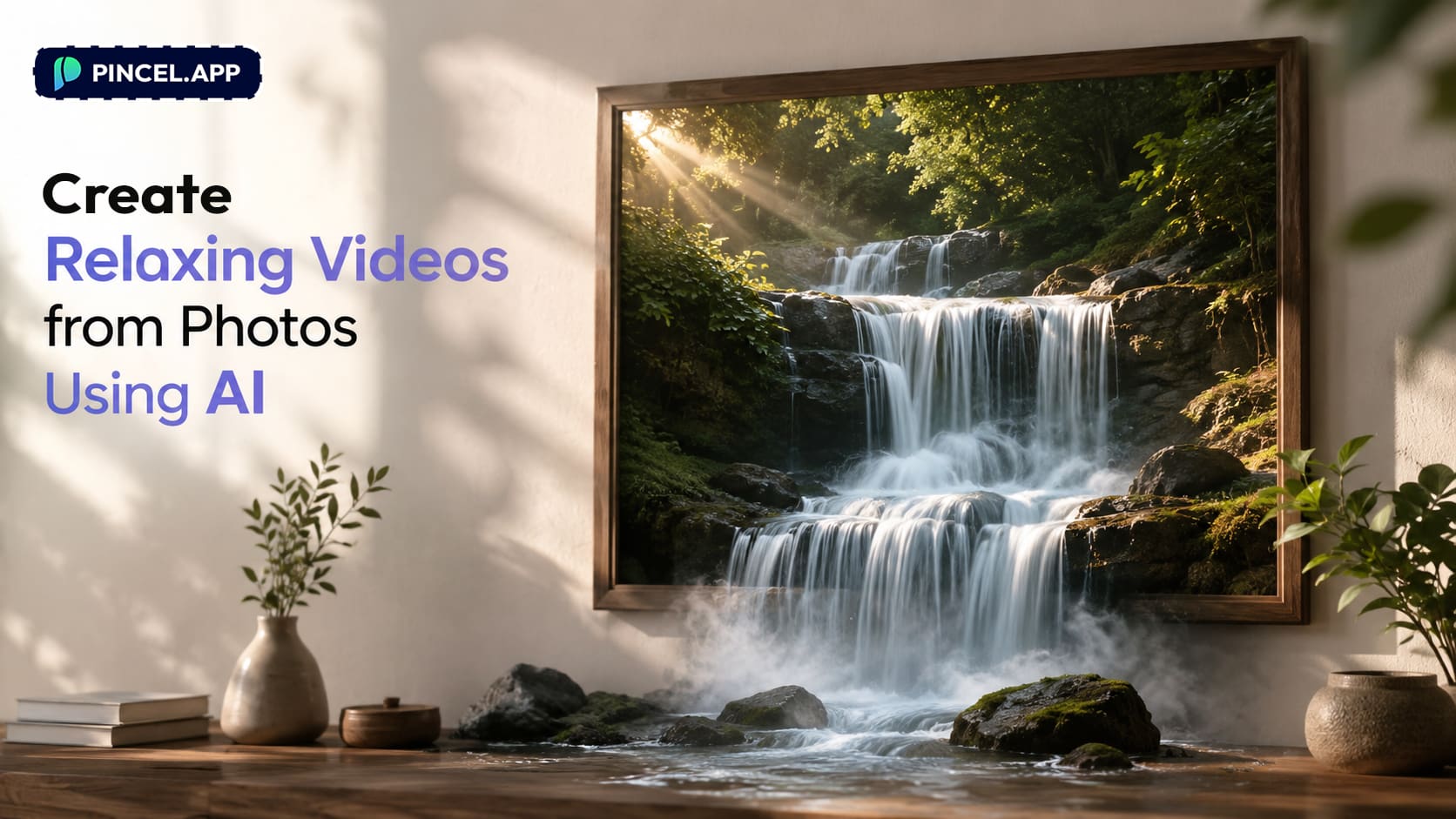
Scenic images can capture the striking natural beauty of outdoor landscapes.
While a still photo freezes a moment in time, a short video clip can take you there.
Trees swaying, clouds drifting, light slowly changing fills our mind with joy.
In the past for a video you needed an extensive production team.
Or hours in After Effects just to make a simple clip.
But now, with Pincel AI Image to Video, you can turn a single scenic image into a cinematic, relaxing video in minutes
All you need to do is to upload your still image, describe the motion and mood, and generate amazing natural scenery clips.
Here’s how it works:
How to Create Relaxing Videos from Photos ✅
🖼️ Step 1: Upload your scenic still
Go to Pincel AI Image to Video.
Then upload your still — a landscape photo, travel shot, AI art, or even a painting.
Pick something high-res and well-lit.
Relaxing motion looks best when there’s detail to “breathe” (trees, water, clouds, fog, city lights).
📝 Step 2: Describe the motion (and optionally audio)
In the prompt box, tell the AI what should move and how the camera should behave.
Think like a cinematographer.
Use words like “slow,” “gentle,” “subtle,” “steady,” and “ambient.”
Try prompts like these (copy/paste and tweak):
- Steady camera shot, gentle wind in the pine trees, soft mist drifting, calm cinematic mood
- locked-off tripod shot of a beach at sunrise, slow waves rolling in, clouds moving gradually, warm golden light
- cinematic pan across a rainy neon city street at night, reflections shimmering on wet pavement, light fog, ambient rain sounds
- top-down view of a forest river, water flowing slowly with subtle ripples, leaves drifting, peaceful atmosphere
If you want sound, describe it too. Ambient audio like wind, rain, ocean surf, or distant birds helps sell “relaxing.”
⚙️ Step 3: Pick model tier, resolution, and length
This is where you control quality, speed, and cost.
Choose one:
- Standard model for best quality.
5 seconds = 30 credits, 10 seconds = 60 credits. - Fast / Budget model for cheaper iterations.
720p = 2 credits/second, 1080p = 4 credits/second.
And don’t skip Draft mode on Fast.
It halves the per-second cost, which is perfect for testing motions before your final render.
Pick your length: 5s for quick loops and transitions.
Pick 10s when you want the scene to settle and feel “real.”
🎬 Step 4: Generate, preview, and download
Click generate and wait a bit.
You’ll usually have a usable clip in about 30 seconds to a few minutes, depending on the model and length.
Preview it, and if the motion is too strong, just regenerate with “subtle” and “steady” in your prompt.
Your output is saved automatically in My Content.
You can also download the MP4 and use it in ads, Reels, and client work (commercial license included).
When you’re ready to make your first one, turn the photo into a video.
Who Is This For? Real-World Use Cases 👇🏼
Short-form creators — You can drop a calming 5–10s scenic clip into Reels/TikToks as an intro, transition, or breathing moment to easily create ASMR content.
If you’re building a whole workflow, pair it with ideas from Faceless Video Maker.
Music video makers — Scenic “vibe shots” are the easiest way to fill time without filming.
And if you want to combine generated motion with existing footage, see Merge Photo and Video.
Travel pages (without constant travel) — Turn one great photo into multiple animated variations with different moods: sunrise, fog, rain, night neon.
If you also need variations in weather, get inspiration from Change Weather in Photo.
Real estate & rentals — Animate a hero exterior shot into a soft walkthrough teaser for listings.
And if your sky is dull before you animate, try Replace Sky in Photo first.
Storytellers & illustrators — Bring a book cover, concept art, or illustration to life with subtle camera drift and atmosphere.
If you’re also expanding frames to fit vertical video, Extend Photo with AI helps a lot.
You need one still and a good motion prompt.
Frequently Asked Questions 🤔
Can AI really create relaxing videos from static images?
Yes, AI can create relaxing videos from scenic images by adding subtle motion like drifting clouds, rippling water, and slow camera movement.
With Pincel AI Image to Video, you describe the motion in text and generate a 5–10 second clip in minutes.
How long can the clip be in Pincel AI Image to Video?
Pincel AI Image to Video generates 5-second or 10-second clips.
You choose the length before you render, depending on whether you want a quick loop or a longer, calmer moment.
How much does it cost (credits) to turn an image into a video?
Standard quality costs 30 credits for 5s and 60 credits for 10s.
Fast/Budget costs 2 credits per second at 720p or 4 credits per second at 1080p, and Draft mode halves the per-second cost.
What resolution can I export?
You can generate in 720p or 1080p on Fast/Budget, and use Standard when you want the best final quality.
A common workflow is: test in Fast + Draft, then rerun the winning prompt in Standard for the “final.”
Where are my generated videos saved, and can I use them commercially?
Your videos are saved automatically in your My Content library, and you can download an MP4 anytime.
And yes, the tool includes a commercial license, so you can use clips in ads and content.
What prompts work best for relaxing scenic videos?
The best prompts describe slow camera motion, subtle natural movement, and calm atmosphere.
Start with something like slow dolly-in, gentle wind, soft mist, cinematic calm, then adjust intensity (more “subtle” if it’s too energetic).
From Still Life… to Moving 🎞️
Scenic photos are already beautiful.
They just need a little movement to bring it into life.
Let the water flow or let the clouds drift.
Let the light shift slowly across the valley.
Upload your photo to Pincel AI Image to Video, describe the motion you want, and get a calming cinematic clip in minutes.

