
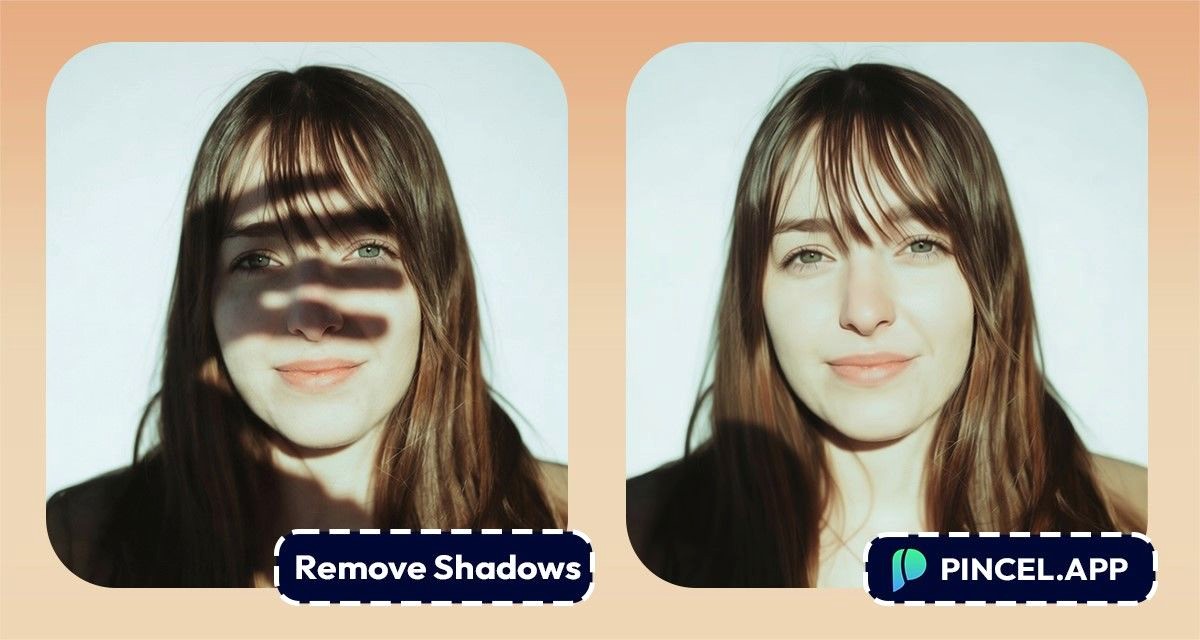
Shadows can completely change the mood of an image.
Sometimes they make photos look uneven or distracting.
In the past, fixing shadows meant manually brushing and adjusting light areas.
Now AI can do it automatically.
Simply upload your image, and let AI recreate the missing lighting and details naturally.
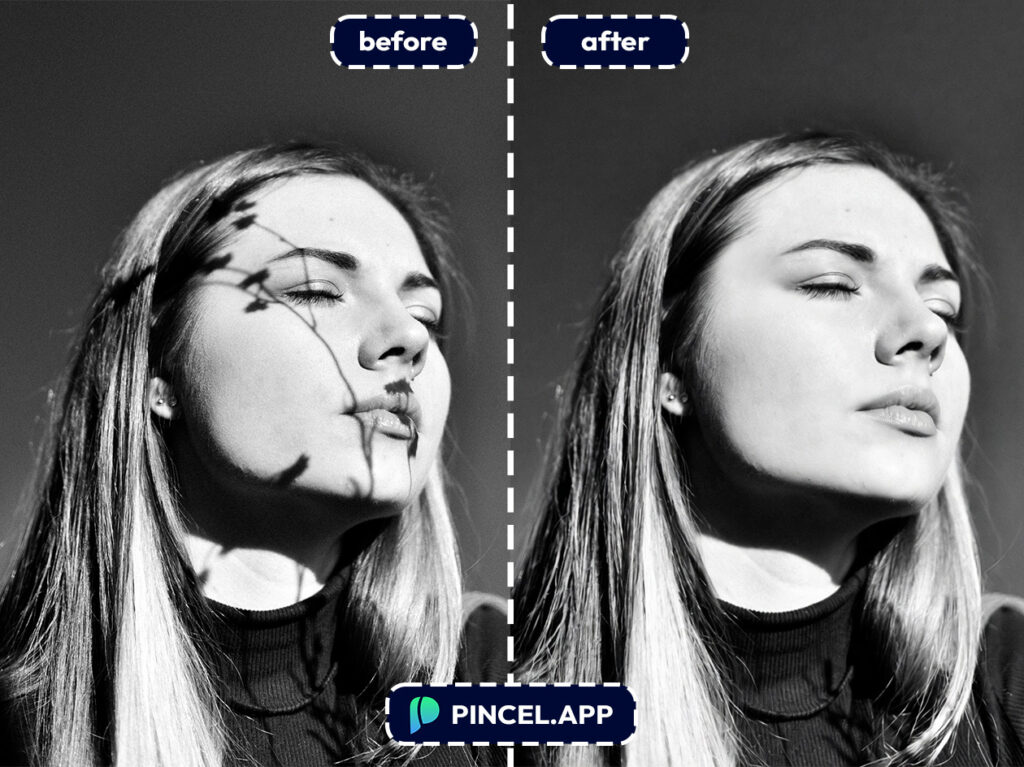
How to Remove Shadows From Photos ✅
🖼️ Step 1: Upload Your Photo
Open the Pincel AI Editor.
Upload the image with the shadow you want gone.
Portraits, product shots, room photos or screenshots… it all works.
Even if the shadow is super strong, don’t worry.
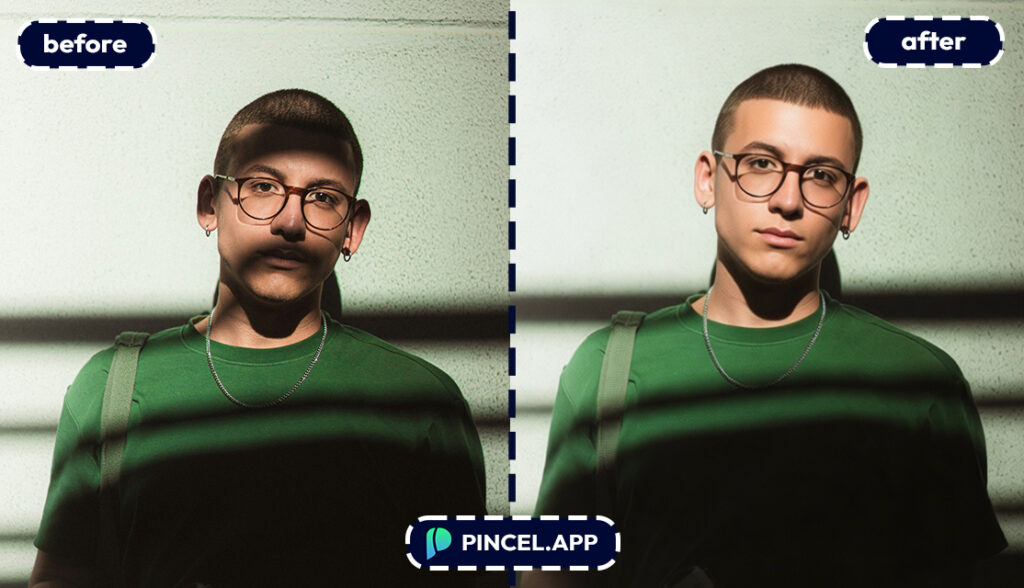
📝 Step 2: Type a Simple Prompt
Click into the prompt box and describe exactly what you want removed and what should stay the same.
No need to brush or mark any areas… it all works with a prompt-based system.
Try prompts like these:
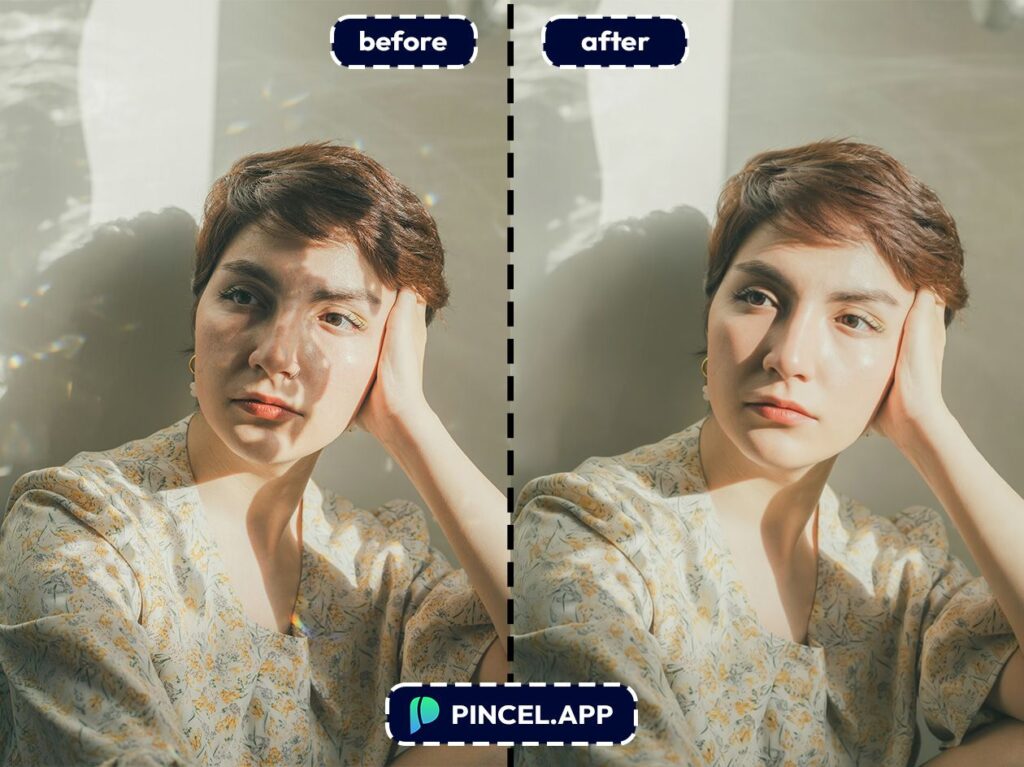
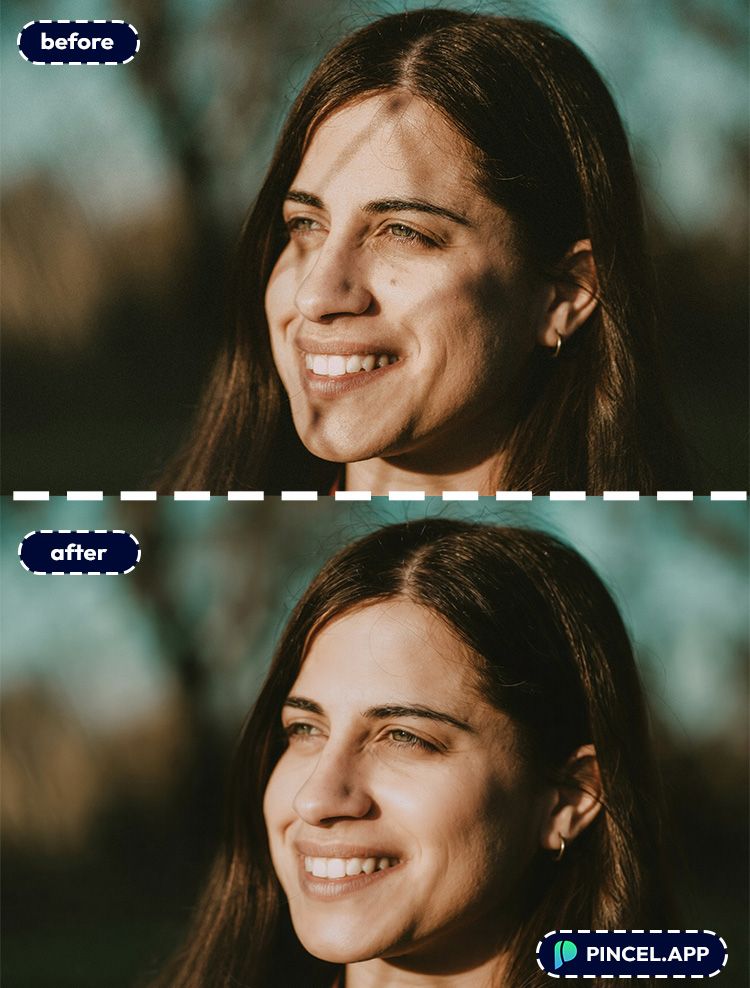
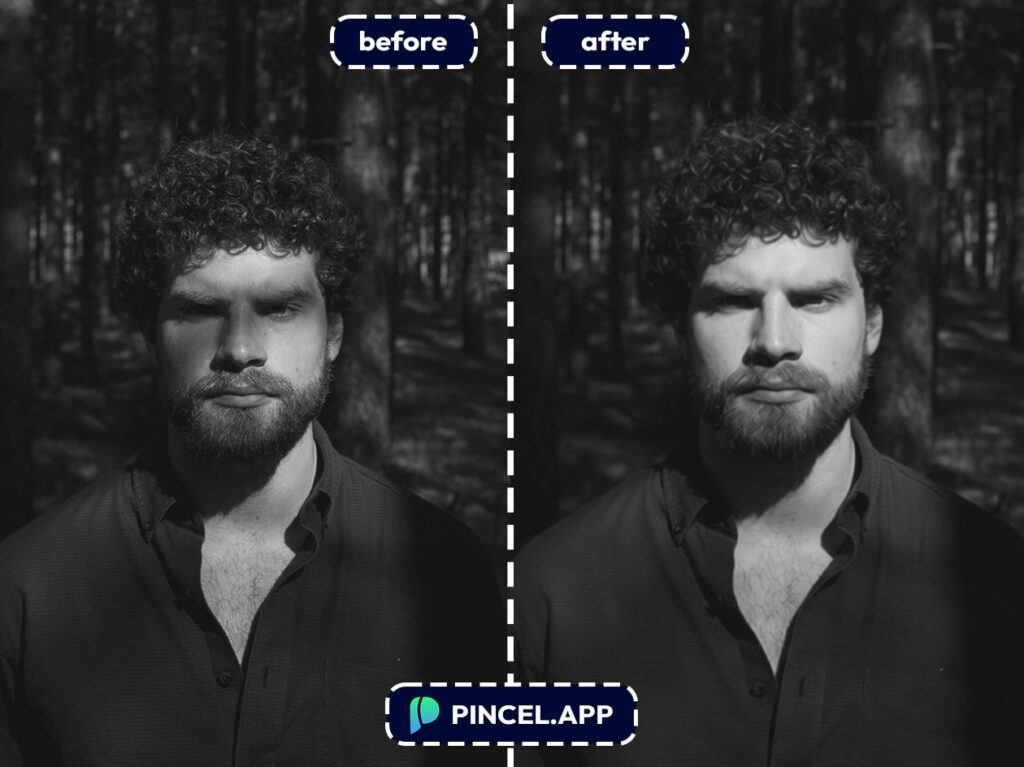
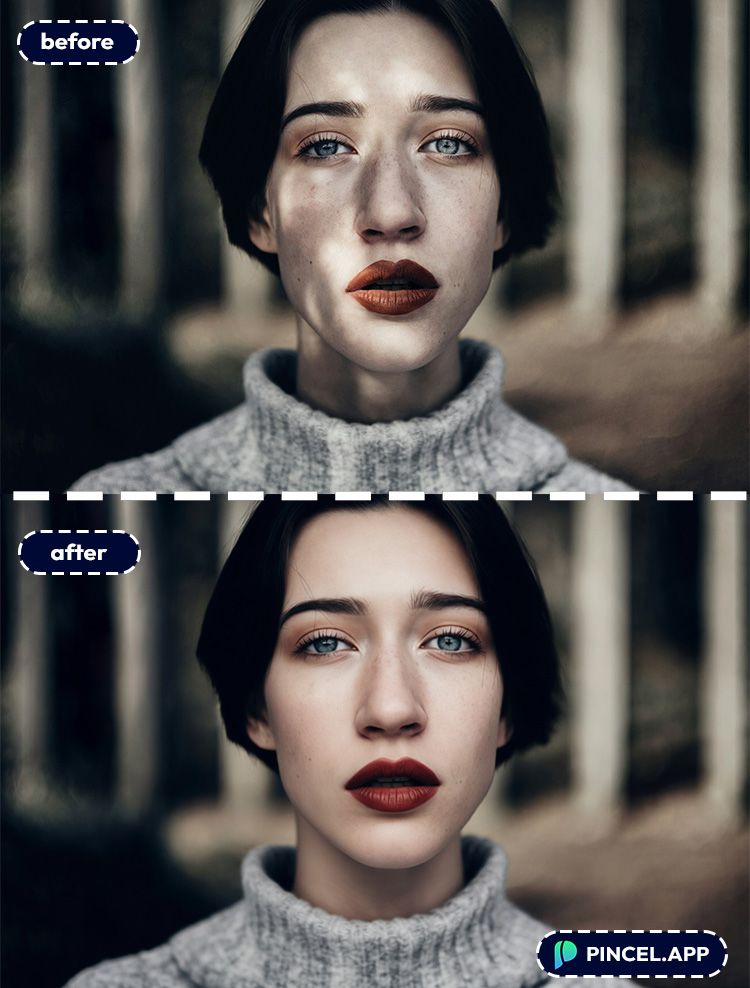
- Remove the harsh shadow across the face, keep natural skin texture and original lighting
- Remove the shadow on the white wall, make the wall evenly lit and clean
- Reduce the under-eye shadow, keep the face realistic and not airbrushed
- Remove the shadow under the product, keep a soft natural grounding shadow
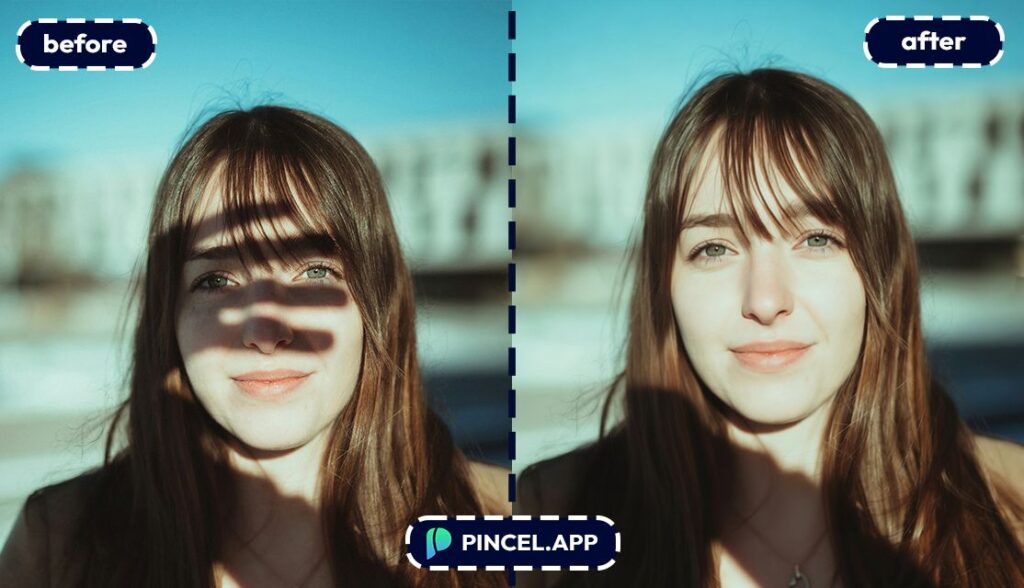
⚡ Step 3: Click Generate
Hit Generate and wait a few seconds.
Most edits land in under 10 seconds.
The AI analyzes the scene and re-balances tones so the “shadowless” area still matches the rest of the photo.
So you don’t get that weird bright patch that looks pasted on.
If the result is close but not perfect, regenerate with a tighter prompt.
For example: “remove only the shadow on the wall, don’t change furniture or colors.”
📥 Step 4: Refine (Optional) and Download
If you want it more natural, ask for a softer correction instead of a full removal.
“Reduce harsh shadows” often looks more realistic than “delete all shadows.”
Then download and post, send, or list your product.
No layers. No brushes. No YouTube tutorial in the background.
Real-World Use Cases 👇🏼
E-commerce & product photos — Remove ugly hard shadows on a backdrop and keep the product clean and sellable.
If you’re building listings, pair this with AI product photography for fast catalog upgrades.
Professional headshots — Fix harsh office lighting that throws shadows under eyes or across cheeks.
And if you’re refreshing your profile, AI resume photo is a great next stop.
Real estate & rentals — Reduce window-blind stripes and dark corner shadows so rooms feel brighter (without looking fake).
If you need a more “golden hour” vibe after, try relight photos with AI.
Creators making thumbnails — Shadows across faces can kill clarity at small sizes.
For composition tweaks, change camera angle can help you reframe without reshooting.
Outdoor photos with harsh sun — Remove heavy chin shadows, hat shadows, and that “noon sun” punishment.
Want a full mood swap too? change weather in photo stacks nicely with shadow cleanup.
Old photos and scanned prints — Some scans have weird uneven shading from the scanner lid or paper curl.
And if the image needs more room around the edges, extend photo with AI is a clutch follow-up.
Brand + marketing teams — Make a set of product images look consistent across campaigns.
If you need fast variations, clone objects can create options without re-shooting.
Anyone fixing “almost perfect” pics — Because the worst photos are the ones that are 95% amazing.
One quick edit, and suddenly it’s the one you actually post.
Frequently Asked Questions 🤔
How do I remove shadows from photos using AI?
You remove shadows from photos using AI by uploading your image into an AI editor and describing the shadow you want reduced or removed in text.
With Pincel AI Editor, you type a prompt like “remove the shadow on the wall” and generate a result in seconds.
Can AI remove shadows from a face without making it look fake?
Yes, AI can remove facial shadows while keeping skin texture, as long as you prompt for realism.
Use wording like “keep natural pores/texture” and “don’t smooth the skin,” and consider “reduce harsh shadow” instead of total removal.
What’s the best prompt to remove shadows but keep lighting natural?
The best prompts mention the exact shadow location and ask to preserve the original lighting style.
Try: Reduce the harsh shadow under the chin, keep overall lighting and colors the same, natural skin texture.
Is Pincel AI Editor free to try?
Yes, it’s free to try with 20 credits and no credit card needed.
That’s enough to test multiple shadow removals and refine prompts until it looks right.
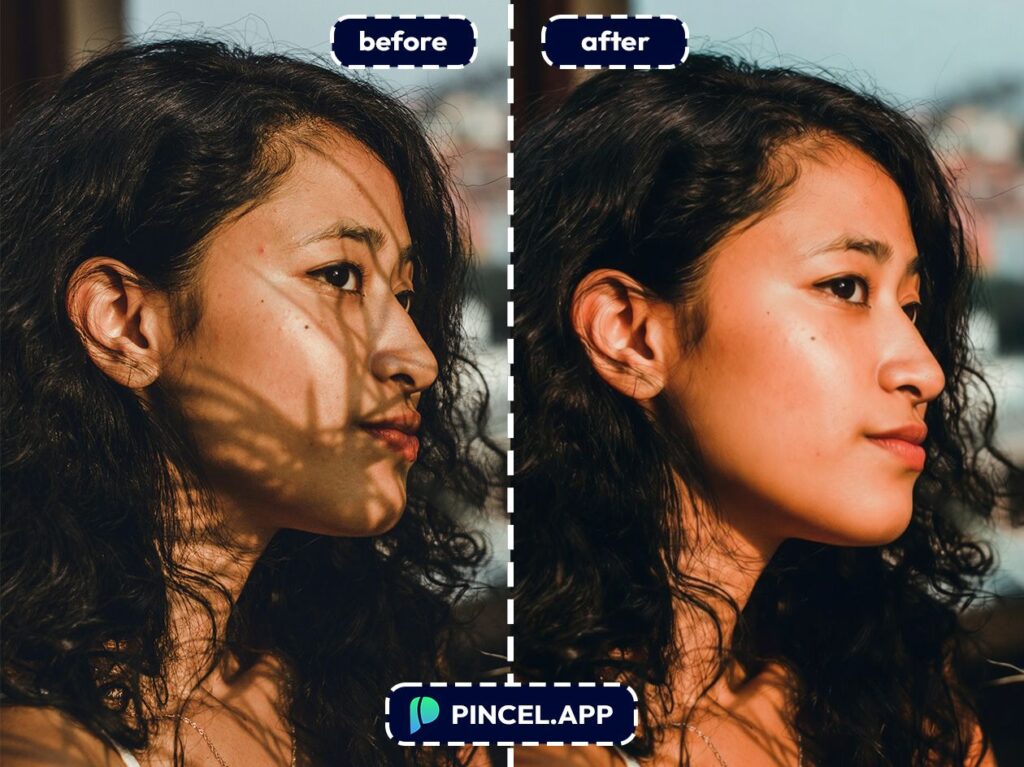
Bye Bye Shadows ☀️
Perfect shot… wrong shadow.
and now it deserves better.
Upload it to Pincel AI Editor and describe the shadow you want gone.
The AI reads the lighting, understands the surface, and removes it cleanly.
Takes about five seconds.

