
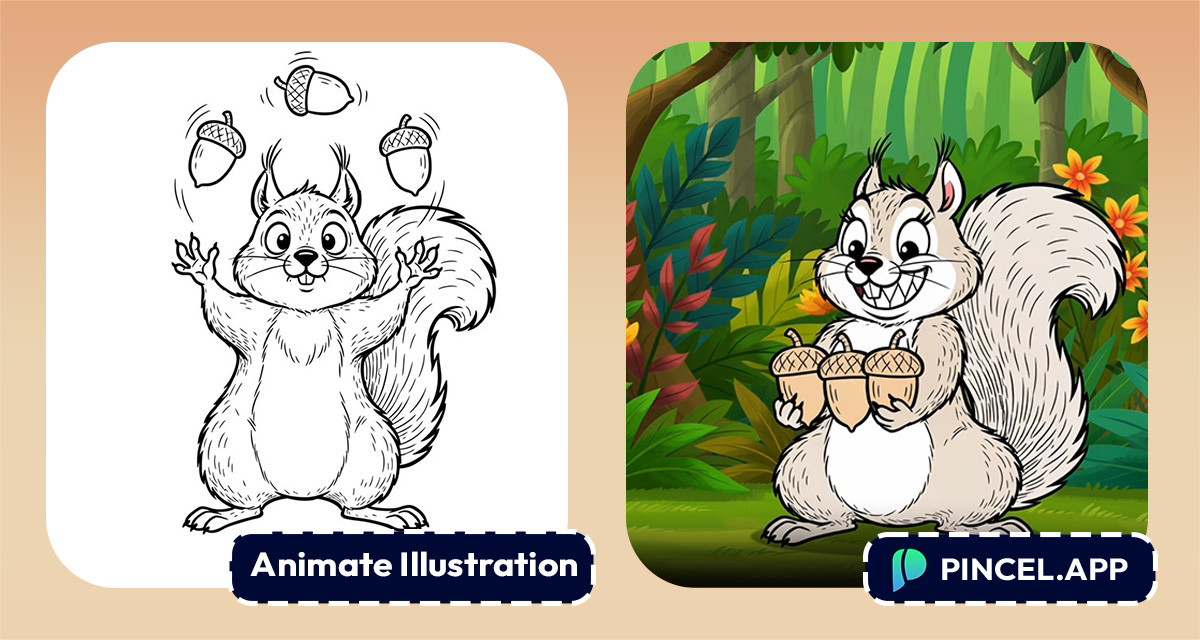
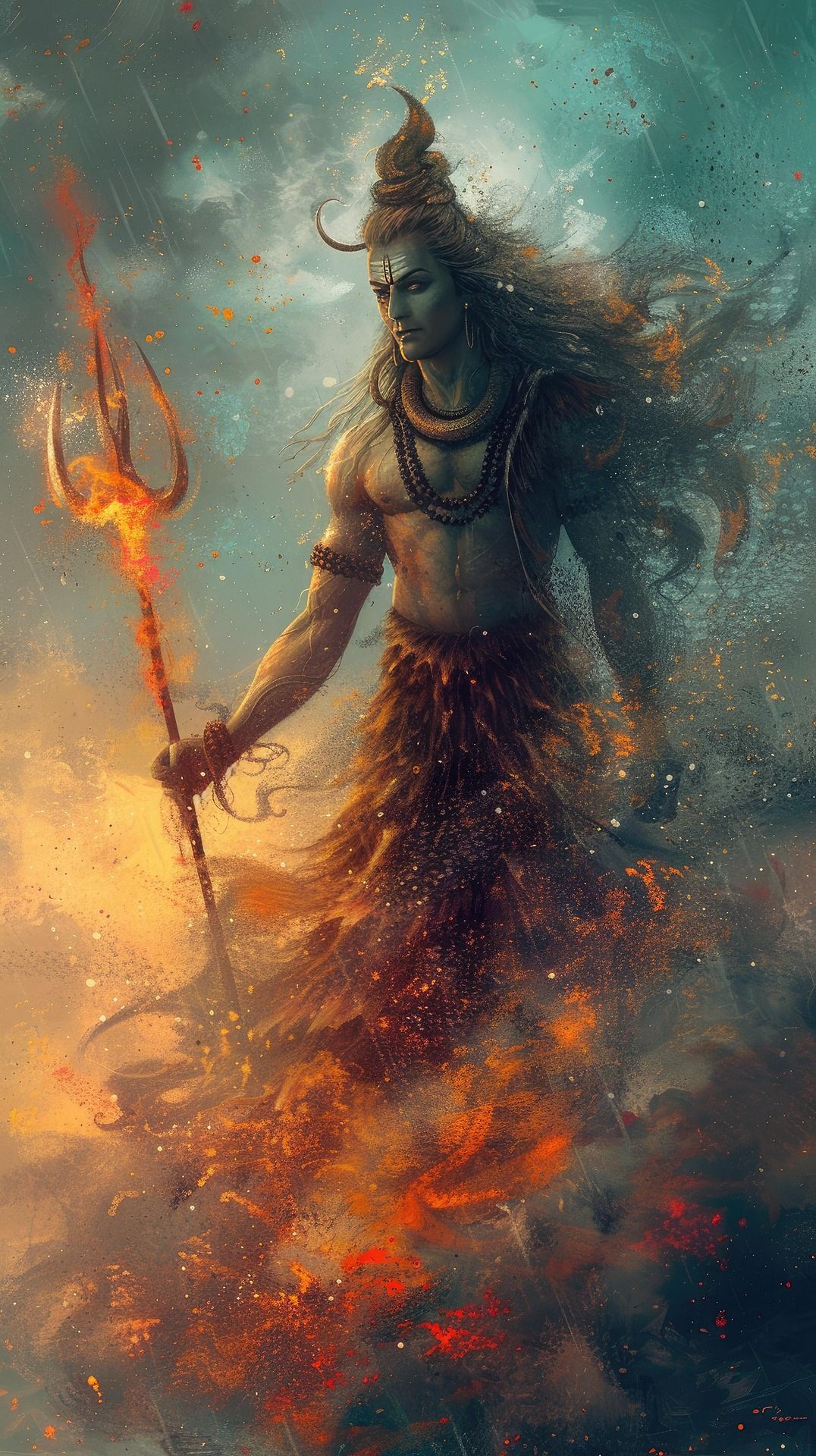
You are reading a book and you see an illustration that stops you completely.
And you think, what if this actually moved!
Just a few seconds of motion and the whole page comes alive.
With Pincel AI Image to Video, you can animate book illustrations using AI and turn a single still into a cinematic masterpiece.
Upload your illustration, describe what you want to move, and watch magic happens
Here’s how it works:
Why Does Animating a Small Thing Take All Day
Animating one illustration manually sounds quick, but never is.
Most people give up halfway through.
Hiring someone is easier.
Until the bill arrives and revisions start and your launch date is tomorrow.
That is exactly why Pincel AI Image to Video exists.
Upload the illustration, describe what you want to move and get the clip.
Simple as that.
How to Animate Book Illustrations with AI ✅
🖼️ Step 1: Upload your still
Go to Pincel AI Image to Video.
Click upload and drop in your book illustration.
Paintings, comics, cover art, children’s book spreads, even AI-generated art all work.
Use a high-resolution image if you can.
Clean edges and clear subjects give the smoothest motion.
📝 Step 2: Describe the motion (and the audio)
In the prompt box, tell the AI how the scene should move.
Think like a director: camera move, subject motion, atmosphere, lighting, mood.
Try prompts like these (copy/paste friendly):
- Slowly move the background, moving grass, moving girl
- subtle handheld camera sway, candle flames flicker, warm glow, quiet library ambience
- parallax depth effect, slow pan across the illustrated forest, light fog drifting between trees
- book cover reveal: camera pulls back slightly, dust particles floating, epic trailer mood
You can also add audio vibes (optional).Stuff like “soft wind,” “rain ambience,” or “cinematic whoosh” can help sell the moment.
🎛️ Step 3: Choose quality, resolution, and length
Pick what you need based on your goal:
- Length: 5 seconds or 10 seconds.
- Standard model: best quality (5s = 30 credits, 10s = 60 credits).
- Fast/Budget model: cheaper iteration (720p = 2 credits/sec, 1080p = 4 credits/sec).
- Draft mode (Fast): halves the per-second cost for quick testing.
The smartest workflow is: draft on Fast to test ideas, then final on Standard in 1080p.
It’s like doing sketches before you paint.
⚡ Step 4: Generate, preview, and download
Click generate and wait a short bit.
Your clip usually appears in about 1-2 minutes, depending on settings.
Preview the result and adjust the prompt if you want different motion.
Your video is saved automatically in My Content.
And yes, there’s a commercial license, so you can use it in promos and ads.
Ready to test a scene? animate your photo
Who Is This For? Real-World Use Cases 👇🏼
Authors & self-publishers — Turn cover art and key illustrations into scroll-stopping teasers for your launch page.
Pair it with a clean title card made using edit text on an image.
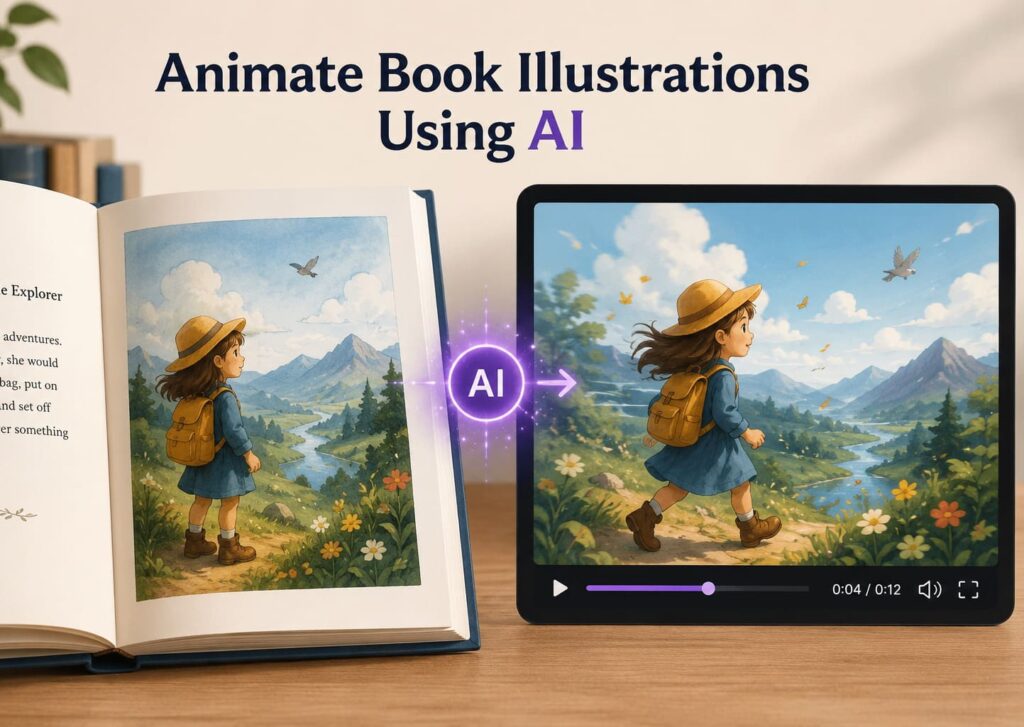
Children’s book creators — Add gentle motion (sparkles, drifting clouds, smiling characters) for read-aloud promos.
If you’re experimenting with styles first, AI coloring is a fun way to explore palettes.
Illustrators building a portfolio — Post “still vs animated” before/after clips for Instagram and Reels.
If you want variations of the same composition, try change camera angle before you animate.
Comic artists — Animate a single panel with subtle camera movement and atmosphere for a teaser trailer.
And if you need to expand a panel to vertical video framing, extend photo with AI helps you create extra space.
Kickstarter & crowdfunding campaigns — Replace static updates with short cinematic moments that feel like a real trailer.
For quick “character added” or “team shot” visuals, see add people to a photo.
Short-form creators — Fill a 5-second gap in an edit without filming anything.
If you’re also mixing stills and motion, merge photo and video is a perfect companion.
Music video makers — Animate illustrated scenes into atmospheric loops for low-budget visuals.
Moody lighting matters a lot here, so relight photos with AI is great for prepping a still before you animate.
Small businesses & studios — Turn illustrated brand mascots into motion for ads, landing pages, and app store previews.
If you’re creating product visuals too, AI product photography helps you generate clean marketing stills to animate.
Frequently Asked Questions 🤔
Can I animate book illustrations using AI if I only have one image?
Yes, you can animate book illustrations using AI from a single still image.
Pincel AI Image to Video adds motion (camera moves, atmosphere, small subject movement) while keeping the original artwork consistent.
How long can the generated video be?
Pincel AI Image to Video generates 5-second or 10-second clips.
You choose the length before you generate.
How long does it take to get the result?
A clip typically renders in about 30 seconds to a few minutes, depending on the model and length.
That’s still wildly faster than setting up a shoot or building a manual animation workflow.
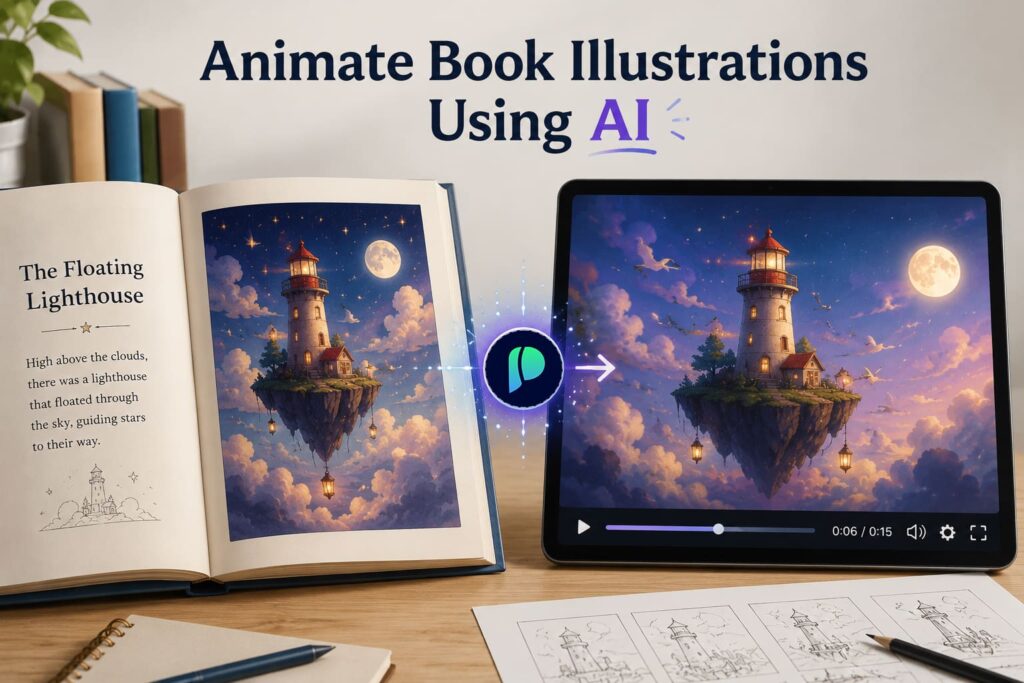
What resolution and quality options are available?
You can choose Standard for top quality, or Fast/Budget for cheaper iterations.
Fast supports 720p or 1080p, and Draft mode halves the cost for quick previews.
How much does it cost in credits?
Standard costs 30 credits for 5 seconds and 60 credits for 10 seconds.
Fast costs 2 credits per second at 720p or 4 credits per second at 1080p, and Draft mode halves that per-second cost.
Can I use the generated videos commercially for book ads and promos?
Yes, you can use the videos commercially.
That includes ads, social promos, landing pages, and store listings.
From Page to “Whoa” 😮
Your illustration already has the magic.
It just needs five seconds to prove it.
Take your favourite scene and make it into something special.
You will get a clean clip in minutes, ready for Reels, TikTok, or your book trailer.
Your characters have been “sitting still” long enough.

