
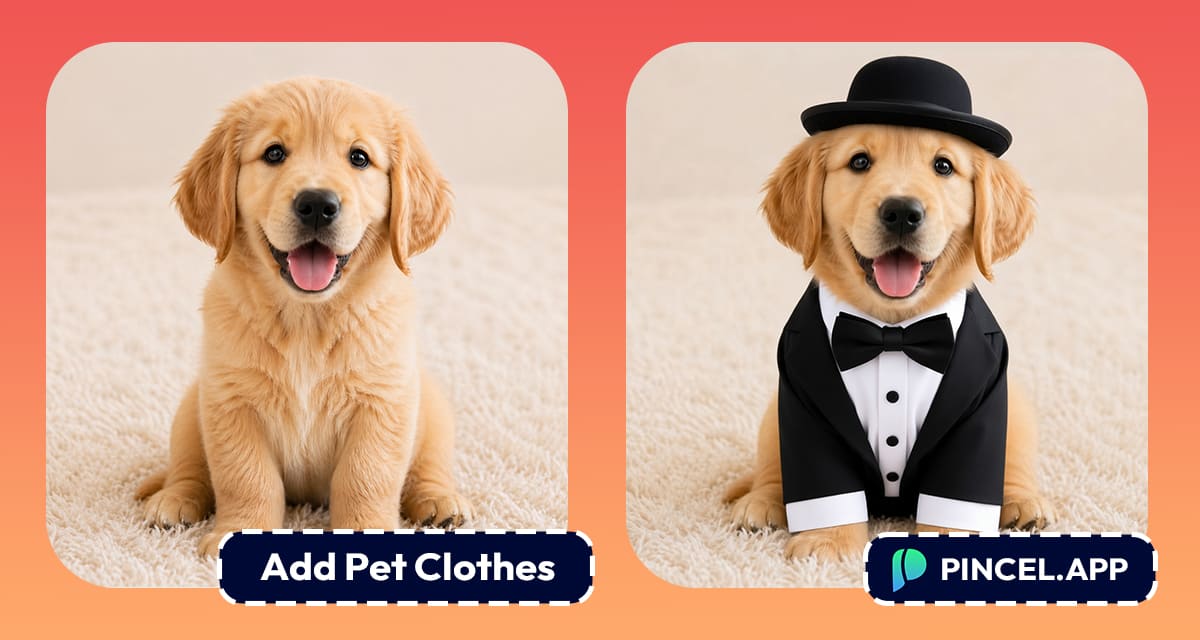
We all love our pets.
Sometimes we wonder what my cute dog would look like in a Tuxedo?
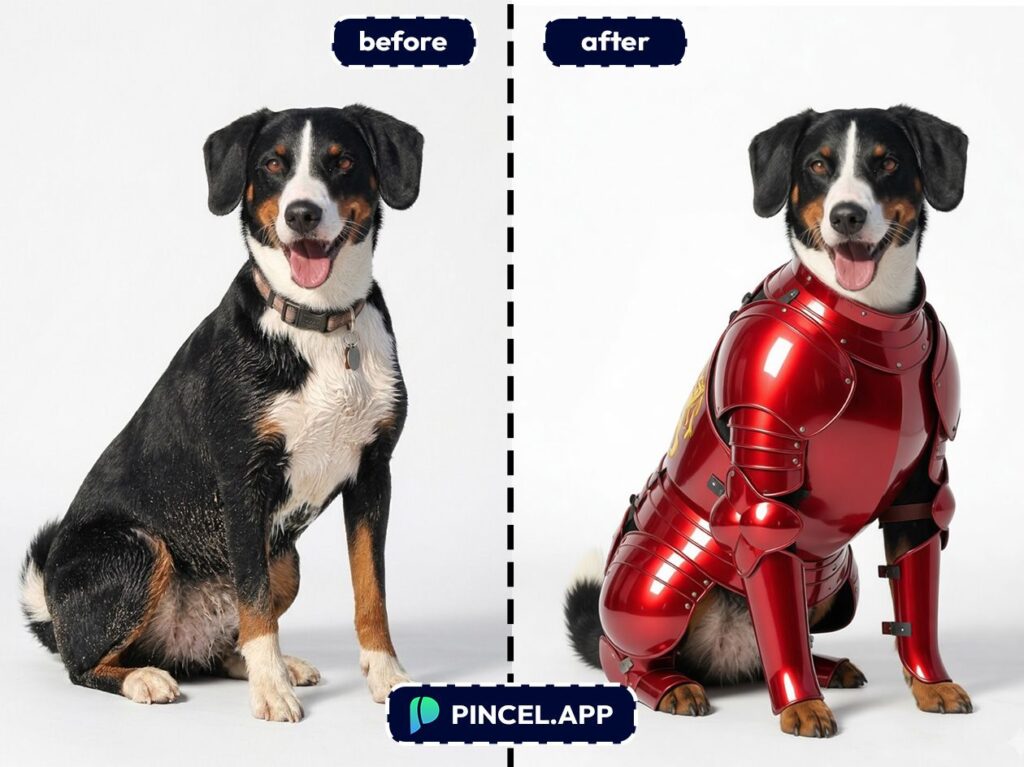
Or let’s go crazy and give him an Ironman makeover.
The only issue is, pet outfits in real life are expensive and size can be an issue.
And let’s be honest, your pet ain’t trying to wear anything.
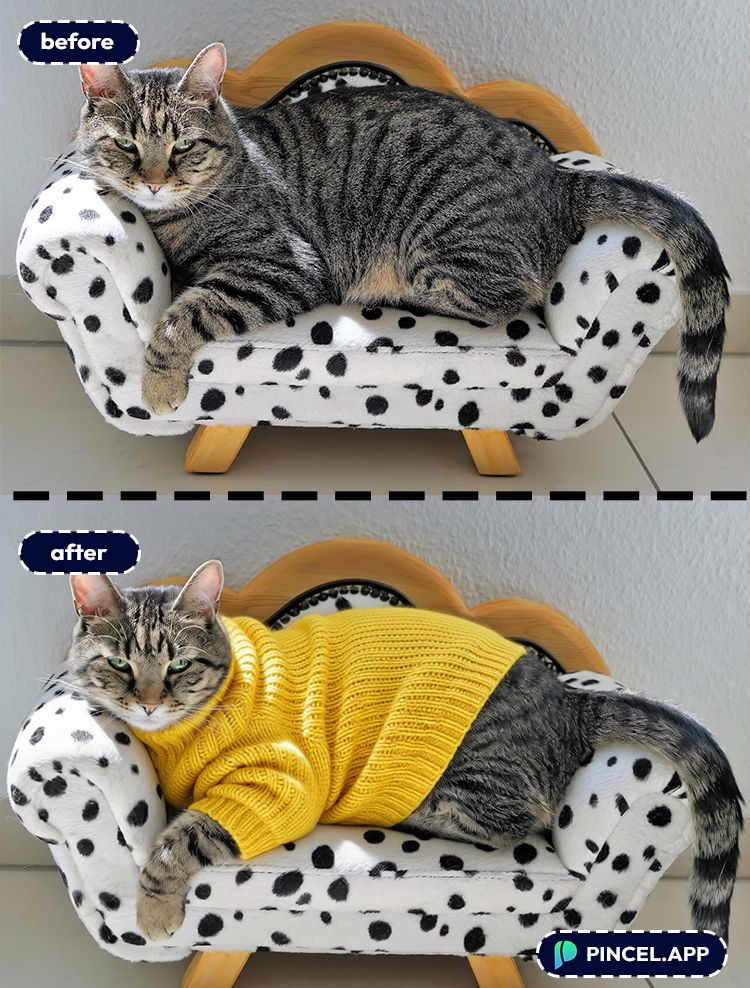
What if you don’t have to spend an insane amount of money behind your cat’s new accessories.
Enter Pincel AI Photo Editor. You can now add clothes to pets using AI in under 10 seconds.
Simply upload your photo, type your dream dress and let AI do the rest.
Here’s how it works.
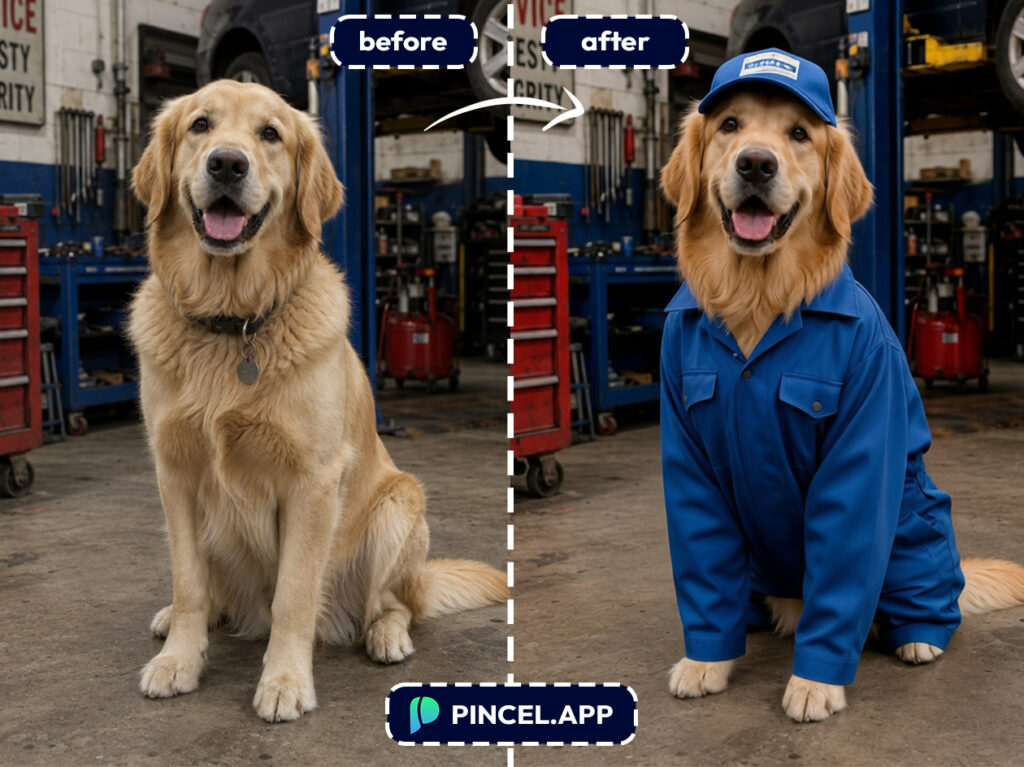
Why Dressing Pets Takes Way Too Much Effort 😵
Buying pet clothes online is a gamble.
You guess the size and hope it fits.
And you pray the return policy is friendly.
Photoshop isn’t easier.
You’re masking fur, fixing weird edges and trying to match lighting.
And somehow it still looks like a sticker.
That’s why Pincel exists.
You just describe the outfit. The AI handles the rest.
Done in seconds.
How to Add Clothes to Pets Using AI — Step by Step ✅
🖼️ Step 1: Upload Your Pet Photo
Go to the Pincel AI Photo Editor.
Click Upload Image, and pick a photo where your pet is clearly visible.
Front-facing or side profiles both work, as long as the body area you want “dressed” isn’t hidden.
📝 Step 2: Type Your Outfit Prompt
In the prompt box, tell the AI what your pet should wear.
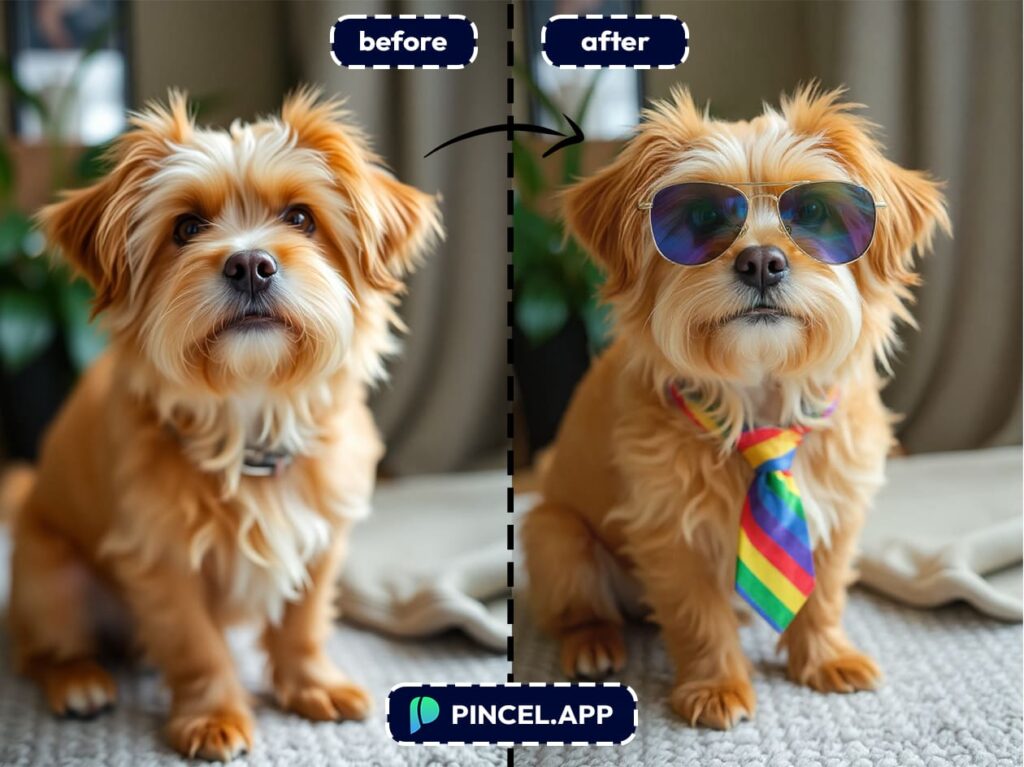
Keep it simple, then add details like color, material, vibe, and accessories.
Try prompts like:
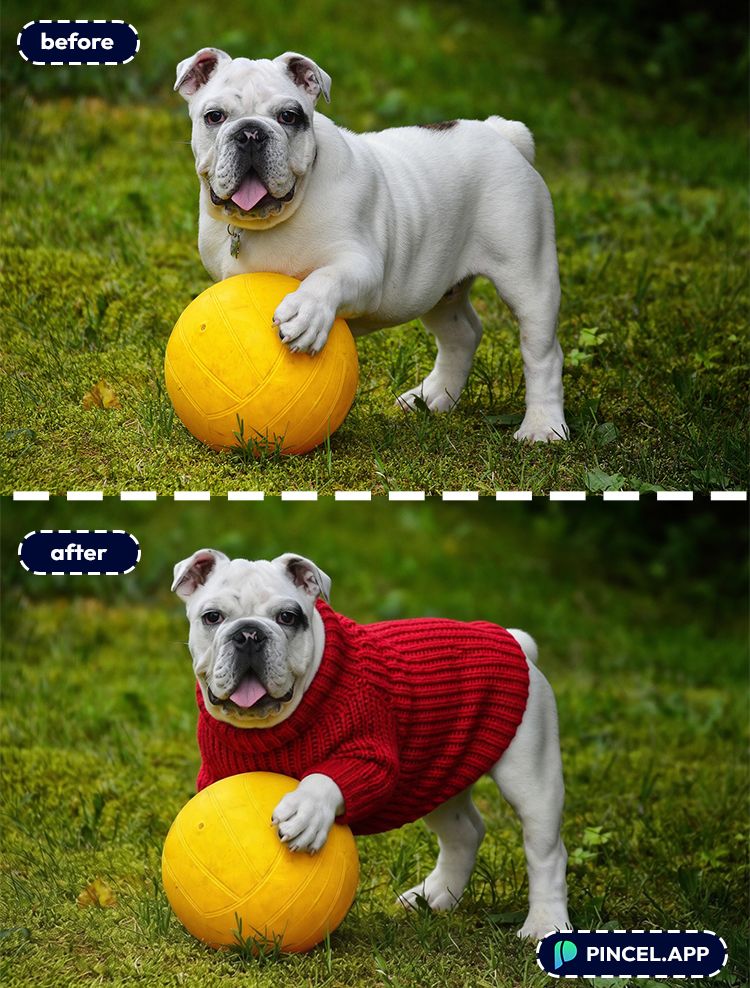
- “Put a red knit sweater on the dog, realistic fabric texture, natural fit”
- “Dress the cat in a black tuxedo with a bow tie, photorealistic”
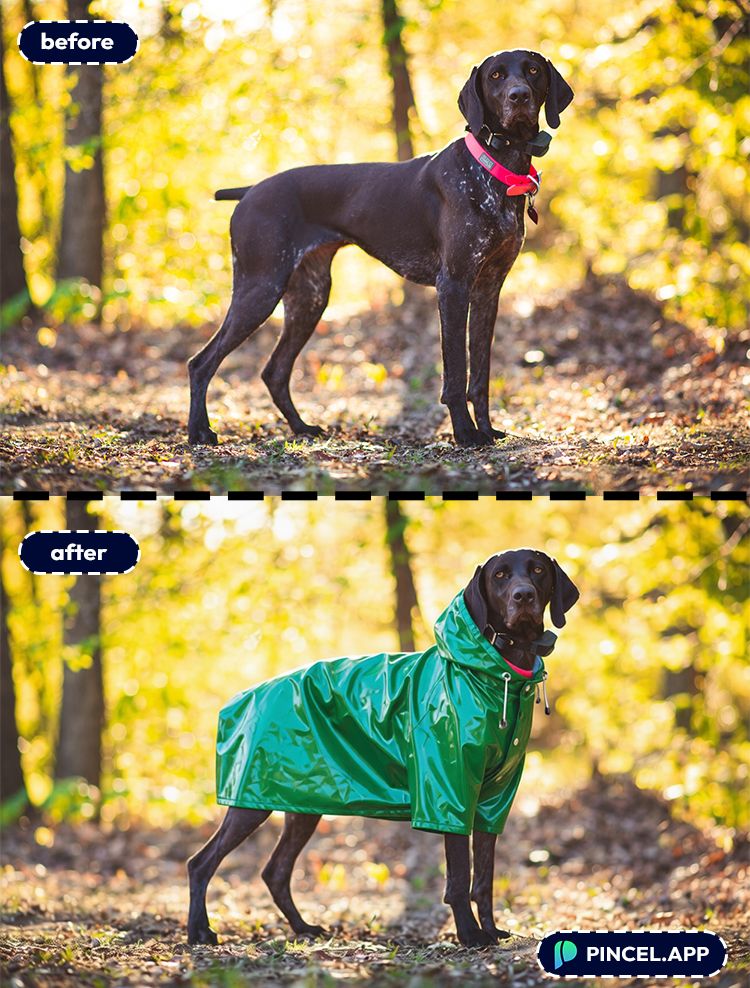
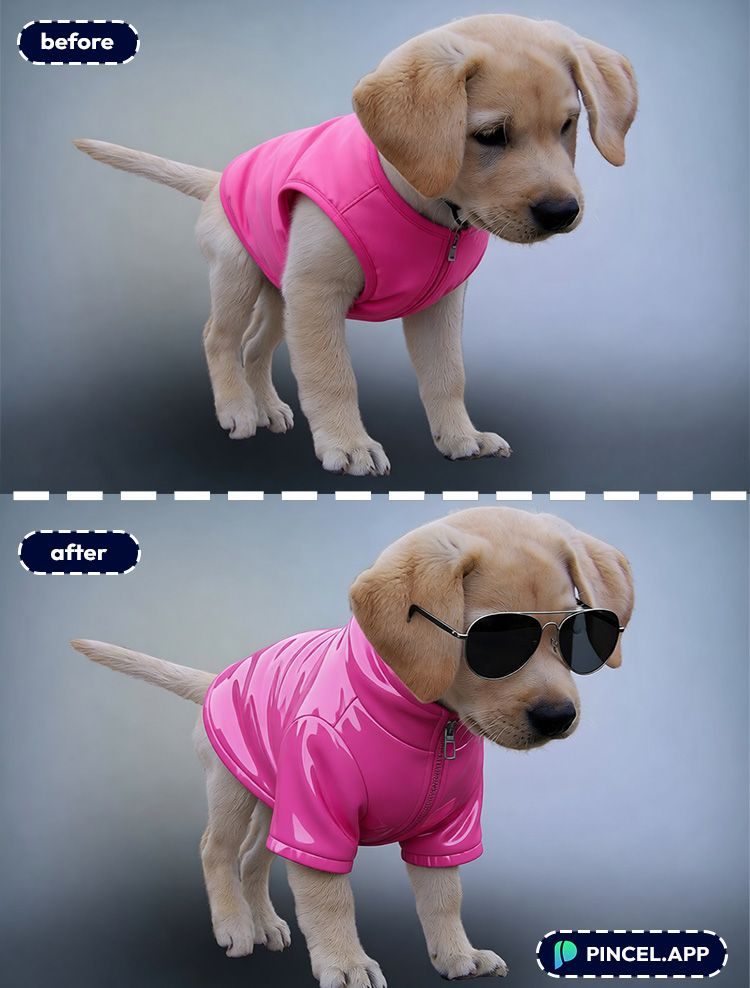
- “Add a yellow raincoat with hood to the dog, slightly glossy, cute”
- “Give the cat a medieval knight outfit with small armor plates, realistic lighting”
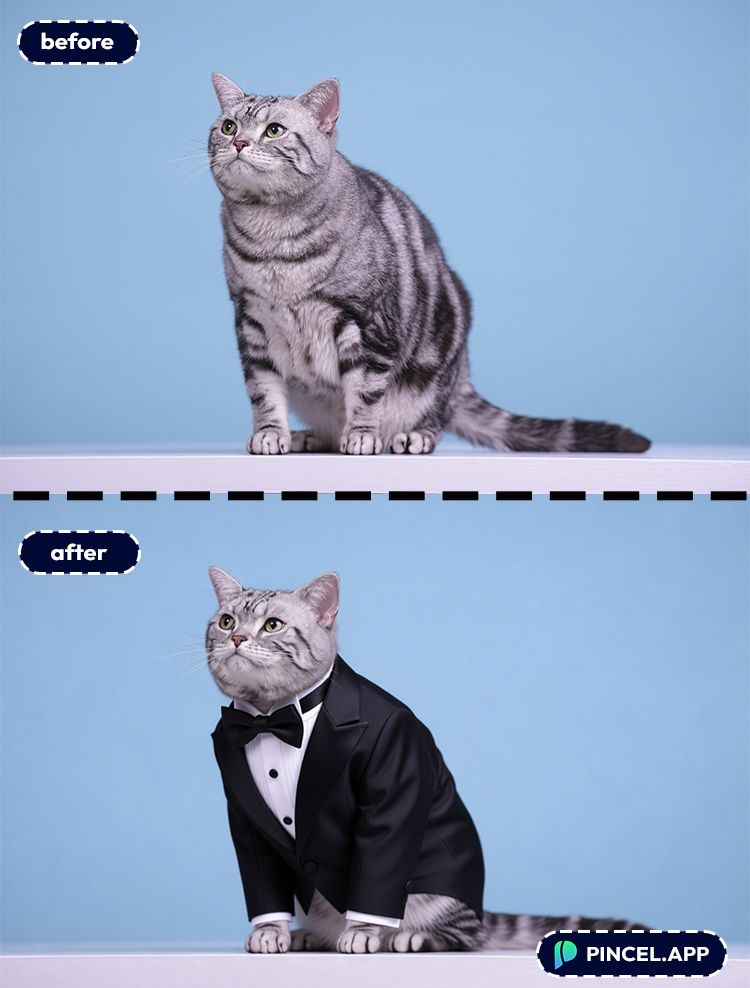
⚡ Step 3: Click Generate
Hit Generate and wait a few seconds.
Pincel blends the outfit with your pet’s shape, lighting, and scene so it doesn’t look pasted on.
If it’s too dramatic, regenerate with “subtle, simple outfit” or remove accessories one by one.
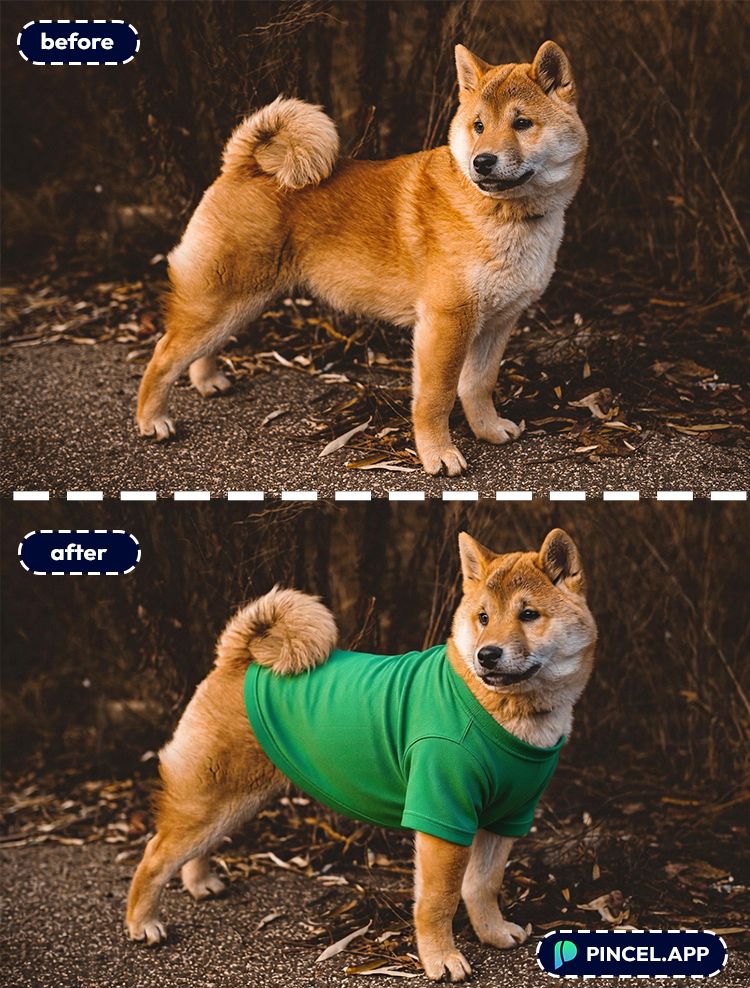
📥 Step 4: Download or Keep Tweaking
Download when it looks right.
Or iterate fast: “make the sweater blue,” “add a scarf,” “remove the hat,” and generate again.
You can do a whole mini lookbook in under 10 seconds per variation.
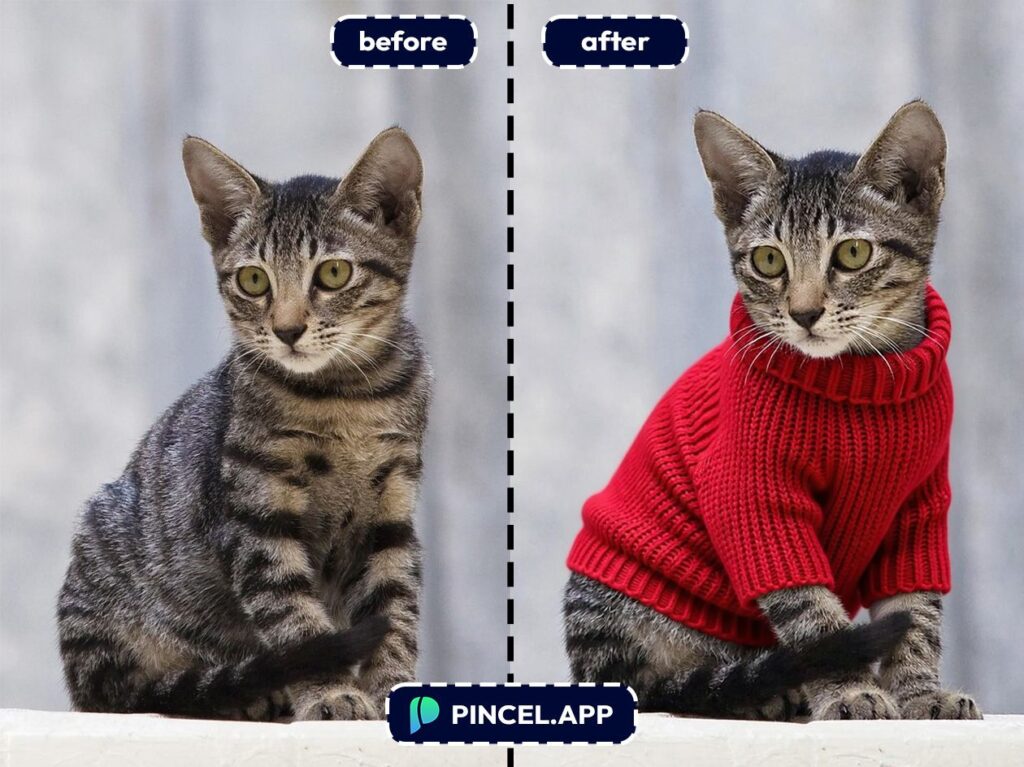
Practical Uses You’ll Actually Care About 👇🏼
Pet parents who want profile pics — You can create a new avatar for your dog or cat without turning your living room into a costume department.
Content creators — Pet meme pages live and die by fresh visuals, and outfit swaps are instant scroll-stoppers.
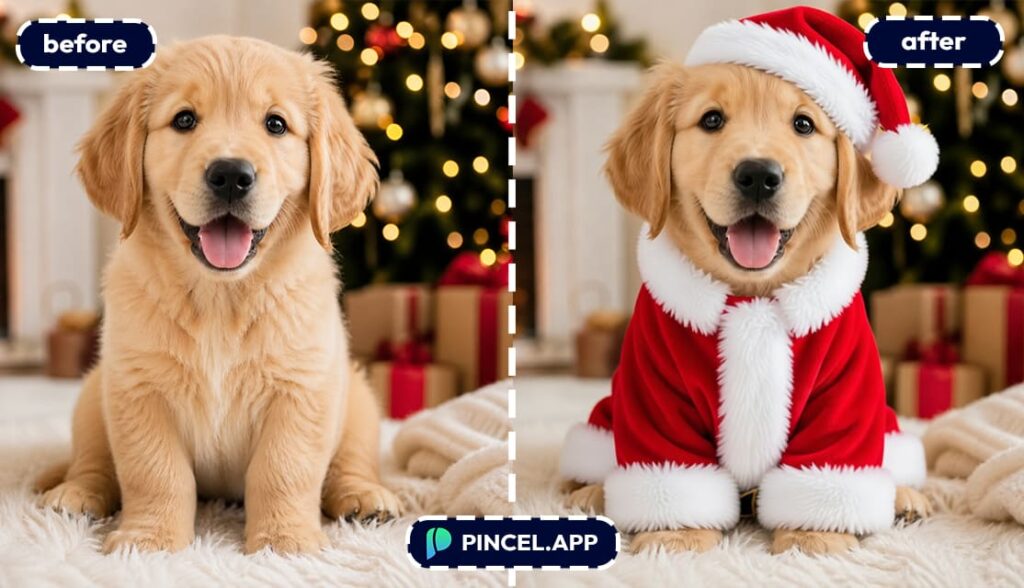
Holiday cards and invites — Give your pet a winter sweater, a party outfit, or a fancy suit for event invites.
If you also change the vibe of the scene, pairing this with a weather change is ridiculously effective.
For romantic themes, steal ideas from Valentine AI photos and apply them to your pet’s “date night” look (one heart emoji is allowed: ❤️).
Small businesses (groomers, pet shops, rescues) — You can create campaign visuals fast for promos, adoption posts, and seasonal banners.
If you need extra space for text, use Extend photo with AI to widen the image for a clean layout.
Merch and product mockups — Want to test “dogs in hoodies” designs before you print anything?
You can even duplicate props for a pattern feel using Clone objects (bones, yarn balls, tiny crowns).
Royal portraits and gag gifts — Turn your pet into a noble, then frame it like it’s 1762.
If you want to go full masterpiece mode, check out Royal pet portrait.
Posters, stickers, and custom art — Stylize the outfit and background for sticker packs or wall art.
If you like playful illustration styles, AI coloring is a fun companion workflow.
“Fix the photo while you’re at it” people — While you’re styling, you can also improve the image itself with better lighting. Try Relight photos with AI to make the outfit look like it truly belongs in the scene.
Frequently Asked Questions 🤔
How do I add clothes to pets using AI without it looking fake?
Use a clear photo and include realism cues in your prompt like “photorealistic,” “natural shadows,” and “realistic fabric texture.”
If the outfit looks pasted on, regenerate with “match lighting to the scene” and simplify the outfit.
What kind of pet photos work best for adding outfits?
A well-lit photo where the torso is visible works best.
Side profiles, sitting poses, and standing shots usually give the AI more body shape to work with.
Can I add clothes to pets using AI on a busy background?
Yes, but busy backgrounds can confuse the edge blending around fur.
If it looks messy, ask for a simpler outfit, or pair it with a background change like Replace sky to clean up the scene.
Can I choose specific clothing styles like streetwear, formal, or fantasy?
Yes. The prompt is your stylist brief.
Add keywords like “streetwear hoodie,” “formal tuxedo,” “Victorian dress,” or “medieval armor,” plus colors and materials.
Do I need Photoshop to do this?
No. Pincel works in your browser, and the edit takes seconds.
If you’ve tried doing this in Photoshop, you already know it’s a whole project, not a quick win.
Is Pincel free to try?
Yes. You get 20 free credits with no credit card required.
That’s enough to test multiple outfit ideas and iterate quickly.
See How it Works in Less Than 30 Seconds 👇🏼
The Pet Glow-Up 🐶 🐱
You don’t need tiny hangers or a measuring tape.
And you definitely don’t need a pet that cooperates.
Just upload your photo in Pincel AI Photo Editor. Describe the outfit. And hit generate.
Suit? Done. Bow tie? Obviously.
So go ahead. and try one classy look.
One amazing look and “this pet has more style than me”.
So, let’s try and give a makeover to our little pets.

