
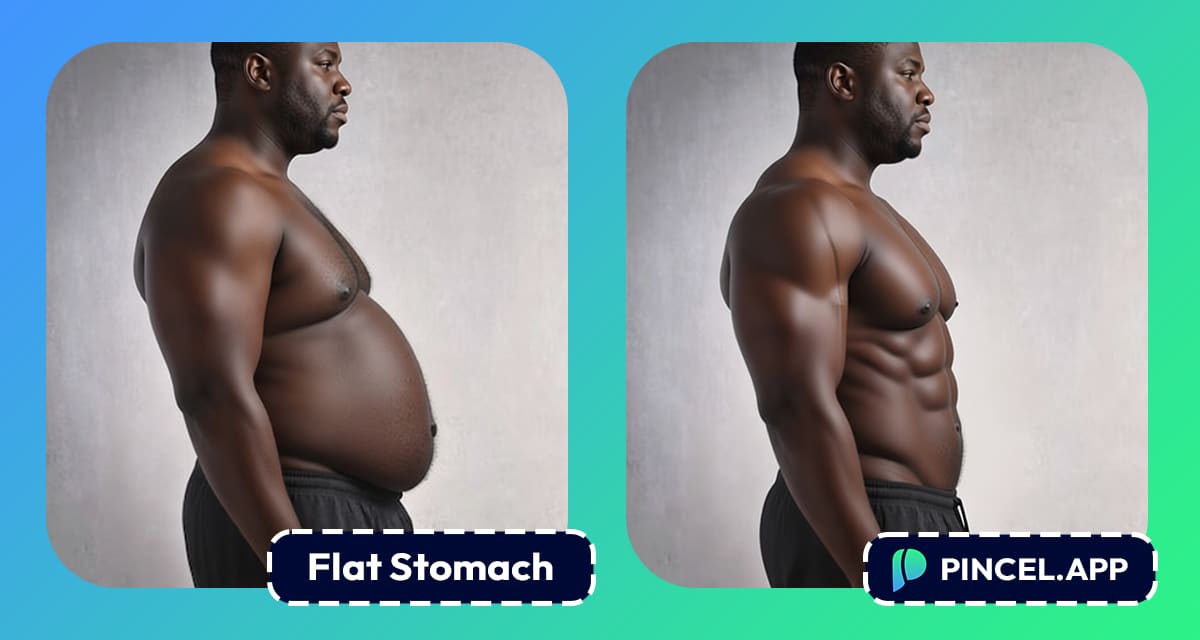
We all want to look fit and slim, but it’s not always easy.
Life gets in our way, we gain weight and get the look we have not dreamt of.
All we need is a little motivation of how we would look if we lost some weight.
Or what if our stomach was just a little bit flatter.
You can always “photoshop” your image, but you know it’s not easy or realistic.
Liquify, warp or mask and then pray you didn’t bend a doorframe.
Or you can try Pincel AI Photo Editor, with this amazing AI tool you can create a flatter stomach look in seconds.
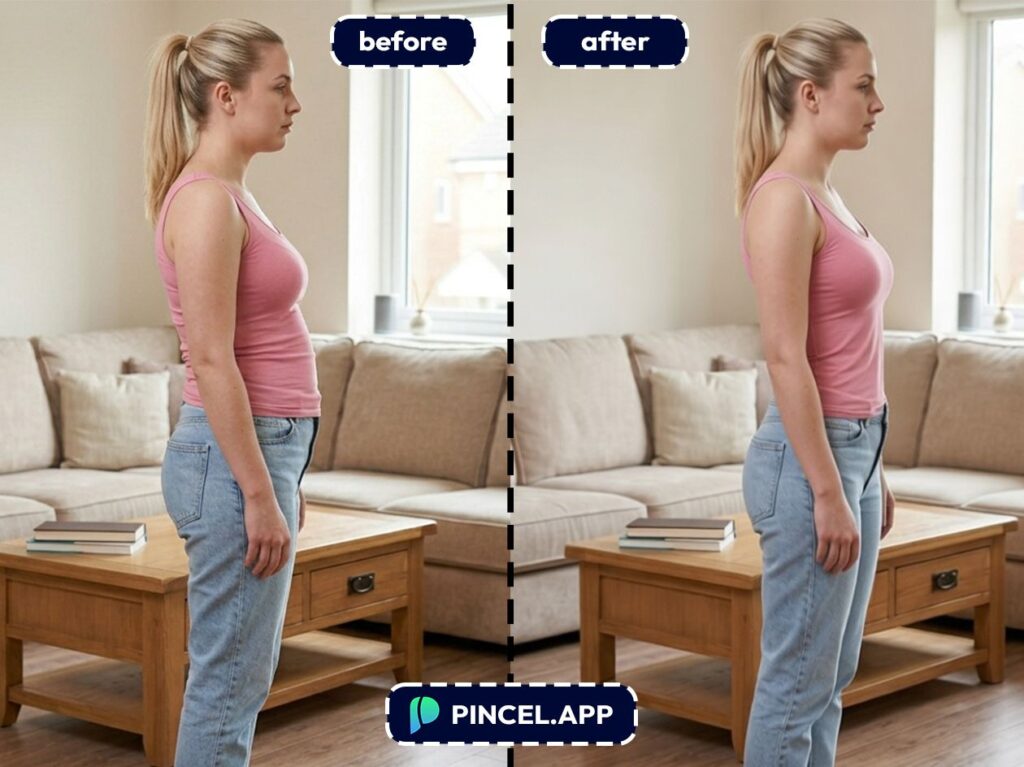
All you need is just upload your photo, type some simple prompts and let AI do the rest.
Let’s take a look at how it works.
Why Fixing Belly in Photos Is a Pain 😩
Photoshop can do it, sure.
But “Liquify” is basically a chaos button if you’re not careful.
You push pixels, and suddenly your waist looks melted.
Most importantly, one mistake and it will be on the internet forever.
That’s exactly why Pincel AI Photo Editor exists.
You describe what you want, it handles the blending, and you get a natural result without the warping drama.
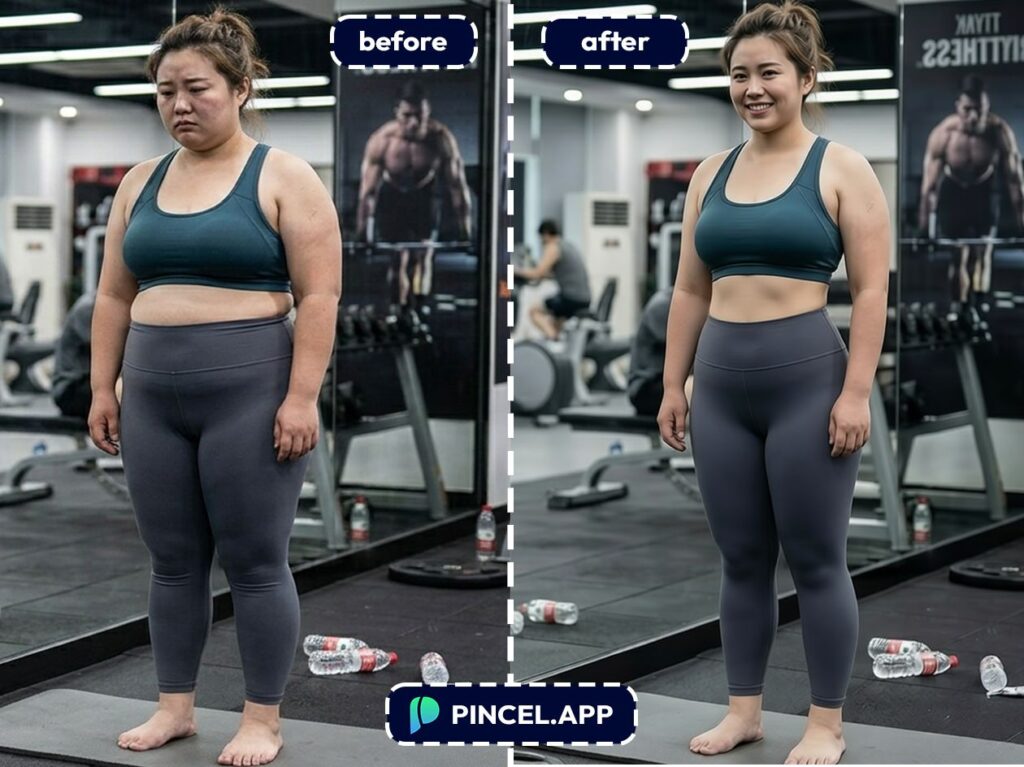
How to Create a Flat Stomach in Photos ✅
🖼️ Step 1: Upload Your Photo
Go to the Pincel AI Photo Editor.
Click “Upload Image” and choose your photo.
Full-body shots, mirror selfies, beach pics and gym photos all work.
If you can, pick an image where your torso is visible and not fully blocked by hands or objects.
But even casual photos can still work surprisingly well.
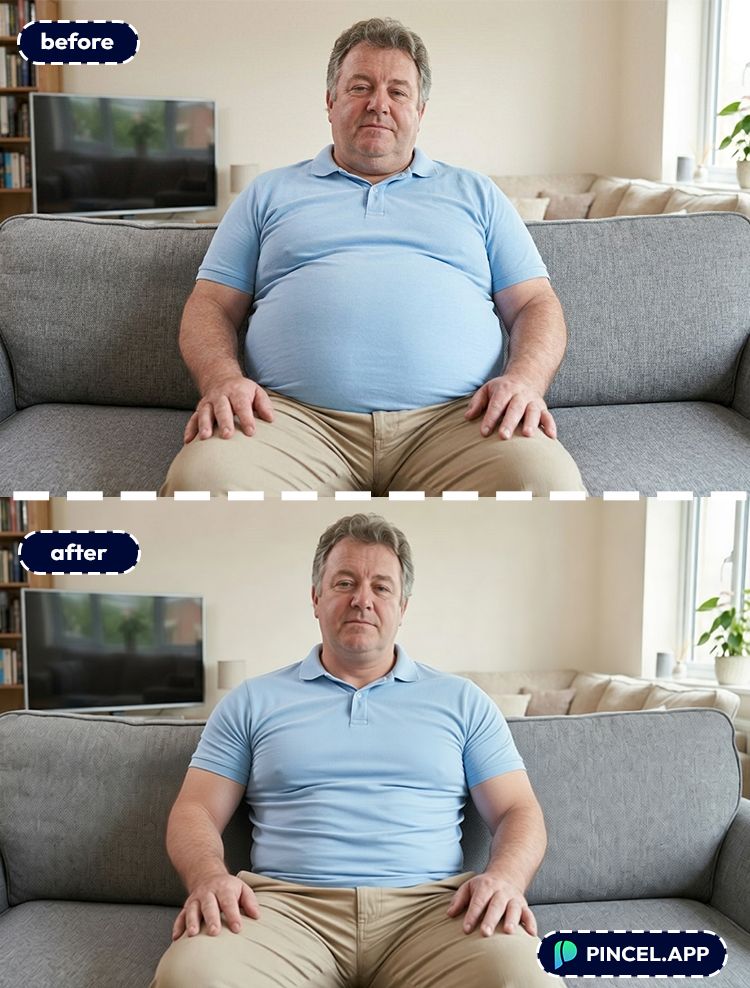
📝 Step 2: Type a Simple Prompt (Copy These)
In the prompt box, type what you want in plain English.
Try prompts like these:
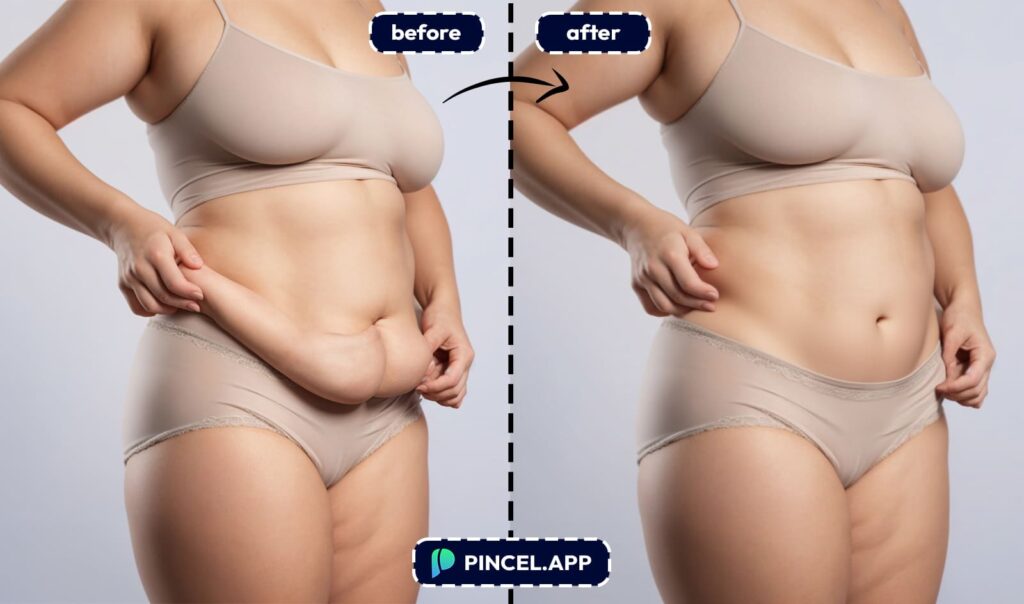
- “Make my stomach flatter and more toned, keep it natural and realistic”
- “Slightly reduce belly bulge and smooth the shirt around the waist, preserve background lines”
- “Improve posture and tighten the core area subtly, no extreme edits”
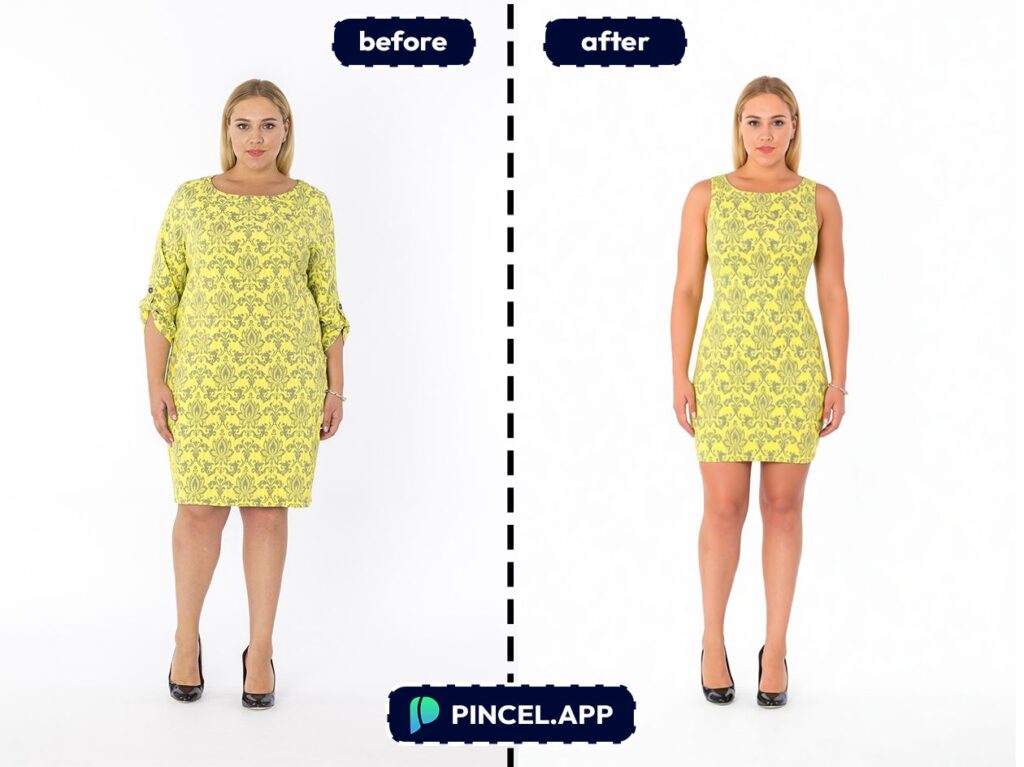
- “make the person very skinny and athletic and fit body, toned super slim figure, original dress but fitter, slimmer skinny face with same facial structure”
- “Define abs slightly under the skin, realistic lighting and proportions”
- “make the person very skinny and athletic and fit body, toned super slim figure, original dress but fitter”
⚡ Step 3: Click Generate
Hit Generate and wait under 10 seconds.
Pincel edits your photo while trying to keep the overall scene consistent.
That includes edges of clothing, shadows, and the background.
Not perfect on the first try?
Change one phrase and generate again.
📥 Step 4: Download (Or Refine More)
Once it looks right, download your edited image.
If you notice the background got a little weird, regenerate with a more careful prompt.
A single line like “preserve background lines and shapes” can make a big difference.
Ready to try it on your photo?
Who Is This For? 👇🏼
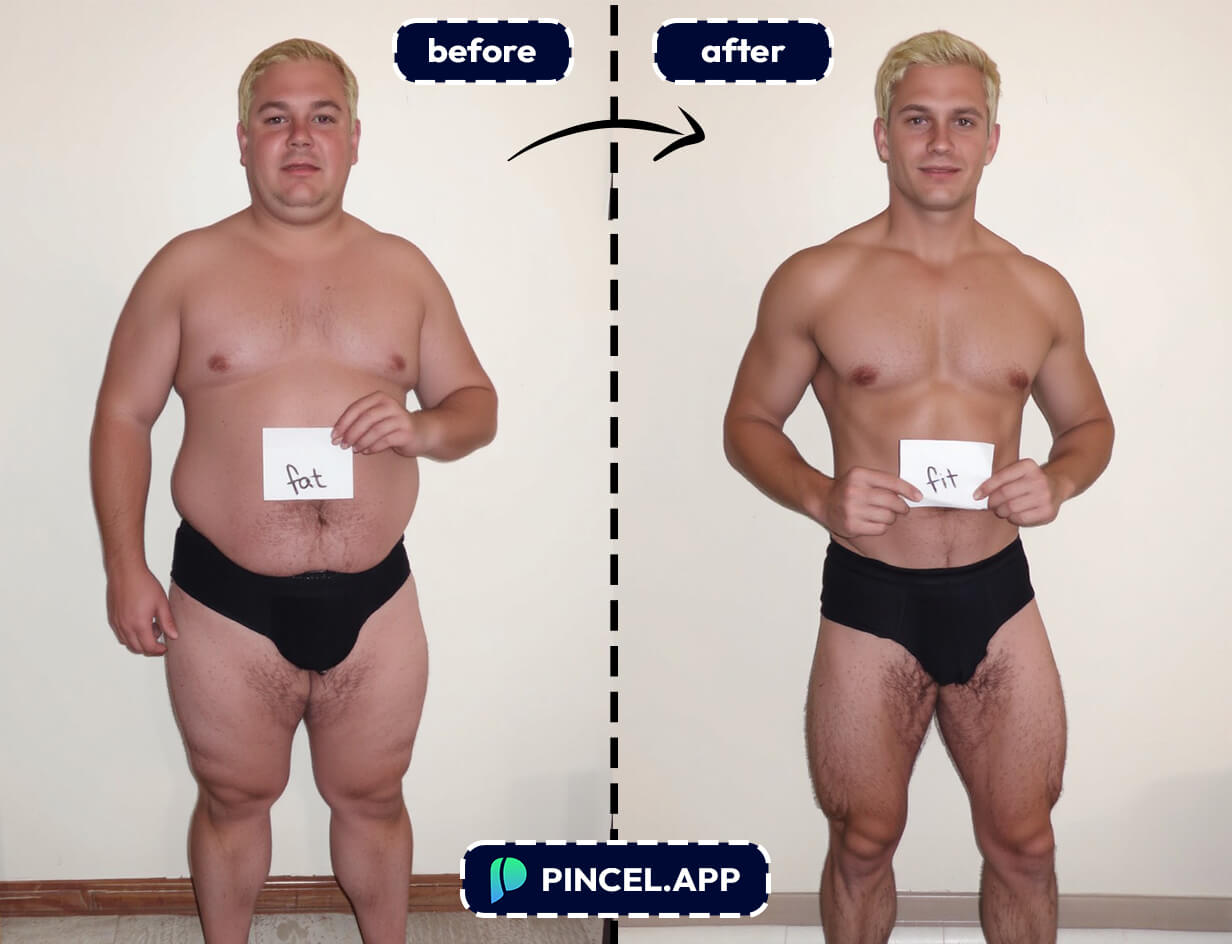
Gym progress photos — Keep your lighting consistent and make small fixes that match how you looked in real life and create weight loss photos.
And if the angle is the real issue, changing perspective can help too with camera angle edits.
Beach, pool, and vacation photos — Sometimes it’s not “extra weight,” it’s a wet shirt cling or a mid-laugh posture.
If you want to go further, you can also add a tan for that “just got back from vacation” vibe.
Outfit try-ons and fashion content — Shape changes often look better when clothing changes too.
Pair this with change clothes in a photo or browse inspiration from AI fashion styles.
Influencers and social media creators — Fix one distracting detail fast, without turning your photo into plastic.
And when the background is the messy part, replace the sky or change the weather for a cleaner vibe.
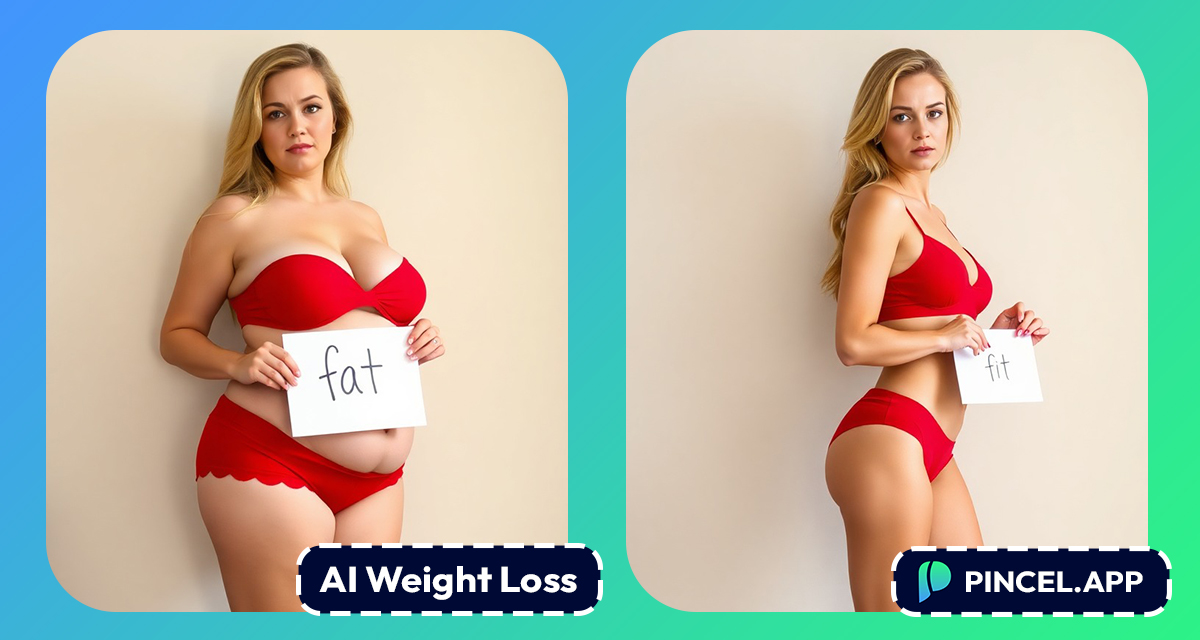
Dating profiles — You don’t need to invent a new body.
You just want a photo that matches how you feel on a good day (and the AI can get you there in seconds).
Group photos — Group shots are brutal because you can’t “just retake it.”
If someone’s pose is the issue, check out change pose in a photo.
Creators making before/after content — Want a clean comparison without spending hours in editing software?
You can even combine photos to show progress shots side by side.
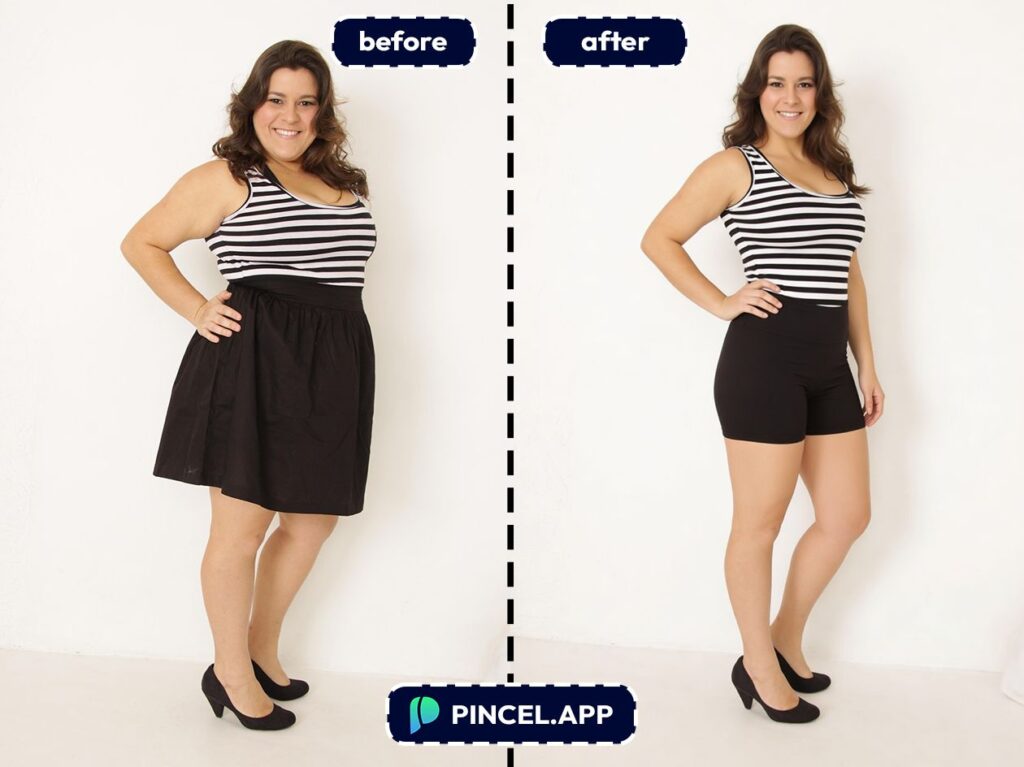
Just Stand Up Straight 💪
Just describe what you want, click Generate, and it’s done in seconds.
Here’s what actually matters:
✅ Fast results — usually under 10 seconds
✅ No editing skills needed
✅ Works right in your browser
✅ Easy to tweak and try again
✅ Free to try with 20 credits
If you’re used to traditional tools, this feels like Liquify… but way easier.
And a lot harder to mess up your photo.
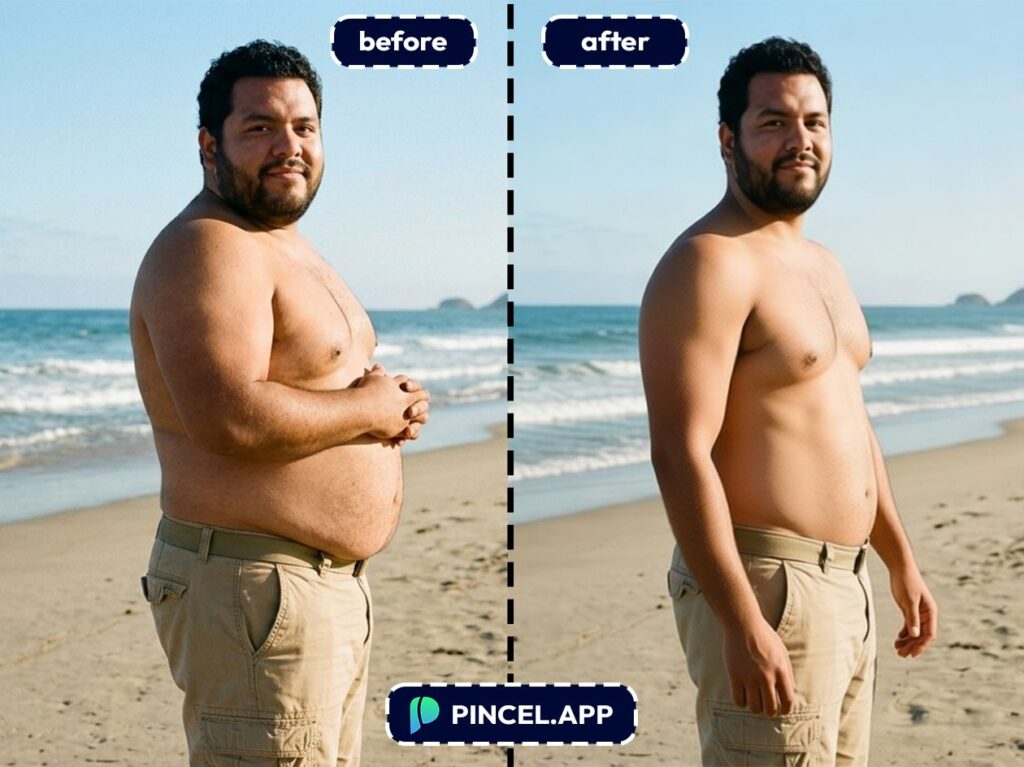
Frequently Asked Questions 🤔
How do I create a flat stomach in photos using AI?
You can create a flat stomach in photos using AI by uploading your image to Pincel AI Photo Editor and typing a prompt like “make my stomach flatter, keep it realistic.”
The tool generates an edited version in seconds, and you can refine by tweaking words like “subtle” or “toned.”
Will the flat stomach edit look realistic, or will it look like Photoshop?
It can look very realistic if you ask for subtle changes and keep proportions natural.
Prompts like “slightly reduce belly bulge” usually look more believable than “extreme six-pack abs.”
What prompts work best for “create flat stomach in photos AI”?
The best prompts are specific about subtlety, realism, and preserving clothing and backgrounds.
Try “Slightly flatten the stomach area and smooth shirt wrinkles, keep lighting and proportions realistic.”
Can AI flatten my stomach without changing the rest of my body?
Yes, you can target just the midsection by saying exactly what to change and what to keep.
Add phrases like “keep shoulders, hips, and overall body shape the same” to avoid unwanted changes.
Is it free to create a flat stomach in photos using AI?
Yes. Pincel AI Photo Editor includes 20 free credits for new users with no credit card required.
That’s enough to test multiple prompts and see what looks best on your specific photo.
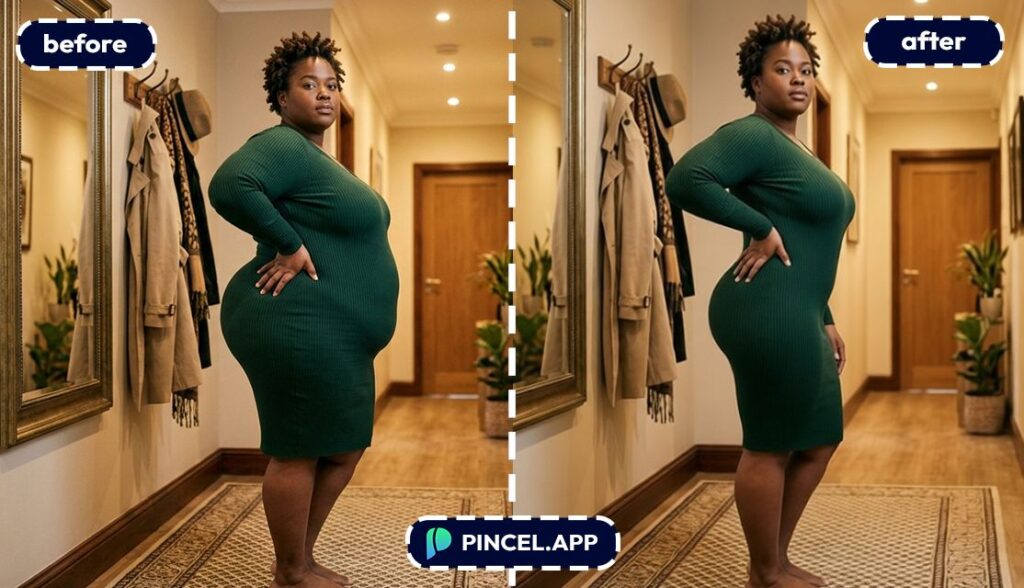
Abs-olutely Better 😁
The truth is, we all want to look our best and we want our image to look best.
There’s no need to spend hours retouching a photo.
We can just have a look at our best selves and share with others.
All we need is our photo, upload in the Pincel Photo Editor, write a simple prompt and see the magic happens.
Then tweak a little and done.

