
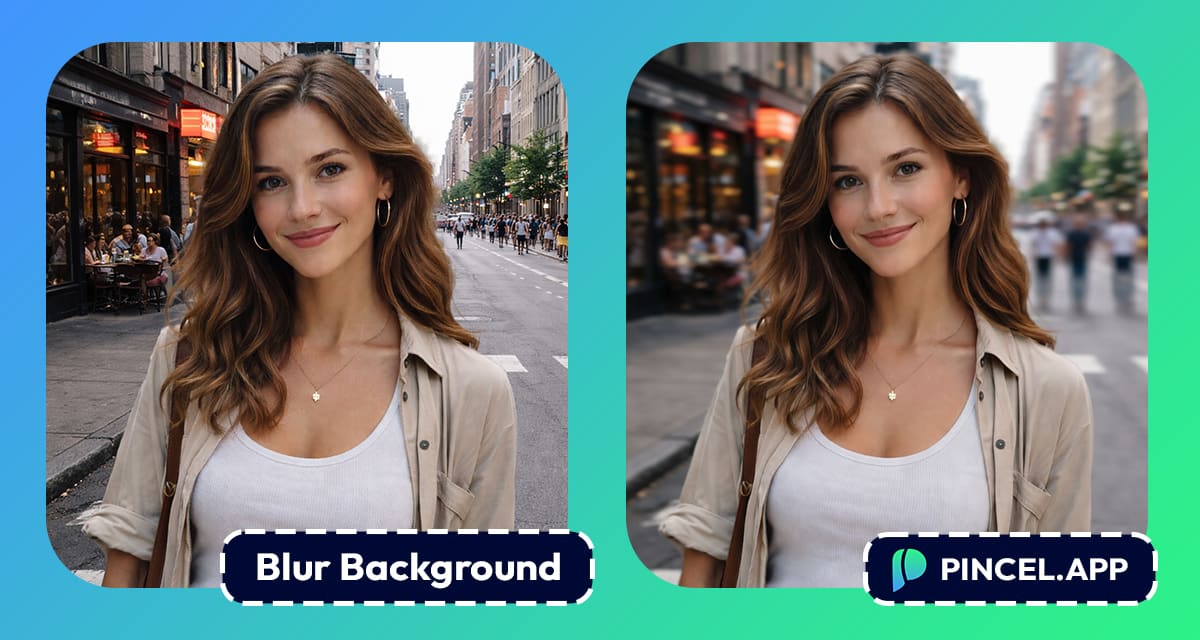
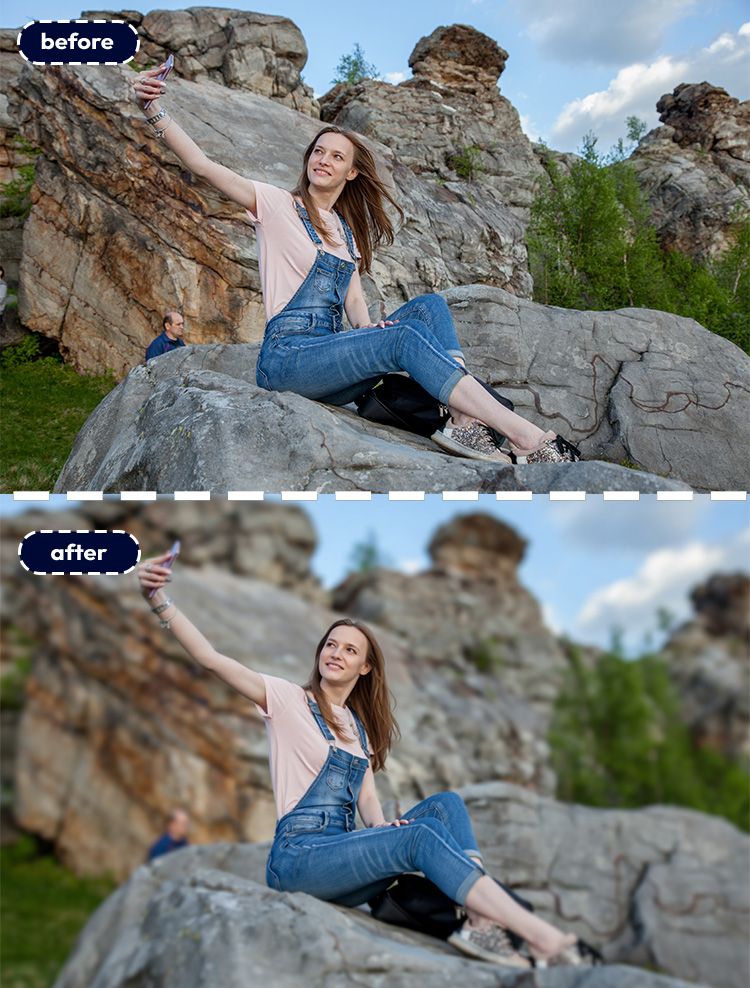
Ever taken a good photo… but the background just ruins it?
It happens all the time.
Too much clutter and too many distractions.
So you try fixing it and somehow, it gets worse.
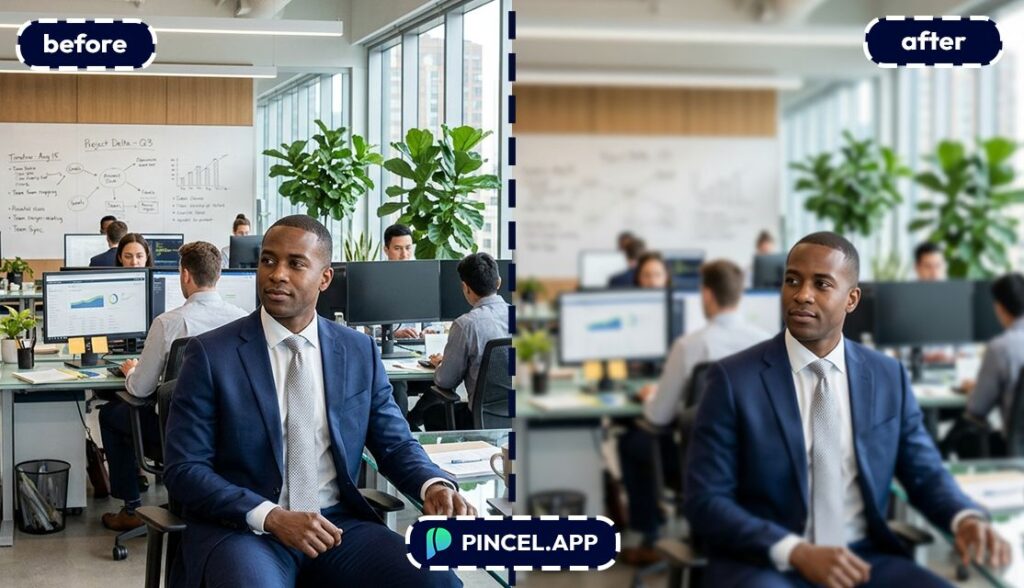
With Pincel AI Photo Editor, you just upload your image.
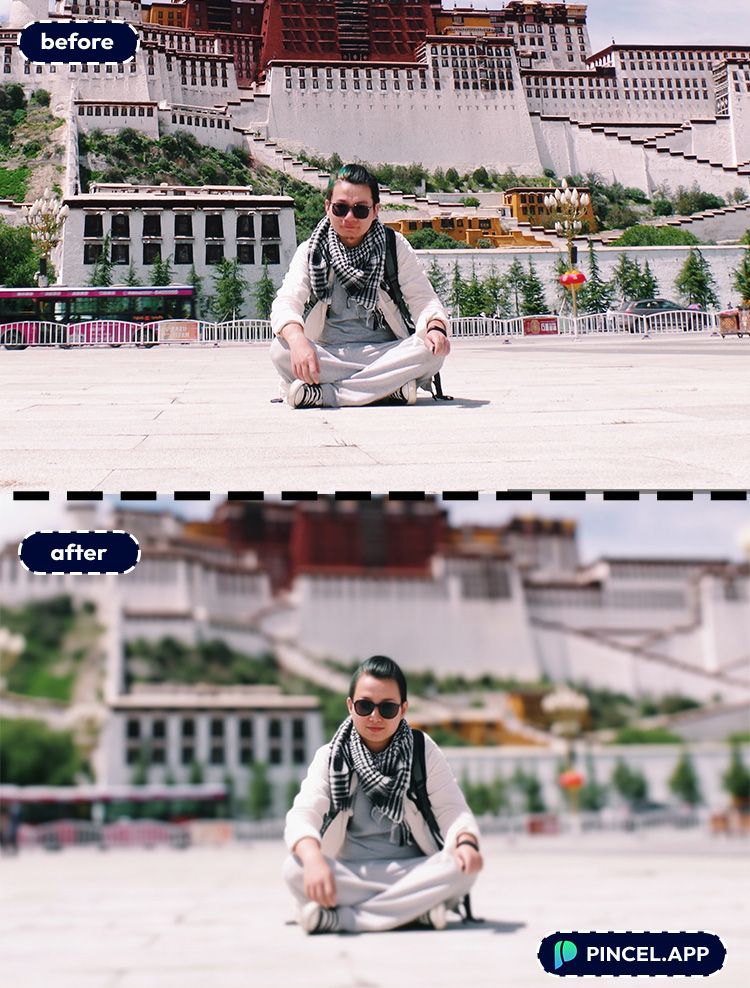
Then you type what you want and instantly, the background softens while your subject stays sharp.
No complicated edits. No weird edges and just clean, natural results.
So instead of fighting your photo you finally fix it.
Why Blurring a Background Manually Is a Total Pain 😩
In Photoshop, you’d usually have to cut your subject out first.
And hair can be the very difficult part.
One wrong edit and your “professional blur” suddenly looks like a sticker.
Hiring a retoucher is easier… until you’re stuck in revision rounds.
And paying for “can you make the blur a little softer?” is not okay.
That’s exactly why Pincel AI Photo Editor exists.
You describe what you want, and it handles the hard parts automatically.
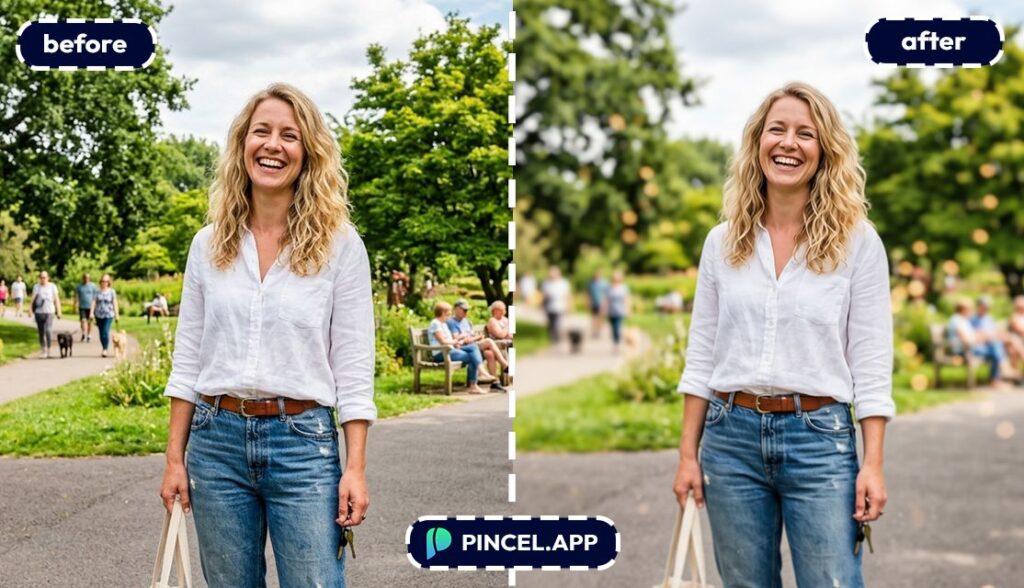
How to Blur a Background
🖼️ Step 1: Upload Your Photo
Go to the Pincel AI Photo Editor.
Upload any portrait, selfie, group shot or product photo.
Even casual phone pics usually work great.
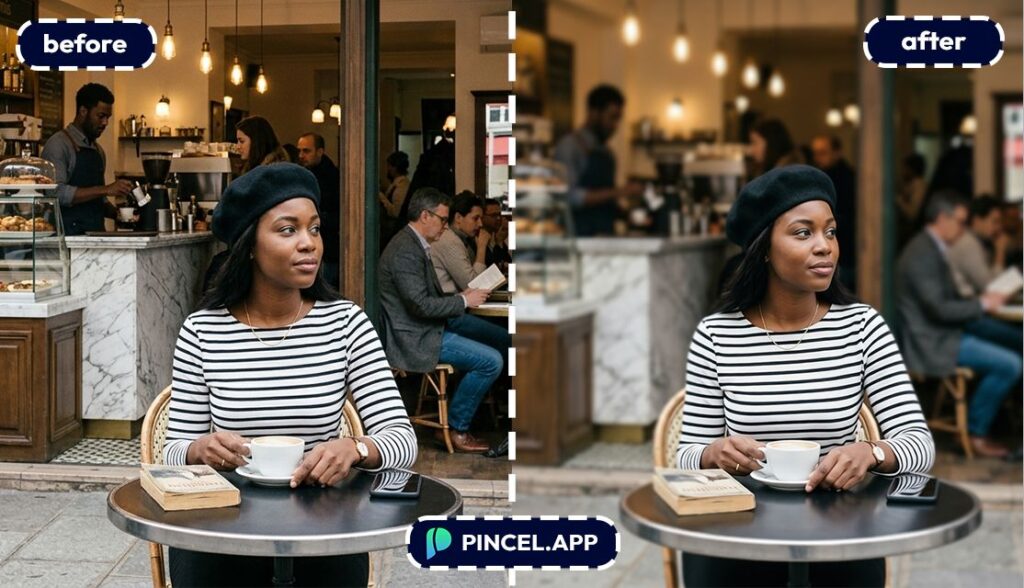
📝 Step 2: Type a Simple Blur Prompt
In the prompt box, tell the AI exactly what to blur.
Try prompts like:
- Blur the background with a soft bokeh effect, keep the person sharp
- Make the background blurry like a DSLR portrait, preserve facial details
- Blur everything except the subject, subtle depth of field
- Add strong background blur and smooth bokeh lights, keep hair edges clean
or simply type “blur the background”
⚡ Step 3: Click Generate
Hit Generate and wait under 10 seconds.
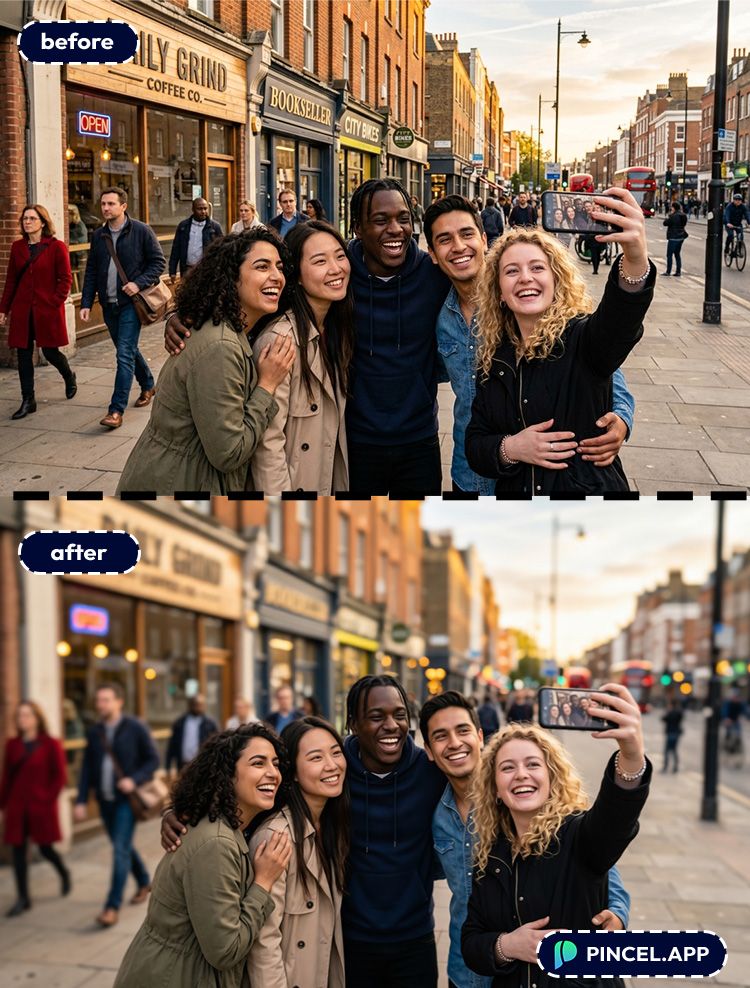
The AI figures out what the main subject is, then applies blur behind it.
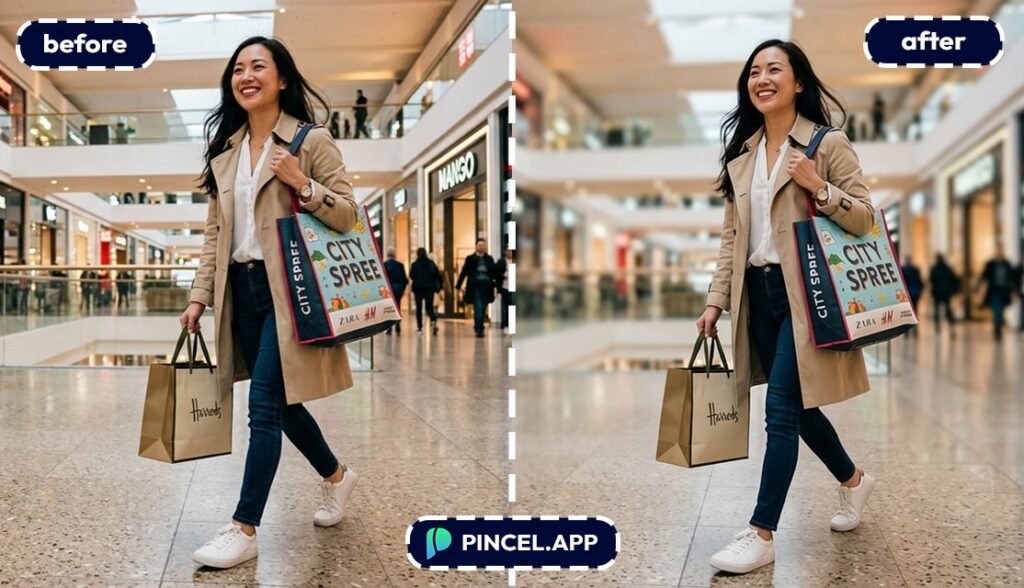
It also tries to keep edges (like hair and shoulders) from looking cut-out.
Not perfect on the first try?
Change “soft blur” to “strong blur,” or ask to “keep face and hair sharp”
📥 Step 4: Download (or Refine)
Download the version you like.
And if you want to go further, you can combine blur with other edits.
For example, fix lighting first with relighting, then blur the background for a studio look.
Ready to try it on your photo?
Who Is This For? Real-World Use Cases 👇🏼
LinkedIn & resume photos — You can turn a casual photo into something that looks intentionally shot.
Pair it with the tricks from AI resume photo for a clean, professional feel.
Passport-style and ID photos — Some formats need plain backgrounds, not blur.
But blur is perfect for “profile photo” versions right next to your official one from AI passport photo.
Creators and thumbnails — Background blur pulls attention to your face fast.
And if you want a more dramatic composition, try change camera angle first, then blur.
Dating profiles — A soft blur makes photos feel more “photographer” and less “bathroom mirror.”
If you’re also tweaking your look, you can experiment with change eye color or remove wrinkles (lightly).
E-commerce product photos — Blur can create a premium lifestyle vibe while keeping the product crisp.
For full listing-ready images, see AI product photography.
Real estate and interiors — Blur can hide clutter and keep focus on the subject (like a chair, a plant, or a feature corner).
Or go the other direction and fully redesign the scene with AI garden design.
Creative edits — Blur plus extension is a cheat code for cinematic framing. Try expanding the canvas with extend photo with AI and then add depth-of-field blur.
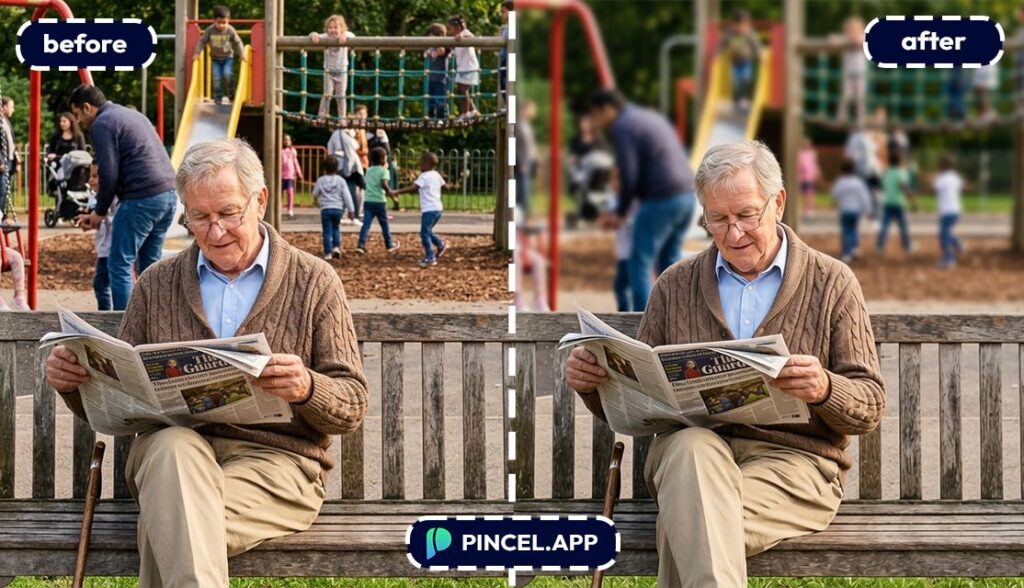
Why Pincel Beats 💪Photoshop (For This Job)
Photoshop can absolutely blur a background.
But to do it well, you still need to:
Select the subject, refine edges, separate layers, apply lens blur, and tweak halos.
With Pincel, the workflow is basically: upload → prompt → done.
You get results in seconds, and not a minute is wasted on masking.
Also, it’s way more beginner-friendly.
No software installs, no layers panel, no “why is my mask inverted?”
If you’re curious about the broader “replace parts of an image with text” approach, check out this Photoshop alternative post.
Want to see it in action on your own photo?
Frequently Asked Questions 🤔
How do I blur background in a photo using AI?
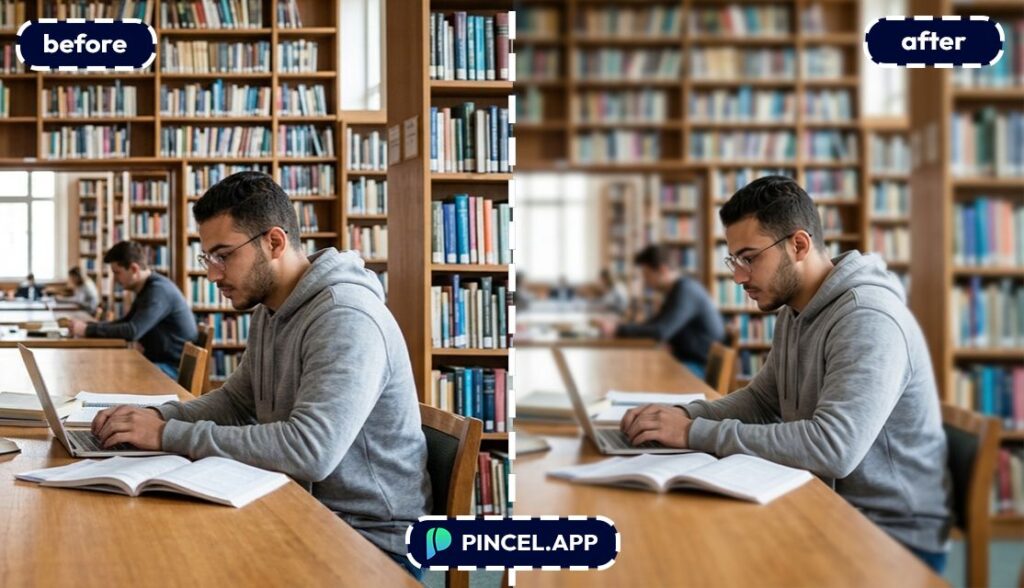
You blur a background in a photo using AI by uploading your image, typing a prompt like “blur the background, keep the subject sharp,” and generating the edit.
Pincel AI Photo Editor does the subject detection and blur effect automatically in seconds.
Can AI blur the background without messing up hair edges?
Yes, AI can blur the background without messing up hair edges, but results depend on the photo and the prompt.
If hair looks weird, ask for “clean hair edges” or “preserve flyaway hair detail,” then regenerate.
What’s the best prompt to blur a background realistically?
The best prompts mention depth of field and what should stay sharp.
Try wording like “soft bokeh background blur, keep face and hair sharp” or “DSLR portrait blur, natural lens look.”
Is blur background AI good for product photos?
Yes, blur background AI is great for product photos when you want a premium lifestyle feel while keeping the item crisp.
If you need full catalog-style results, combine it with ideas from AI product photography.
Is there a free way to blur background in a photo using AI?
Yes, you can try it for free.
Pincel gives new users 20 free credits with no credit card, which is enough to test multiple blur variations before upgrading.
Do I need Photoshop to blur a background like portrait mode?
No, you don’t need Photoshop to blur a background like portrait mode.
Pincel runs in your browser and produces results in seconds, without manual masking or editing skills.
Blur Happens 📸
So here’s the truth. Great photos aren’t always perfect.
But now, that doesn’t matter.. because you can fix them instantly.
No more distracting backgrounds an no more editing headaches.
Just upload, type and get a clean, focused result.
Because now your subject stands out.
Exactly how it should.

