
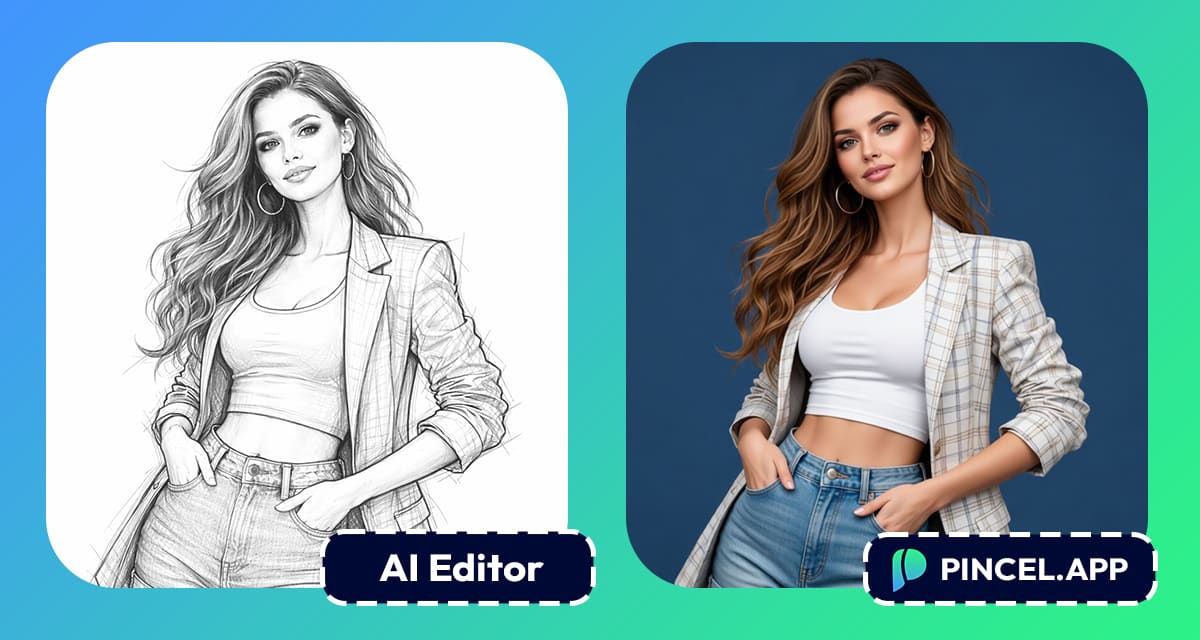
Most photo editing tools make you work too hard.
You tweak one thing and then something else breaks.
That’s frustrating.
What if you could just describe what you want… and get it?
That’s exactly what Pincel AI Photo Editor does.
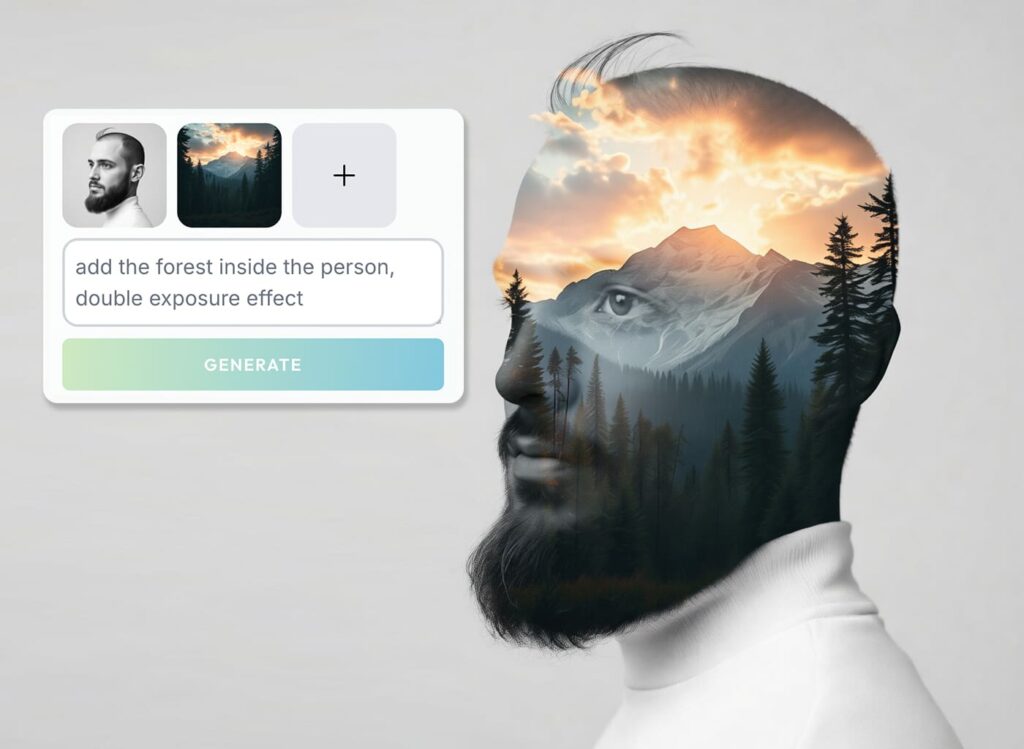
You upload your image, type what you want to change
(no brushing or manual selecting is needed)
And just like that, your new image is ready.
And after our latest update, it all got even better.
Edit the Same Image Again and Again (Iteration Mode)
First, we introduced iteration mode.
This is a big one.
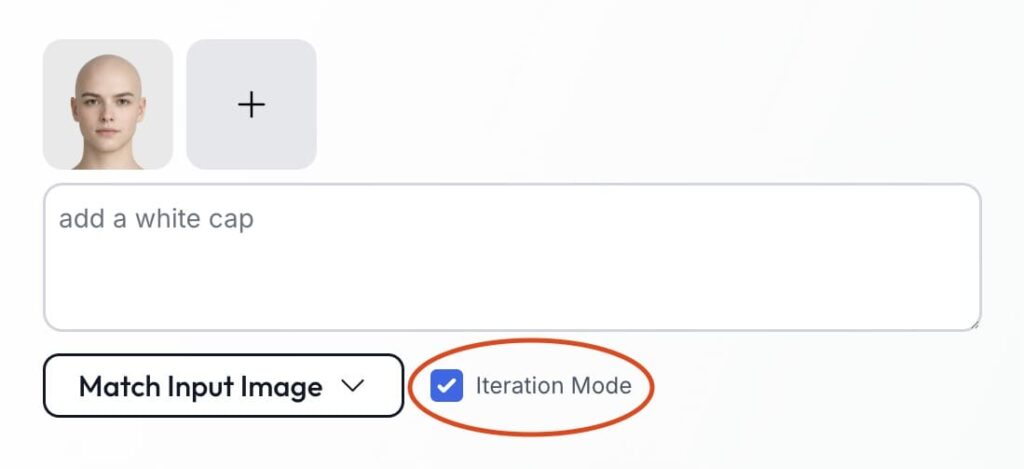
Now, you can keep editing the same image multiple times in a row.
So instead of starting over, you build on your previous result.
For example, you can:
- Change the hairstyle
- Then adjust lighting
- Then swap the background
- Then tweak facial details
And importantly, everything stacks together smoothly.
As a result, your workflow feels more natural.
Use Reference Images 🖼️
Next, we upgraded how references work.
Before, you could guide edits with one image.

Now, you can use multiple reference images at once.
This means more control and more precision.
For instance, you can:
Then combine them into one result.
Because of this, your outputs look more intentional.
Faster Rendering 🚀
We also rebuilt the model behind the editor.
It’s now optimized for speed and quality.
So you get even better outputs in less time.
In fact, results are noticeably sharper.
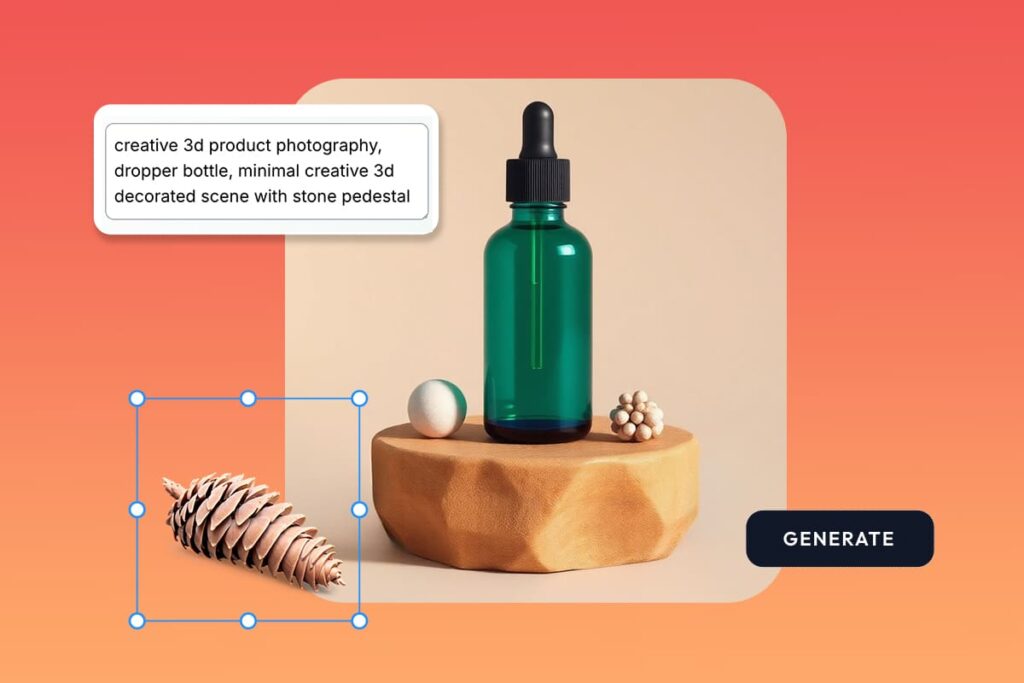
Details look cleaner and faces look more realistic.
At the same time, generation is faster than ever.
So instead of waiting, you can keep creating.
The GPU Is Always Warm
Here’s something subtle but actually very powerful.
The model is now always warm.
That means no cold starts and no delays before generation begins.
You click generate…and it just works in a few seconds.
As a result, the experience feels smooth and much more responsive.
Higher Quality Output
We didn’t just improve speed, but also pushed quality further too.
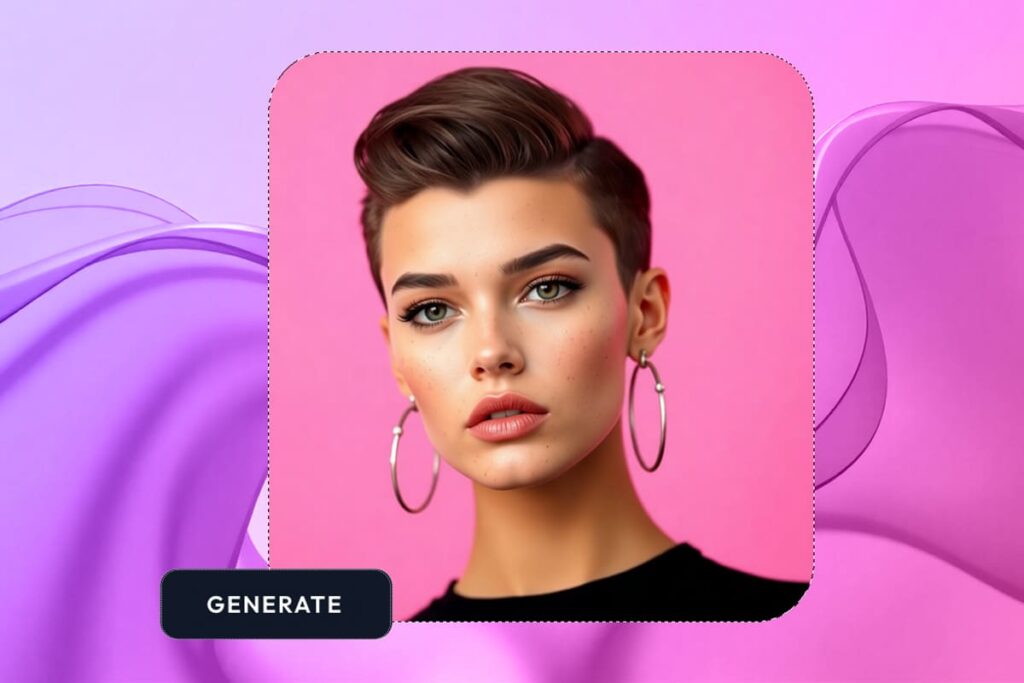
Now, outputs have:
- Better textures
- More accurate details
- Cleaner edges
- More consistent lighting
- bigger image size
So whether you’re editing portraits or product photos,
you get results that look more usable.
5x Cheaper (Yes, Really)
Finally, we made it way more affordable.
Each generation now costs only 2 credits.
That’s up to 5x cheaper than before.
So you can experiment more and test more ideas.
And iterate without worrying about cost.
Now Also Available
as an Android App 📱
You can now use Pincel App on your Android device
(IOS app coming soon)
So you don’t need a desktop anymore.
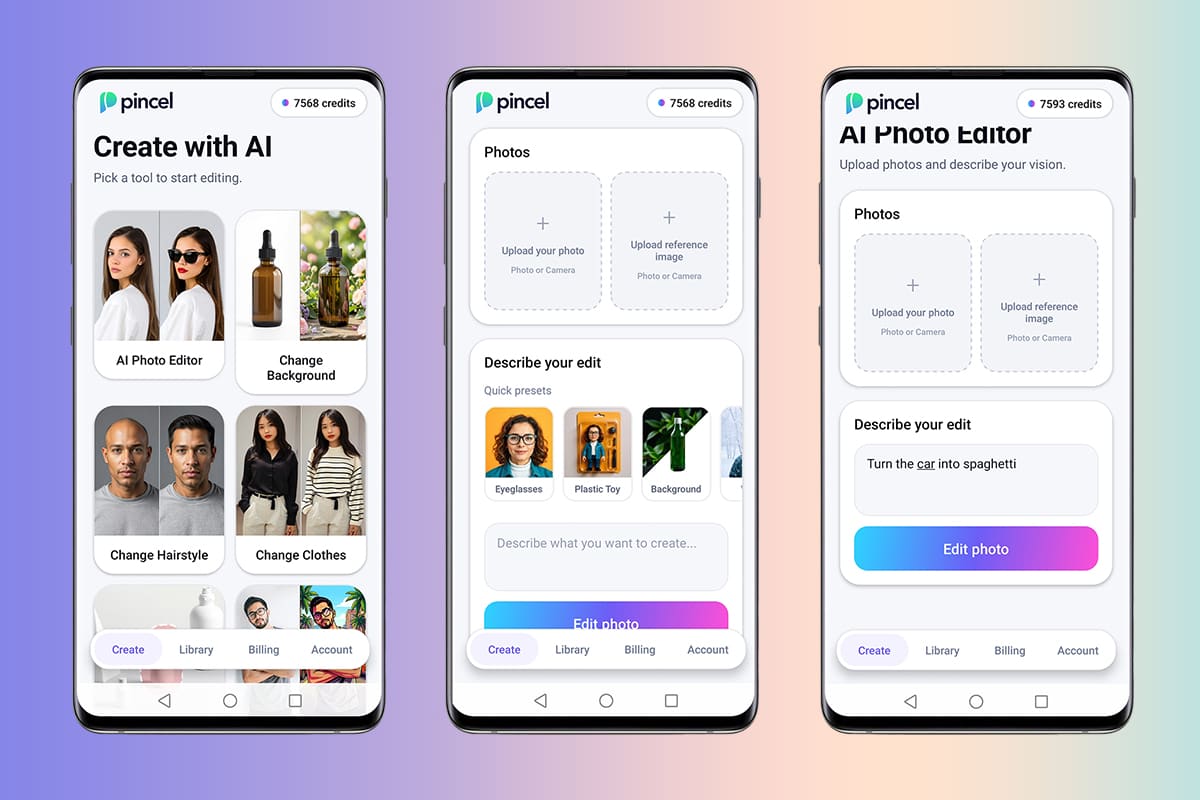
Just open the app, upload your image, and start editing right away.
As a result, you can create on the go without slowing down.
NB: you can also use Pincel without the app through a browser (Google Chrome works best)
Packed with Presets for Instant Edits
Sometimes, you just want fast results.
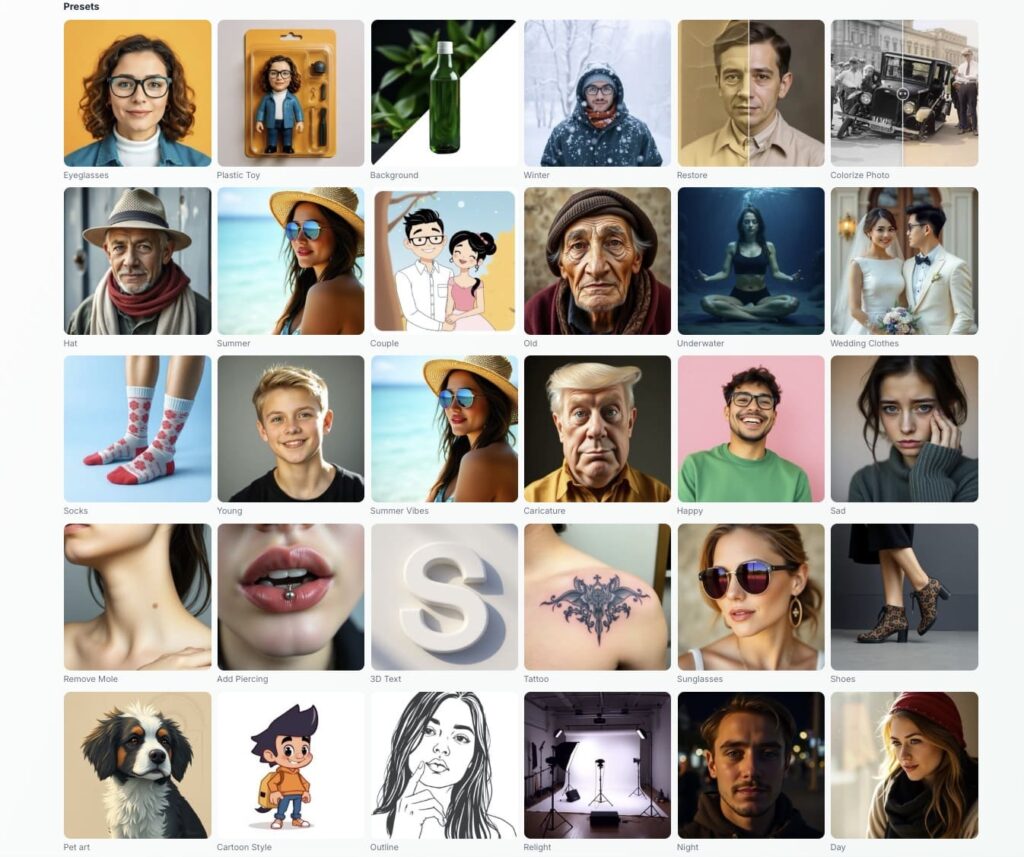
So we added a full library of presets which are ready-made edits you can apply in one click.
For example, you can add sunglasses or try formal clothes to winter mode.
Or even turn a photo into a cartoon.
At the same time, each preset comes with a built-in prompt.
So you can click it and reuse it instantly.
As a result, you get popular edits without thinking too much.
Compare Changes with Before and After Slider
Sometimes, small changes make a big difference.
So we added a simple before and after slider.
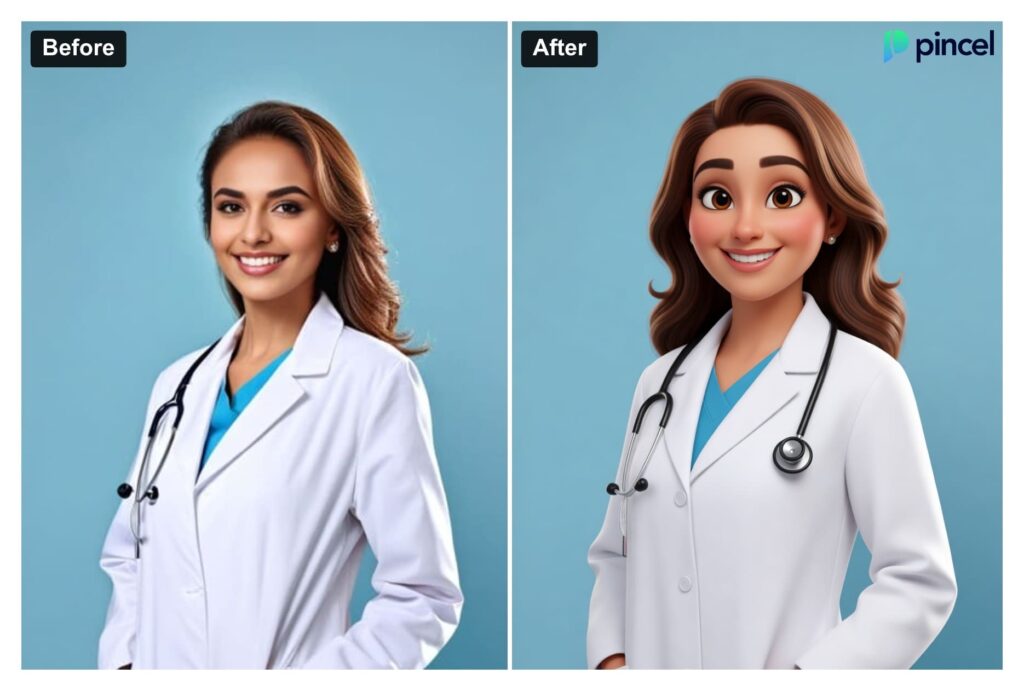
Now, you can instantly compare your original image with the edited version.
And you know exactly what changed before you move forward
One Image = Endless Editing Possibilities 👇🏼
What if one image was all you needed?
Now, you edit your photo step by step and you never have to start over.
At the same time, you can also mix and match reference images.
So whether you’re replacing backgrounds, fixing details, or trying creative edits, Pincel now works as a simpler and faster alternative to traditional editors and newer AI tools alike.
Take one image and see how far you can push it.

