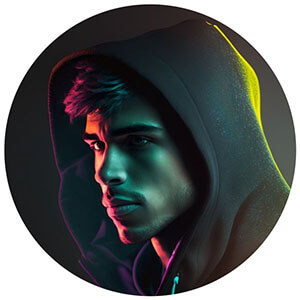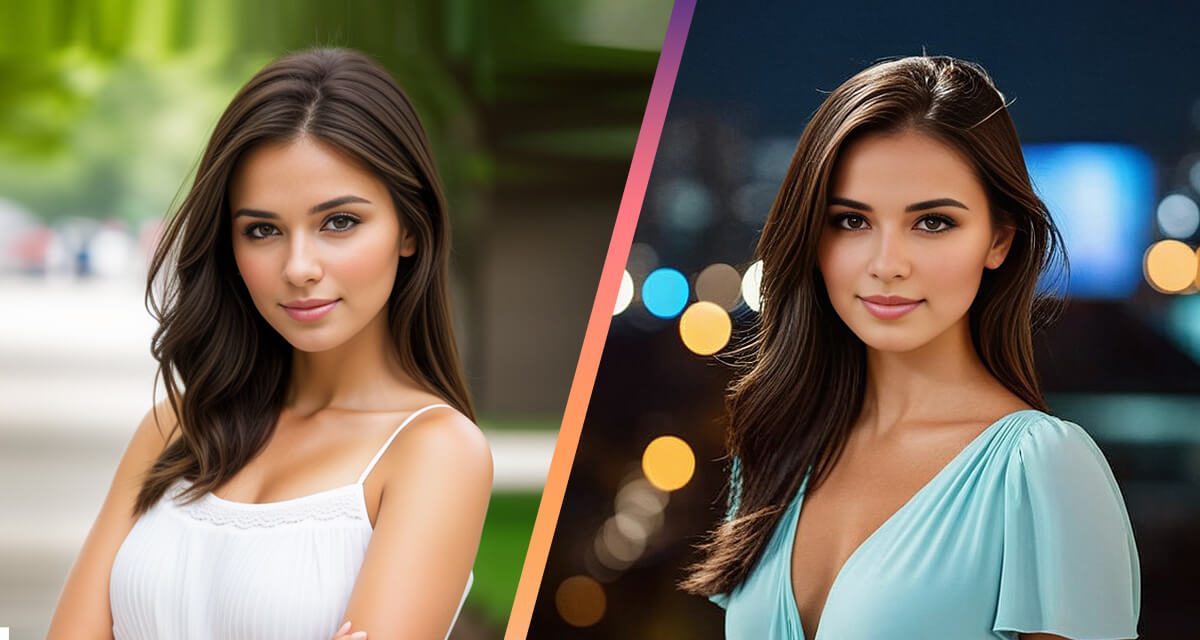
What if you could be in every photo without actually being there.
A product shot or a image of cosplaying your favorite character.
Maybe a classic headshot in different settings or even a video.
All featuring you, without a single shoot.
That is exactly what an Pincel AI model does.
It takes your face and places you into any scene you need.
Brands use it for campaigns and even YouTube uses it for content.
Simply upload your photo to Pincel AI Portrait, describe the scene you want, and generate a realistic version of yourself in seconds.
Not only images, you can also create different videos with Pincel Talking Photo in different scenarios.
Here’s how it works:
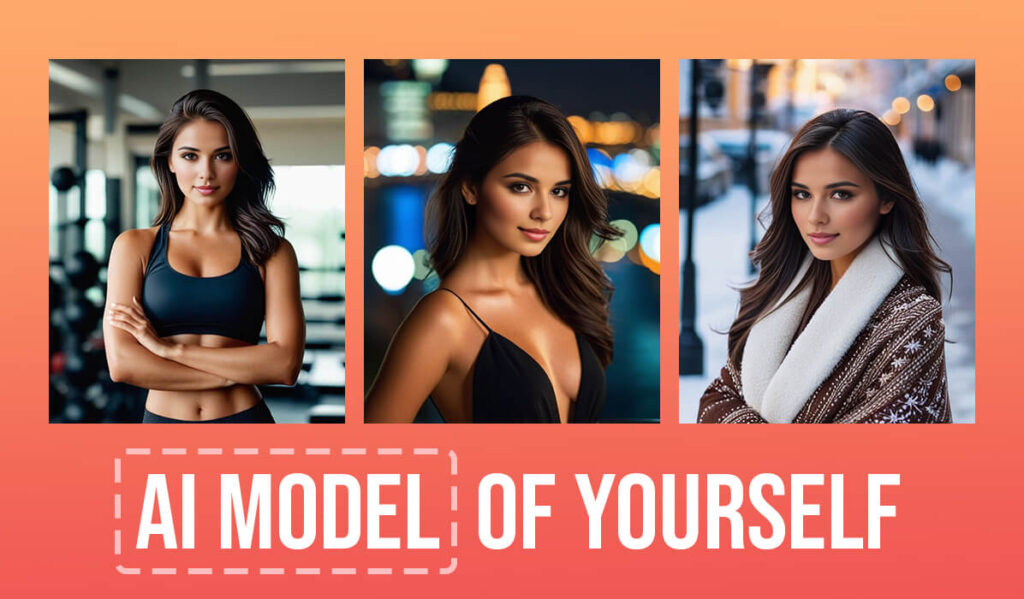
How it Works: ✅
🖼️ Step 1: Upload Your Photo
Go to Pincel AI Portrait and upload a clear front facing photo of yourself.
Good lighting, a simple background, and a neutral expression give the most accurate results.
The clearer the original photo, the more realistic the AI model will look.
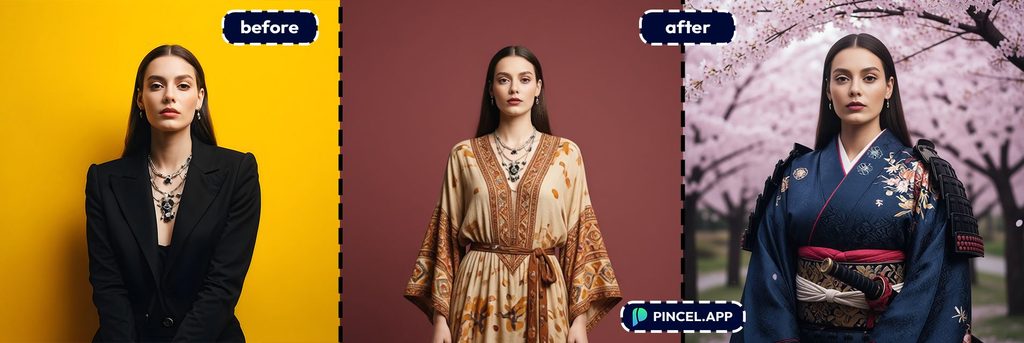
📝 Step 2: Describe the Scene You Want
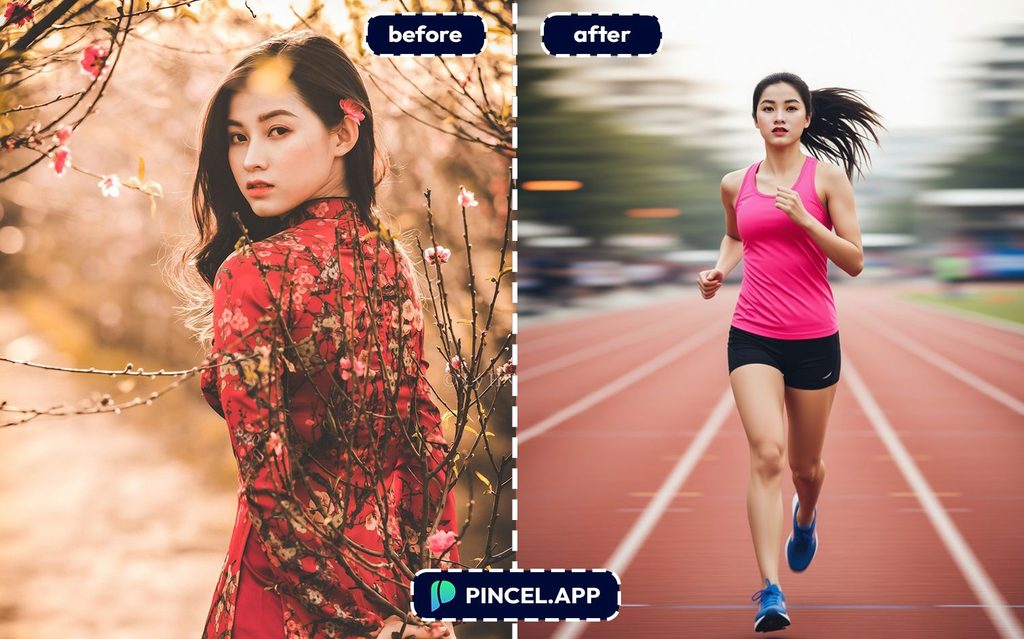
In the prompt box, describe where you want to appear and what you want to look like (or use hundreds of presets)
Be specific about the setting, outfit, lighting, and mood.
Not sure where to start?
Pincel AI Portrait comes with hundreds of ready made presets that do the work for you.
From historical figures to fantasy characters, professional headshots to full cosplay looks, there is a preset for almost every look you can imagine.
Just tap a preset, upload your photo, and generate.
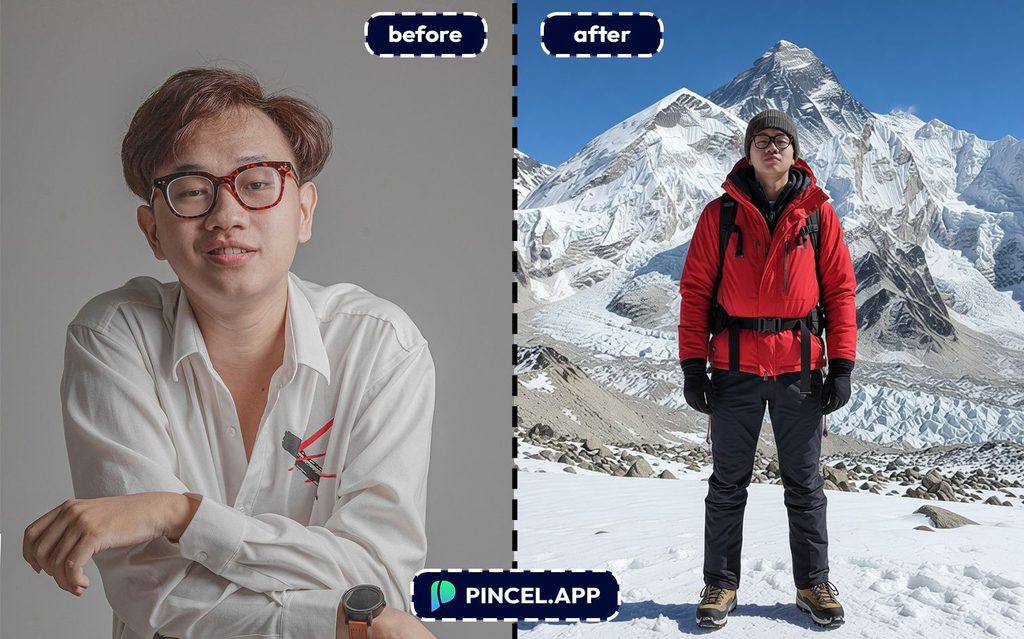
⚡ Step 3: Hit Generate
Wait a few seconds and Pincel places a realistic version of you into the scene you described.
Your face, your features, your identity, in a completely new setting.
If the scene needs adjusting, tweak one detail in the prompt and regenerate.
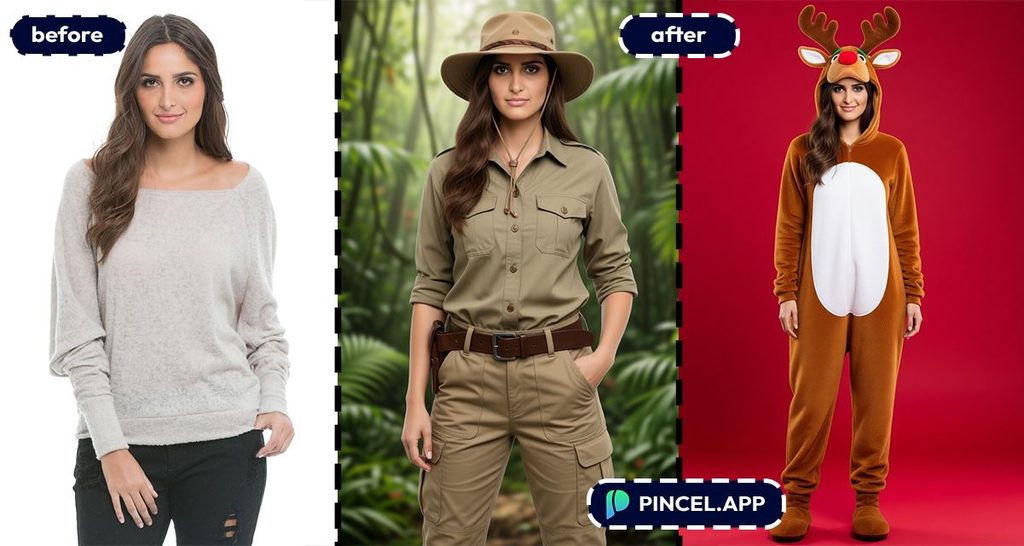
📥 Step 4: Download and Use
Once it looks right, download the photo.
Use it for your LinkedIn, portfolio, brand campaigns, social media, or anywhere you need a visual without booking a shoot.
Similar to above you can also use Pincel Talking Photo to make videos of yourself using AI.
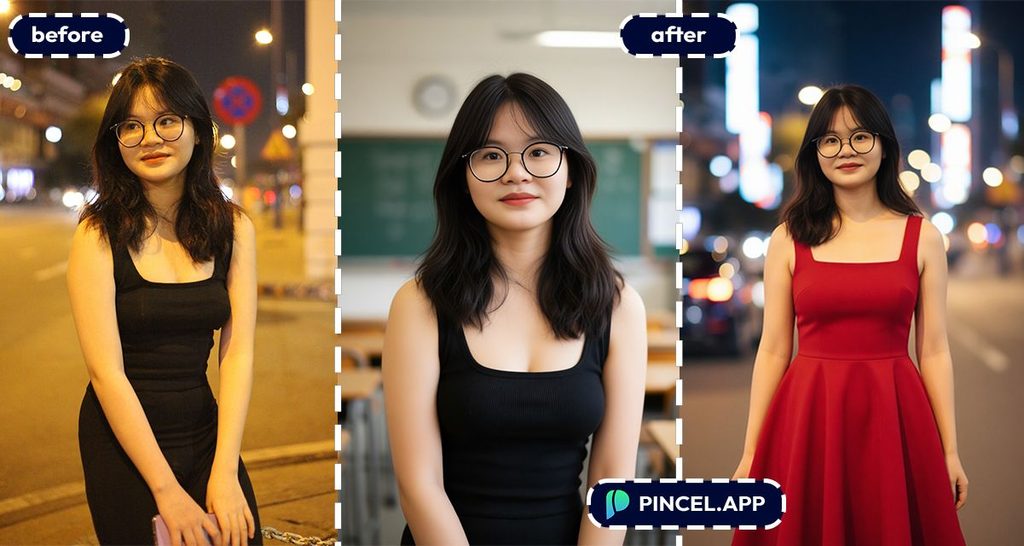
Become Anyone. Try Any Look. 🎭
One of the most fun things about Pincel AI Portrait is how far you can take it.
Beyond headshots and professional photos, you can use it to create full cosplay looks without a single costume.
Want to see yourself as a samurai, a viking, a medieval knight, or a roman warrior?
Just pick the preset and generate.
Here are some of the most popular presets to get you started:
Professional & Headshots:
CEO Headshot, LinkedIn Headshot, Executive Headshot, Corporate Headshot, Founder Headshot, Doctor Headshot, Office Headshot, Studio Portrait, Creative Headshot
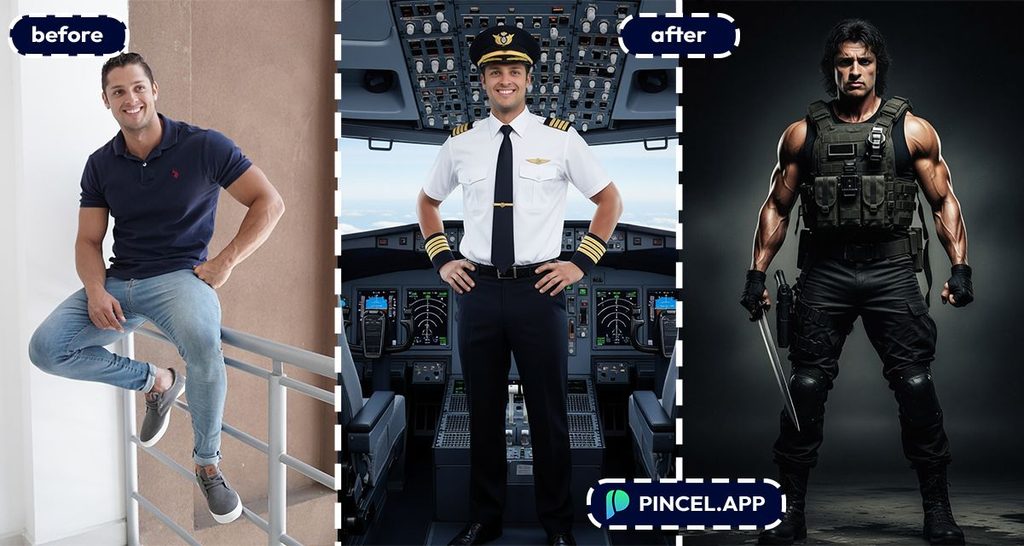
Locations & Landmarks:
Eiffel Tower, Taj Mahal, Times Square, Grand Canyon, Mount Everest, Burj Khalifa, Colosseum, Great Wall, Pyramids, Niagara, Iceland, Sydney
Historical & Fantasy:
Viking, Samurai, Medieval Knight, Roman Warrior, Renaissance, Victorian, Julius Caesar, Napoleon, Greek God, Angel, Vampire, Fairy
Fun & Creative:
Astronaut, Rockstar, Pirate, Cowboy, Ninja, Zombie, Clown, Magician, Punk Rock, Hip Hop, Gamer, Rapper
Seasonal & Events:
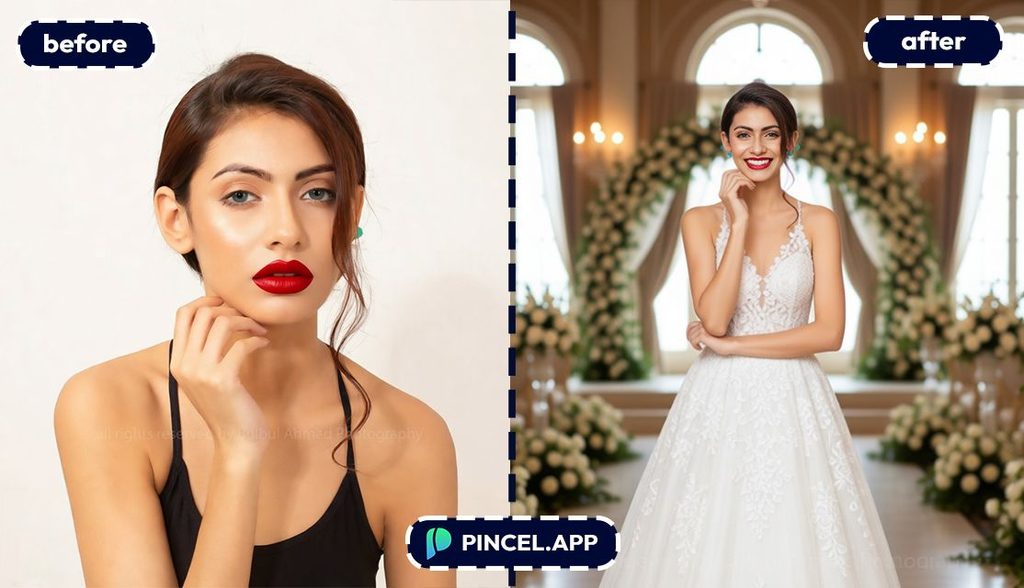
Christmas, Halloween, New Year, Birthday, Graduation, Prom, Wedding
Just pick a preset, upload your photo, and generate.
Or mix a preset with your own custom prompt to create something completely unique.
How Does Pincel Do This Differently? 💡
Unlike many other AI tools, Pincel does NOT require you to upload a pack of selfies to train an AI model.
There is actually no need to save or create a model at all…
however you can also save yourself as an AI character for later access.
This makes the photo generation much faster, easier and also secure.
What next? If you need a higher resolution photo than the default 768x1024px then consider using the AI Upscaler or AI Detailer to enhance your photo into a larger size.
Why Do I Need an AI Model of Myself? 🤩
AI photos offer a creative and hassle-free way to showcase your best self.
Here are a few fun and compelling reasons why you need AI photos of yourself.
No need for photoshoots:
Skip the hassle and expense of photoshoots and make realistic pictures or professional headshots without leaving the room.
Choose a location, pick the clothes you want to wear and hit Generate.
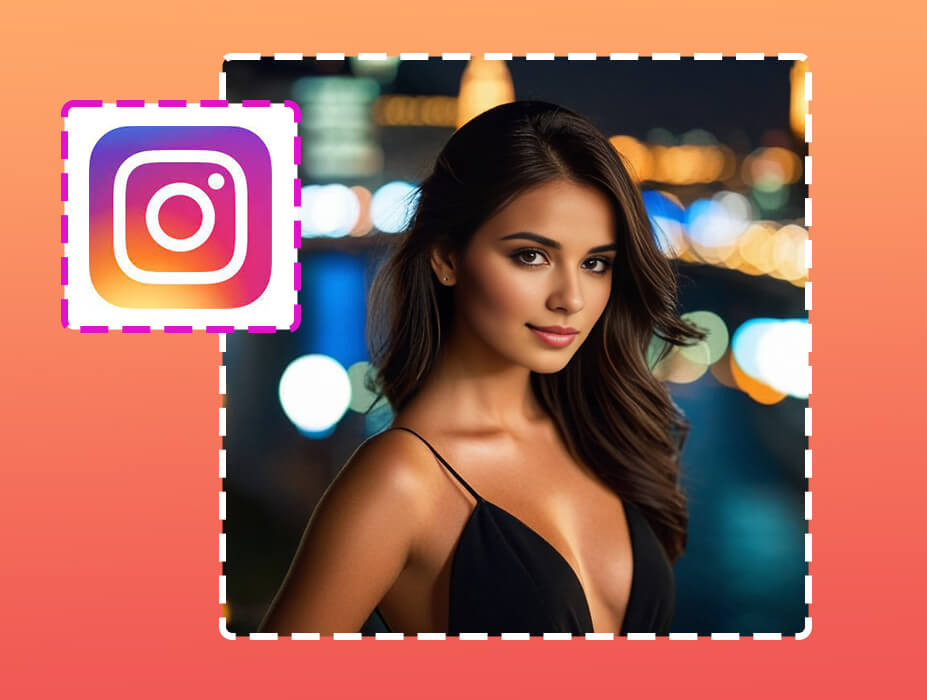
Create your own AI influencer:
If you can’t afford to pay influencers or don’t wish to collaborate, then it’s easy – simply create your own AI influencer model. He or she can represent your brand as a virtual influencer and promote your values.
Gift something special:
Surprise friends with custom AI portraits. Turn them into AI royal people, caricatures, fashion models or even the president.

Experiment with styles:
Try out different looks and vibes effortlessly. Put on some nice clothes or experiment with fancy looks.
Fill your blog with visuals:
Make your blog posts pop with personalized images. Need a travel photo? Easily go and travel anywhere you want in seconds.
Make fantasy real:
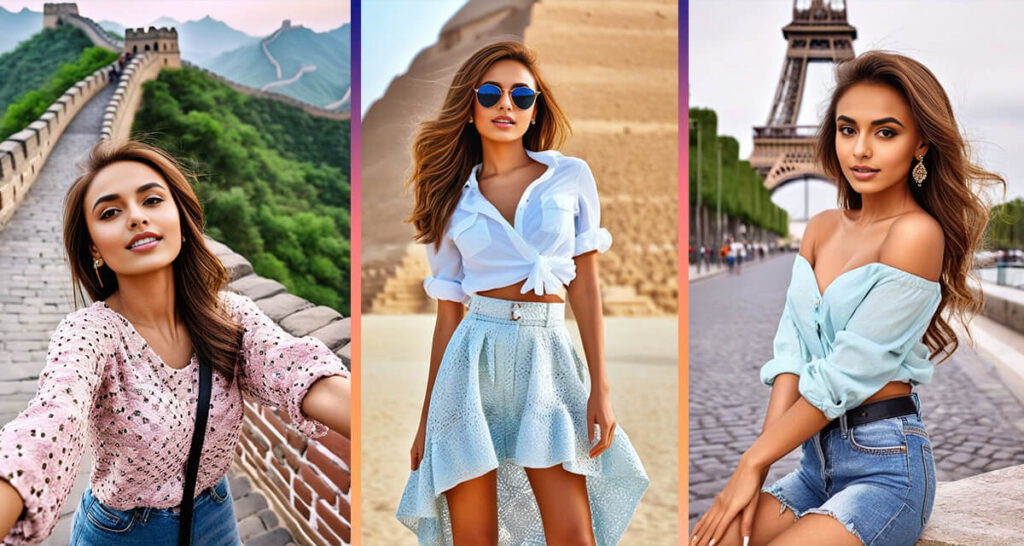
Create social media profile pics:
Are all your profile pictures from 2009? Create some refreshing photos and watch those likes and comments rolling in 🤩
Do the “Impossible” shots: some photoshoots are just plain impossible to create in real life… but that’s not the case with AI. Do any shots you can imagine.
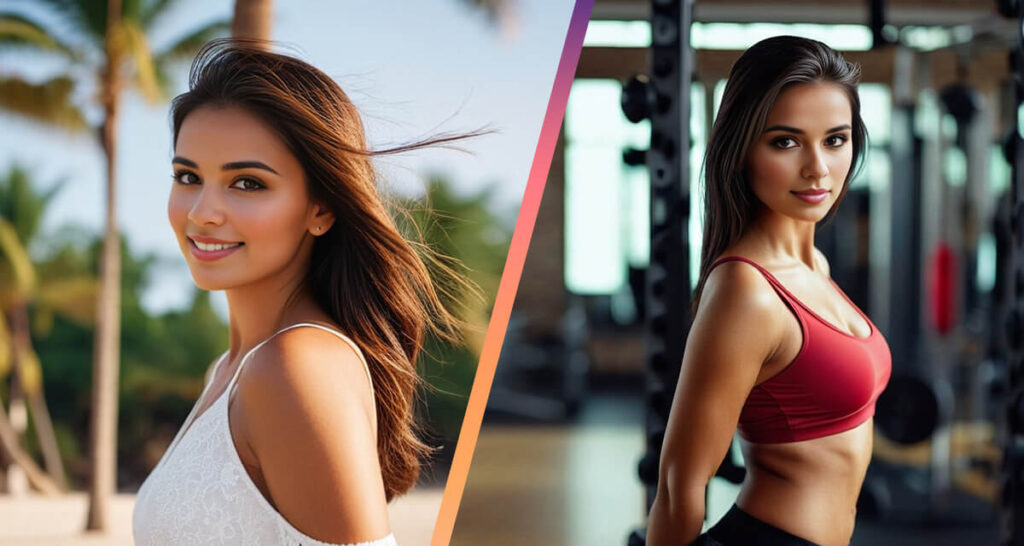
Simply enjoy creating and sharing fun images that look like you, but really aren’t.
Why Pincel Outshines the Rest of AI Photo Tools ⚡️
You might be thinking, “Aren’t there other AI tools out there?”
Sure, but Pincel stands out from the crowd:
🕖 No time wasted on model trainings
Unlike most other tools that require you to train a model (which sounds as complex as rocket science), Pincel does all the heavy lifting for you.
This not only saves time but also makes the whole process user-friendly.
✅ Simple interface:
No need for any learning curve, no installation hassles because it works online.
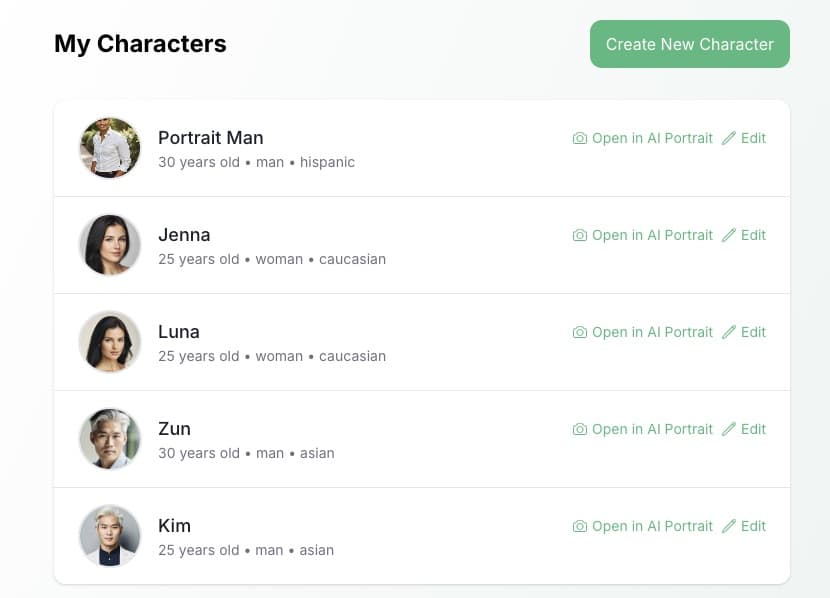
But the real kicker is the speed?
You can create a photo in just 15 seconds.
And when I say the resemblance is uncanny, I mean it.
🧍🏼♂️ Full Body Pose Control
Pincel includes a unique body pose reference control for your virtual photography.
You can choose from a large collection of body poses, so this takes the guesswork out of generating and gives you the exact results you are looking for when prompting.
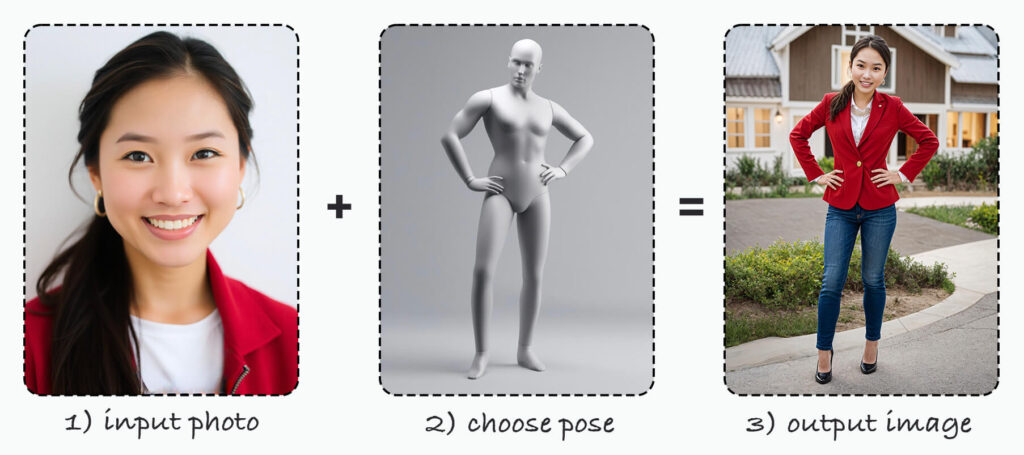
Pincel has mastered the art of creating high resemblance AI models, making it a go-to for anyone looking to create a realistic AI version of themselves quickly and effortlessly.
See How it Works in Less Than 30 Seconds 👇🏼
Create Your Own AI Twin
Generative AI is revolutionizing the way we think about personal imagery.
It’s not just about the ease of use or the speed, but also about the accessibility to create something truly unique and personal.
And let’s face it,
in a world where everything feels increasingly templated,
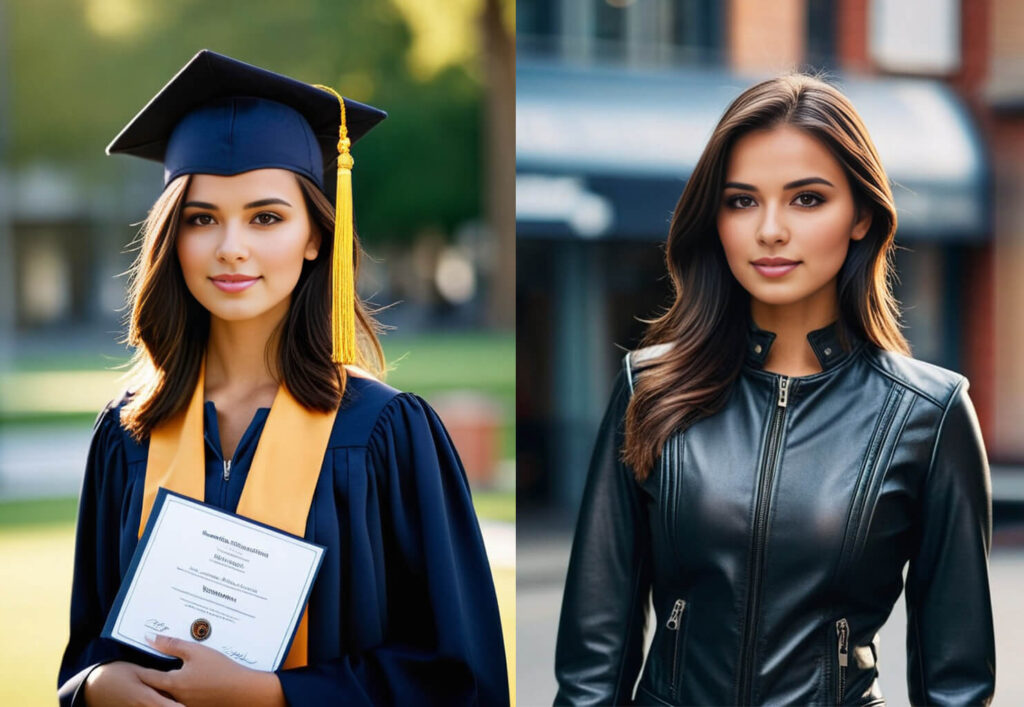
Who doesn’t want to stand out with their own AI model or see a twin version of themself with AI?
FAQs: Everything Else You’re Dying to Know
How many photos can I create?
With Pincel Pro plans, the sky’s the limit! You can create an unlimited number of photos, giving you endless possibilities to explore your creativity and showcase various aspects of your persona. The free trial version includes 10 images.
Can I use the images commercially?
Yes. The images you create with Pincel can be used for commercial purposes. Whether it’s for marketing materials, product designs, or any other commercial use, the AI-generated images are at your disposal for any business or creative projects.
Can I also make AI Avatars?
Yes. You’re not just limited to photorealistic models. You can also create photos in other styles of AI avatars, such as artistic, 3D, line art, sketch etc. This versatility allows you to experiment and find the perfect look for any digital platform you need.
How accurate are the AI-generated images?
Remarkably accurate. Pincel’s technology ensures a high degree of resemblance, making your AI model very similar to the real you.
Can I turn AI Photos into videos?
Yes, all the generated photos can also be converted into 5-second videos using the Pincel Image to Video toolset.
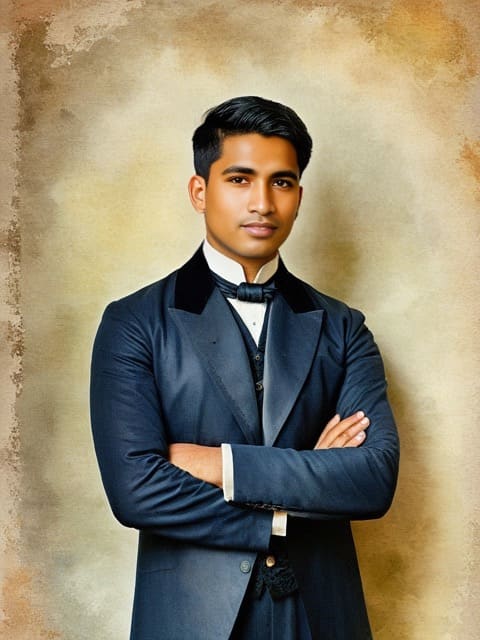
Turn Yourself into AI
A professional headshot or a fun historical portrait.
All of you and none of them requiring an actual shoot.
Upload your photo to Pincel AI Portrait, pick a preset or describe the scene you want, and generate in seconds.
Try the samurai or the CEO headshot.
Try the viking just to see what happens.
And when you find a look that works, save it, share it, or use it anywhere you need a great photo of yourself without being there.