
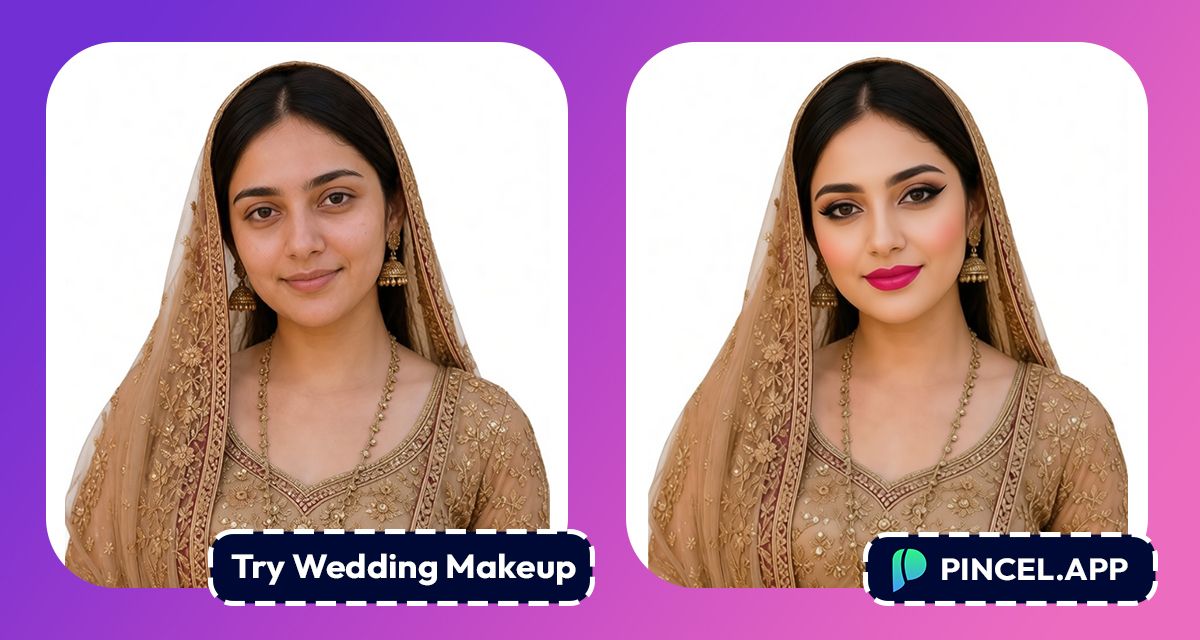
The wedding ceremony is one of the most important and happiest days in our life.
Everyone wants to look absolutely perfect on that day.
And wedding day makeup is one of the biggest beauty decisions we ever make.
Most of us end up at the beauty parlor trying look after look before the big day.
However, before you sit in the makeup chair, it helps to actually see the look first.
Here comes Pincel AI
With Pincel AI Face Editor, you can try wedding makeup on photos using AI in seconds.
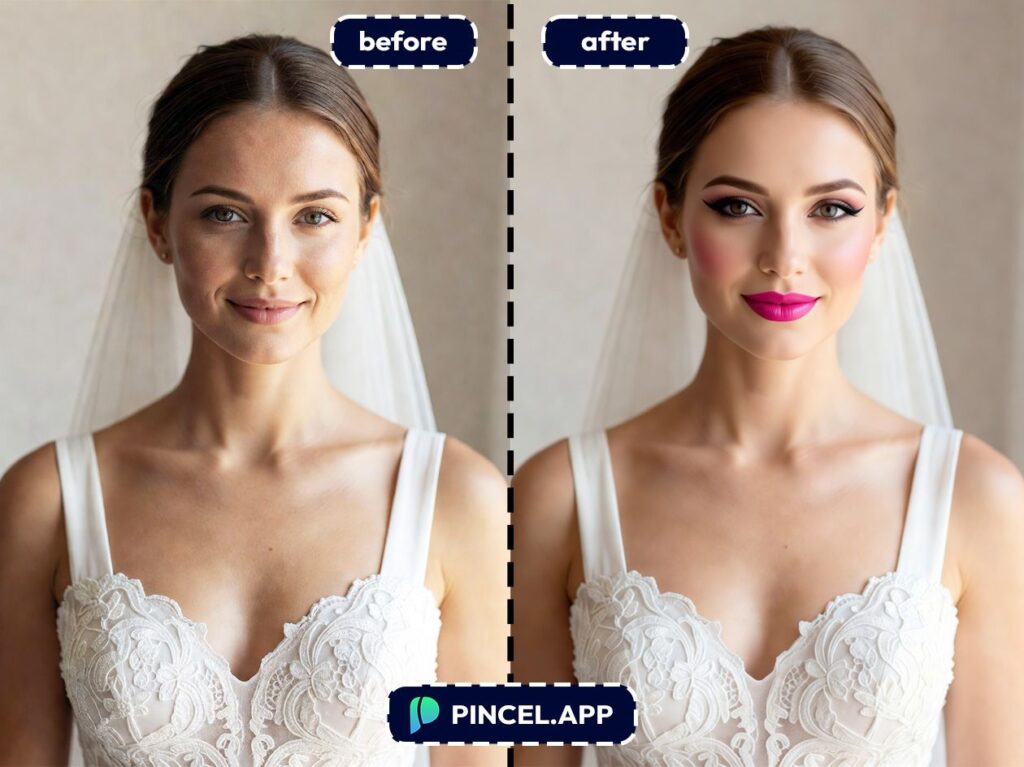
Why Testing Bridal Makeup the Old Way Is Stressful 💄
A bridal makeup trial sounds exciting.
It usually ends up being stressful.
You have an option to book for an appointment and spend hours with the beautician.
Also there is photoshop with which you can try to guess how your photo will look like.
But photoshopping any photo is a complex process which involves many steps.
That is exactly why Pincel AI Face Editor exists.
Try the look on your photo in seconds and walk into your beauty parlor knowing exactly what you want.
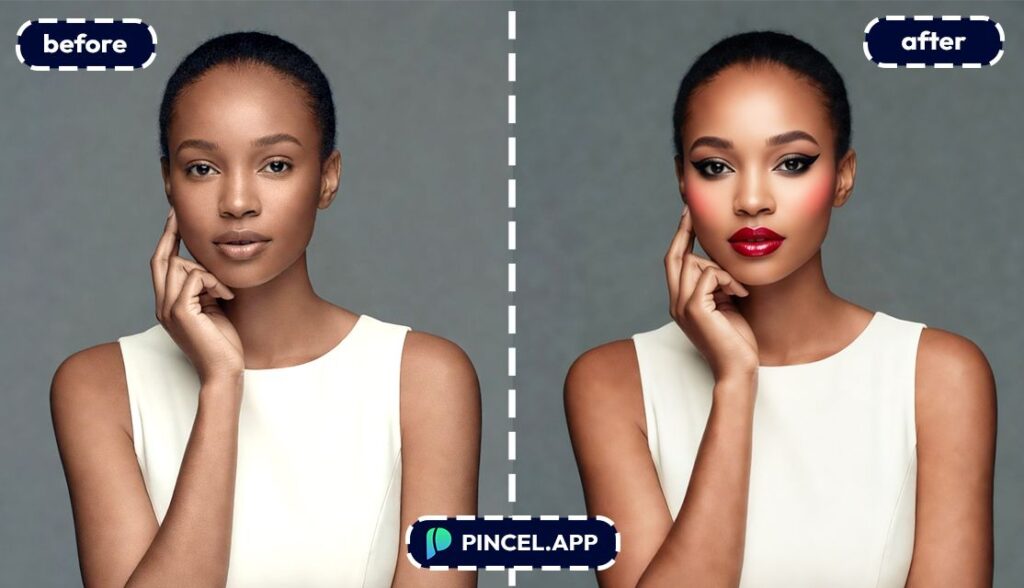
How to Try Wedding Makeup on a Photo ✅
🖼️ Step 1: Upload a Clear Face Photo
Go to the Pincel AI Face Editor.
Upload a front-facing portrait with decent lighting.
Solo portraits work best, since this tool is built to lock onto one face and preserve identity.
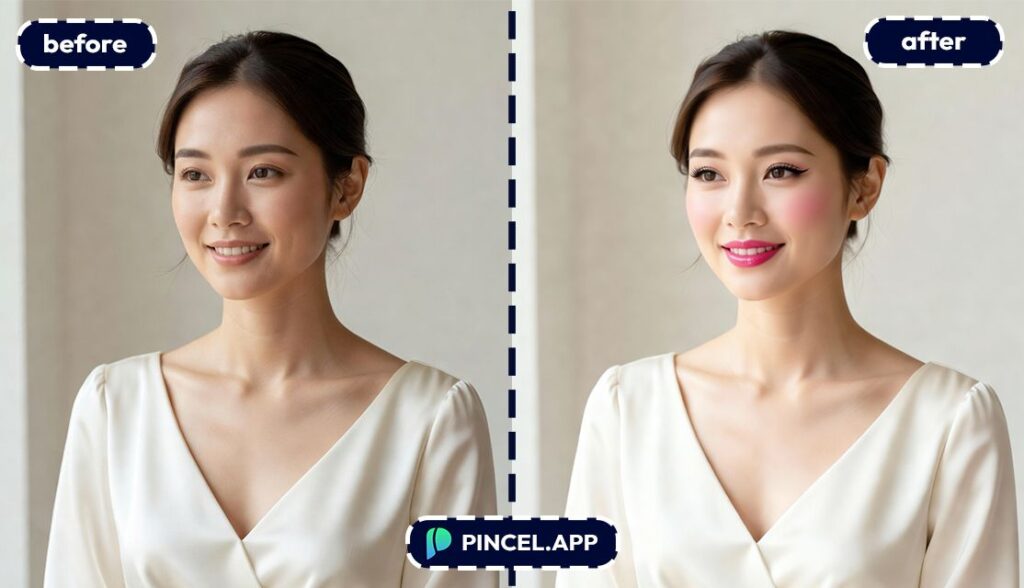
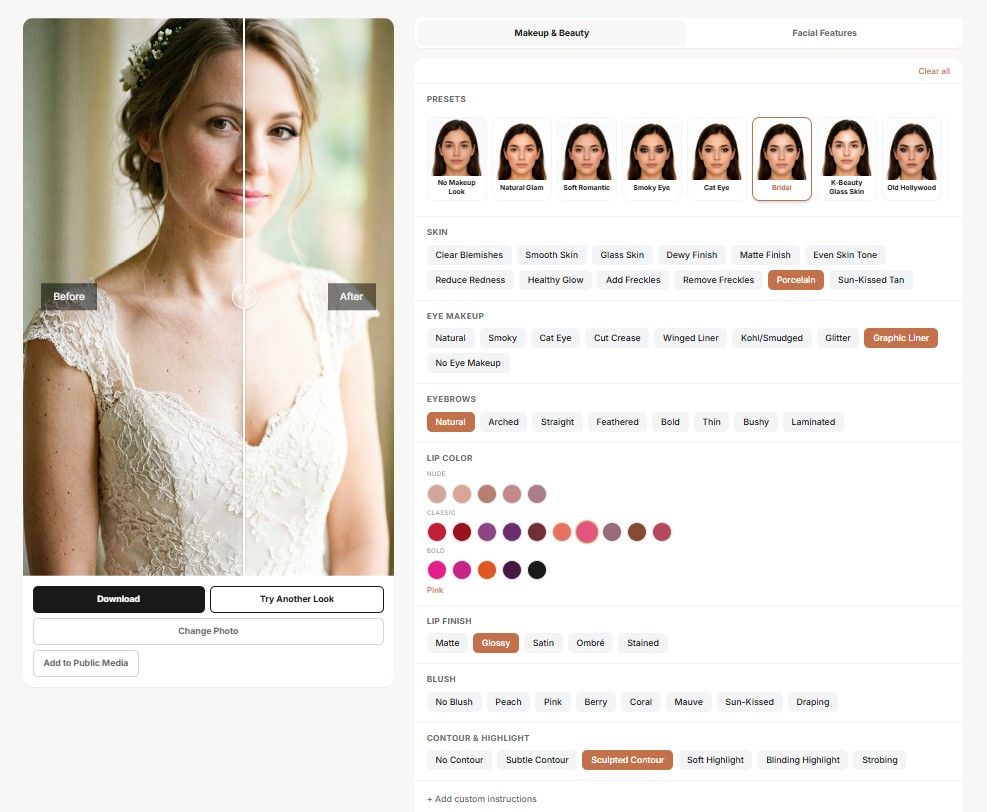
💄 Step 2: Pick a Bridal Look
Open the Makeup tab and choose a preset that matches your wedding style.
Then adjust the details like lips, blush, brows, eye makeup, contour, and skin finish.
Here are a few specific “inputs” you can aim for while selecting presets/sliders:
- Soft bridal glam: neutral eyeshadow, wispy lashes, peach blush
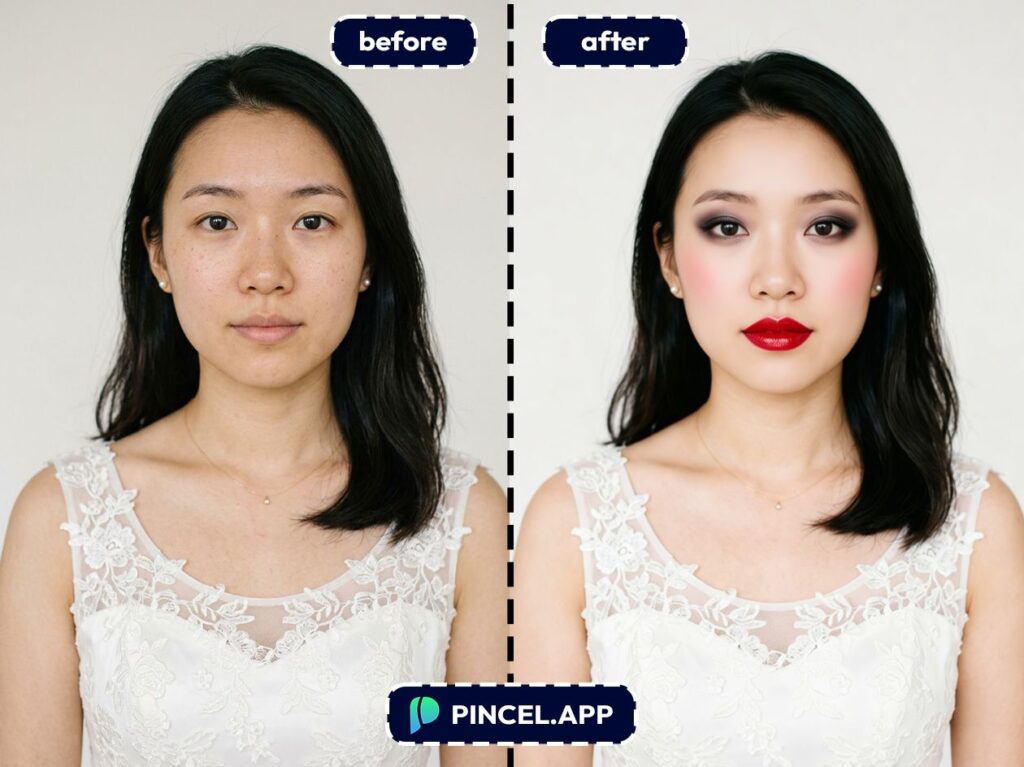
- Classic bridal: defined brows, subtle wing liner, rosy blush, true red lipstick
- K-beauty bridal: glass skin finish, straight brows, soft shimmer eye, pink gradient lip
- Evening reception look: smoky eye, stronger contour, glossy mauve lip
And if you want to visualize subtle tweaks, jump to the Facial Features tab.
You can gently adjust lips, jawline, cheekbones, nose, and eye shape without changing who you are.
⚡ Step 3: Generate
Click Generate and wait a few seconds.
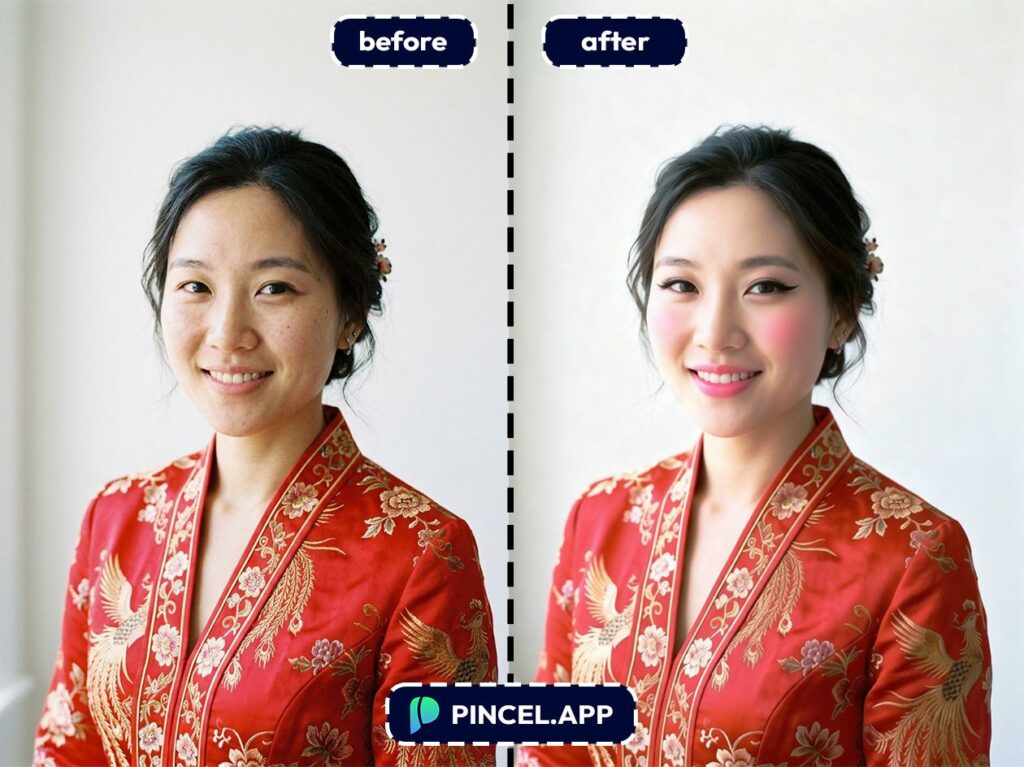
Pincel keeps your hair, expression, background, and outfit intact.
So you’re not “becoming someone else,” you’re just previewing a look you could actually wear.
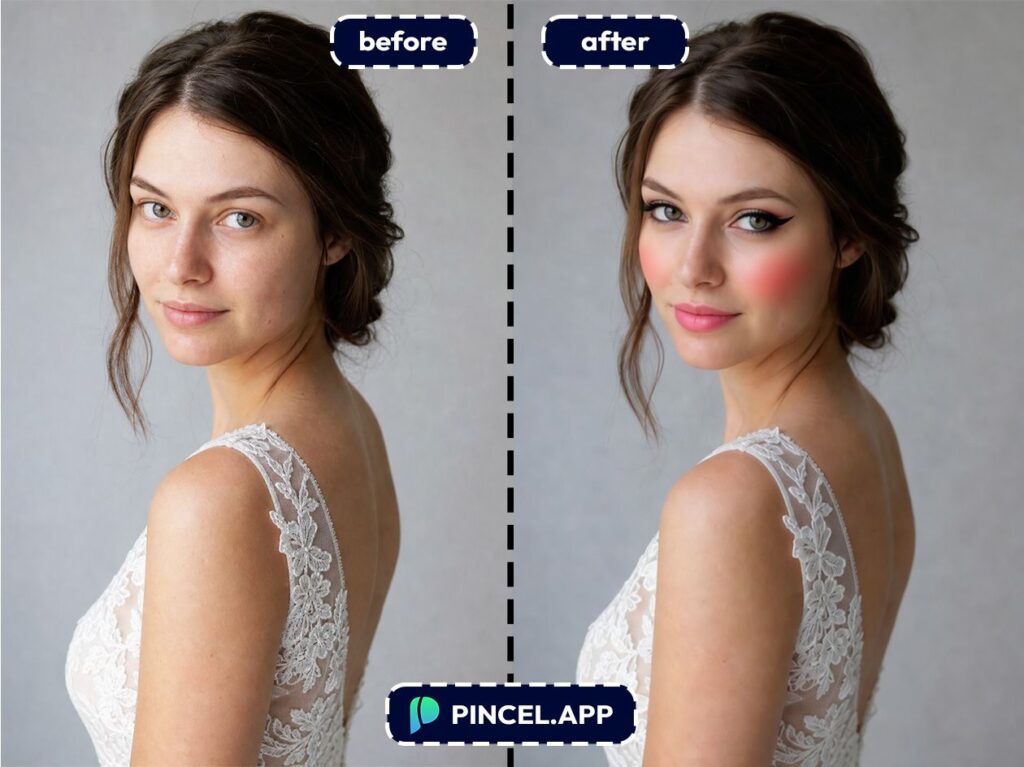
📥 Step 4: Compare, Iterate and Download
Try another preset without re-uploading.
Save a few options as your “finalists,” then download the one that wins.
When you’re ready, upload your photo and start testing looks.
Who Is This For?👇🏼
Brides doing a makeup trial before the trial — Narrow your options before you ever sit in a chair.
If you’re also planning a clean, professional portrait, pair this with an AI resume photo style mindset: polished, realistic, and you.
Bridal party coordination — Get everyone on the same page for lip color depth, eye intensity, and overall glam level.
And if someone wants a totally different vibe, send them to try a look and come back with screenshots.
Makeup artists pitching options to clients — Present “Look A vs Look B” on the client’s actual face.
It’s the same logic as a fast concept mockup, like using clone objects to quickly test an idea before doing the real work.
Engagement photo prep — Find the sweet spot between “camera-ready” and “still looks like me.”
If you’re also editing lighting for the shoot, relight photos with AI is a great companion.
Reception vs ceremony look planning — Preview a softer daytime look and a bolder nighttime look back-to-back.
And if you’re changing the whole vibe for content, you can even change weather in a photo for fun mood boards.
Lipstick shoppers who don’t want regrets — Test matte vs glossy vs deeper tones before buying.
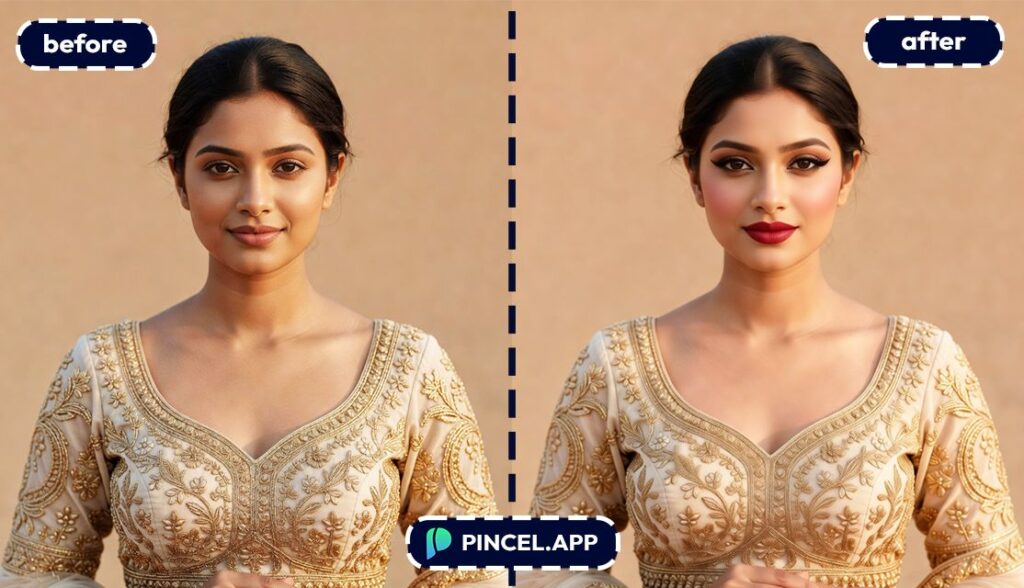
If lips are your main focus, you’ll also like this guide on make lips bigger for subtle visualization.
Beauty content creators making bridal look variations — Generate a series of bridal styles for reels, carousels, and “choose my look” posts.
For extra variety, combine it with something playful like an AI memoji post as a behind-the-scenes contrast.
Anyone who wants to look camera-ready (not overdone) — The goal is “enhanced,” not “heavily filtered.”
If your smile is a key part of your look, you can also check out fix and whiten teeth for a clean, natural finish.
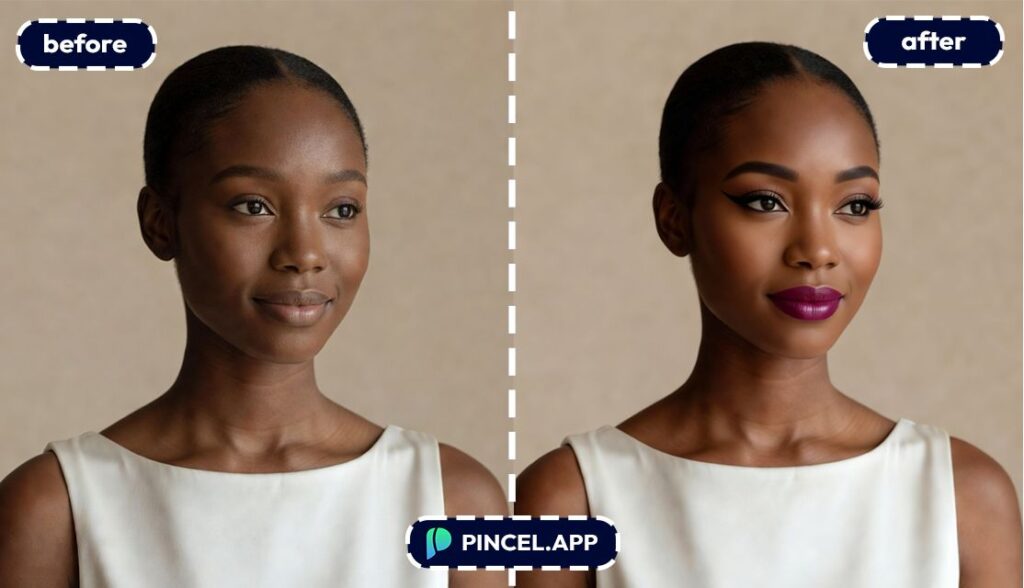
Frequently Asked Questions 🤔
Will the bridal makeup still look like me?
Yes, it’s designed to preserve your identity and expression while applying makeup changes.
Can I combine makeup with facial feature tweaks in one edit?
Yes, you can apply a makeup preset and also adjust facial features like lips, jawline, cheekbones, nose, and eye shape.
It’s meant for subtle, realistic tweaks, not extreme transformations.
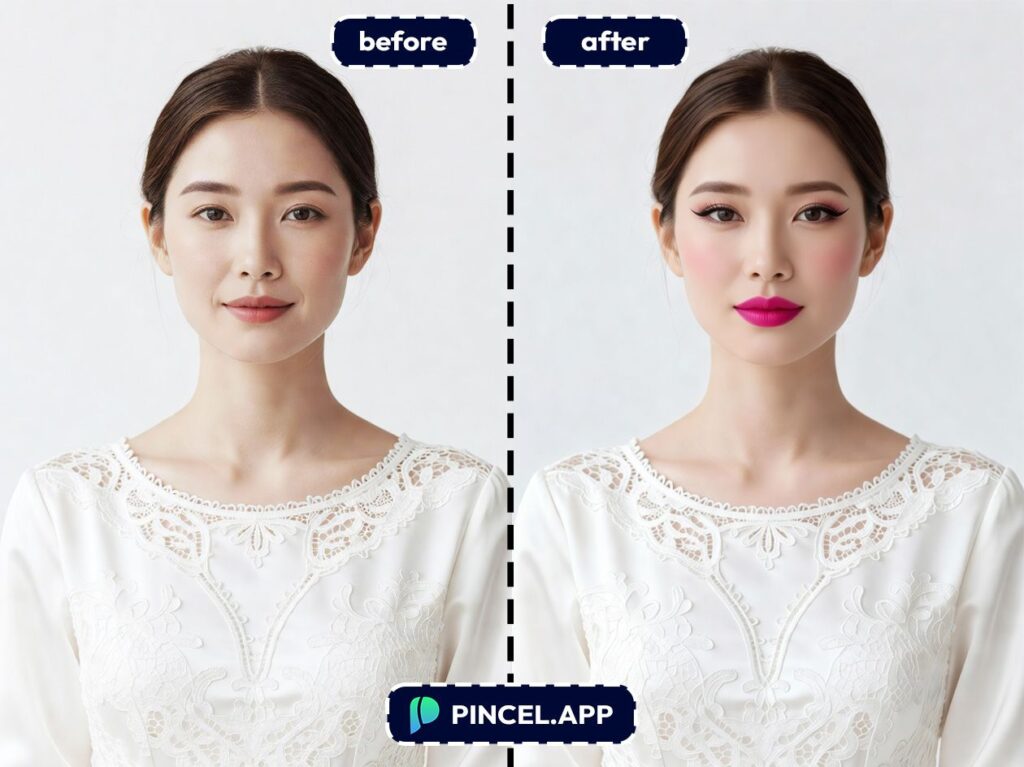
Is trying wedding makeup on photo using AI free?
Yes, you can start free with 20 credits and no credit card required.
Each generation uses credits, so you can test several looks before deciding what to keep.
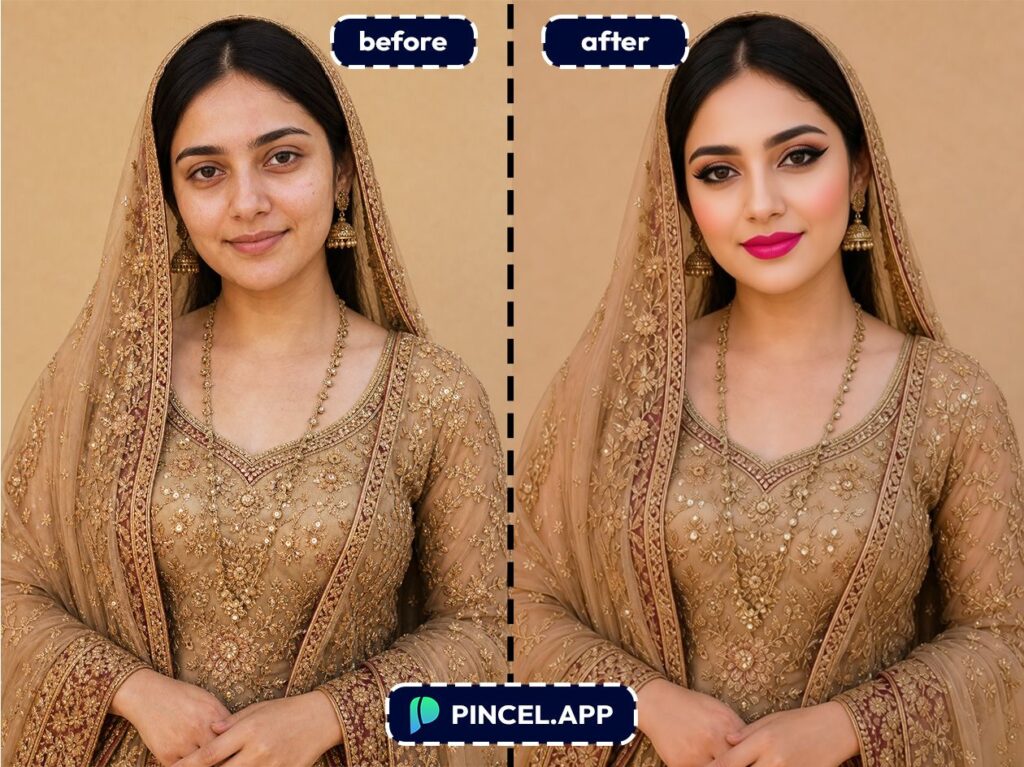
Made-Up Your Mind? 💄
The dress is sorted and the venue is booked.
Now we just have to get the makeup right.
Upload your photo to Pincel AI Face Editor, describe the bridal look you want, and see it on your face in seconds.
Soft and natural. Bold and dramatic. Full glam with a red lip.
Try them all until one feels like you on your best day.

