
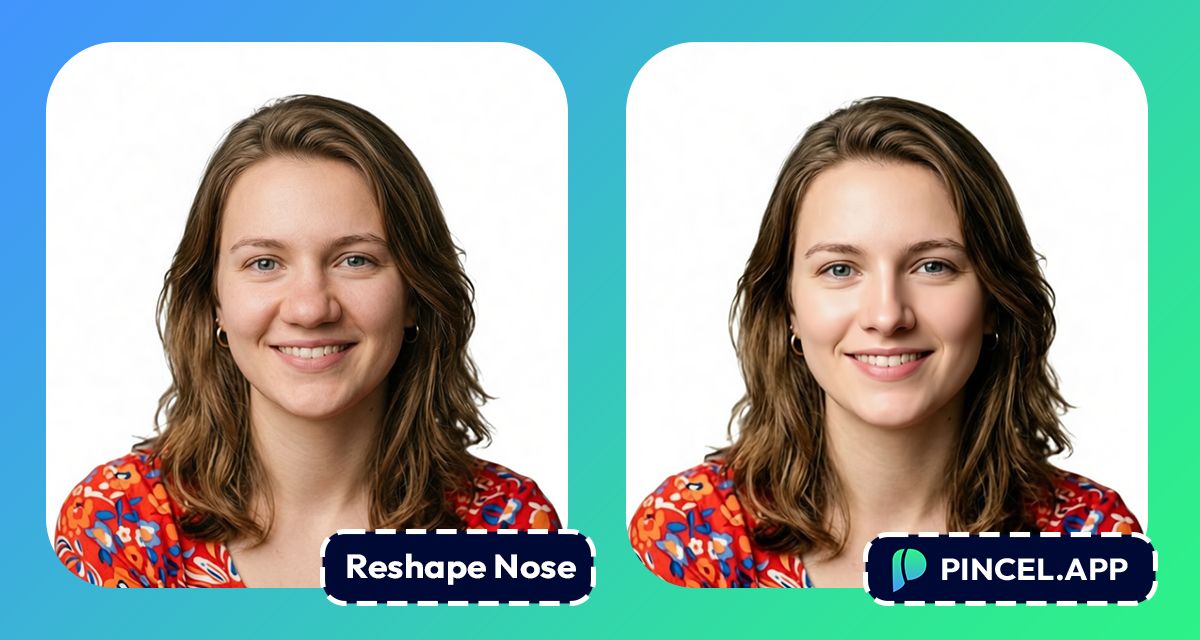
The nose sits at the exact center of our face…
It defines our profile, frames our eyes and heavily influences facial harmony.
Sometimes we wonder what a slimmer nose would look like on our face.
Photoshop is always there, but it takes too much time and there’s always a chance we might just distort the photo.
Filters can make a “new face” situation which just ruins the photo.
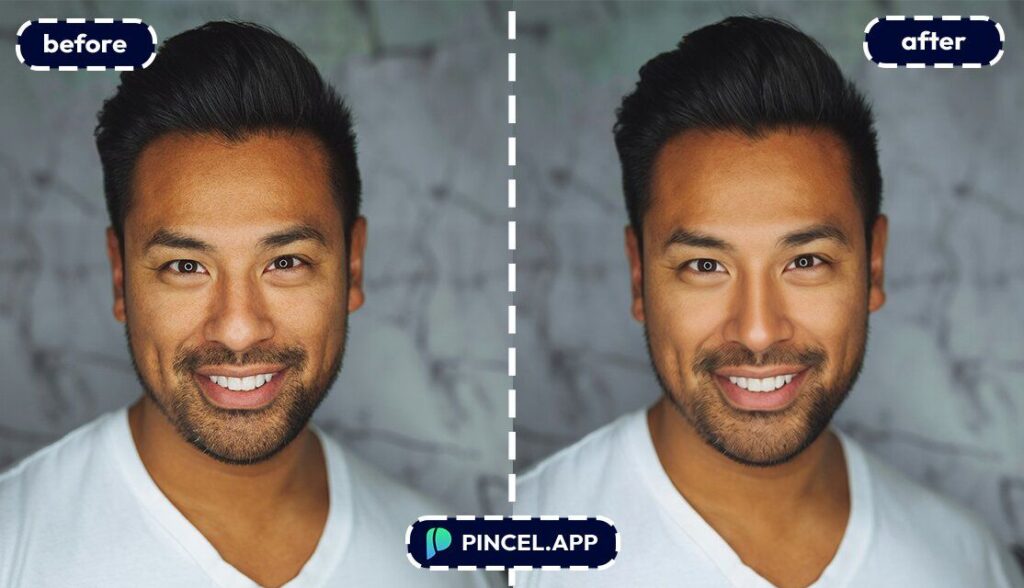
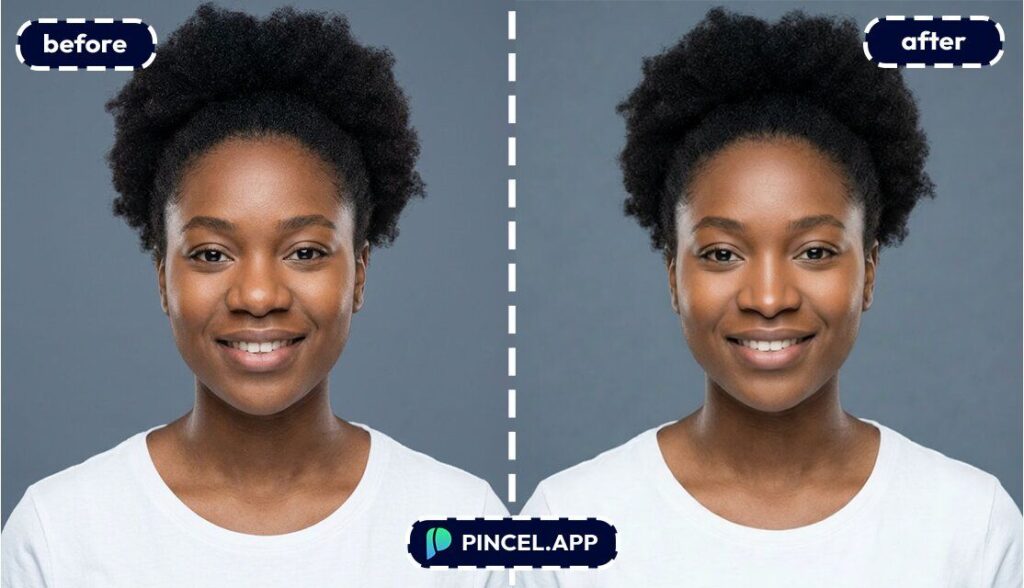
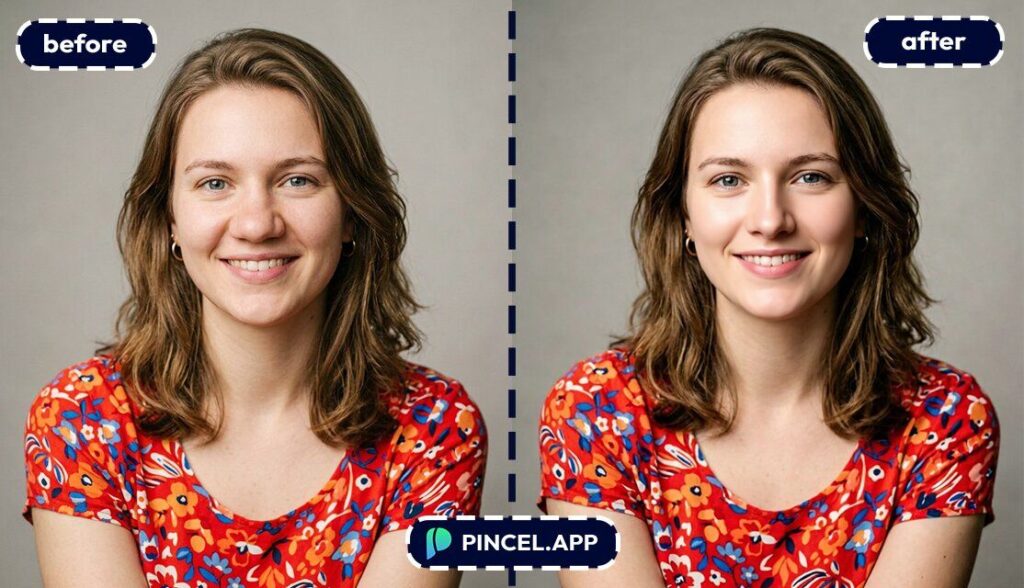
But now, with Pincel AI Face Editor, you can reshape your nose naturally in seconds.
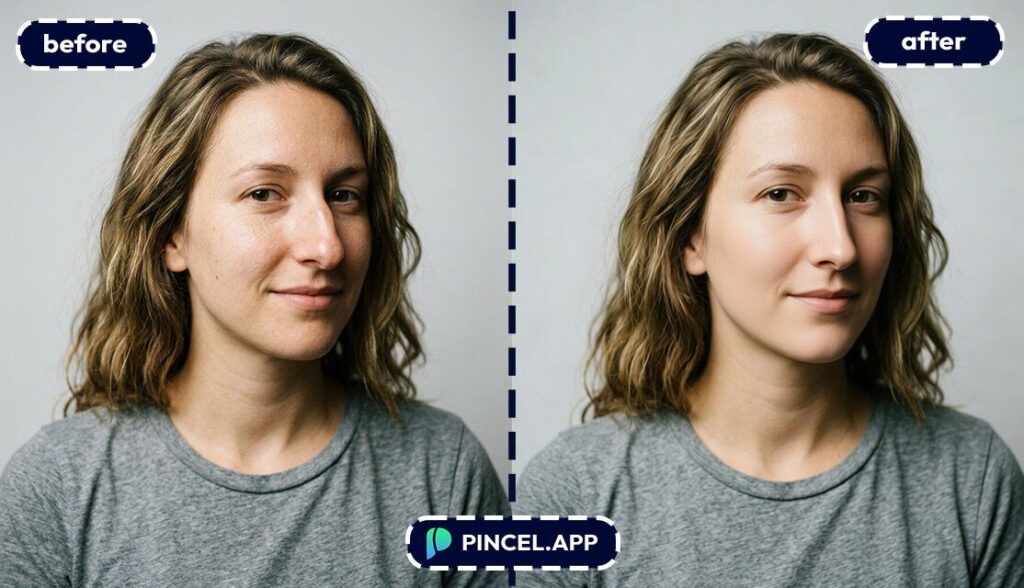
Simply upload a portrait, choose your look, adjust facial features, and see the result show up in a few seconds.
Here’s how it works:
How to Reshape Your Nose Naturally ✅
🖼️ Step 1: Upload a clear face photo
Go to the Pincel AI Face Editor.
Then upload your photo using a front-facing portrait with decent lighting.
Skip group photos.
Solo portraits work best because the AI focuses on a single face.
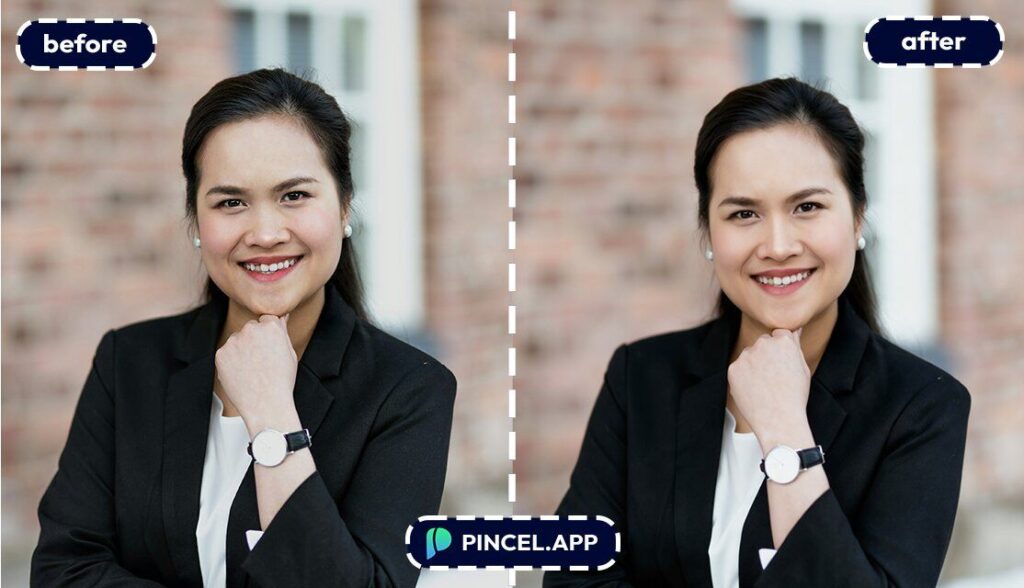
💄 Step 2: Pick (or describe) a New look
Open the Makeup tab and choose a preset look.
This can actually help because makeup changes contrast around the nose, cheeks, and eyes, making the final blend feel more “real world.”
If you want inspiration for other small-but-mighty face edits, you’ll also like Fix and Whiten Teeth on Photo and Change Eye Color.
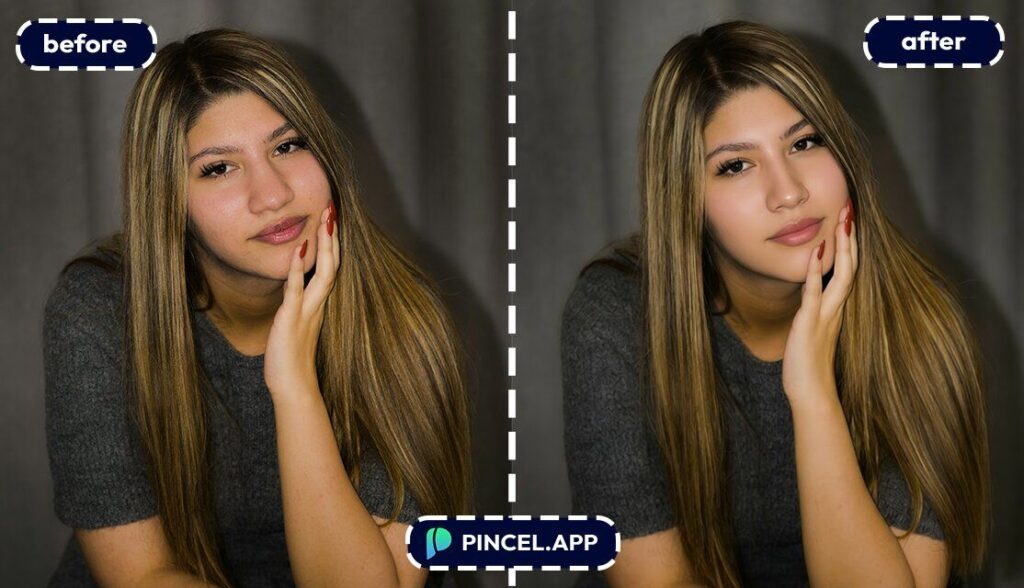
👃 Step 3: Use Facial Features to refine the nose shape
Switch to the Facial Features tab.
Adjust the nose controls to make it slightly slimmer or more refined, while keeping your identity and expression intact.
The goal is “I look great today,” not “I’m a different person.”
Here are a few specific “inputs” to guide your edit choices (think of them as your target outcome):
- Subtle nose refinement for a natural, everyday look
- Slightly slimmer bridge, keep nostrils and tip realistic
- Refined nose shape for a professional headshot (no dramatic change)
- Softly reduce nose width while preserving my identity
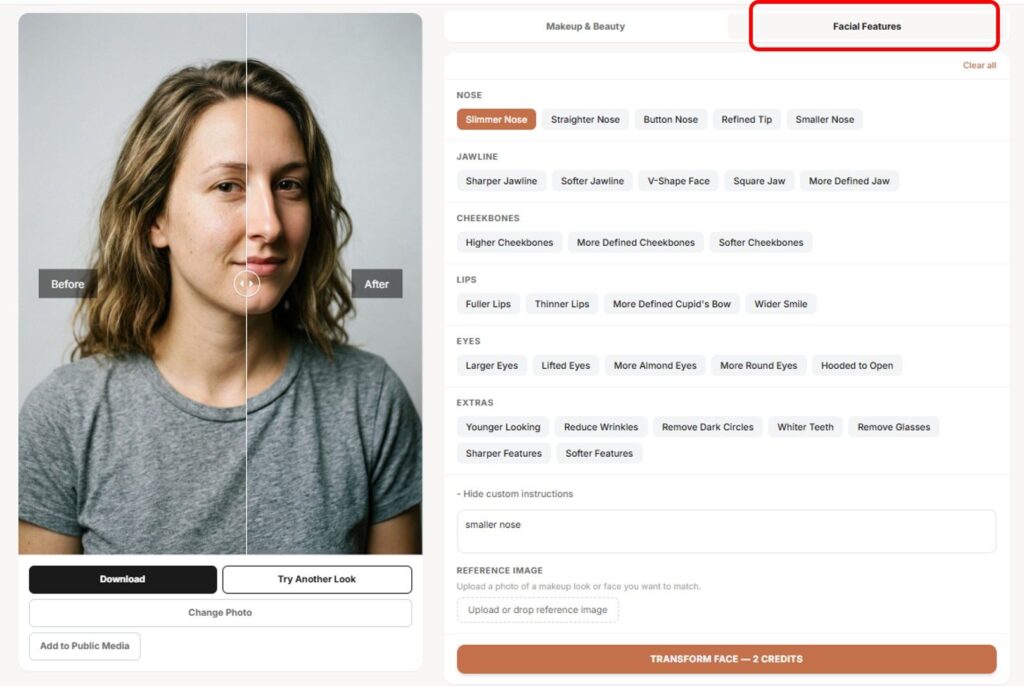
⚡ Step 4: Generate, compare, and iterate
Click Generate and wait a few seconds.
You’ll get a realistic result fast, and you can try another variation without re-uploading.
Once you like it, download your new version and you’re done.
Want to see it on your own face right now?
Who Is This For? Real-World Use Cases 👇🏼
Pre-event “test run” people — If you have a wedding, prom, gala, or photoshoot coming up, you can preview a refined look before you pick your makeup and angles.
Pair it with lighting tweaks from Relight Photos with AI for an extra-polished finish.
Cosmetic-procedure curious (no pressure) — You can visualize a subtle nose refinement before you ever book a consultation.
It’s not medical advice, but it’s a helpful preview to understand what “small changes” might look like.
Makeup artists pitching a full look — Show a client a bridal or editorial vibe, then add gentle facial refinement as part of the concept board.
For more “presentation-ready” image workflows, Combine Photos is a handy companion.
Beauty content creators — Create variations fast for before/after style content, “get ready with me” concepts, or trend tests.
And if you’re already doing small facial tweaks, your audience will probably also love Remove Wrinkles from Photo and Add Tan to Photo.
People fixing camera distortion — Wide-angle selfies can exaggerate the center of the face (yep, including the nose).
If you’re also dealing with “my photo angle betrayed me,” see Change Camera Angle.
Frequently Asked Questions 🤔
Can I reshape my nose naturally with AI without looking fake?
Yes, you can reshape your nose naturally with AI by making small, controlled adjustments that preserve your identity.
Pincel AI Face Editor is built for subtle refinement, not extreme “face swapping.”
If you keep changes gentle, the result usually looks like a flattering photo day, not an edit.
Can I preview a slimmer nose before a rhinoplasty consultation?
Yes, you can preview what a slightly slimmer or more refined nose might look like as a visual reference.
It’s not a medical predictor, but it’s useful for exploring options and communicating your preferences.
For “subtle and realistic” is the sweet spot.
Can I combine makeup presets with nose reshaping in one edit?
Yes, you can apply a makeup preset and adjust facial features in the same generation.
That means you can test a bridal look, then refine the nose shape without doing separate edits.
And you’ll see results in seconds, so it’s easy to compare variations.
Do I need Photoshop or Facetune to reshape my nose naturally with AI?
No, you don’t need Photoshop or any software downloads.
Pincel runs in your browser and gives you a polished result without manual liquify work.
If you’re curious why “classic editing” feels so heavy, here’s a good read: Photoshop.
Is Pincel AI Face Editor free to try?
Yes, it’s free to try with 20 credits for new users, and there’s no credit card needed to test it.
Each generation uses credits, so you can experiment with a few looks and refinements before upgrading.
If you want to see how it feels on your own photo, preview the makeup.
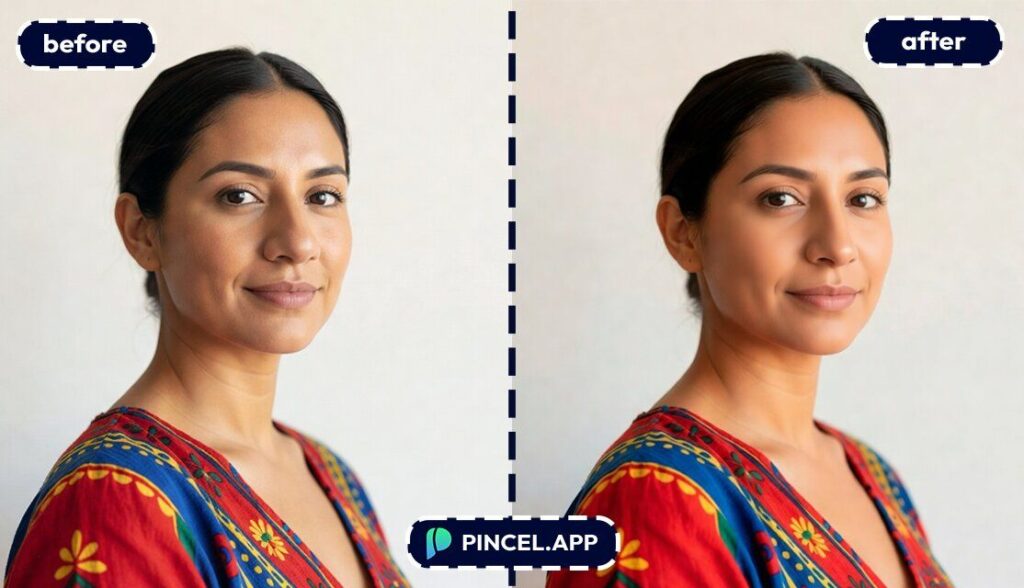
Nose What? 👃
A nose shape can completely change how a photo looks.
And sometimes you just want to see what a small tweak would do.
Now you can find out in seconds.
Upload your photo to Pincel AI Face Editor., describe the change you want, and see it on your face instantly.
Try a few versions until one feels just right.

