
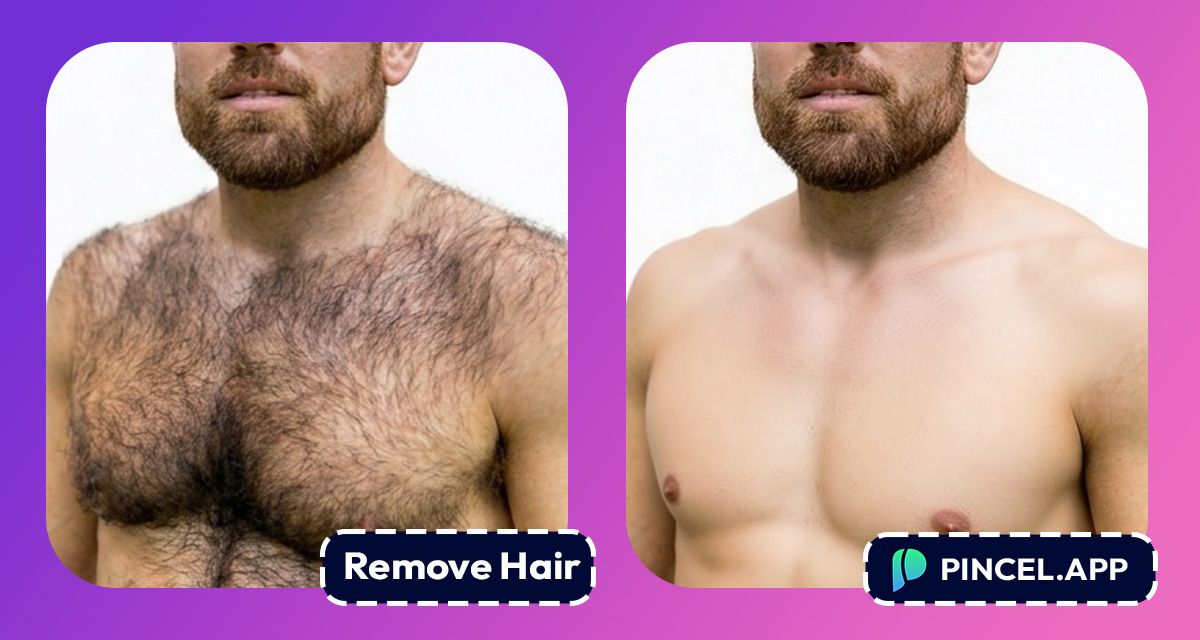
Body hair is totally normal in real life.
But in photos, it can pull focus in a way we didn’t plan.
And if the shot is for a product, a campaign, a portfolio, or even a dating profile, we want the image to look absolutely professional.
In the past removing body hair meant a tedious retouching process.
Lots of zooming and lots of cloning.
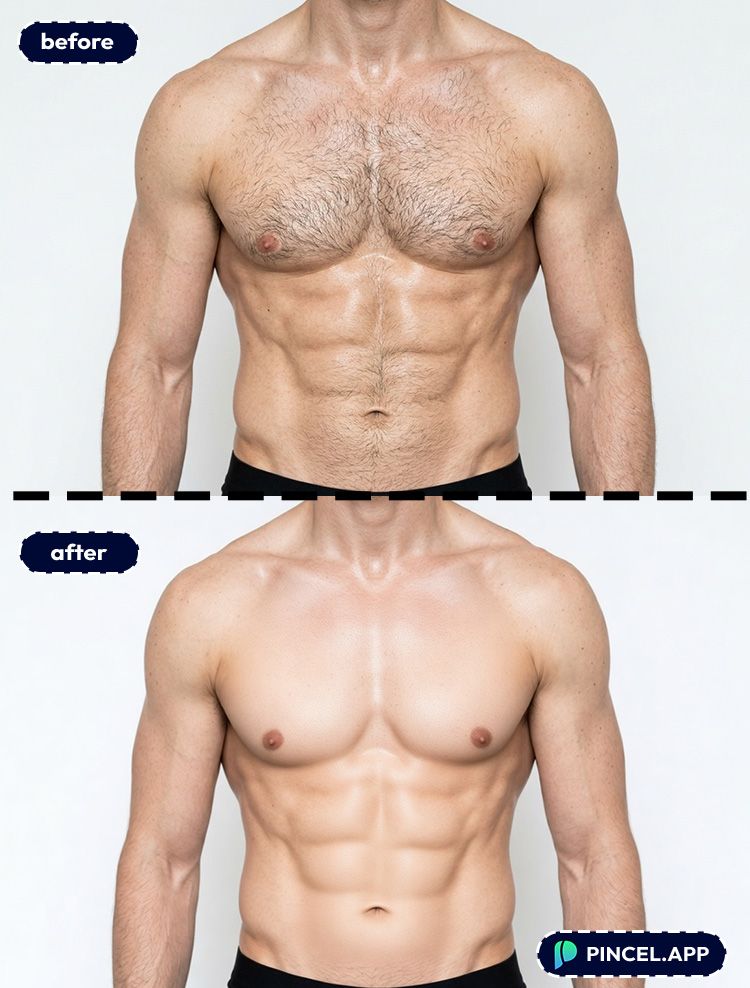
But now, with Pincel AI Photo Editor, you can remove all the body hair from photos using AI in under 10 seconds.
You can simply upload your photo, write what you want and let AI do the rest.
Here’s how it works:
Why Removing Body Hair Manually Is a Total Pain 😩
Photoshop can absolutely do this.
But it’s not exactly a one click process.
You’d need to work with different tools.
Healing Brush, Clone Stamp, frequency separation, and careful masking to avoid weird skin smears.
And you still have to match texture, pores, and lighting by hand.
So if you just want a clean, natural result for one photo or multiple, the old way is overkill.
That’s exactly why Pincel AI Photo Editor exists.
How to Remove Body Hair From Photos Using AI ✅
🖼️ Step 1: Upload Your Photo
Go to the Pincel AI Photo Editor.
Click “Upload Image” and choose your photo.
Even casual gym selfies and outdoor sun shots work.
📝 Step 2: Type a Simple Prompt (with examples)
In the prompt box, describe what you want removed, and where.
Try prompts like these (copy/paste friendly):
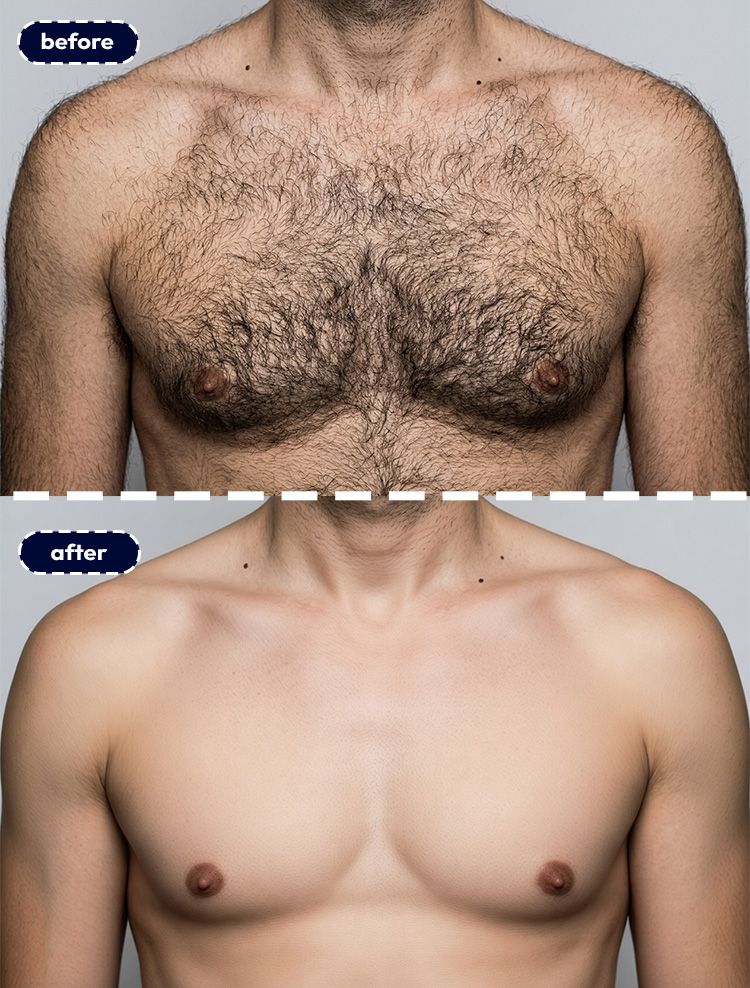
- Remove body hair from the chest and stomach, keep skin texture natural
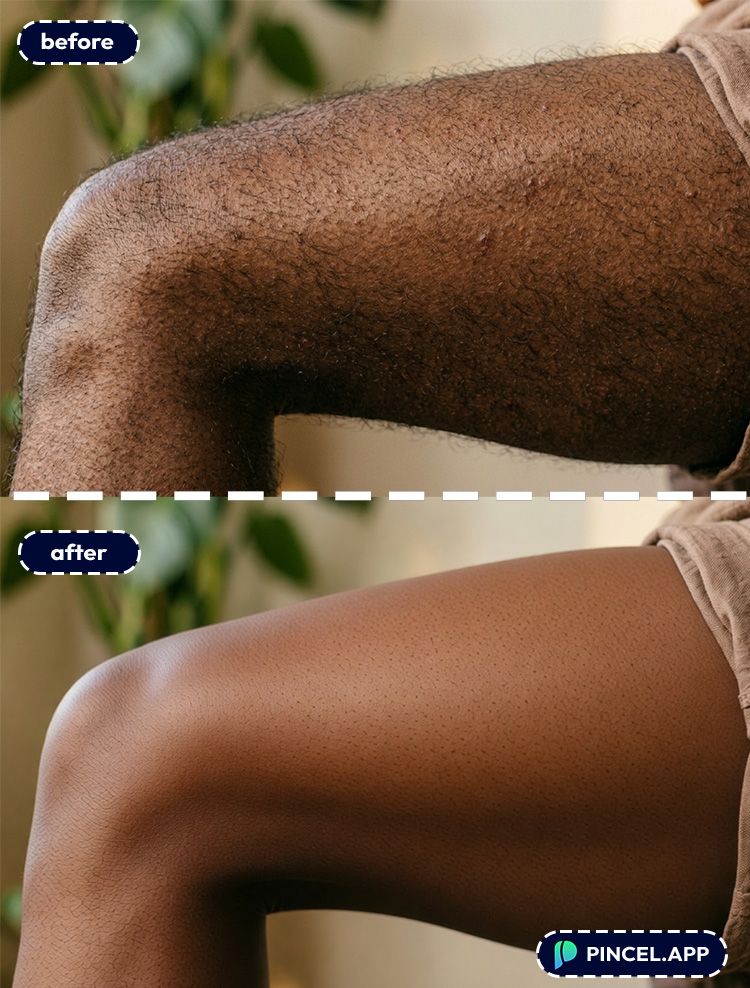
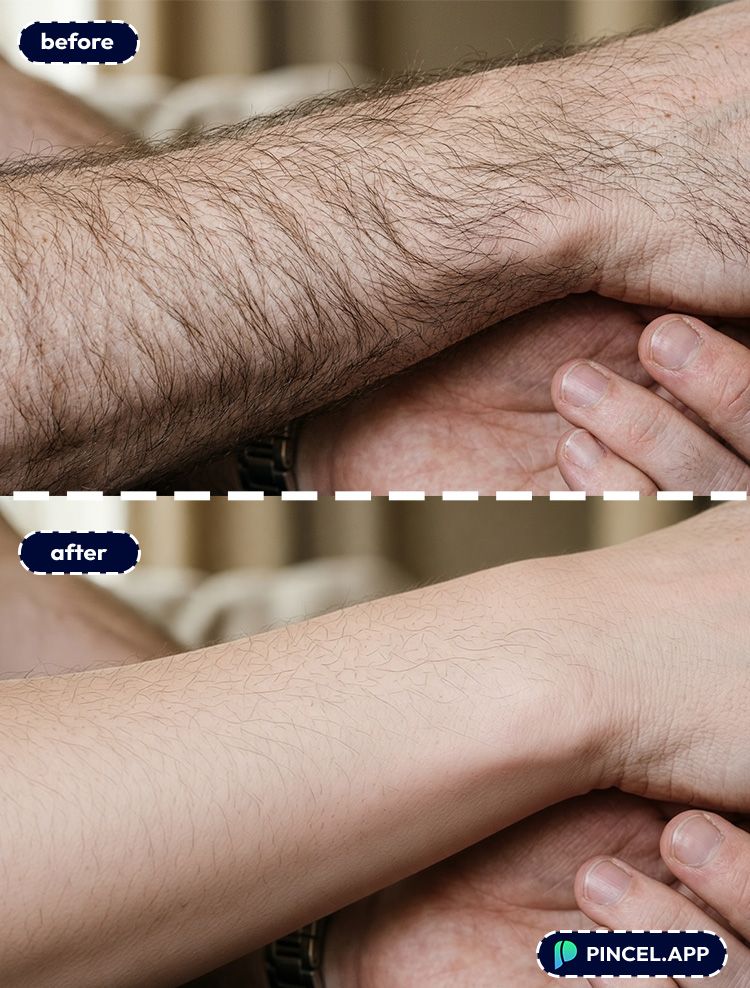
- Remove hair from the arms, preserve pores and realistic shading
- Clean up stray hairs on the shoulders and upper back, natural retouch
- Remove leg hair, keep the original lighting and skin tone
You can also specify what not to change.
Like “don’t change muscle definition” or “don’t alter tattoos.”
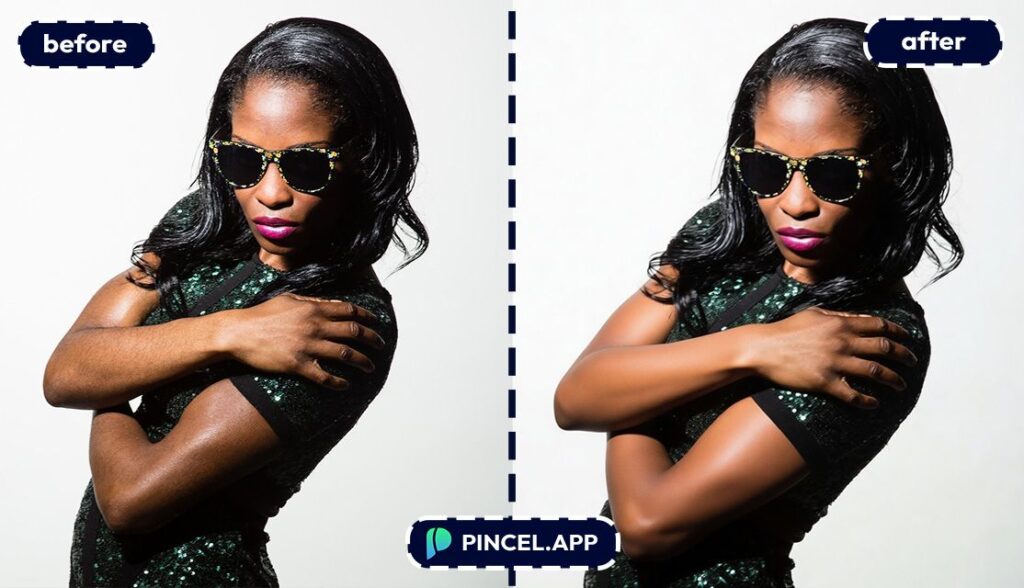
⚡ Step 3: Click Generate
Hit Generate and wait a few seconds.
Pincel edits the area while keeping the photo’s overall look consistent.
No manual brushing and lo layer juggling.
If the first result is too smooth or misses a spot, regenerate with a tighter prompt.
Something like “remove remaining hairs near the wrist” usually nails it.
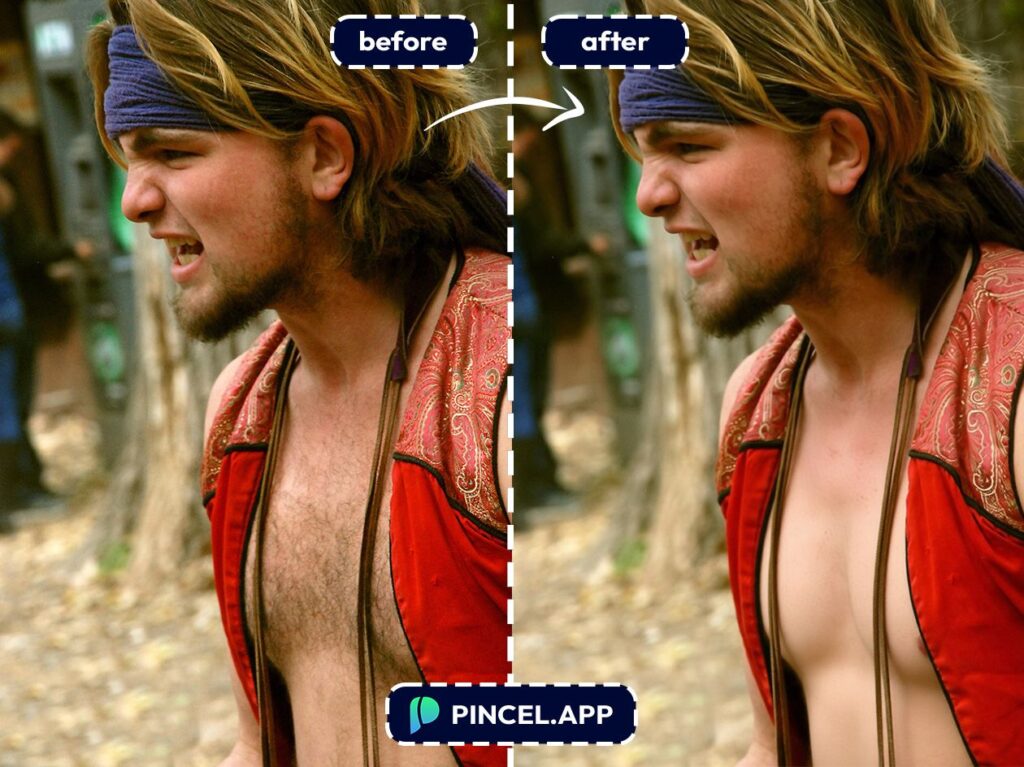
📥 Step 4: Download or Keep Refining
Once it looks right, download your edited image.
And if you’re doing multiple angles, reuse the same prompt for consistency.
It’s a batch-friendly workflow, without feeling like a factory.
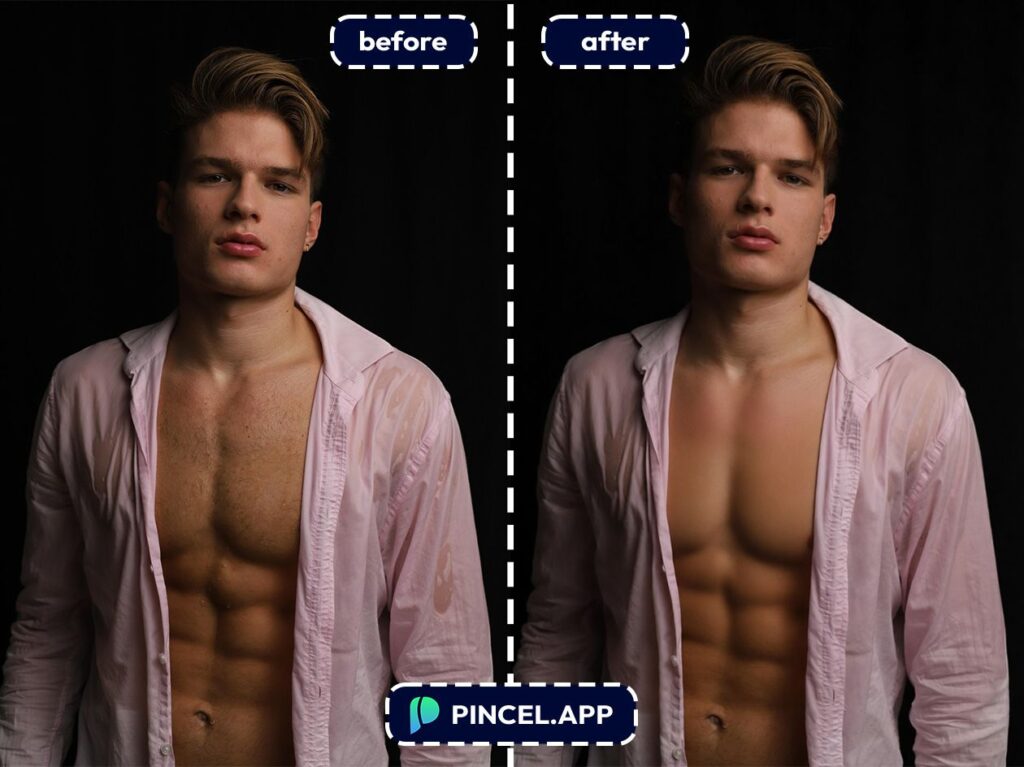
Who Is This For? Real-World Use Cases 👇🏼
Fitness creators — Clean up torso, arms, or legs for thumbnails and progress shots while keeping realistic skin detail.
Pair this with a quick lighting tweak using AI relighting to make the photo pop.
Swimwear and underwear brands — Keep product imagery consistent across models and angles, especially for close-up crops.
If you’re already building listings, AI product photography is a natural next step.
Skincare, tanning, and beauty ads — Body hair can create tiny shadows that make skin look uneven on camera.
If you’re aiming for a sun-kissed look after cleanup, check add tan to a photo.
Athletes and performers — Stage photos are harsh, high-contrast, and unforgiving.
Removing distracting hair artifacts can make the image look cleaner without changing your identity.
Frequently Asked Questions 🤔
How do I remove body hair from photo AI without making skin look fake?
Use a prompt that explicitly asks to keep texture and pores.
Phrases like “natural skin texture” and “preserve shading” help the AI avoid that plastic look.
Can AI remove body hair from photos on iPhone?
Yes. Pincel AI Photo Editor works in your mobile browser, so you can do this on iPhone without installing anything.
Upload, prompt, generate, and download right from your phone.
Is it possible to remove body hair from photos using AI for arms and legs?
Yes. Arms, legs, chest, shoulders, and back all work well as long as the area is visible and not extremely motion-blurred.
If the hair is very dense, do it in two passes with more specific prompts.
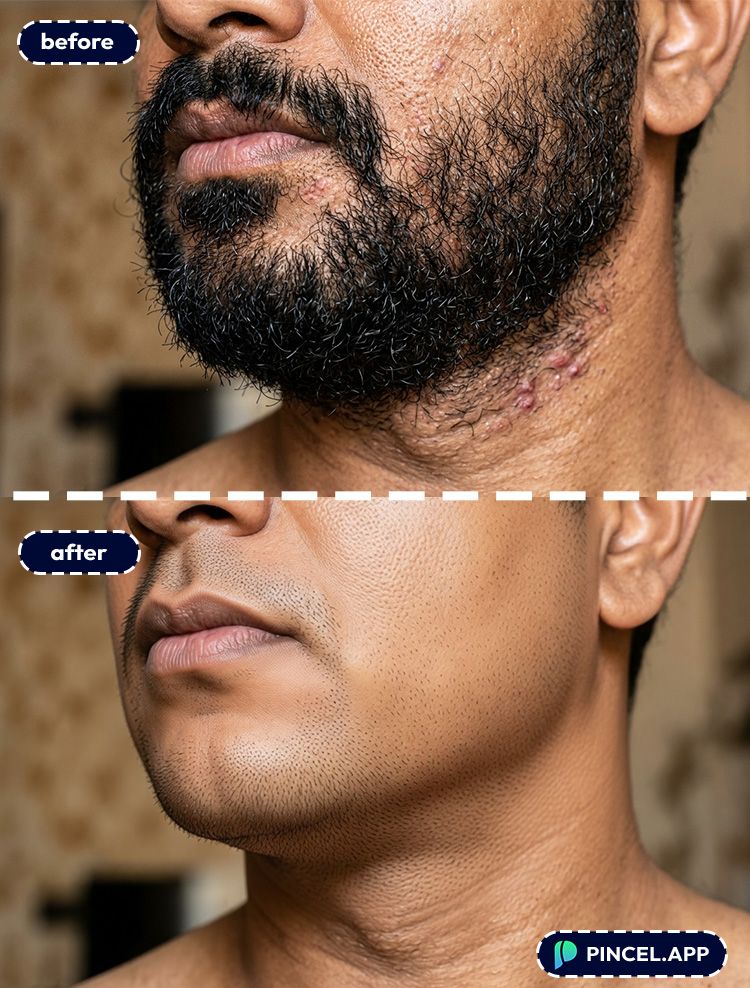
Will removing body hair also remove moles, freckles, or tattoos?
It shouldn’t, but it can happen if your prompt is too broad.
Add a safeguard like “do not change tattoos, moles, or freckles” and regenerate if needed.
Is there a free way to remove body hair from photos using AI?
Yes. Pincel gives new users 20 free credits with no credit card required.
That’s enough to test multiple generations and dial in a natural look.
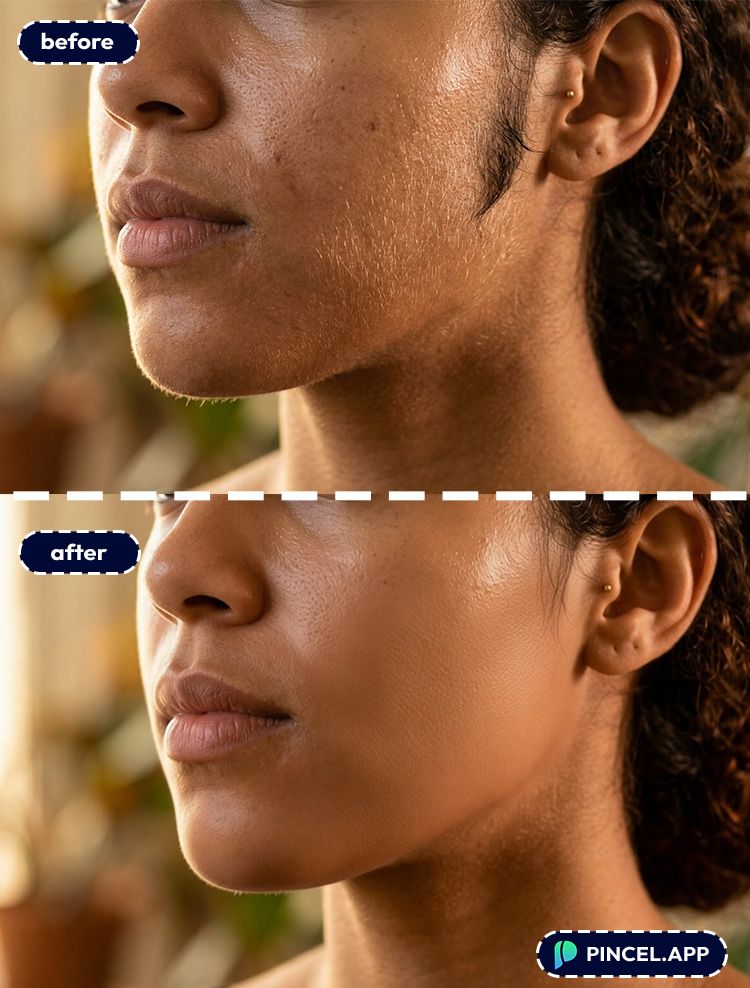
How is this different from Photoshop?
Photoshop can do it, but it’s slow and technical.
With Pincel, you describe the change in text and get results in under 10 seconds, without learning retouch workflows like in Photoshop.
Bye Bye Body Hair ✂️
You don’t need editing skills or complicated tools to clean up a photo.
Just upload your image to Pincel, describe what you want fixed, and generate.
It takes a few seconds, and you can tweak it until it looks just right.
If it’s not perfect, tweak a word and try again. Easy.
So yeah, keep the focus where you actually wanted it.
Your next photo is ready to look amazing!

