
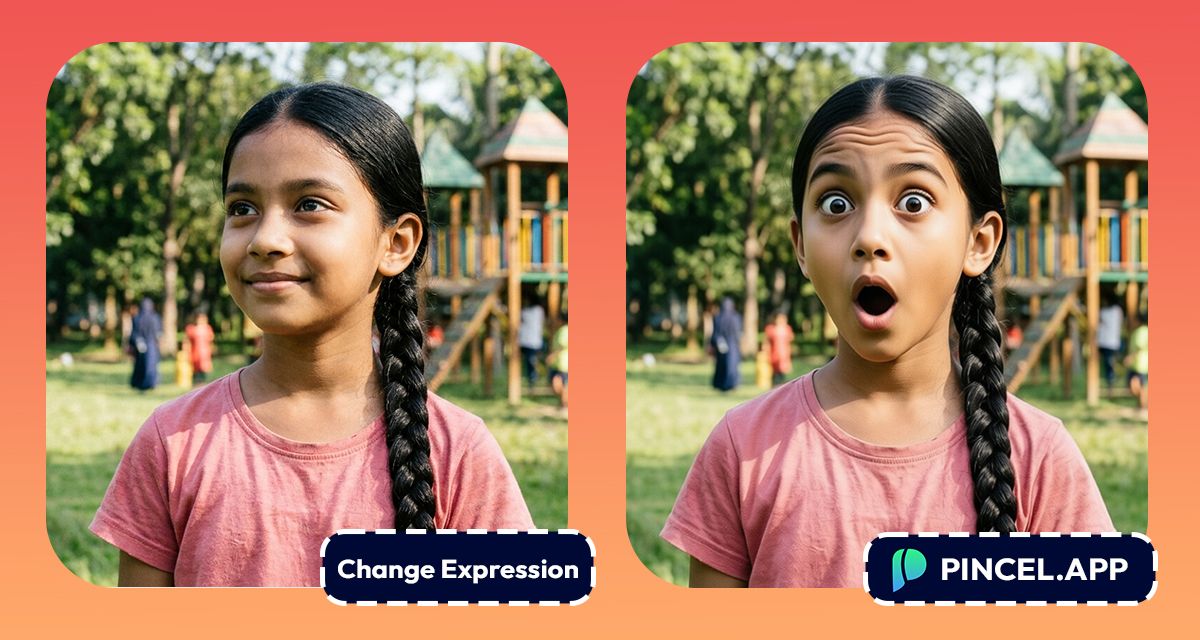
Ever take a great photo but your face had other plans?
Maybe you blinked or forced a weird smile.
And somehow, that’s the only shot you have.
But here’s the good part… now you can fix it instantly.
With Pincel AI Facial Expression Change Tool, you just upload your photo.
And within seconds, your face looks natural and right.
So instead of deleting the photo .. you finally save it.
Here’s how it works:
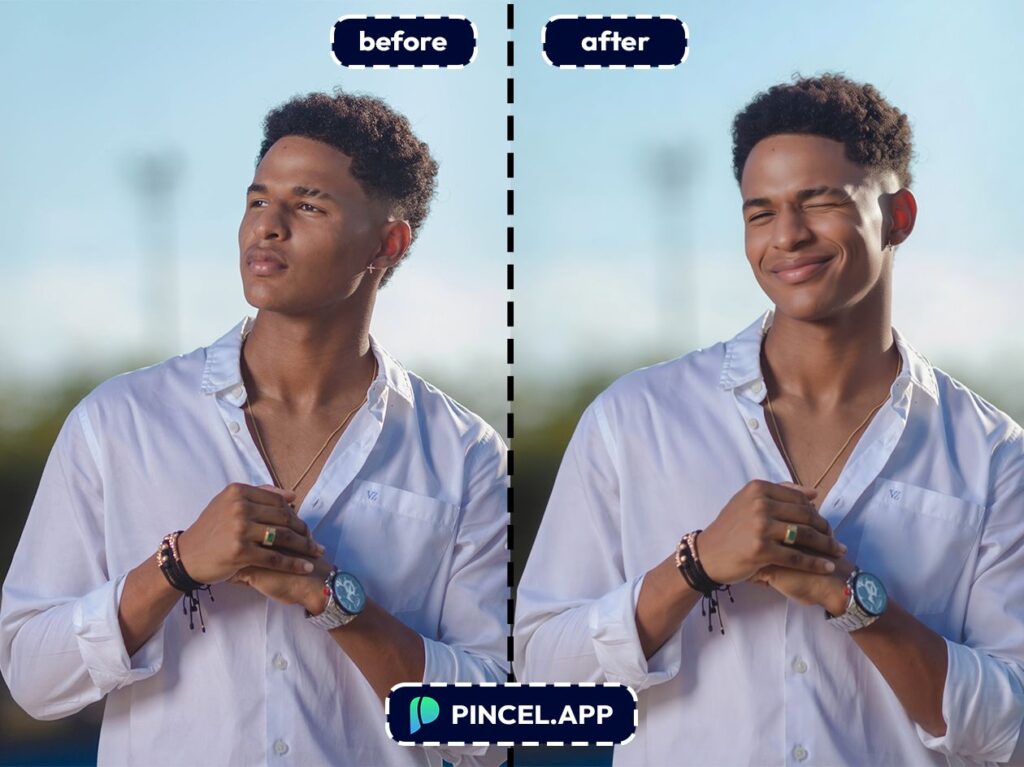
Why Fixing Expressions Manually Is Impossible 😩
In Photoshop, changing an expression isn’t “one quick tweak.”
You’re basically doing digital plastic surgery with liquify, warp, masking and a lot of zooming in.
And if you try to copy a smile from another photo, the lighting and skin texture won’t don’t match.
That’s exactly why Pincel AI Facial Expression Change Tool exists.
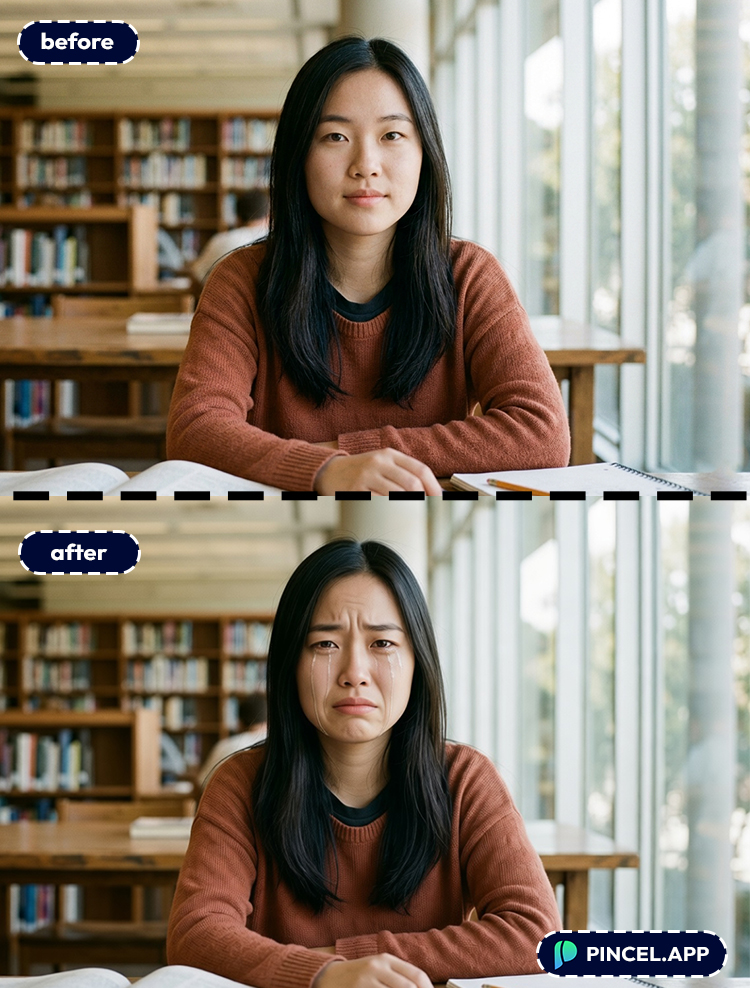
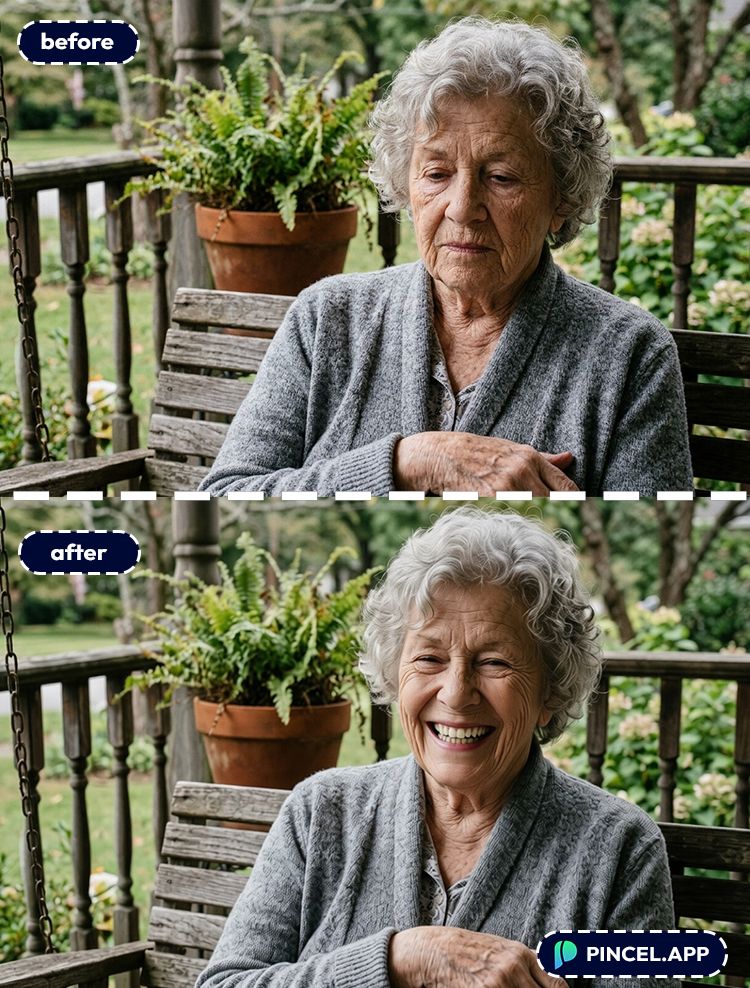
You keep the same photo, same person and just nudge the expression.
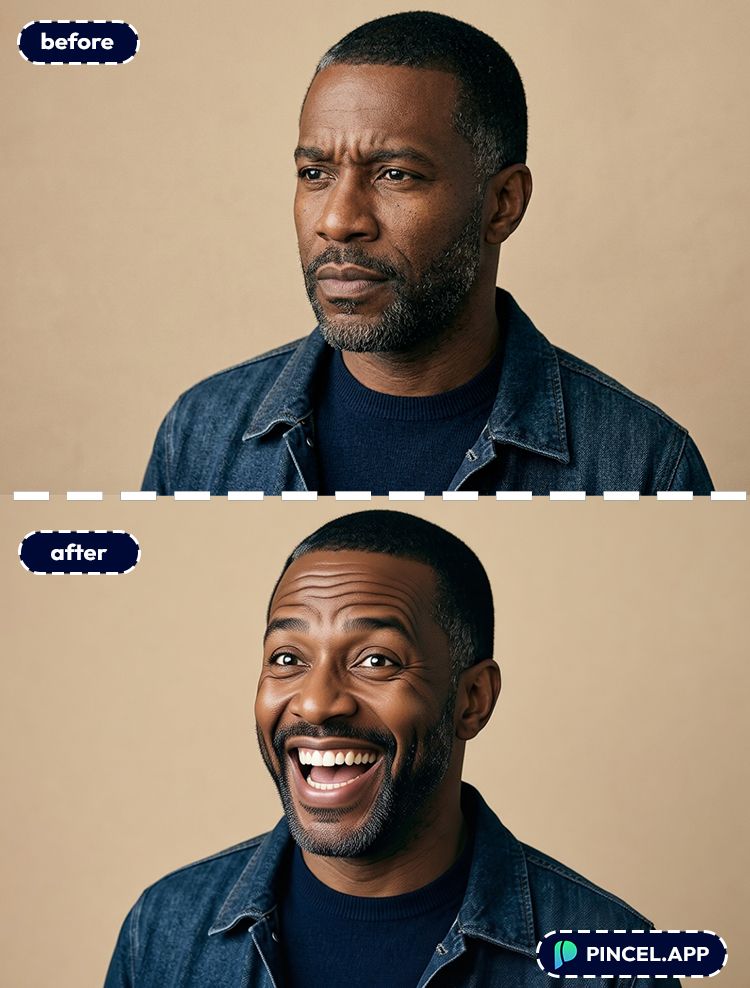
How to Change Facial Expressions Using AI ✅
🖼️ Step 1: Upload Your Photo
Go to the Pincel AI Facial Expression Change Tool.
Click “Upload Image” and pick your portrait, selfie or group photo.
Clear faces help, but you don’t need studio lighting for this to work.
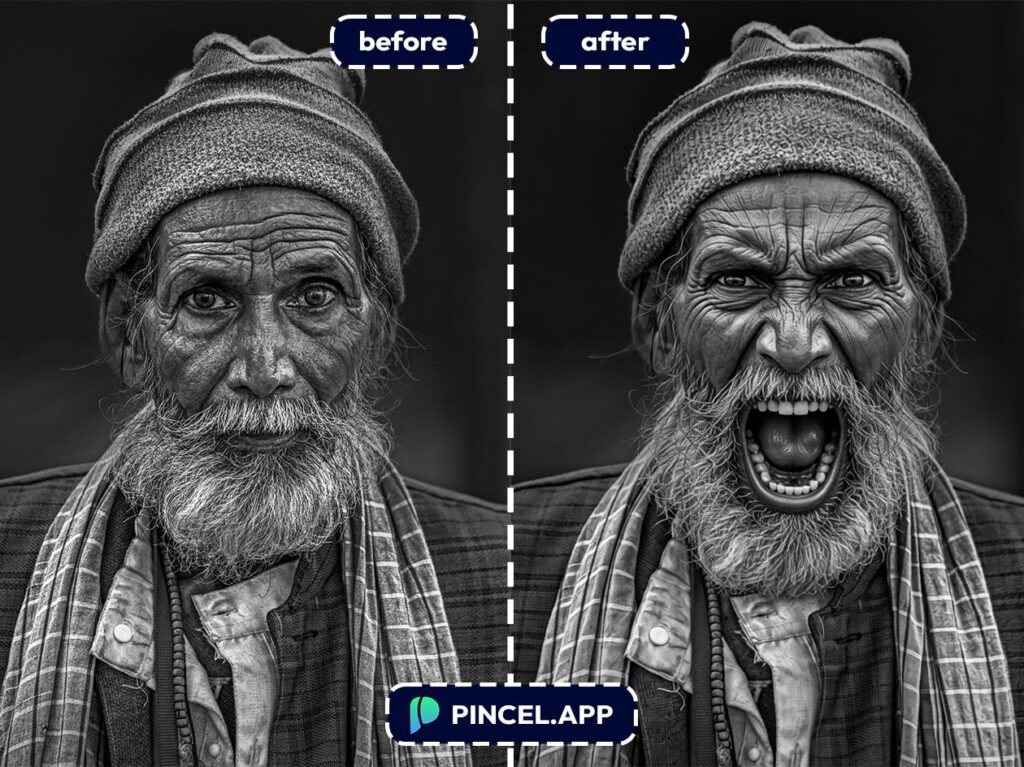
📝 Step 2: Select The Expression You Want
Now comes the fun part.
Choose from a range of preset expressions shown below.
From subtle smiles to dramatic reactions, it’s all there.
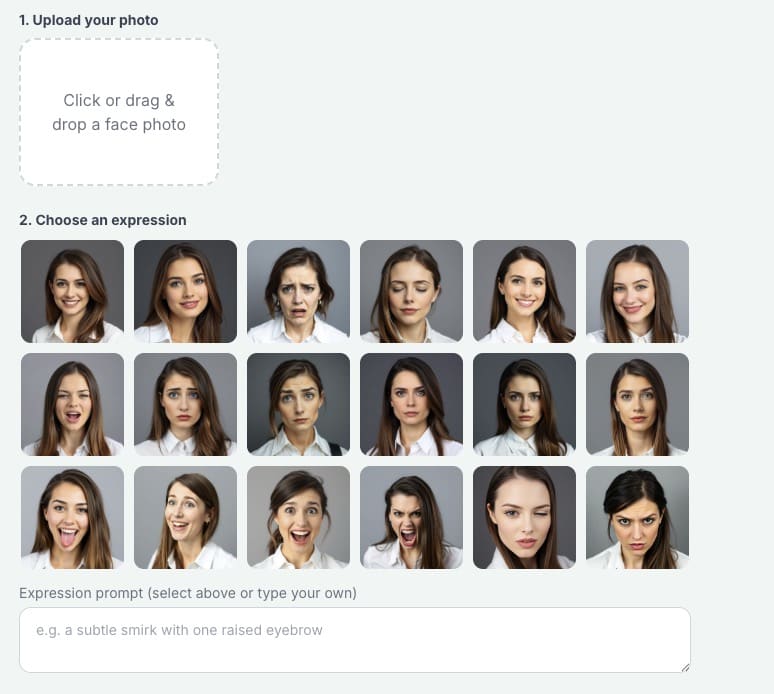
Just click on the one you like.
And instantly, your photo updates with that expression.
Our options included
- Big Smile
- Confident
- Crying
- Eyes Closed
- Happy
- Mouth Open
- Question
- Sad
- Serious
- Silly
- Stunned
- Surprised
- Yell
- Wink
- Angry
Don’t see exactly what you want?
You can also type your own custom expression with a prompt.
If you’re editing a group photo, mention who you mean.
Say “the person on the left” or “the man in the blue shirt.”
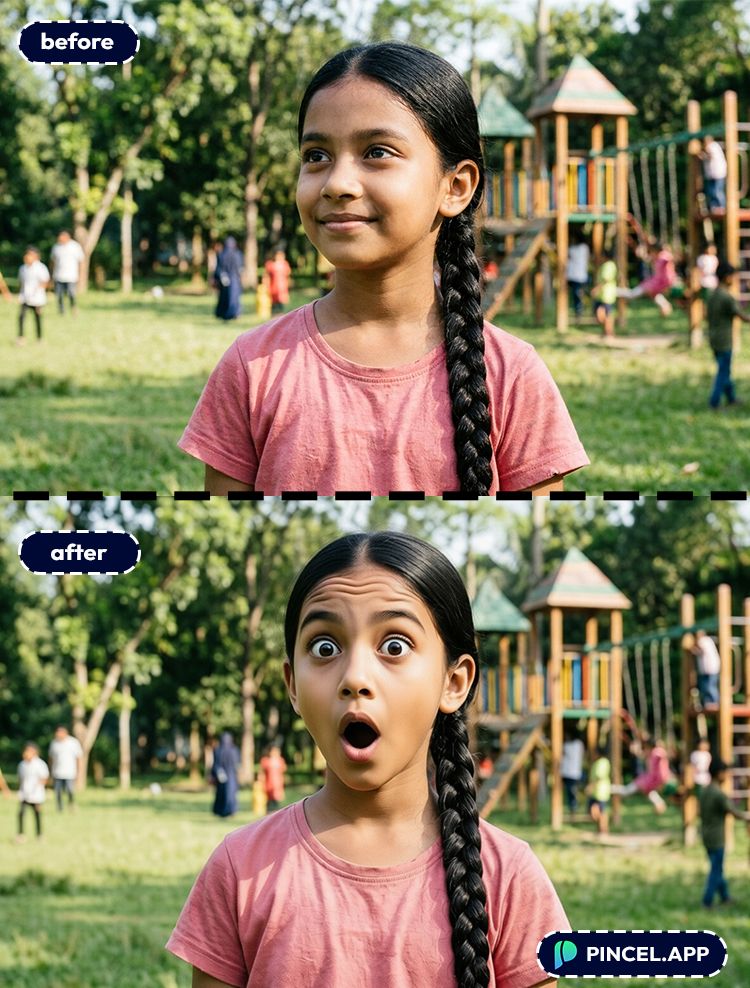
⚡ Step 3: Click Generate
Click Generate and wait a few seconds.
Most results land in under 10 seconds, which still feels supernatural if you’ve ever tested with face retouching tools.
If the expression is too strong, regenerate with softer wording.
If it’s too subtle, ask for “bigger smile” or “more visible teeth.”
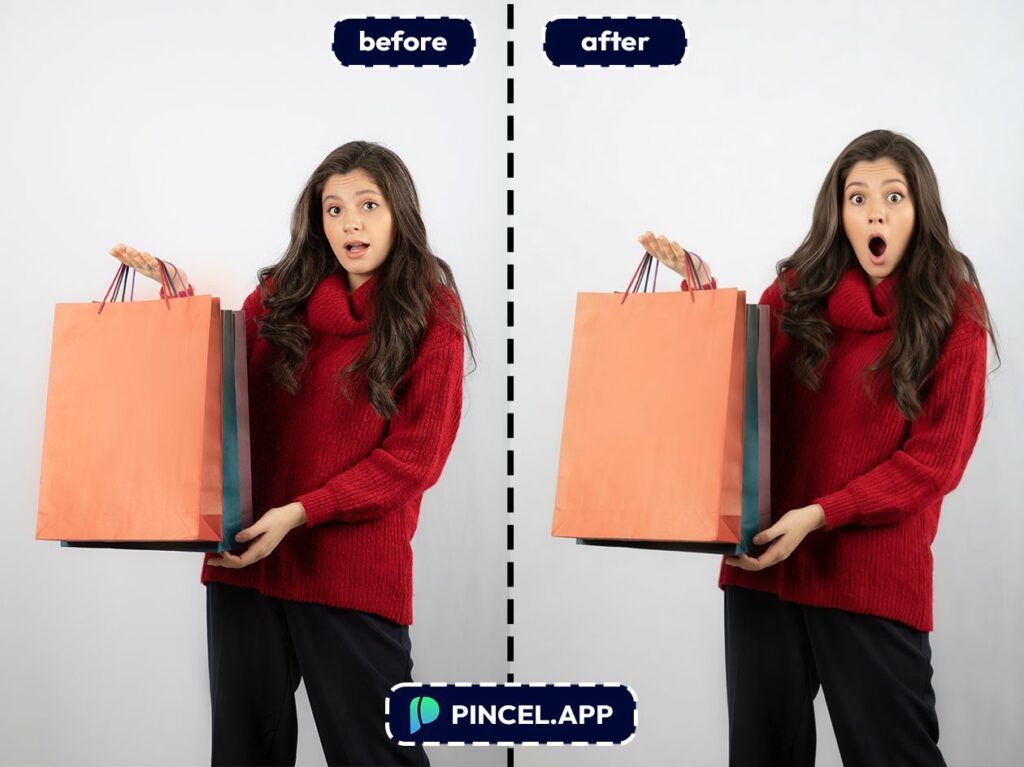
📥 Step 4: Download (or Refine in Another Pass)
Download your favorite result.
Or do a second edit to polish the whole image, like adjusting lighting or cleaning up skin texture.
If you want that next-level “this looks like a real portrait shoot” vibe, pair it with AI relighting after you lock in the expression.
Ready to try it on your own photo?
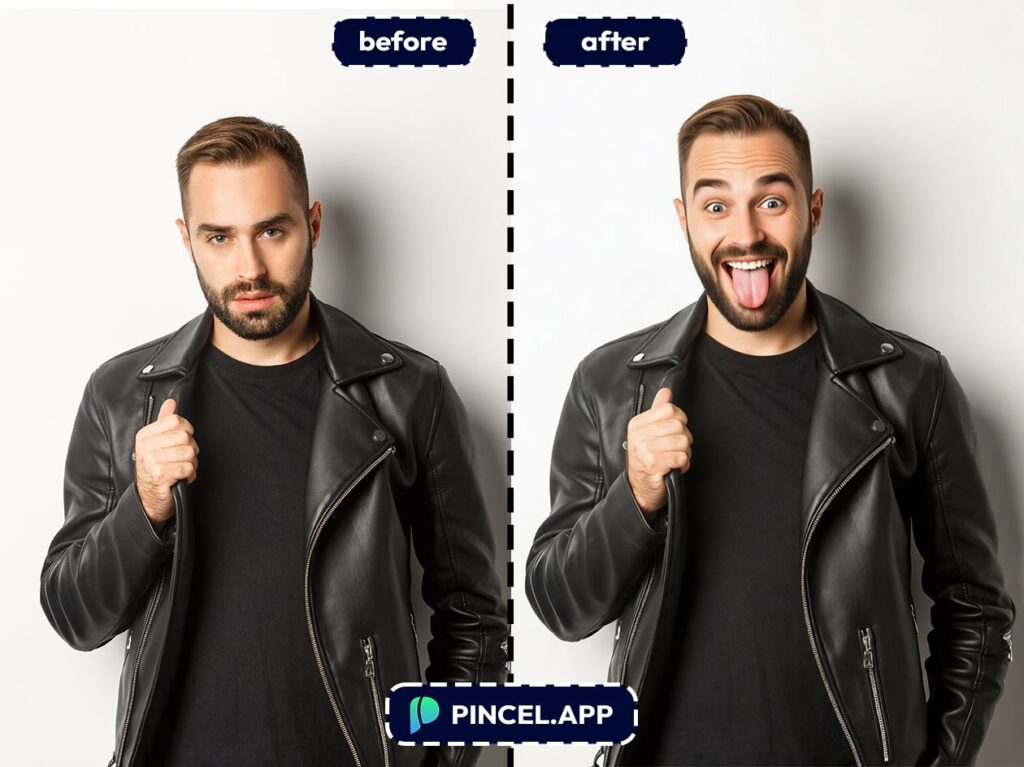
Who Is This For?👇🏼
Professional headshots — You can turn “I hate being photographed” into “confident and approachable” without reshooting.
If you’re updating LinkedIn, then this pairs perfectly with AI resume photos.
Dating profile photos — A small expression change can make you look warmer and more natural on dating photos.
And yes, it’s way easier than taking 200 selfies to get one good smile.
Creators and influencers — When you’re making thumbnails or profile pics, expression matters more than people admit.
If you also want quick stylized versions, check out AI Memoji.
Event and wedding photos — Somebody always blinks or does a weird grin at the exact wrong moment.
You can fix the expression instead of trying to combine photos from five near-identical shots.
Group photos — You can keep the same moment and just correct the one face that didn’t cooperate.
And if your problem is “someone wasn’t even there,” you can also add people to a photo.
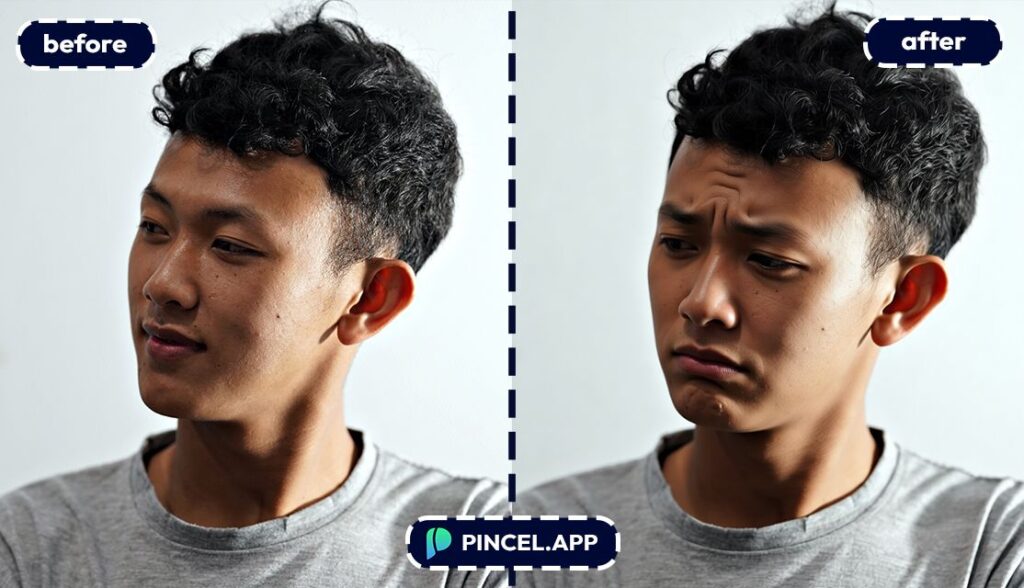
Beauty and portrait retouching — Expression tweaks + light retouching is the secret sauce for clean portraits.
For extra polish, you can also do targeted edits like fix and whiten teeth after you adjust the smile.
Brand and marketing images — If your model looks too serious for a “friendly” brand, you don’t need a reshoot.
You can iterate in seconds and A/B test expressions that match different audiences.
Just-for-fun edits — Make a dramatic reaction face, an ugly face, a calm zen look, or a cartoonishly shocked expression for memes.
Because sometimes you want “main character energy” without the effort.
FAQ 🤔
Can I change facial expressions using AI without making the face look fake?
Yes, you can change facial expressions using AI while keeping the face natural if your prompt is specific and the original face is clear.
Ask for subtle changes first, like “relaxed smile” or “soften the eyes,” and then increase intensity if needed.
If you push extreme expressions on a low-res face, it can look a bit uncanny.
Is it free to change facial expressions using AI in Pincel?
Yes. Pincel AI Photo Editor gives you 20 free credits with no credit card required.
That’s enough to test multiple expression edits and refine your prompt.
When you find your go-to wording, it becomes a “two clicks and done” thing.
Do I need to download an app?
No. Pincel AI Photo Editor runs in your browser, so there’s nothing to install.
It’s also dramatically faster than doing expression edits in Photoshop, where you’d be juggling warp tools and retouching seams.
What kinds of photos work best for changing expressions?
Photos with a clear, visible face work best, especially when the eyes and mouth aren’t hidden.
Selfies, portraits, and group shots all work, as long as the face isn’t tiny in the frame.
If your face is angled and you want a better viewpoint too, you can also try changing camera angle first.
What prompt should I use if I just want a “better smile”?
A strong baseline prompt is: “Change expression to a natural relaxed smile, keep the same person, lighting, and background”.
If you want teeth, add “slight teeth showing,” and if you want it subtler, add “mouth closed.”
Small words like “subtle,” “gentle,” and “relaxed” make a big difference.
Can I fix a blink or closed eyes with AI?
Often, yes, especially if the rest of the face is clear.
Prompt it directly, like “open the eyes naturally” and “keep the same gaze direction.”
If the eye area is heavily blurred or covered, results may vary.
Upgrade Your Mood 😐 😂
So here’s the reality, not every photo catches your best moment.
But now, that’s easy to fix.
You don’t need another shoot and you don’t need editing skills.
Just upload, type and adjust your expression instantly.
And honestly, that changes everything.
Because now every photo can be the right one.
Exactly how you imagined it.

