
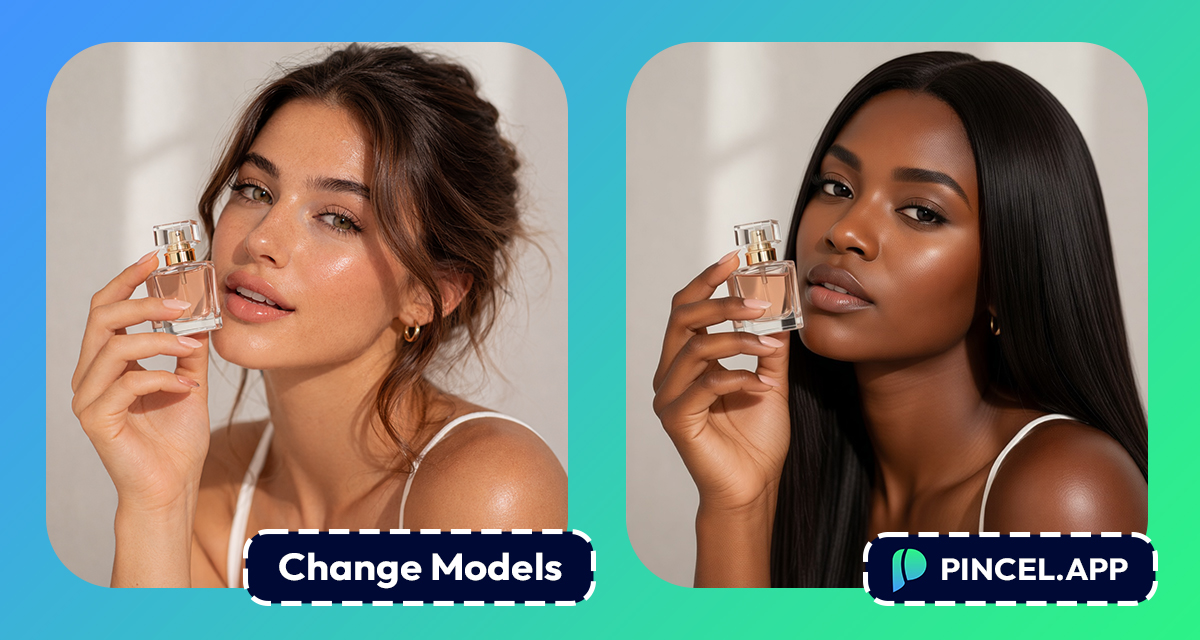
In the world of advertising, it’s important to choose the right model.
But sometimes you need to change the person on the photo or video, after the ad has been already made.
In the old world, that means a reshoot
or going through 100 different stock sites.
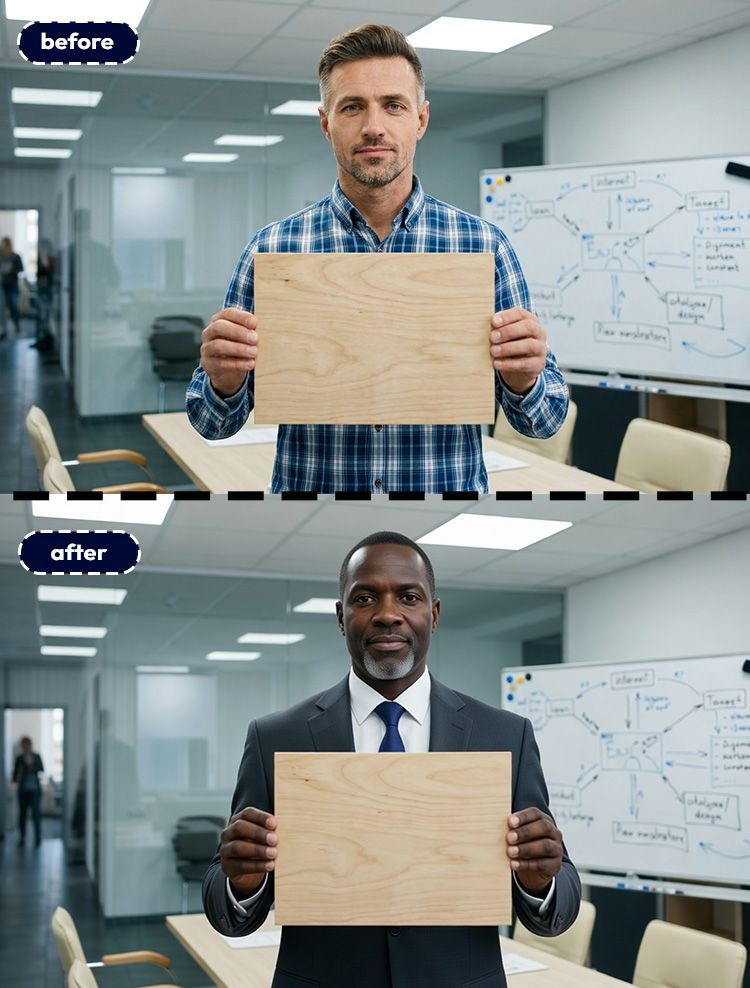
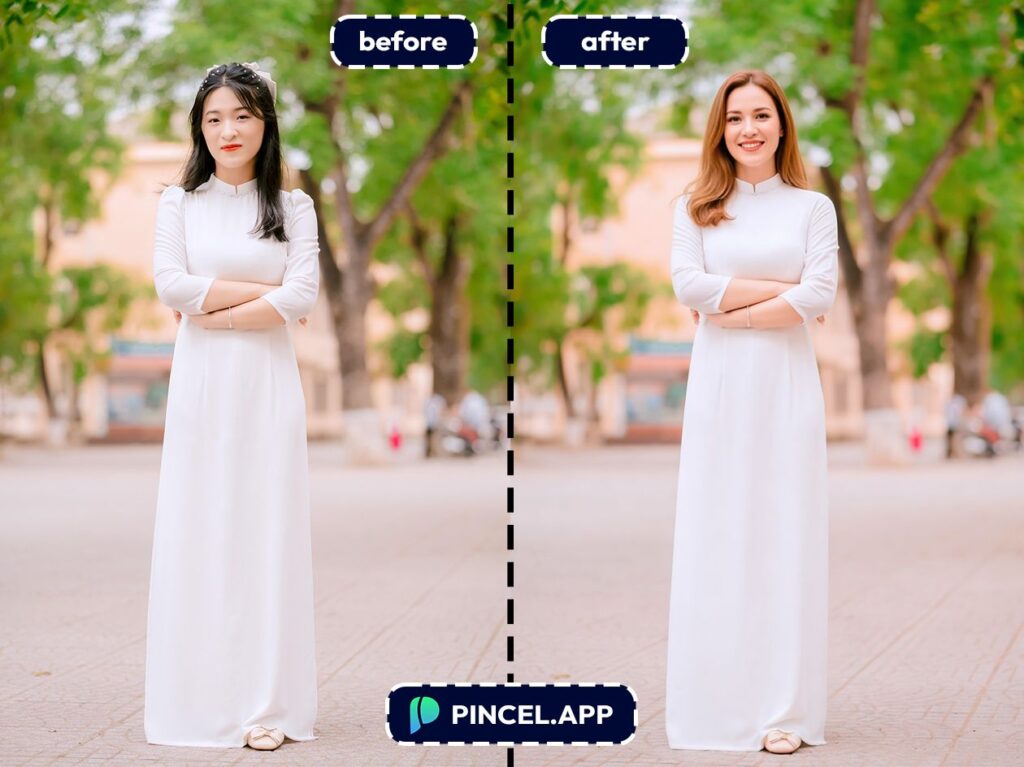
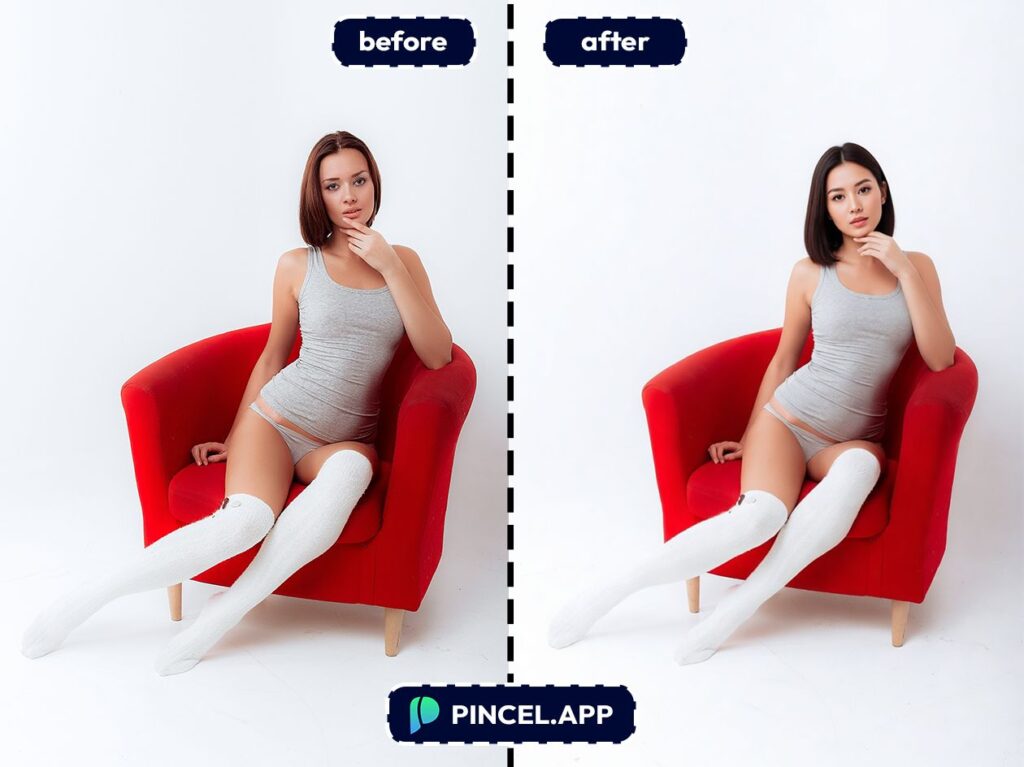
But now, with Pincel AI Photo Editor, you can change models in marketing photos using AI in under 10 seconds.
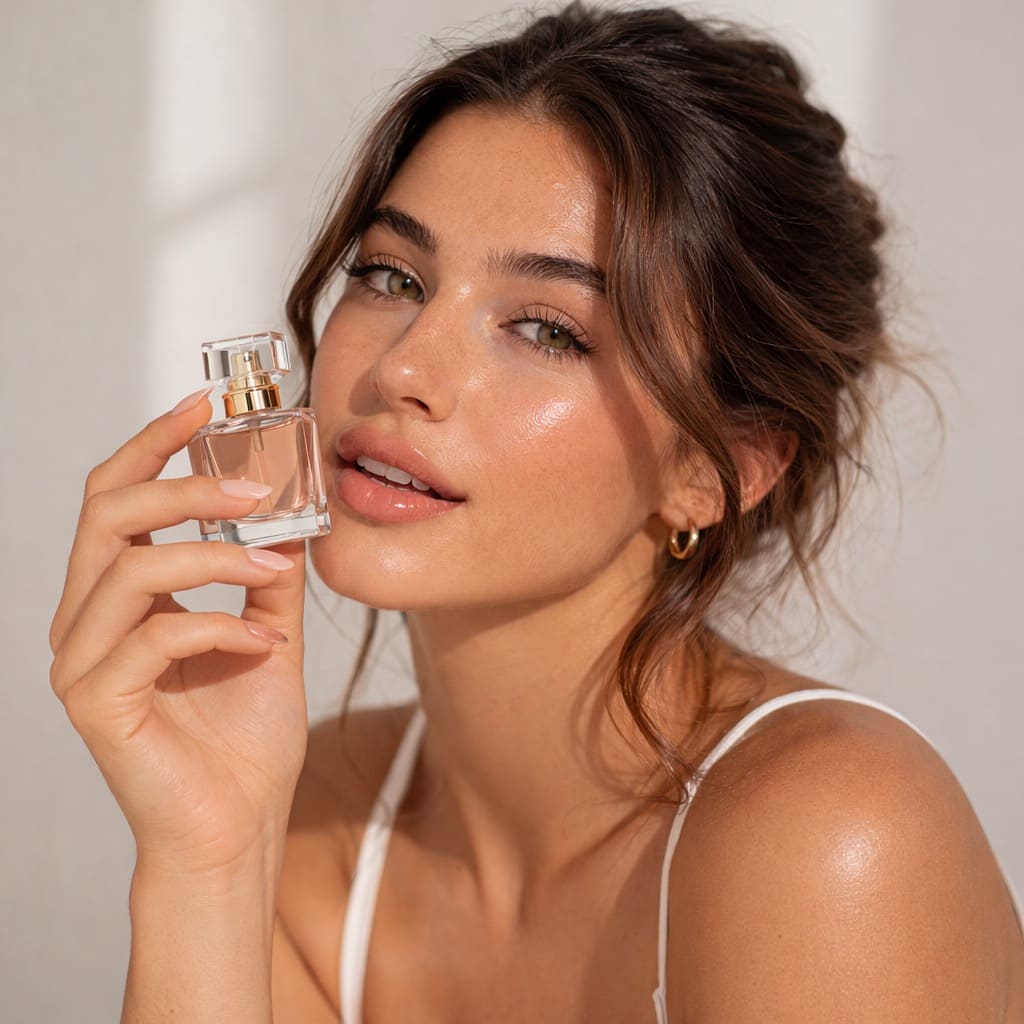
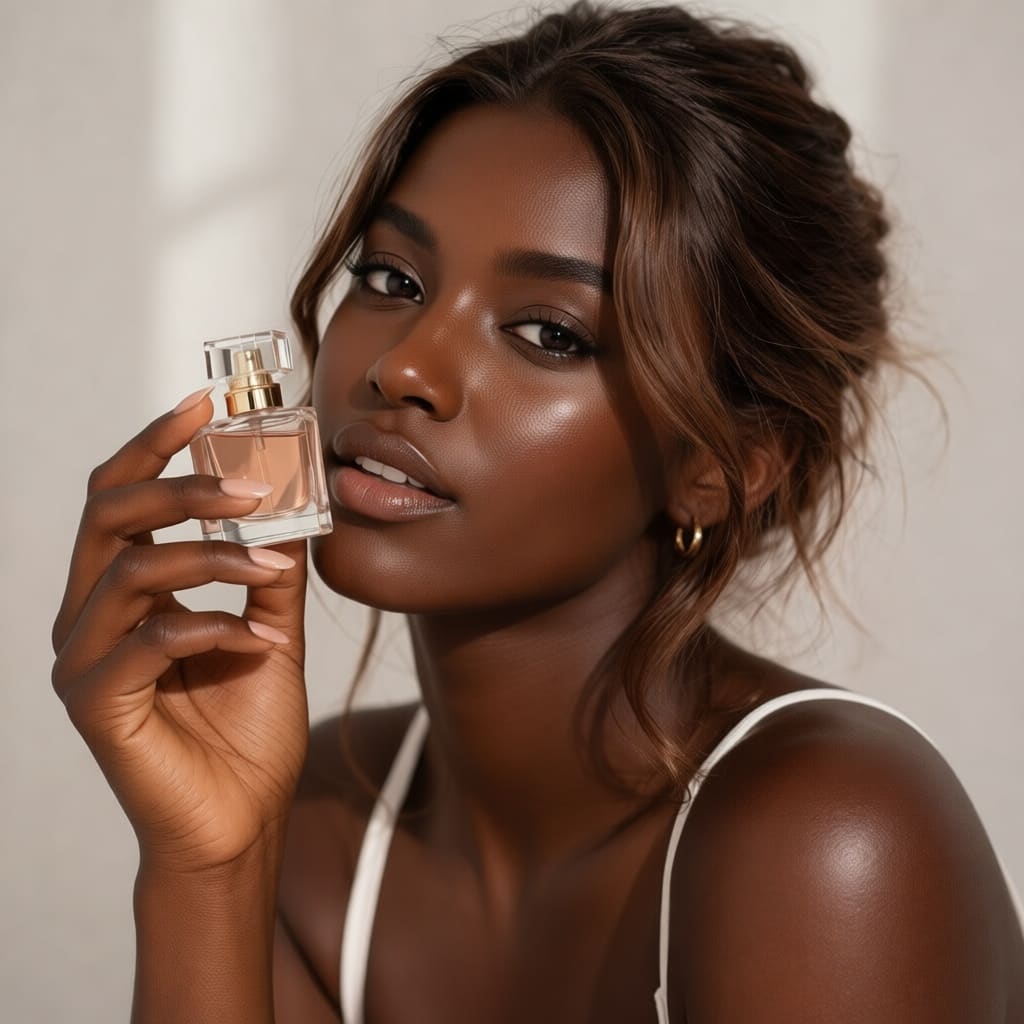
Just upload your photo then type a prompt and let AI do the rest.
Here’s how it works:
Why Swapping Models Manually Is Difficult ❌
Traditional tools like Photoshop can do this.
But you have to mask here, change hand positions or match lighting and pray edges don’t look curved.
And if your photo has product interaction (holding a bottle, wearing a shirt, sitting on furniture), it gets even worse.
You are not swapping faces, you are working with the entire scene.
You can pay and hire a retoucher online.
That’s exactly why Pincel AI Photo Editor exists.
It gets you a new model look in seconds, while keeping the photo’s layout and product context intact.
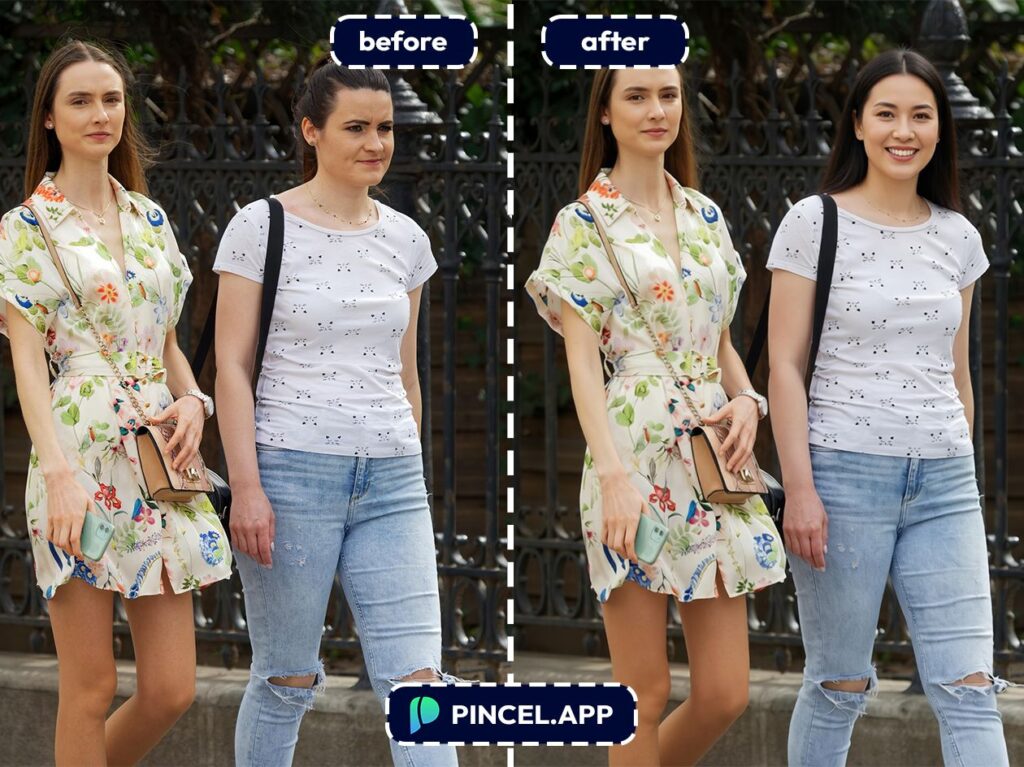
How to Change Models in Marketing Photos ✅
🖼️ Step 1: Upload Your Marketing Photo
Go to the Pincel AI Photo Editor.
Upload your image, wether it’s lifestyle shot, studio photo, UGC-style selfie, anything.
If the model is clear and well-lit then you’ll get the best results.
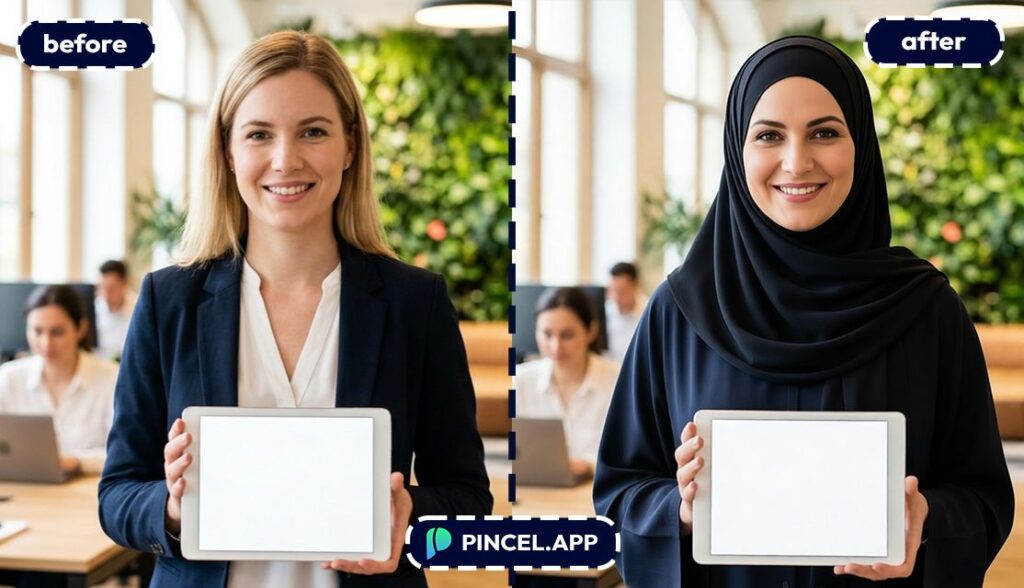
📝 Step 2: Describe the New Model (and what must stay the same)
In the prompt box, tell the AI what to change and what to preserve.
Try prompts like these (edit the details to match your campaign):
- Replace the model with a 30-year-old Asian woman, natural makeup, warm smile, keep the same pose and background, keep the rest identical
- Change the model to a middle-aged Black man in business casual, keep lighting and camera angle, keep hands the same
- Swap to a younger Gen Z woman with curly hair and streetwear style, keep the hoodie color and logo unchanged, keep the same framing
- Replace the person with a senior woman, friendly expression, keep the skincare bottle label perfectly readable, keep studio lighting
NB: You can also upload a reference image of the new person.
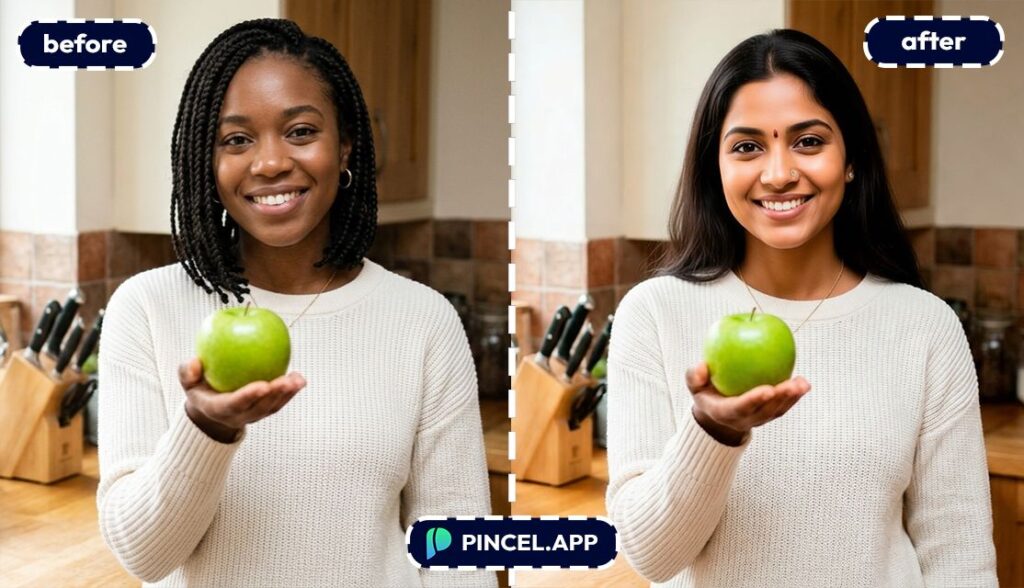
⚡ Step 3: Click Generate (and wait a few seconds)
Click Generate and wait a few seconds.
Most edits land in 5–10 seconds
Sometimes it’s hit and miss, in that case you may regenerate with a tighter prompt.
Small tweaks like “same hands,” “same shirt,” or “same exact background” can make a huge difference.
Want consistency across a whole set?
Keep reusing the same wording, and adjust only the traits you want to change.
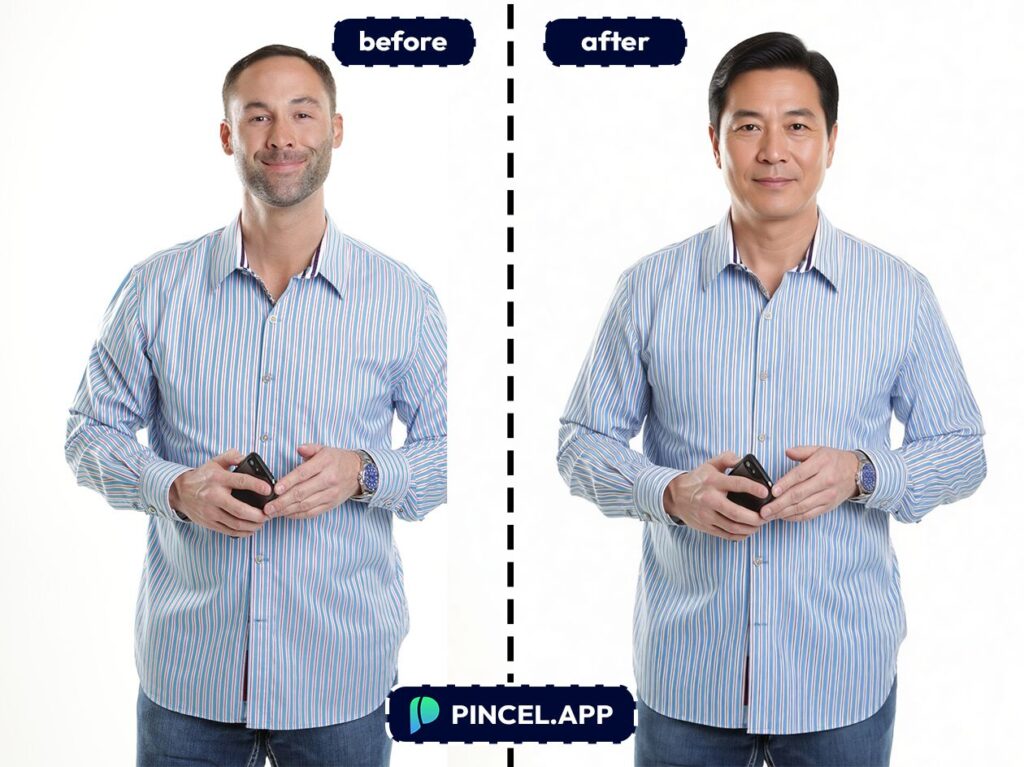
📥 Step 4: Download, Then Iterate for Variations
Download your favorite version and keep the alternates.
Marketing loves options, and now you can produce them without a reshoot.
If you want to adjust the vibe after the swap, then do a second pass.
For example, use Relight Photos with AI to match a brighter “summer ad” look or a moodier “premium” look.
Ready to try it on your best-performing creative?
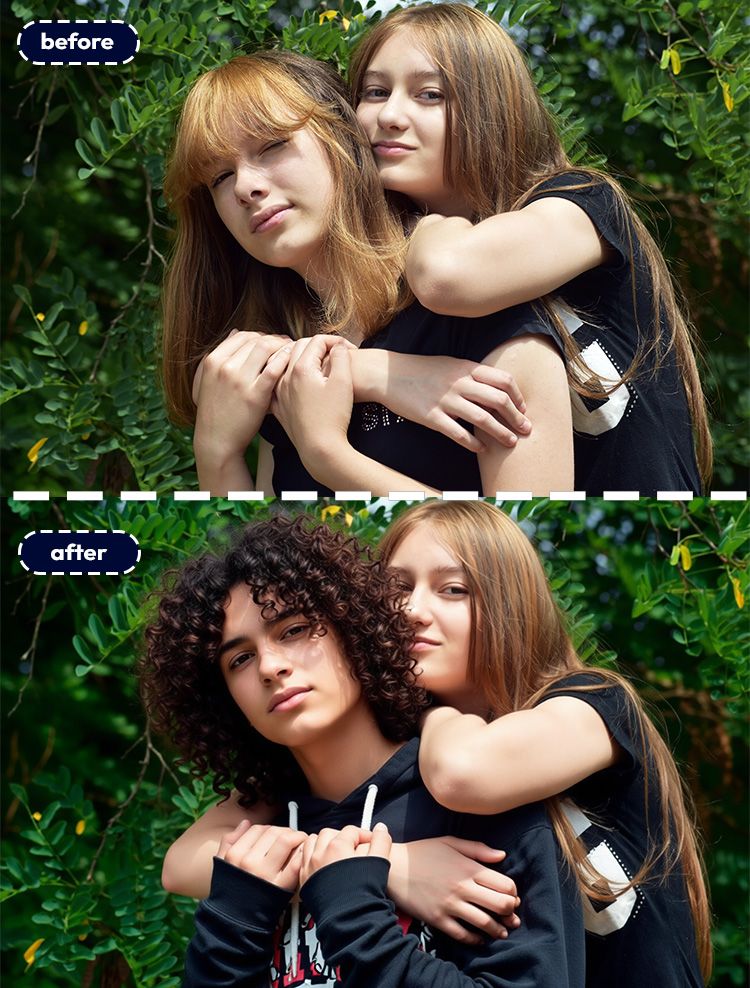
Who Is This For?👇🏼
E-commerce brands — Turn one lifestyle photo into multiple audience-targeted creatives.
And if you’re building listings, combine this with AI Product Photography to keep your catalog cohesive.
Paid social teams — A/B test model demographics, styling, and “energy” without producing 12 new shoots.
You can generate fresh variants in seconds and then test what actually converts.
UGC and creator marketing — Need a consistent look across UGC-style assets that still feels natural?
You can keep the scene while shifting the model to better match your brand tone.
Fashion brands — Swap models while keeping the outfit and pose consistent for cleaner product comparisons.
If you also need wardrobe changes, stack this with Change Clothes in Photo.
Beauty and skincare — Show the same product on different faces while keeping lighting and packaging consistent.
For micro-edits (eyes, lips, skin), you can also explore Change Eye Color or Remove Wrinkles from Photo depending on your creative direction.
International campaigns — Localize visuals without rebuilding the entire set.
You keep the composition and product placement, then tailor the model for each region.
Frequently Asked Questions 🤔
Can I change models in marketing photos using AI without changing my product?
Yes, you can change the model while keeping the product intact by explicitly telling the AI what must not change.
Add instructions like “keep the product identical,” “keep the label readable,” and “do not change the logo” in your prompt.
If your product still shifts, run a second generation with stricter wording.
You can also simplify the request and change only one thing at a time.
Will the results look realistic enough?
Yes, the results can look very realistic, especially when the original photo is sharp and well-lit.
Pincel matches lighting and blends the new subject into the existing scene.
For the most natural look, specify camera and lighting cues.
If your campaign uses a consistent style, do a final pass with Relight Photos with AI to unify the set.
How do I keep the same pose and framing when swapping the model?
You keep pose and framing by asking for it directly in the prompt.
Use phrases like “keep the exact same pose,” “keep the same camera angle,” and “preserve composition.”
If your shot is angle-sensitive, you can also learn the trick behind Change Camera Angle to better describe what you want.
And if the pose is the whole point, check out Change Pose in Photo.
Is Pincel AI Photo Editor free to try?
Yes, it’s free to try.
You get 20 free credits with no credit card, which is enough to test several model swaps and variations.
When you’re ready, you can keep iterating and downloading at full quality.
“Re-shoot” Without the Shoot Crew 📸
In today’s real world, marketing moves first.
And reshoots may slow down your progress and cost extra.
But now, you don’t need them.
You just update your visuals instantly.
You can test new directions faster.
And you can all do with the Pincel AI.
Upload, click Generate and then modify if needed. That’s all it takes.
And honestly, that’s a huge advantage.

