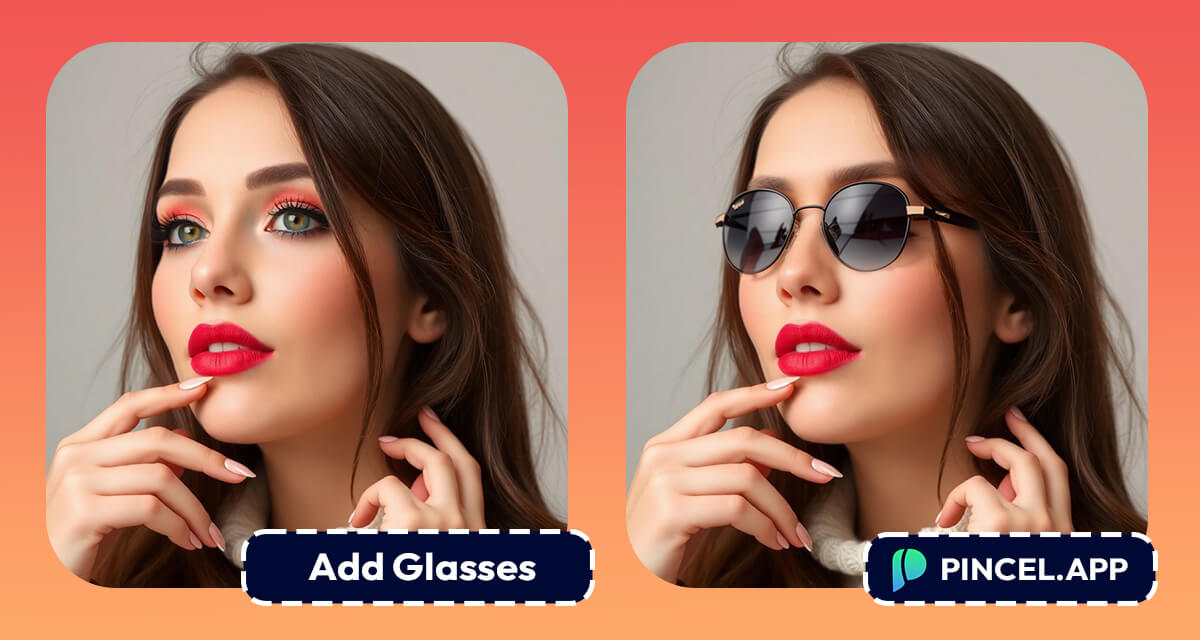
Glasses do more than improve your vision.
They can also completely transform your look 🤓
Some people wear them as a style statement, even if they don’t need them.
Think about Harry Potter… would he be the same without his round specs?
And who doesn’t want to look cooler in dark sunglasses?
But what if your photo is missing that perfect pair of glasses?
No worries, because adding them to a photo is now easier than ever.
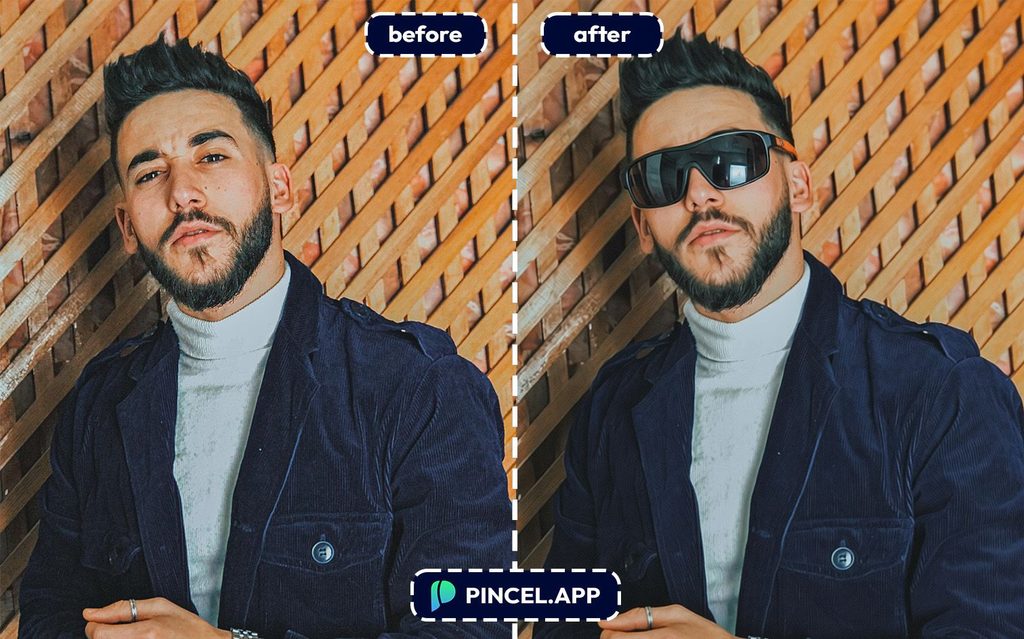
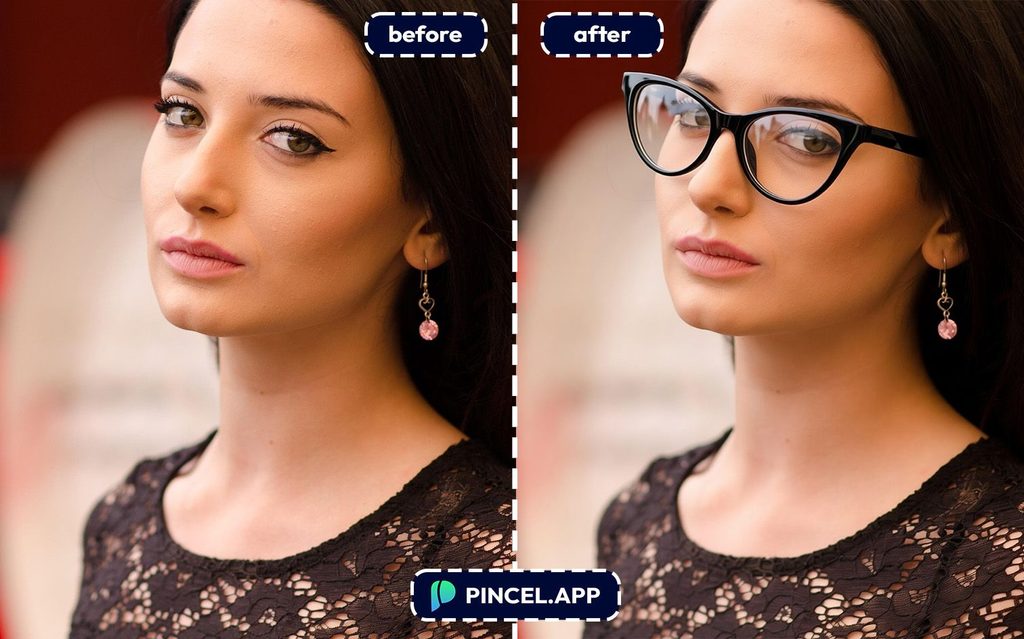
With AI tools like Pincel AI Editor, you can literally do it in seconds.
No Photoshop and no stress.
Just type what you want and let AI add those spectacles
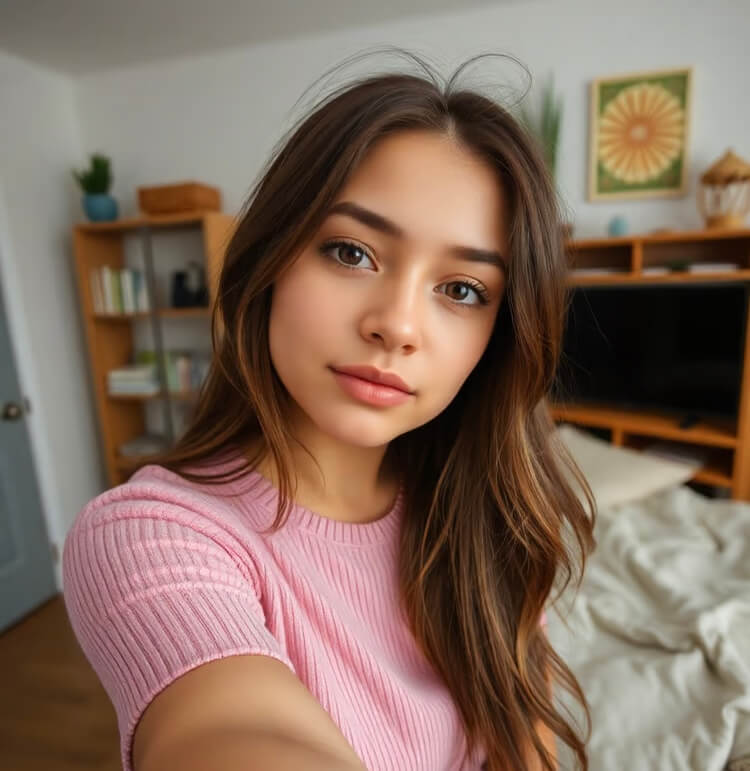
How to Add Accessories to Photos Using AI ✅
🖼️ Step 1: Upload Your Photo
Head over to Pincel AI Photo Editor.
Click “Upload Image” and pick the photo you want to upgrade.
Front-facing portraits works best, but angles works too.
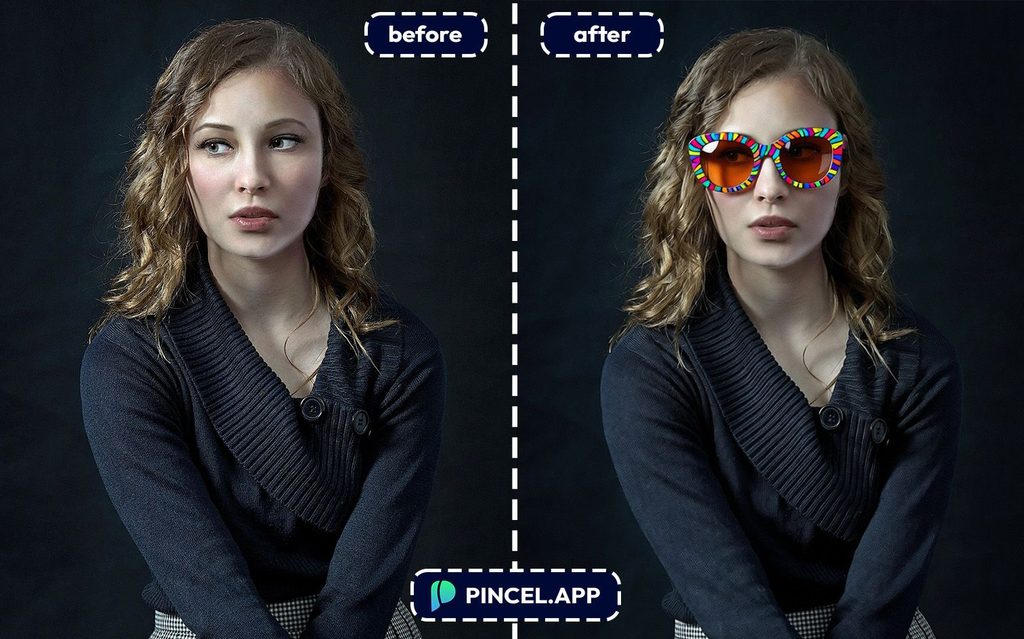
📝 Step 2: Describe the Glasses You Want
In the prompt box, type what you want to add, plus a few details.
Try prompts like:
- Aviator Glasses: Add a pair of aviator glasses with silver metal frames, thin arms, and teardrop-shaped clear lenses to the person in this image.
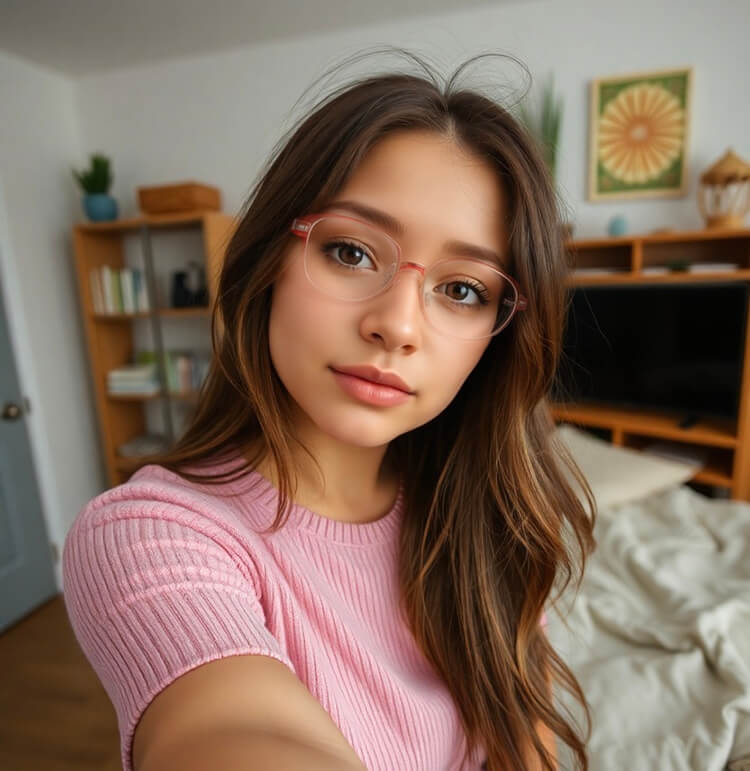
- Cat-Eye Glasses: Add a pair of cat-eye glasses with black plastic frames that have an upward flick at the outer corners, with clear lenses, to the person in this image.
- Square Glasses: Add a pair of square glasses with bold black plastic frames, sharp corners, and clear lenses to the person in this image.
- Rectangular Glasses: Add a pair of rectangular glasses with dark tortoiseshell plastic frames and clear lenses to the person in this image. The glasses should have straight, clean lines.
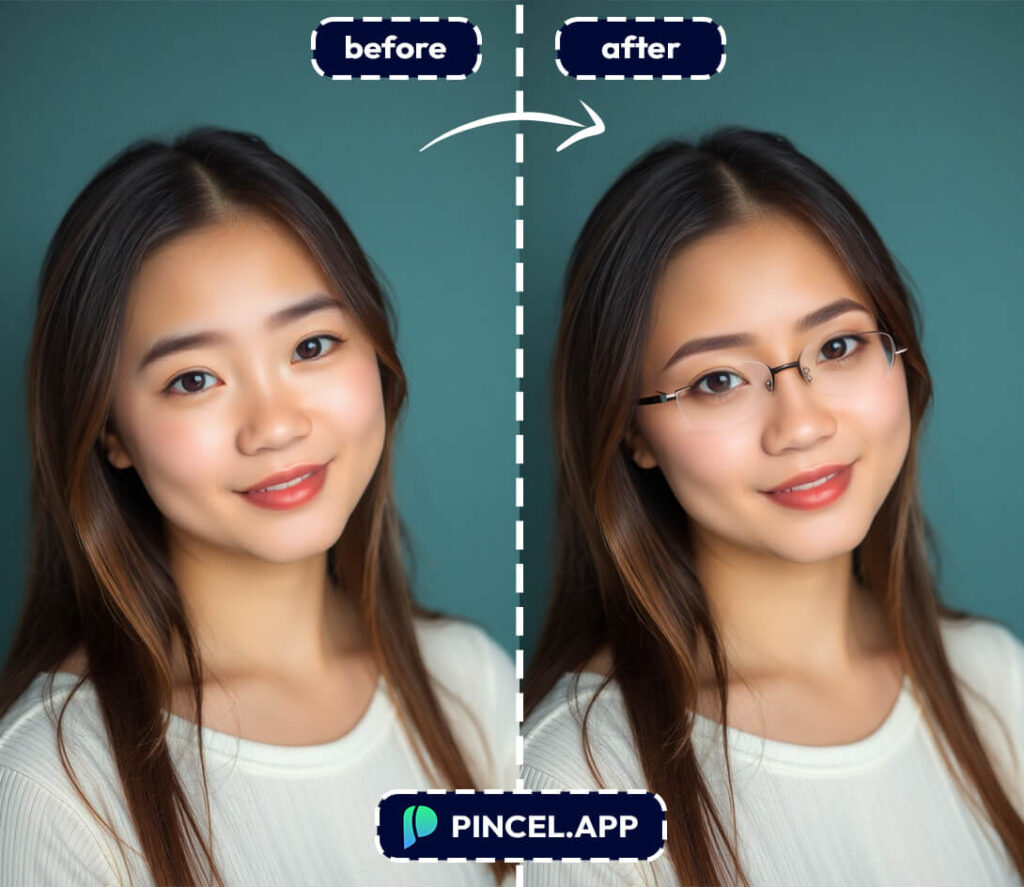
- Rimless Glasses: Add a pair of rimless glasses with clear lenses held by thin silver metal arms and small nose pads to the person in this image.
- Semi-Rimless Glasses: Add a pair of semi-rimless glasses with dark frames on the top edge only, clear lenses with no bottom frame, and thin metal arms to the person in this image.
- Thin Wire Glasses: Add a pair of ultra-thin wire glasses with delicate silver metal frames, round or oval clear lenses, and thin arms to the person in this image.
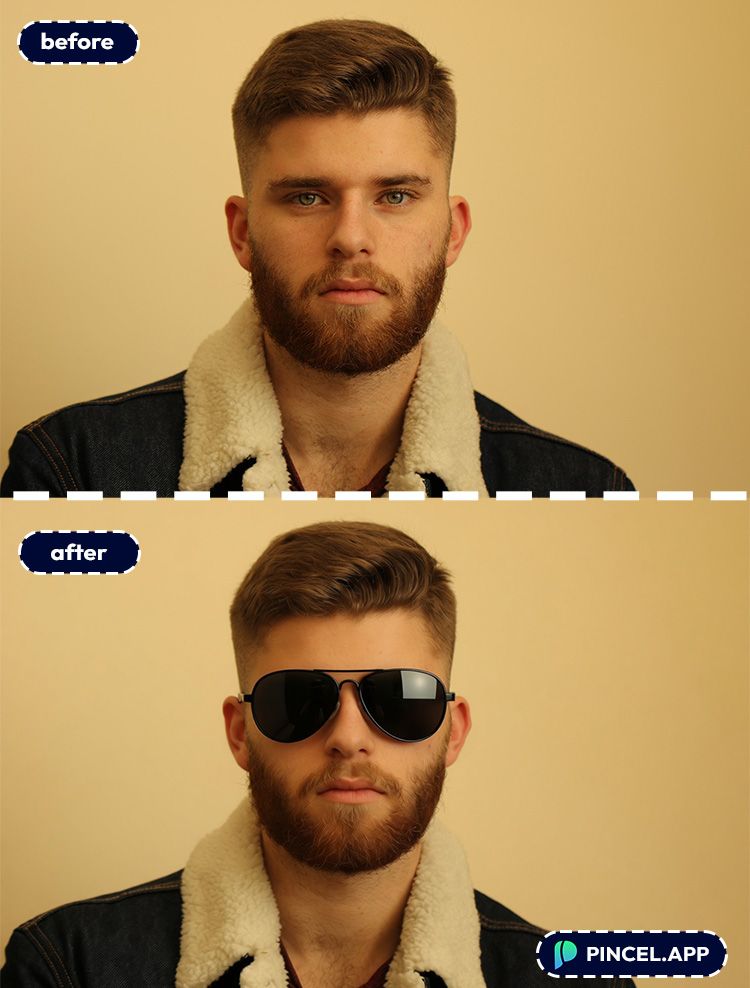
⚡ Step 3: Click Generate
Hit Generate and wait a few seconds.
Pincel will match the glasses to your face angle, lighting direction, and overall photo style.
If the first result is close but not perfect, tweak one detail and generate again.
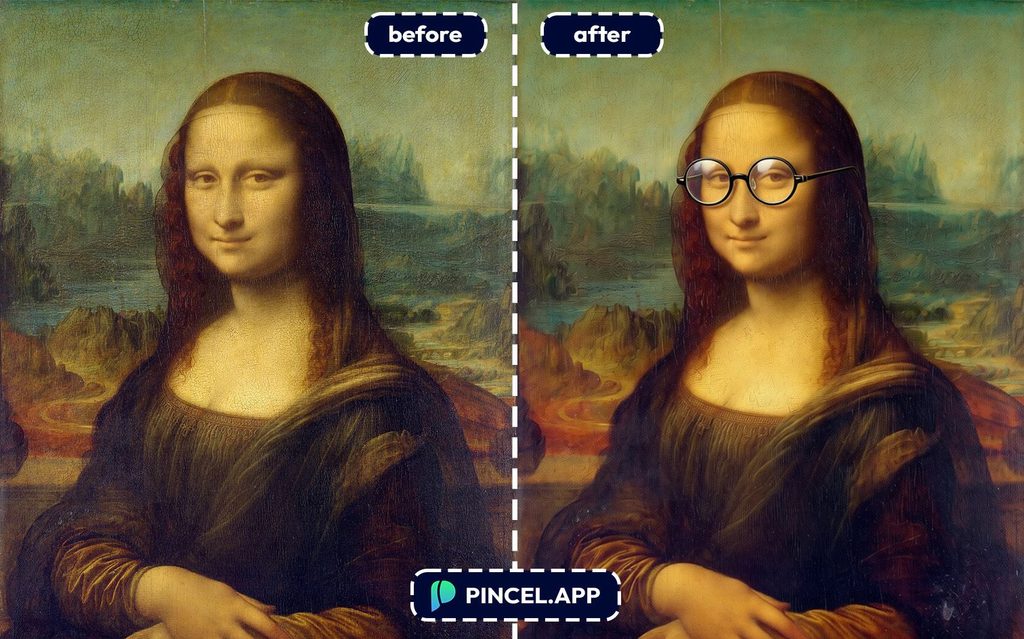
📥 Step 4: Download or Keep Refining
Once it looks right, download your edited image.
You can also stack edits, like adding glasses first and then a hat after.
See How it Works in Less Than 30 Seconds 👇🏼
Who Is This For? 👇🏼
Glasses shoppers — Try fifty frames in the time it takes to visit one store. Find the shape that actually suits your face before spending anything.
If you are also updating your overall look, pair this with try a new hairstyle to see the full picture.
Prescription glasses wearers — Switching frames is a big commitment when you rely on them every day. See how a new style looks before ordering.
Sunglasses hunters — Not sure if aviators or cat eye suits you better. Try both in seconds and stop guessing.
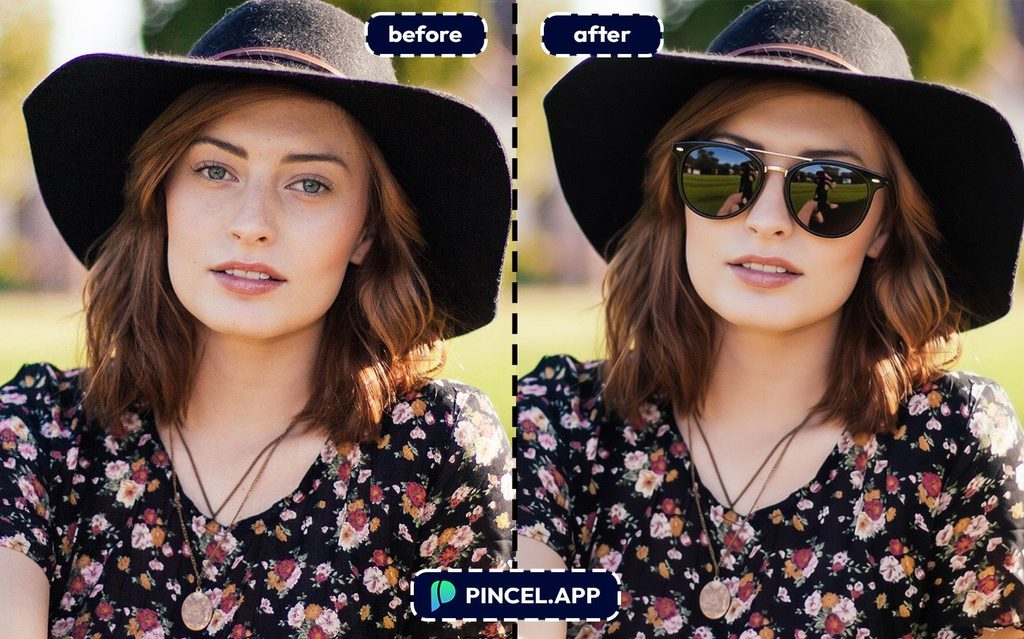
Content creators — Need a different look for a character, a thumbnail, or a brand shoot. Add glasses without a full reshooting session.
Combine with change clothes in photo for a complete style change in one go.
Professionals updating their headshot — Glasses change how you come across in a professional photo. Test a few styles before committing to your next LinkedIn photo.
If you are doing a full refresh, check out AI resume photo.
Fashion and eyewear brands — Generate lifestyle visuals and product try on content without booking a model for every frame style.
For more creative direction browse AI fashion styles.
Anyone who is just curious — Always wondered if glasses would suit you. Now you can find out in about ten seconds.
Test a new look. Are you curious about how you’d look in glasses before buying them? Try them out digitally and also experiment with various styles!
Types of Glasses You Can Add to Your Photos:
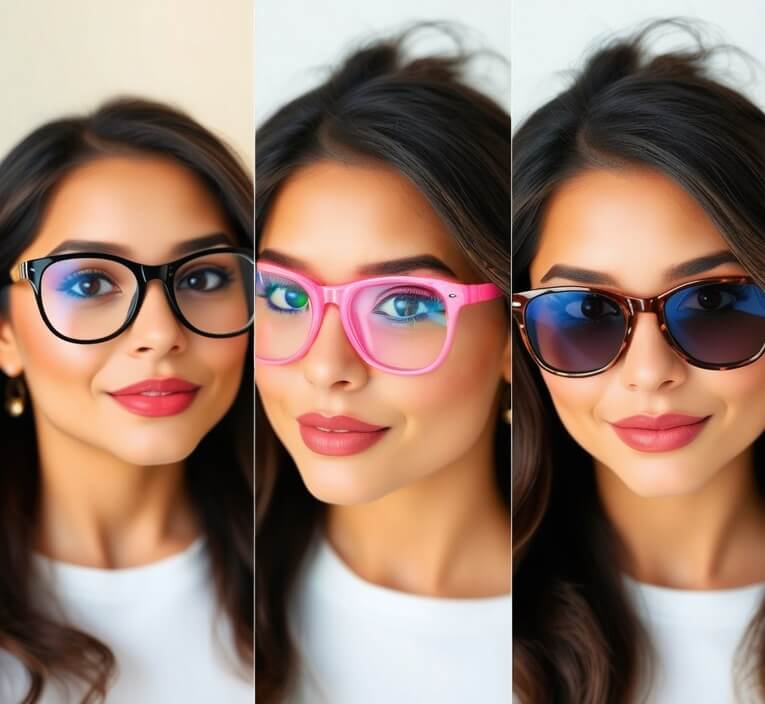
When it comes to adding glasses, the style possibilities are endless.
- Round Glasses
- Aviator Glasses
- Cat-Eye Glasses
- Square Glasses
- Rectangular Glasses
- Rimless Glasses
- Semi-Rimless Glasses
- Thin Wire Glasses
- Vintage Glasses
- Funky Patterned Glasses
- Sunglasses
- Sporty Glasses
- Designer Glasses
Why Choose Pincel
Over Photoshop?
Because speed matters.
With Pincel AI, the entire process takes just a few second.
And cost matters.
Hiring an artist to do it could cost $50 or more per photo, but Pincel is free to try.
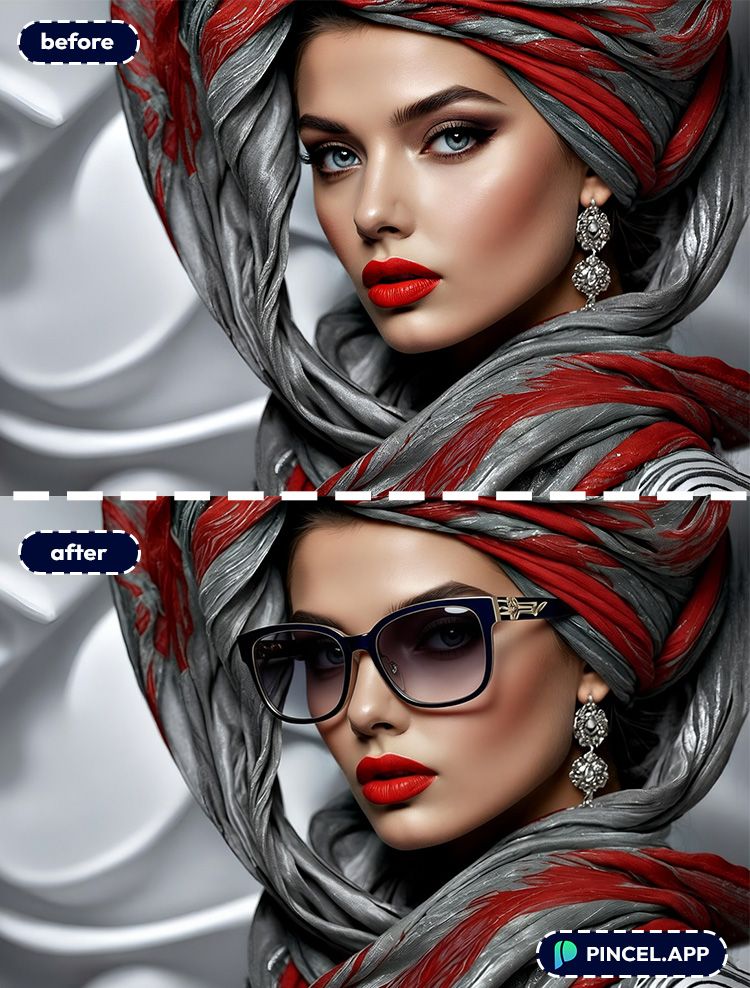
But skill doesn’t matter.
Photoshop requires a learning curve. But with Pincel, there’s nothing to learn.
The interface is so intuitive and even if you’ve never edited before, you’ll nail it.
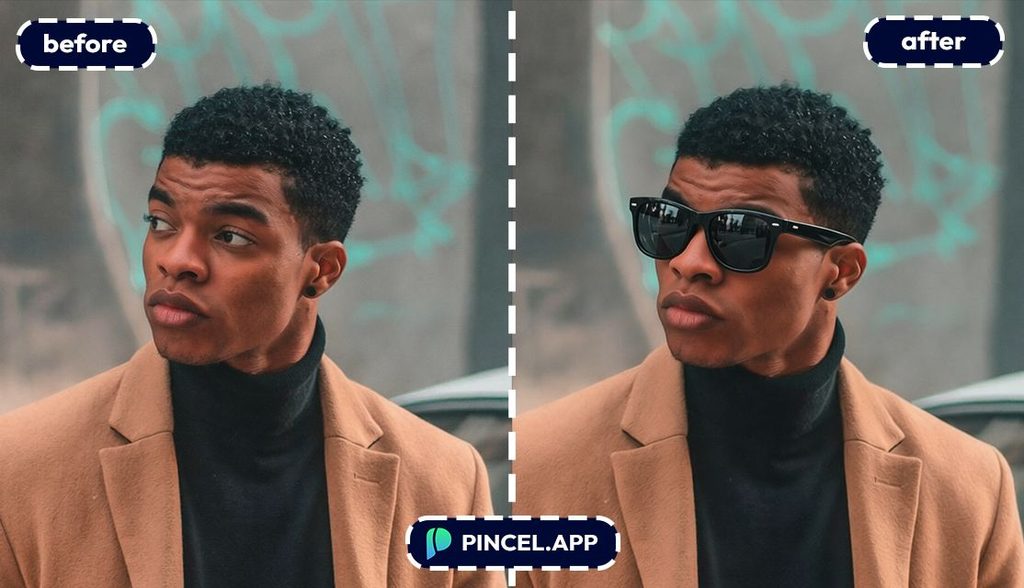
Plus, Pincel also works online.
There are no downloads and no software updates.
It’s as simple as opening a tab and starting your masterpiece.
Pincel AI makes photo editing fun and not frustrating.
See How it works in Less Than 30 Seconds 👇🏼
Seeing Is Believing
Adding glasses to a photo used to be a complicated mess.
But now it’s a breeze.
Whether you need classic frames or stylish shades, the right pair makes all the difference.
No Photoshop headaches and no hiring expensive pros.
Just you, your photo and Pincel AI Editor doing the magic.
So, go ahead and give your photo a pair of glasses.
You’ll see the difference. 😉