
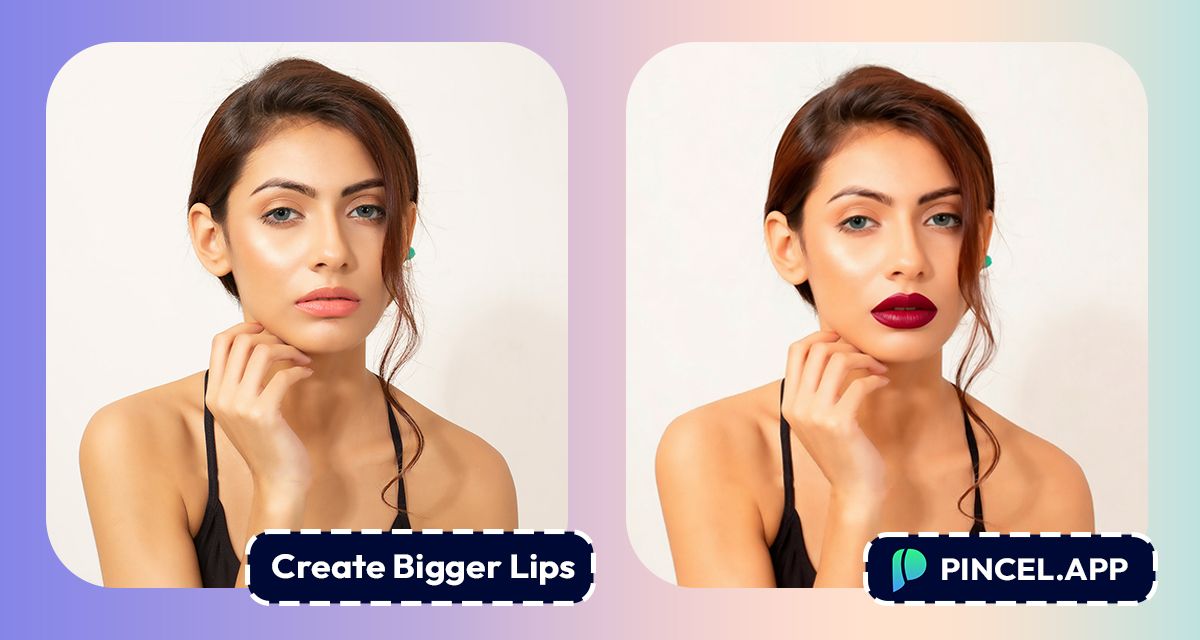
Fuller lips have a way of changing the whole face.
The shape, the volume and the way it changes your whole look.
But fillers are a big commitment.
The cost, the recovery, and the very real chance you go too far and end up looking like someone else.
Before any of that, it helps to actually see it first.
Upload your photo to Pincel AI Face Editor describe the lip look you want, and see it on your face in seconds.
Here’s how it works:
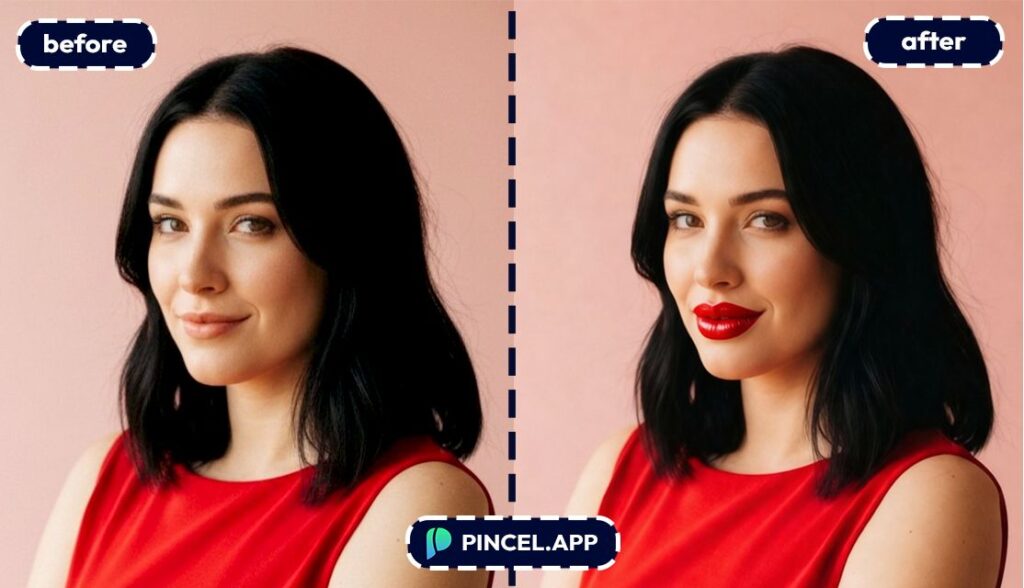
How to Create Bigger Lips on a Photo — Step by Step ✅
Go to Pincel AI Face Editor.
🖼️ Step 1: Upload a clear face photo
Upload a front-facing portrait with decent lighting for the cleanest result.
And yes, it works great on bare-face photos.
They’re basically a perfect blank canvas.
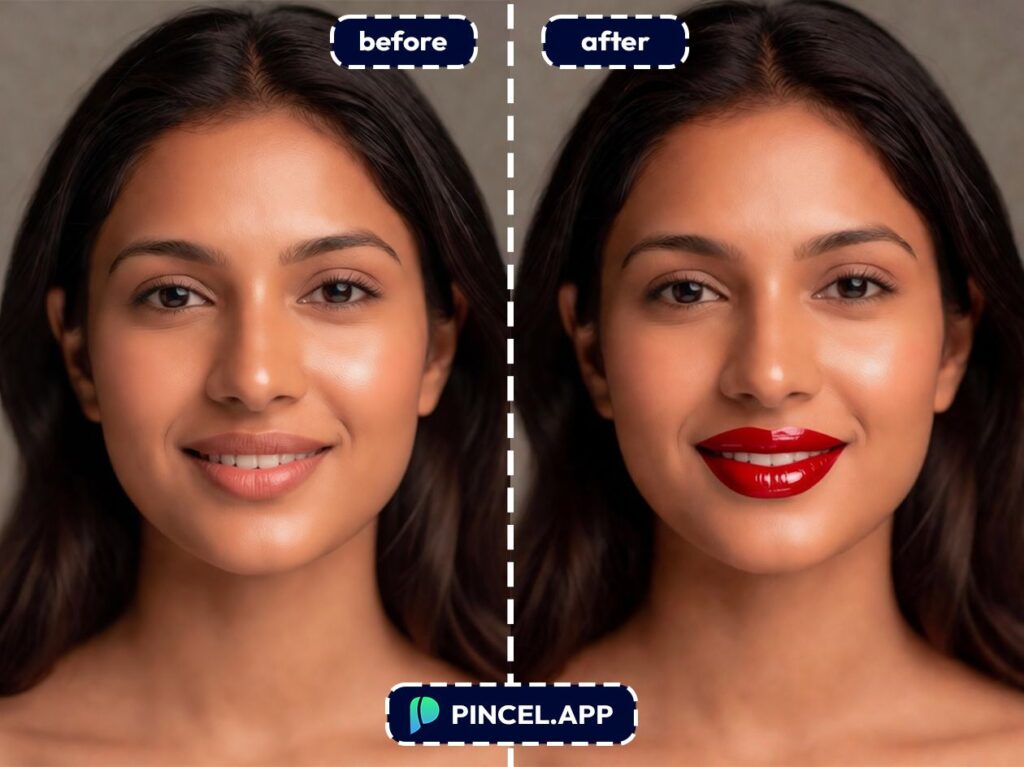
💄 Step 2: Pick a makeup preset
Open the Makeup tab and choose a look.
There are 30+ presets, from “natural glam” to “editorial bold.”
If you’re doing a lip-focused change, start with something simple.
You can always go bolder later.
Want inspiration for other face-focused tweaks after this?
You might also like change eye color or the oddly satisfying fix and whiten teeth.
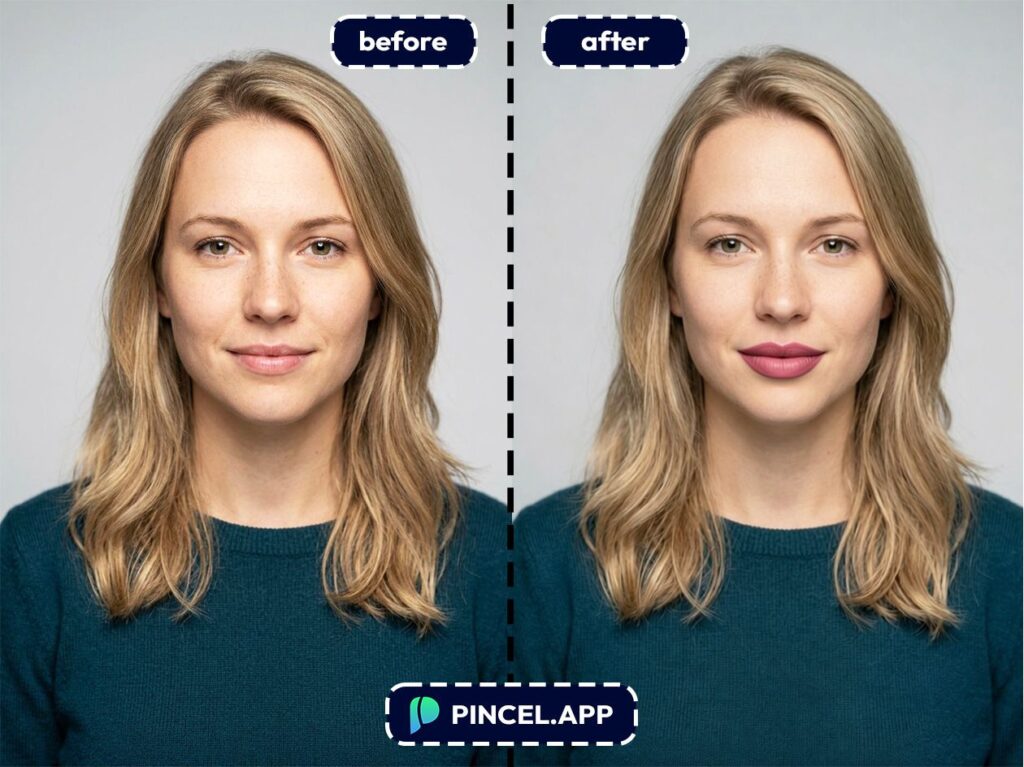
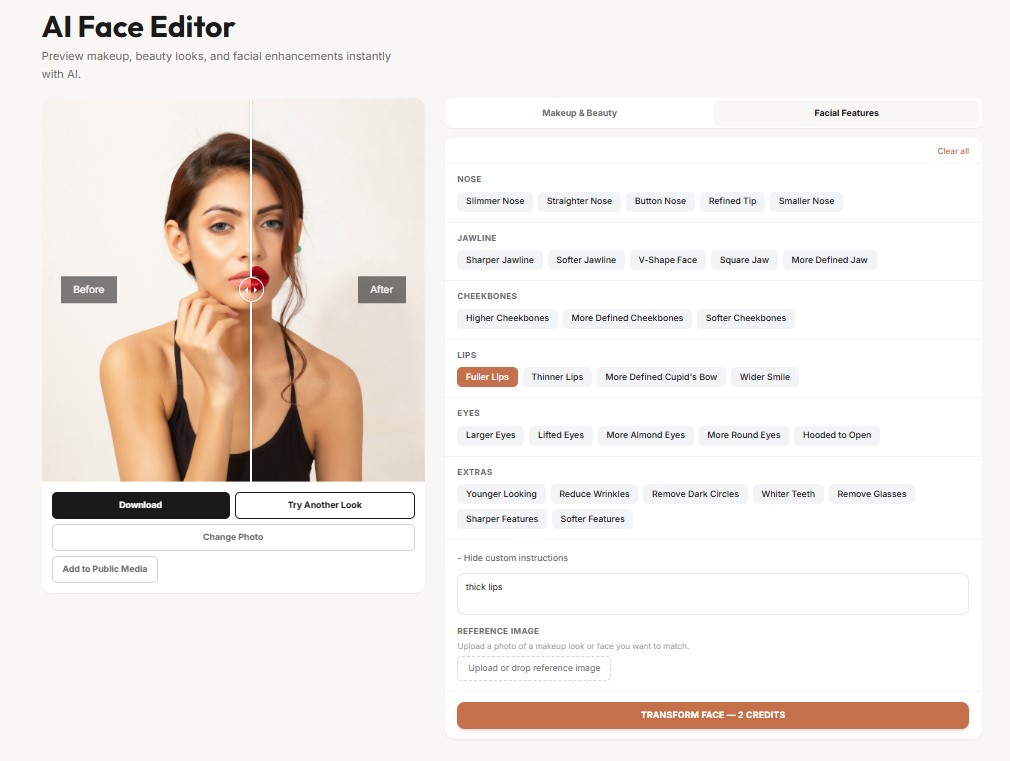
👄 Step 3: Adjust lip size and shape
Switch to the Facial Features tab.
Increase lip fullness gently, then adjust shape until it matches your natural lip line.
You can combine this with lipstick color and finish (matte, glossy, etc.).
That’s the sweet spot: fuller lips + a flattering shade in one pass.
Here are a few specific “inputs” you can aim for (think of them like mini briefs you’re trying to achieve):
– Subtle 10–15% fuller lips, keep cupid’s bow defined
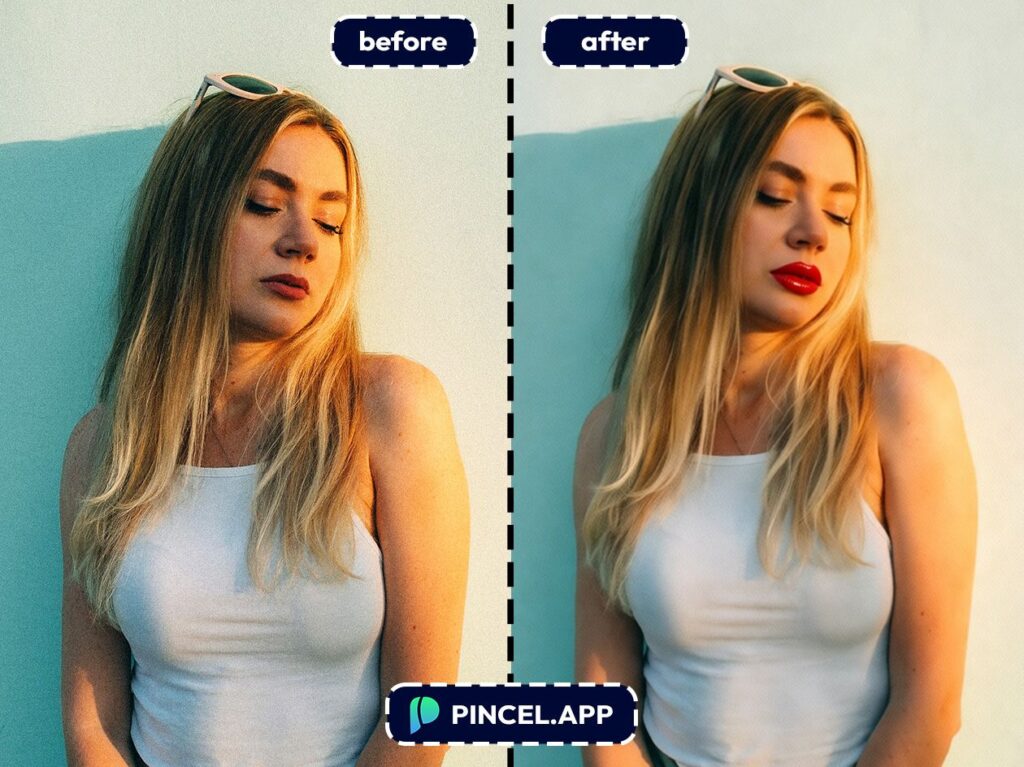
– Slightly fuller upper lip, natural edges, no “overlined” look
– Balanced fuller lips + soft pink gloss finish
– Fuller lips with matte nude lipstick, clean lip border
If you’ve been exploring lip changes specifically, this pairs nicely with our dedicated guide on make lips bigger.
This post is the “do it with a full face editor” version.
⚡ Step 4: Generate
Hit Generate and you’ll see the result in a few seconds.
If it feels too strong, reduce the adjustment and generate again.
And if it feels “almost there,” don’t re-upload.
Just keep tweaking and regenerating until it looks like you on your best day.
When you’re ready, upload your photo and see your new look.
Who Is This For? 👇🏼
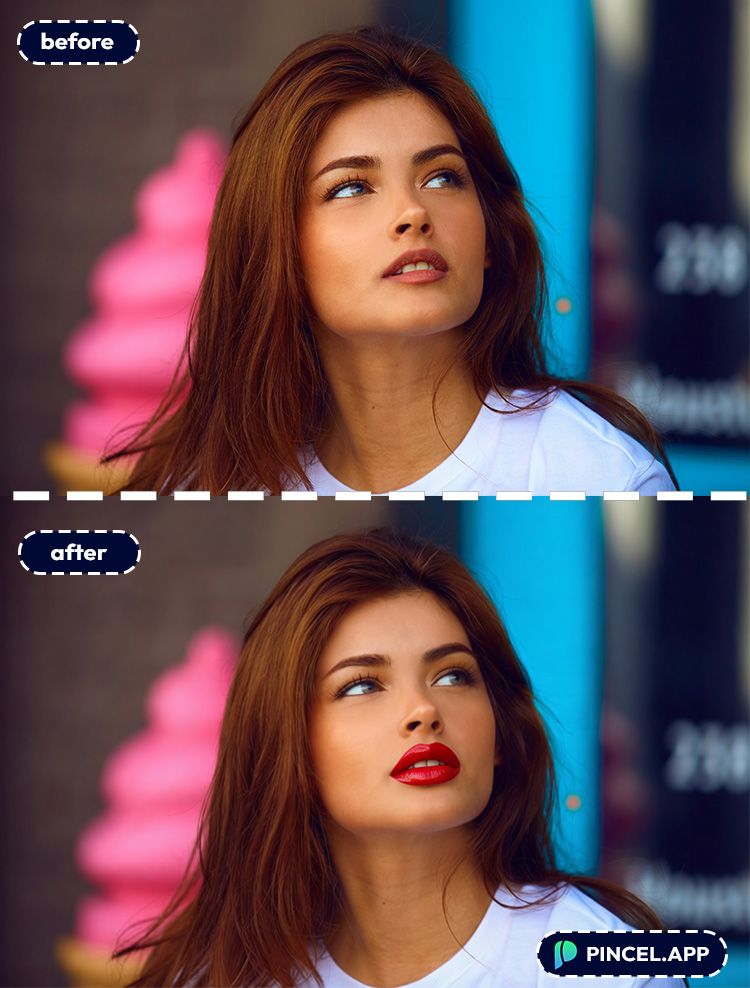
Pre-event makeup planning — You can preview fuller lips for weddings, prom, birthdays, and photo days before you commit to a shade or a look.
If you’re prepping something formal, an AI resume photo style polish can also help for professional contexts.
Lipstick shopping (without the regret drawer) — Test nude vs red vs berry on your own face, then decide what to buy.
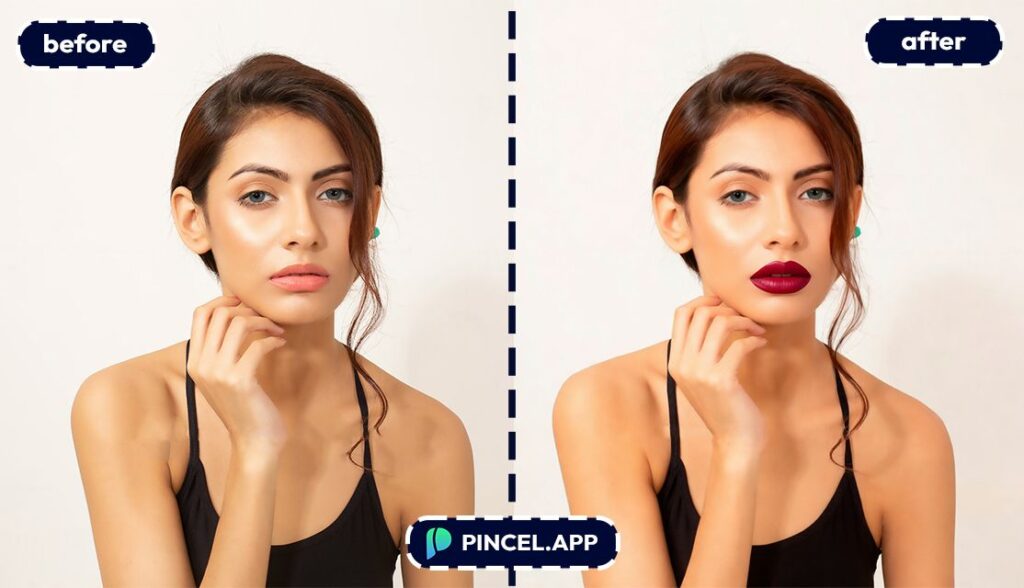
And you can compare matte vs gloss without opening ten testers.
Cosmetic-procedure curiosity — You can visualize what slightly fuller lips might look like before you spend money on a consult.
It’s a preview tool, not medical advice, but it’s great for “do I even like this on me?” decision-making.
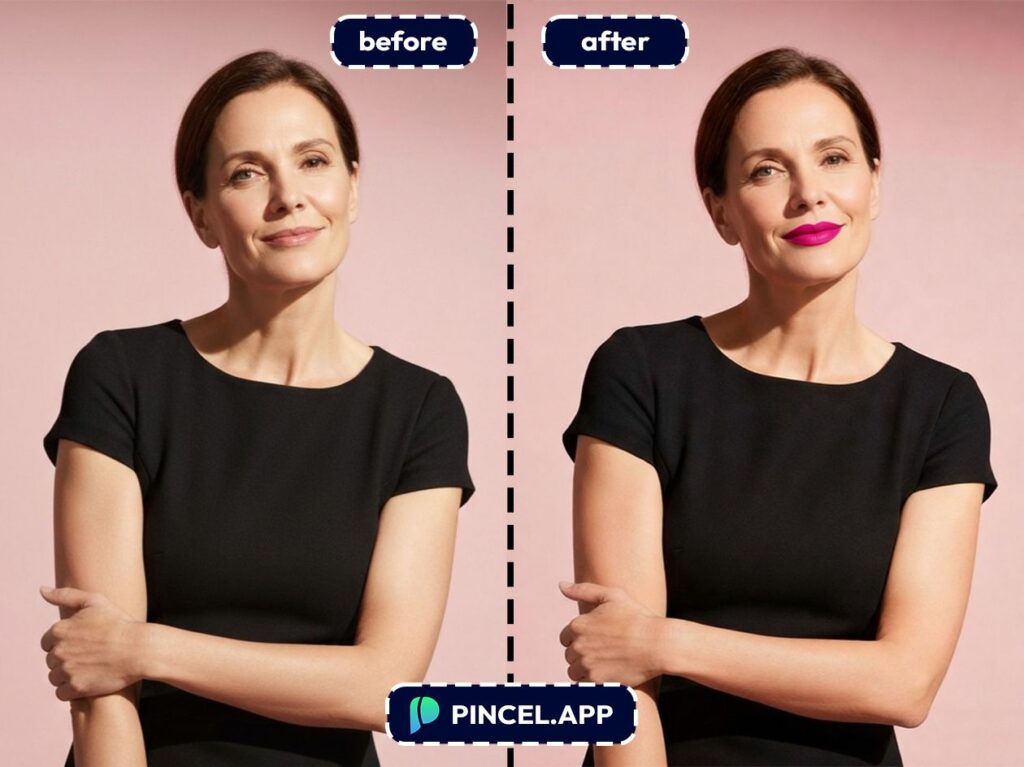
Makeup artists pitching looks to clients — Show two or three lip variations fast, with the same base face and lighting.
It’s a clean way to present options without turning your phone into a mood-board explosion.
Beauty content creators — You can generate a consistent “before/after” series for tutorials and thumbnails in seconds.
If you’re also doing bigger creative changes, combine it with posts like relight photos with AI for that studio-glow vibe.
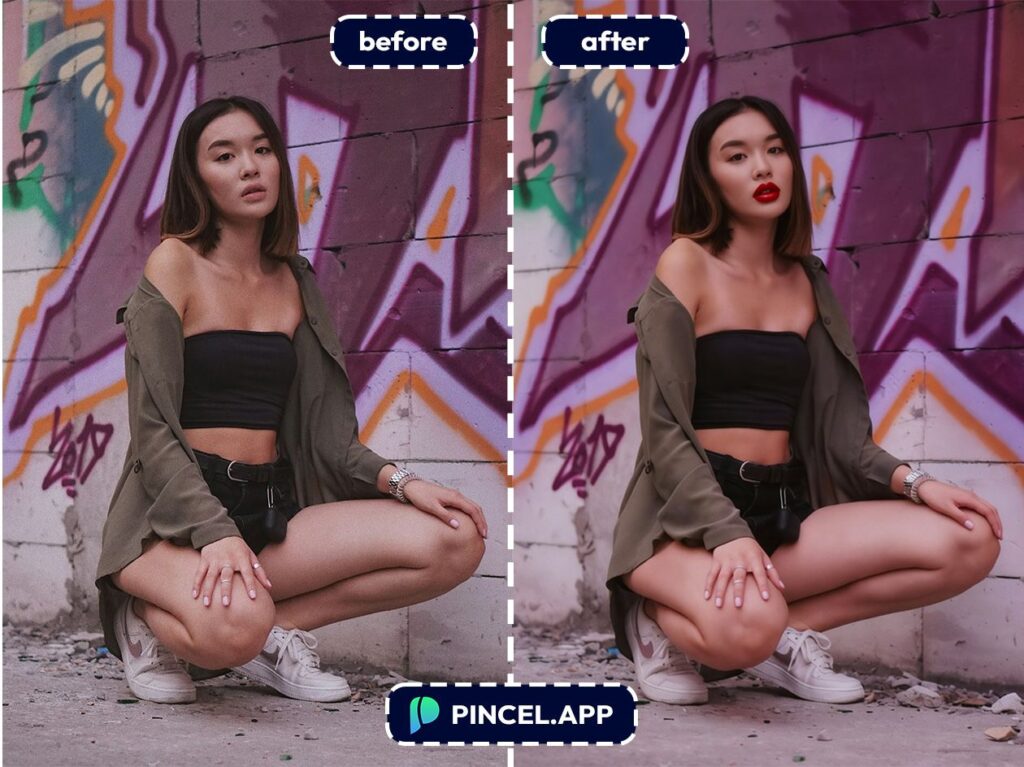
Trend testing (without the commitment) — Try bolder lip shapes and finishes for festival looks, gothic glam, or editorial styles.
If you’re doing a full character-style makeover, the playful AI memoji route is also a fun detour.
Fixing “camera did me dirty” lips — Sometimes a selfie angle makes your lips look thinner than they are.
A subtle adjustment can bring your photo closer to what you actually look like in the mirror.
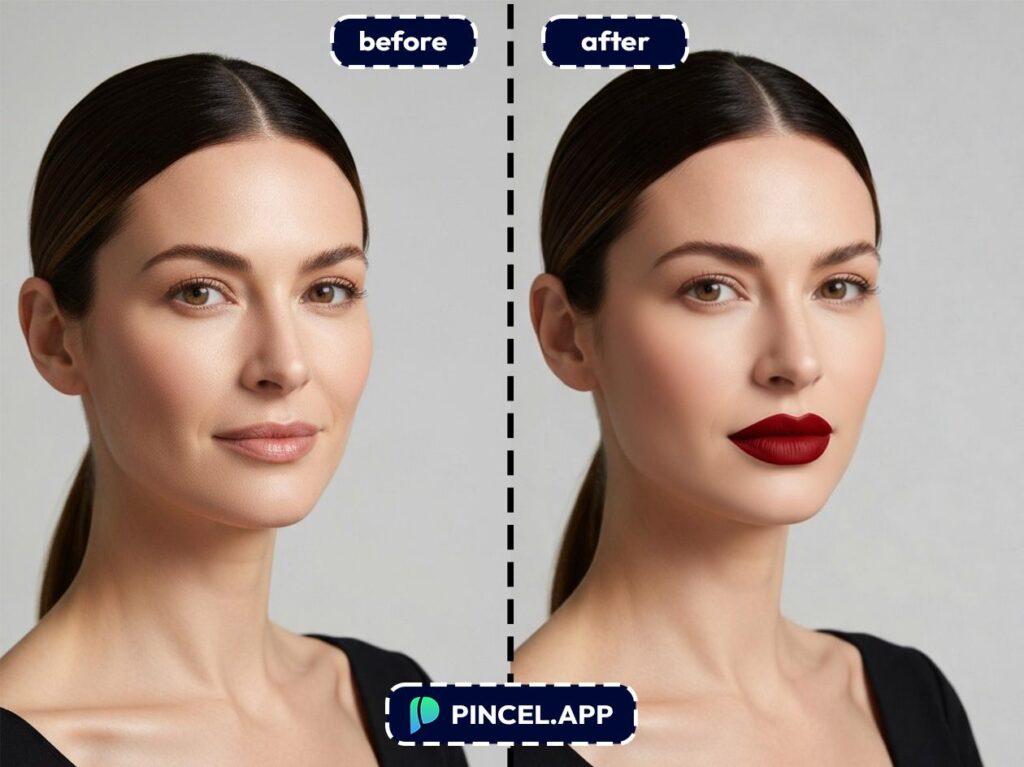
Frequently Asked Questions 🤔
How do I create bigger lips on photo using AI without it looking fake?
Use a subtle increase and keep the lip edges clean and natural.
Pincel AI Face Editor is designed to preserve identity and expression, so small adjustments usually look the most realistic.
Will the AI face editor still look like me?
Yes, it’s meant to preserve your identity, hair, expression, and the rest of your face.
You’re not swapping faces or generating a new person, just refining features.
Is Pincel AI Face Editor free to try?
Yes, you get 20 free credits to test it, and a single generation uses 2 credits.
That’s enough to try multiple lip sizes, colors, and looks before you decide anything.
Made-Up Your Mind? 💋
Some people want a subtle change.
But some prefer full and dramatic.
Most just want to see what it looks like before deciding anything.
All you need is Pincel AI.
Upload your photo to Pincel AI Face Editor, describe what you have in mind, and get a realistic preview in seconds.
Try one look or try five and keep going until something clicks.

