
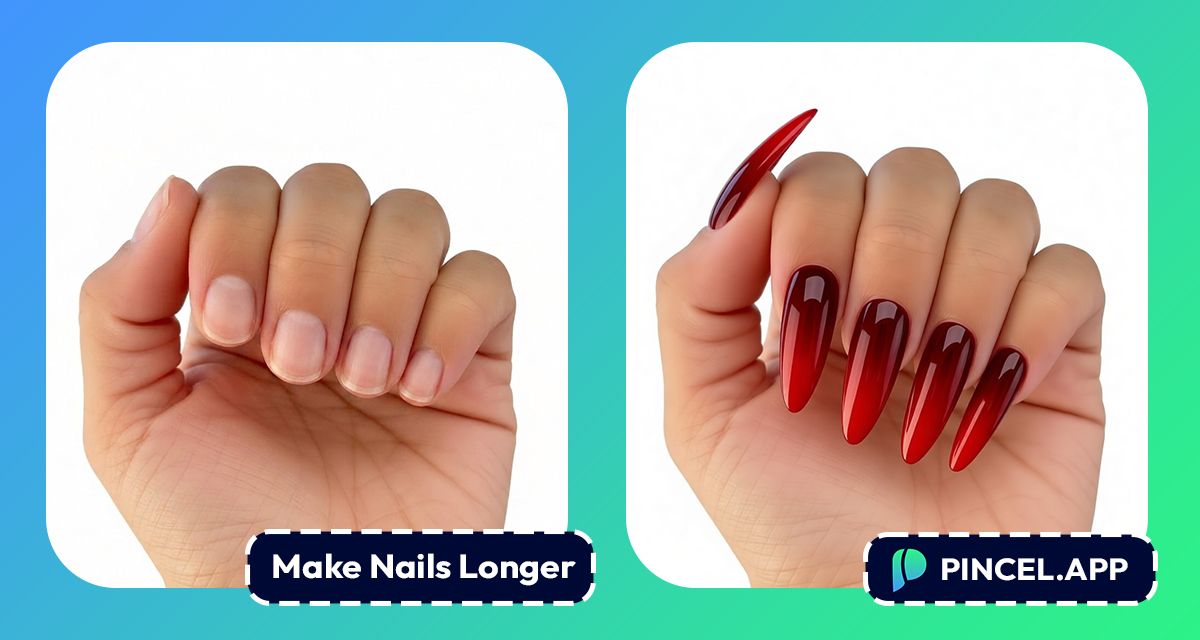
Long nails have a way of completing our style.
But growing them out takes months.
And acrylics are not exactly cheap or comfortable.
Before committing to a style, it helps to actually see it first.
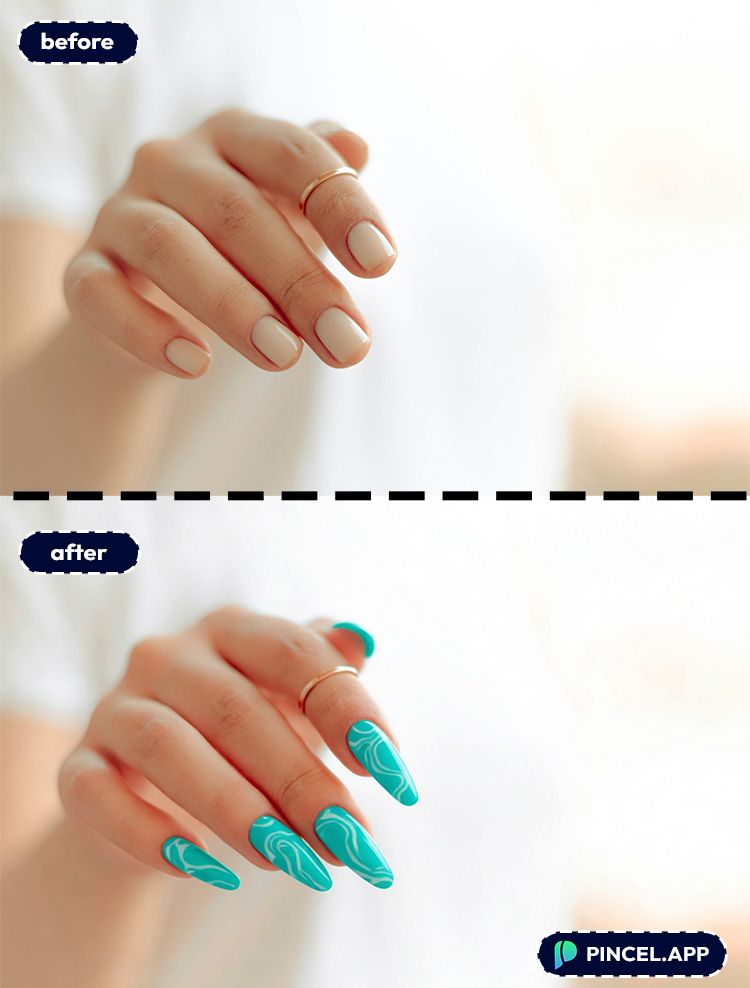
Here comes Pincel AI to make your Nails longer.
Upload your photo to Pincel AI Nail Studio, describe the nail length and shape you want, and see it on your hand in seconds.
Here’s how it works:
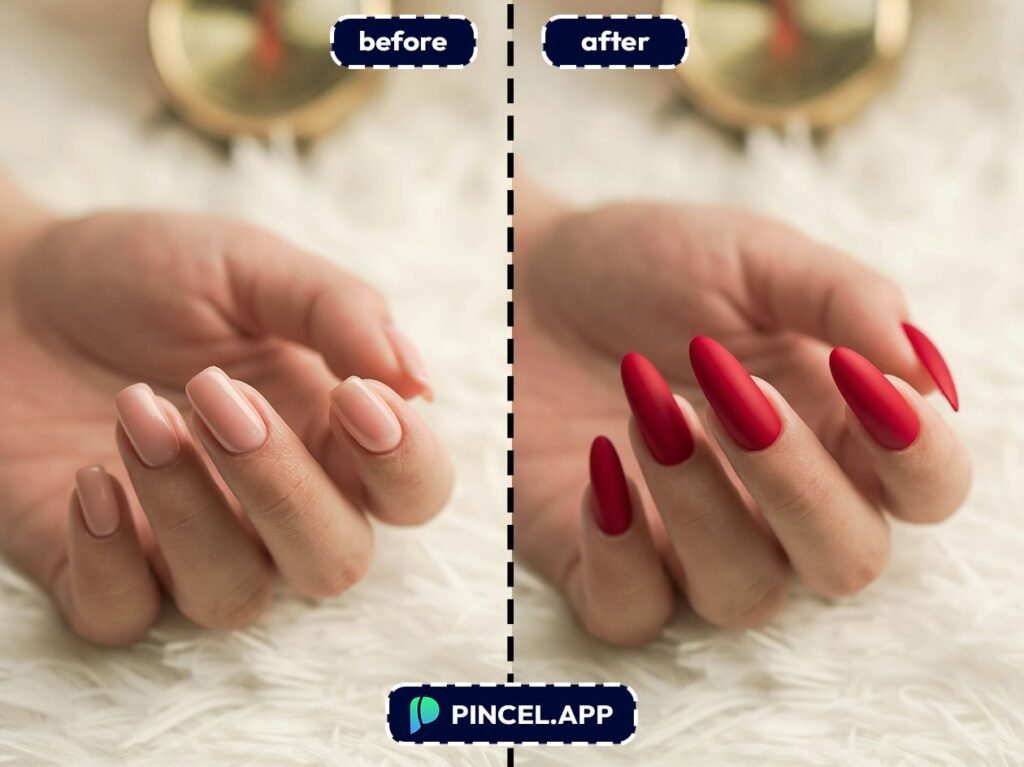
Why “Just Imagine It” Never Works 💅
Picturing long nails in your head is easy.
Seeing them on your actual hand is a different story.
Nail shape, finger length, skin tone, all of it changes how a style actually looks.
Photoshopping long nail is not easier.
Filter apps are worse, because they just paste a flat shape over your fingers and call it done.
That is exactly why Pincel AI Nail Studio exists.
Upload your photo, describe the length and shape you want, and see a realistic result in seconds.
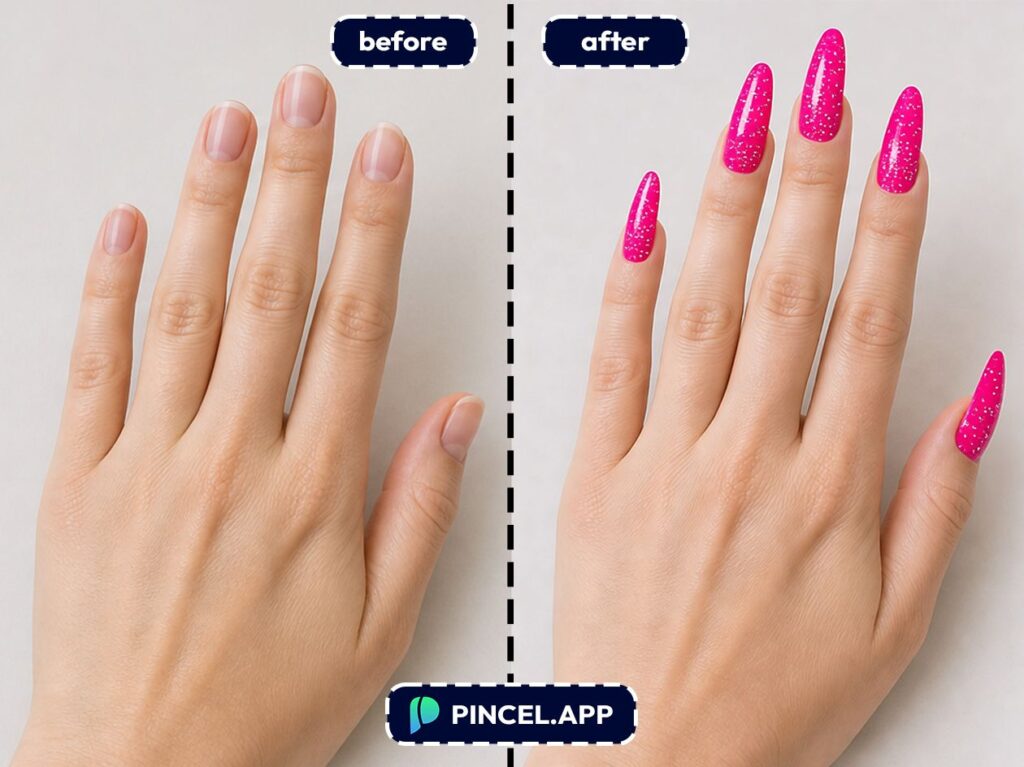
How to Make Nails Longer on Photo — Step by Step ✅
🖼️ Step 1: Upload a clear hand photo
Go to Pincel AI Nail Studio.
Upload a photo with your hand palm-down, fingers relaxed, and all nails visible.
No perfect studio lighting needed, but avoid heavy motion blur.
If you don’t have a photo ready, use one of the sample hands to test styles first.
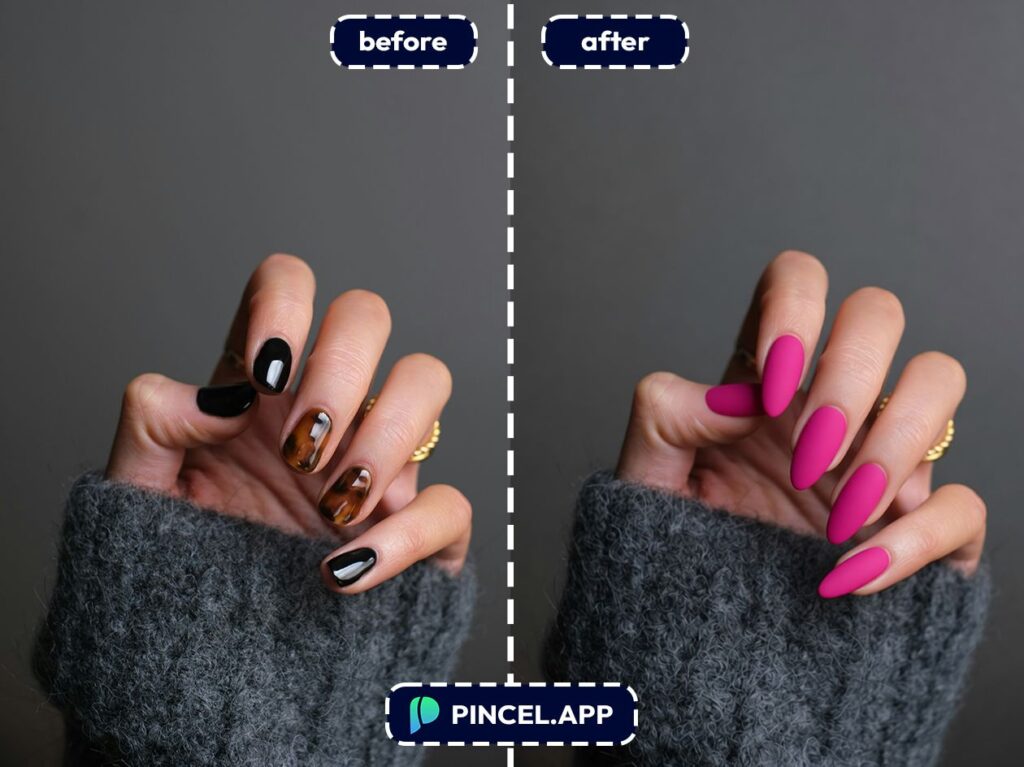
🎛️ Step 2: Pick your nail length, shape, and look (no prompts needed)
This is the fun part.
Instead of typing prompts, you choose visually from nail options like:
- Length: short → medium → long → extra-long
- Shape: almond, coffin/ballerina, stiletto, square, oval, round
- Styles: French tip, ombré, chrome, glitter, marble, glazed donut, cat eye
- Finishes/colors: red, pink, neon, dark tones, metallics, holographic
- Extras: rhinestones, gems, pearls, charms, chains
And if you have a specific inspo pic, you can upload a reference image to copy that vibe.
Here are a few specific “inputs” you can aim for while picking options:
- Extra-long almond + glazed donut finish
- Long coffin + classic French tip + thin smile line
- Medium square + black chrome + subtle cat-eye shimmer
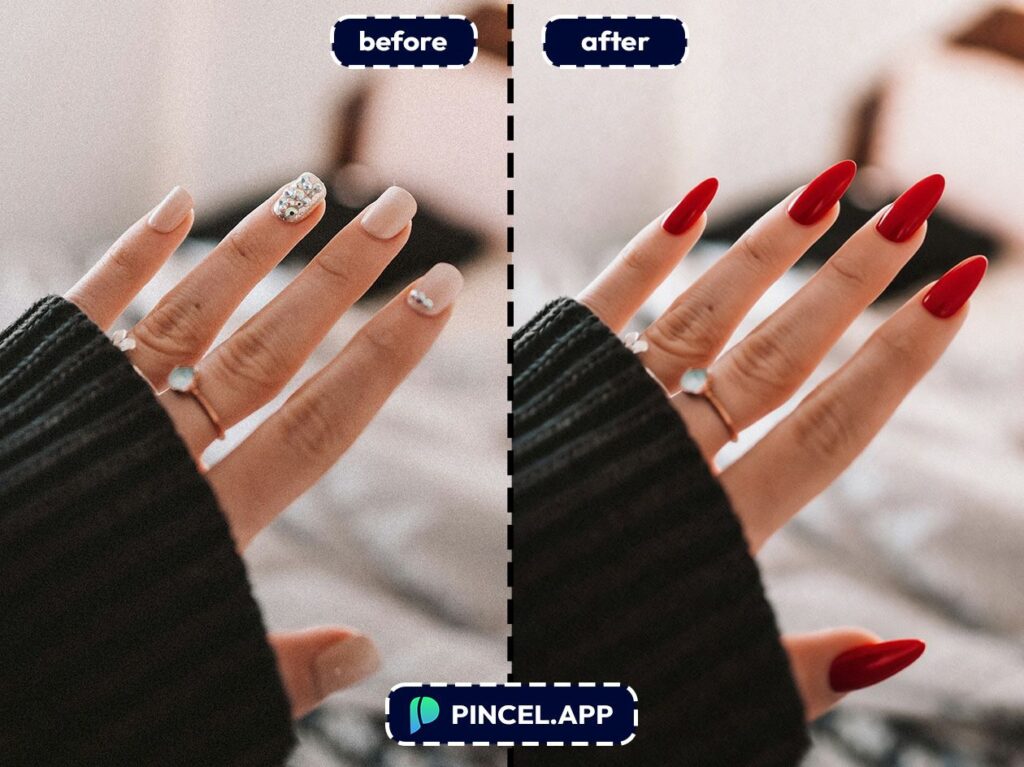
- Long stiletto + red ombré + tiny rhinestones near the cuticle
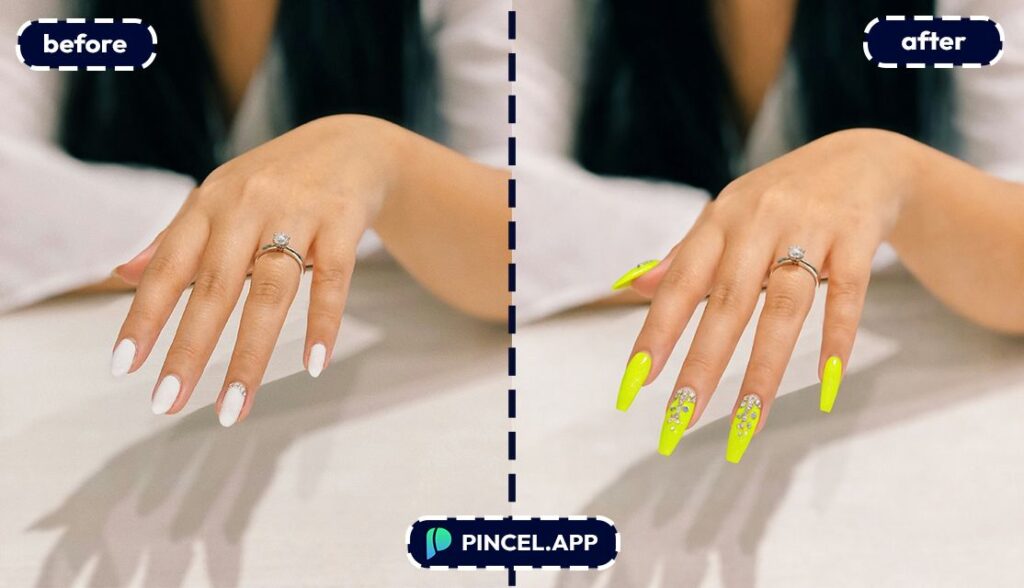
⚡ Step 3: Generate
Click generate, and your result shows up in a few seconds.
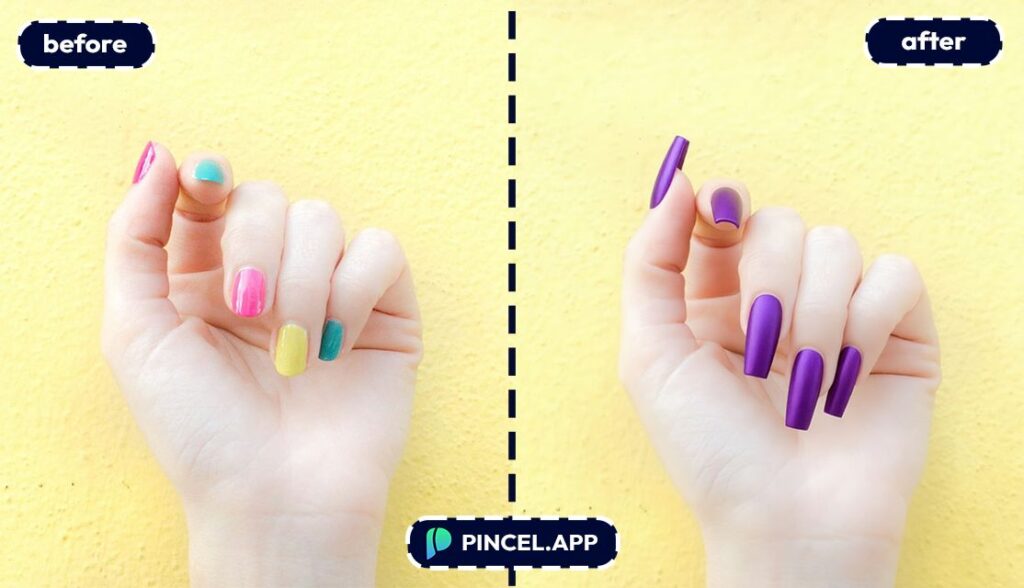
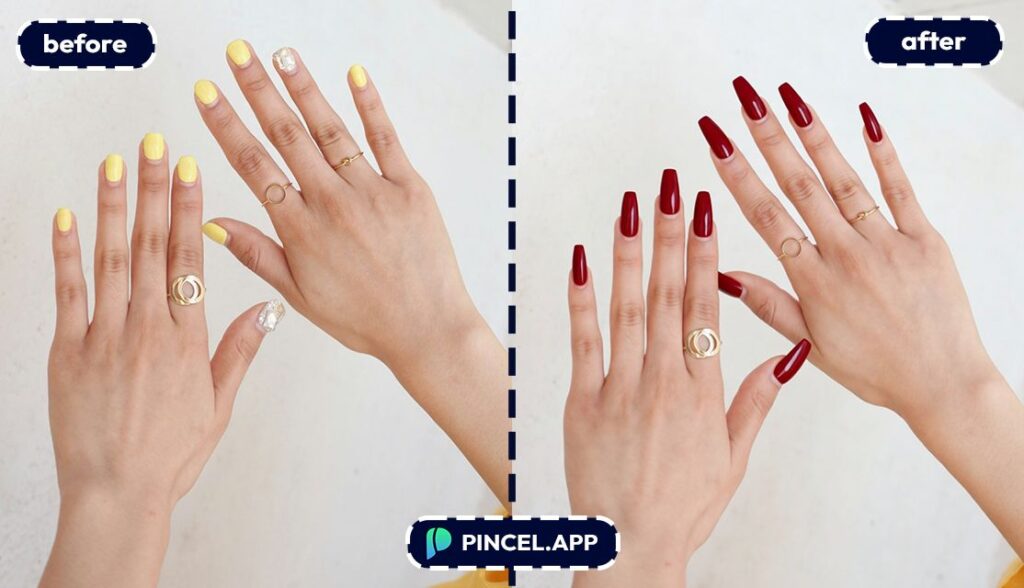
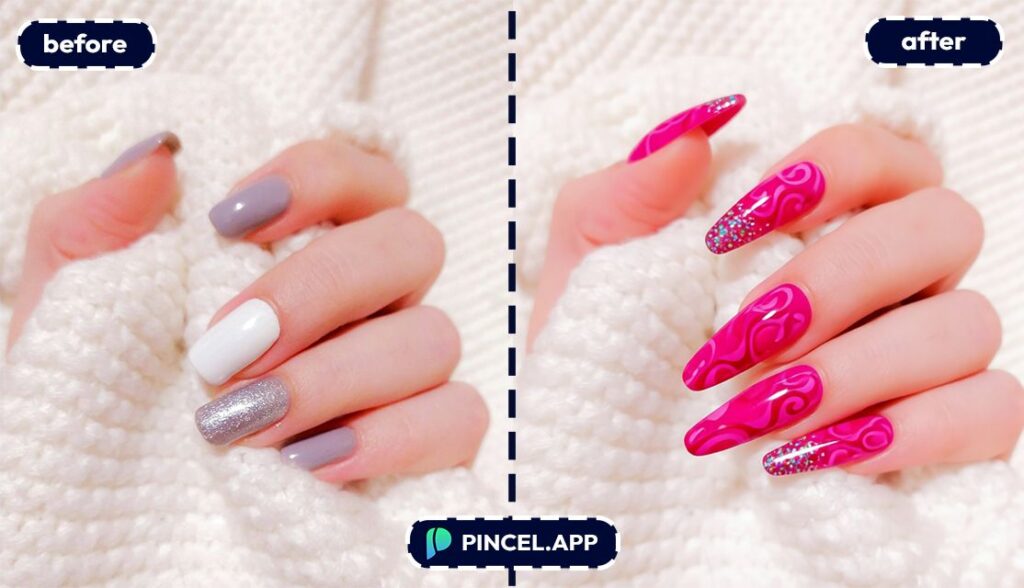
The AI applies the chosen design photorealistically while keeping your skin tone, hand shape, and background intact.
It’s the difference between “a sticker on top” and “wow, that actually looks like my manicure.”
📥 Step 4: Download
Download the preview when you like it.
Or keep experimenting by switching only the length or shape until the proportions feel right.
Because yes, “extra-long stiletto” is a lifestyle choice.
Who Is This For? 👇🏼
Brides & event prep — Match your nails to your dress and overall vibe before the big day.
If you’re also editing event photos, you might like Valentine AI photos for themed looks and styling.
Trend chasers — Try glazed donut, cat eye, chrome, holographic, and glitter without committing to a full set first.
Bold-color hesitators — Test neon, deep oxblood, or black chrome on your own hands so you know if it flatters your skin tone.
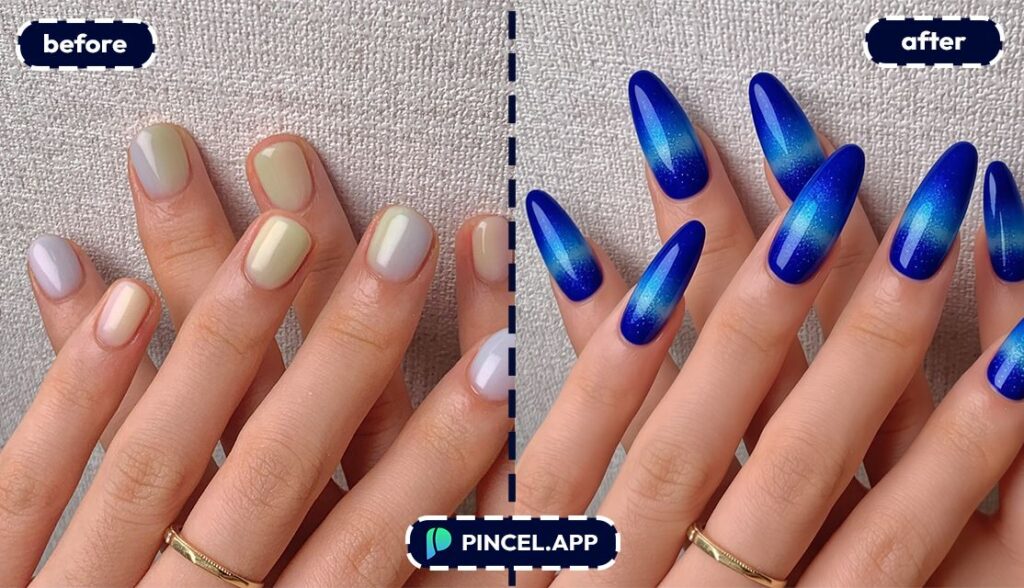
Nail technicians — Use the preview as a consultation tool to align on length, shape, and design fast.
For other “show me, don’t tell me” edits, change clothes in photo is a similar vibe for outfit planning.
Nail content creators — Mock up multiple looks for Reels, TikToks, and Pinterest boards in seconds.
And if you’re building a consistent aesthetic, pair it with relight photos with AI for cleaner, more dramatic lighting.
Gift planners — Create a “this is your next manicure” mockup for a birthday or holiday surprise (and let them pick the final version).
Photoshoot polish — If you’re preparing a full look for profile photos, nails are a small detail that reads big.
You can also check out AI resume photo and AI passport photo for other fast upgrades.
Frequently Asked Questions 🤔
Will it match my real nail bed shape and fingers?
Yes, it uses your uploaded hand photo, so the preview follows your natural finger proportions and nail placement.
That’s why it’s more useful than generic inspo pics or swatch cards.
Does it change my skin tone?
No, the tool is designed to keep your hands, skin tone, and background unchanged while applying the nail design.
You’re previewing the manicure, not rewriting the whole photo.
Can I try multiple nail shapes and lengths on the same photo?
Yes, you can iterate quickly without re-uploading your image each time.
That makes it easy to compare almond vs coffin, or medium vs long, in under 10 seconds per variation.
Is Pincel AI Nail Studio free to try?
Yes, you start with 20 free credits and each generation uses 2 credits.
That’s enough to test a bunch of lengths, shapes, and styles before you decide on anything.
10_before-after-lengthening-nails-with-pincel-AI-beautiful-womans-nails-portrait
Finally Nailed It 💁♀️
Long nails are a big decision.
Difficult to know whether it will work or not.
Now you can find out before commitment or booking the appointment.
Simply upload your photo to Pincel AI Nail Studio, describe the nail length and shape you want, and see it in seconds.
Not feeling it? Try a different shape and go again.

