
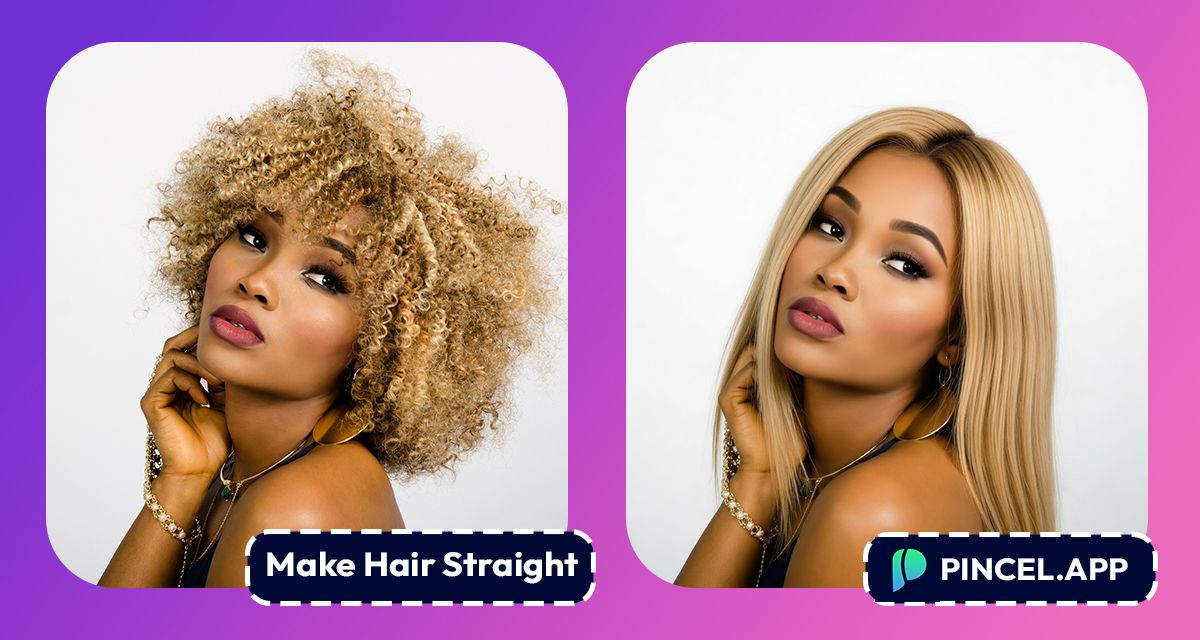
Hair is personal.
It is one of the first things people notice and one of the easiest ways to feel like a different version of yourself.
And straight hair has that effect.
Sleek, polished, put together, because it just changes the whole look.
But wondering how it would actually look on you can be tricky.
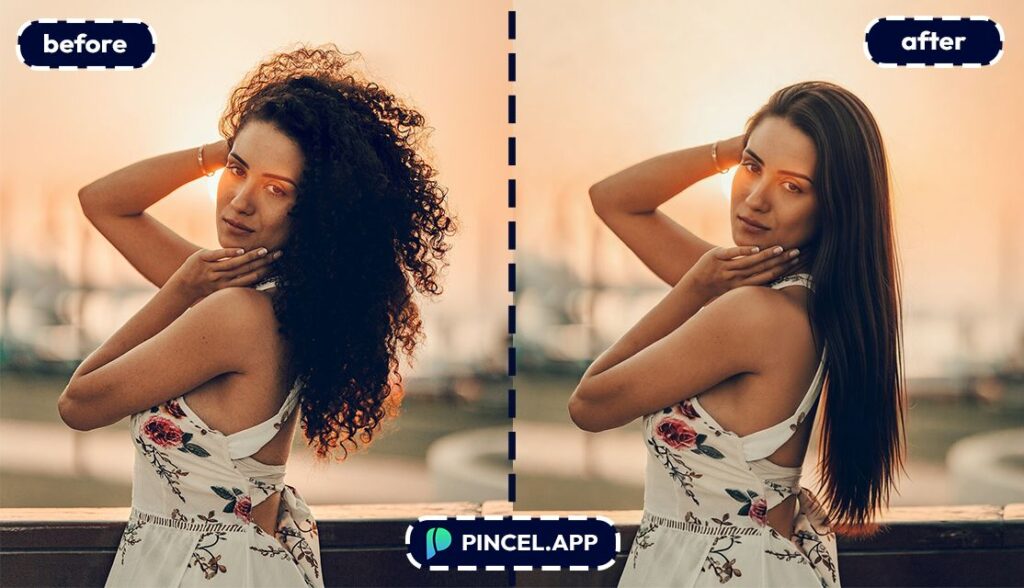
With Pincel AI Hair Studio we can see the result in seconds.
Upload your photo to Pincel AI Hair Studio, click the straight hair look, pick a color you want, and see it on your face in seconds.
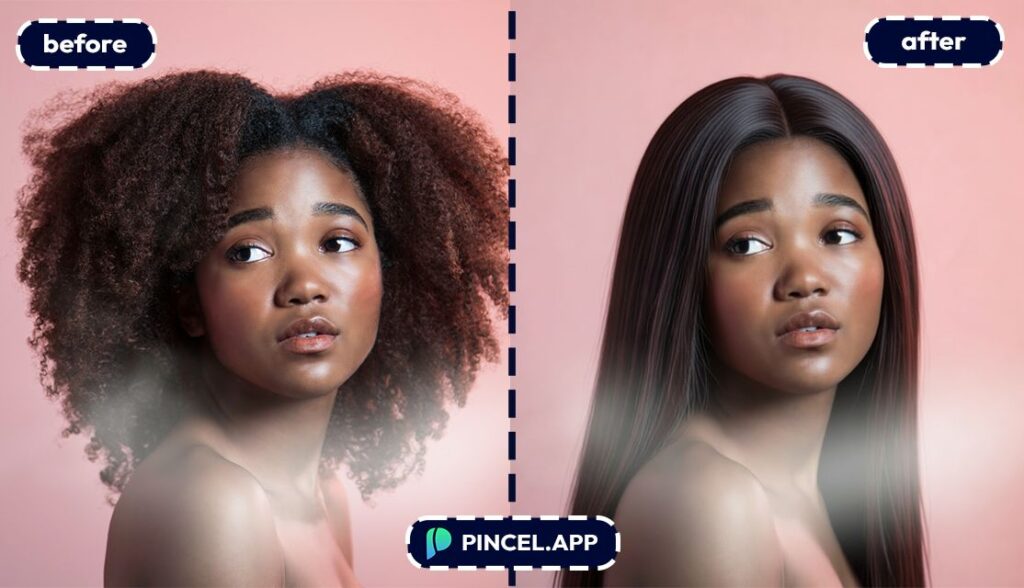
Getting Straight Hair 👩🦰
Changing hair in Photoshop is not simple.
Hair has texture, shine, and hundreds of strands going in different directions.
We need to work on the one by one to to get a proper result with photoshop.
That is exactly why Pincel AI Hair Studio exists.
Upload your photo, describe the style, and get a natural result in seconds.
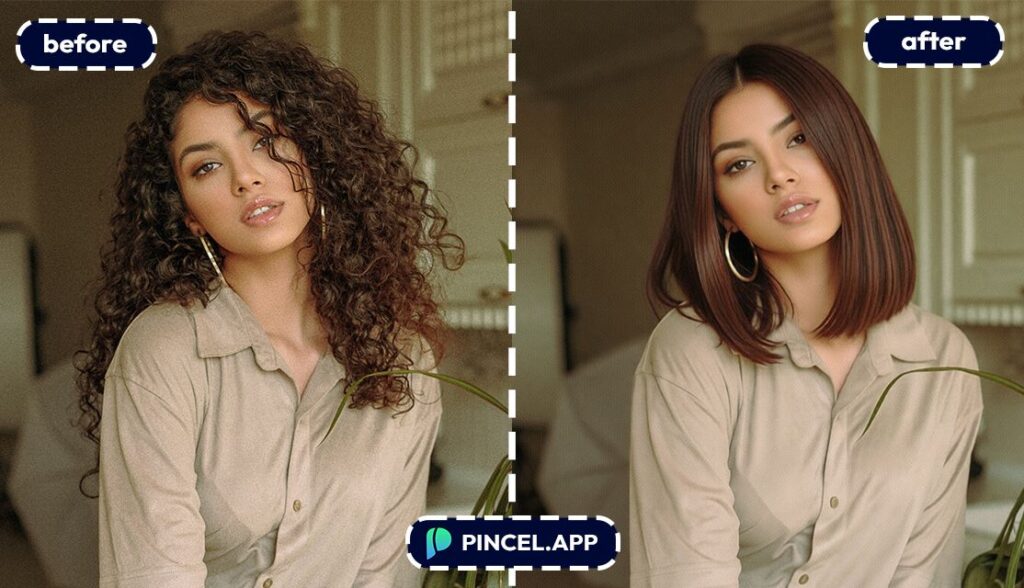
How to Make Hair Straight on Photo — Step by Step
🖼️ Step 1: Upload a clear face photo
Go to Pincel AI Hair Studio.
Upload a solo, front-facing portrait for the best result.
Good lighting helps, but casual selfies work great too.
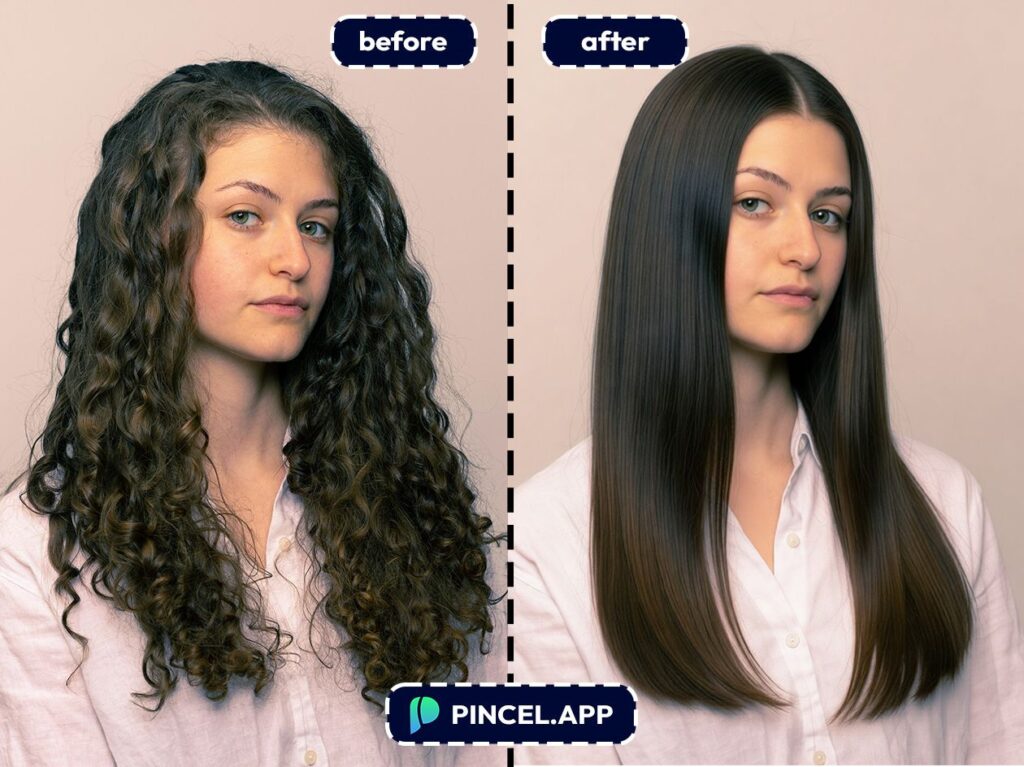
🎛️ Step 2: Pick a hairstyle (no prompts needed)
This is the fun part.
Instead of typing prompts, you use a visual picker with curated options.
Try combinations like these (think of them as “inputs” you can aim for):
- Texture: straight + Length: long + Style: sleek middle part
- Texture: straight + Length: medium + Style: blunt lob
- Texture: straight + Length: short + Style: pixie with side-swept fringe
- Texture: straight + Add-on: bangs + Color: natural dark brown
And if you have a specific reference hairstyle, you can upload it to match the vibe.
You can also add custom instructions if you have any.
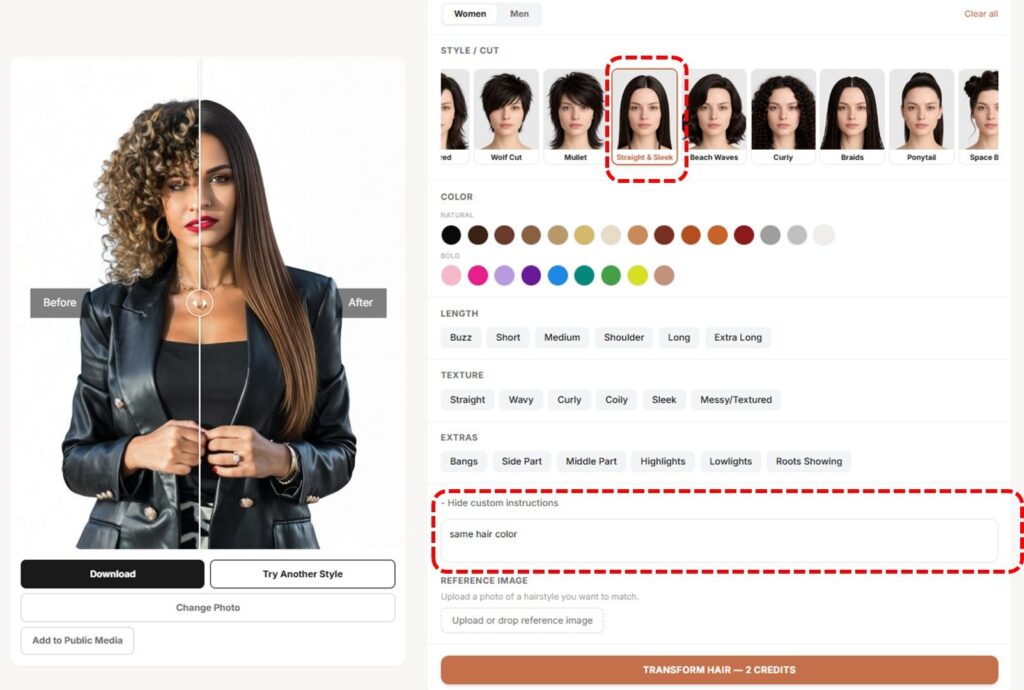
⚡ Step 3: Generate your straight-hair preview
Click Generate.
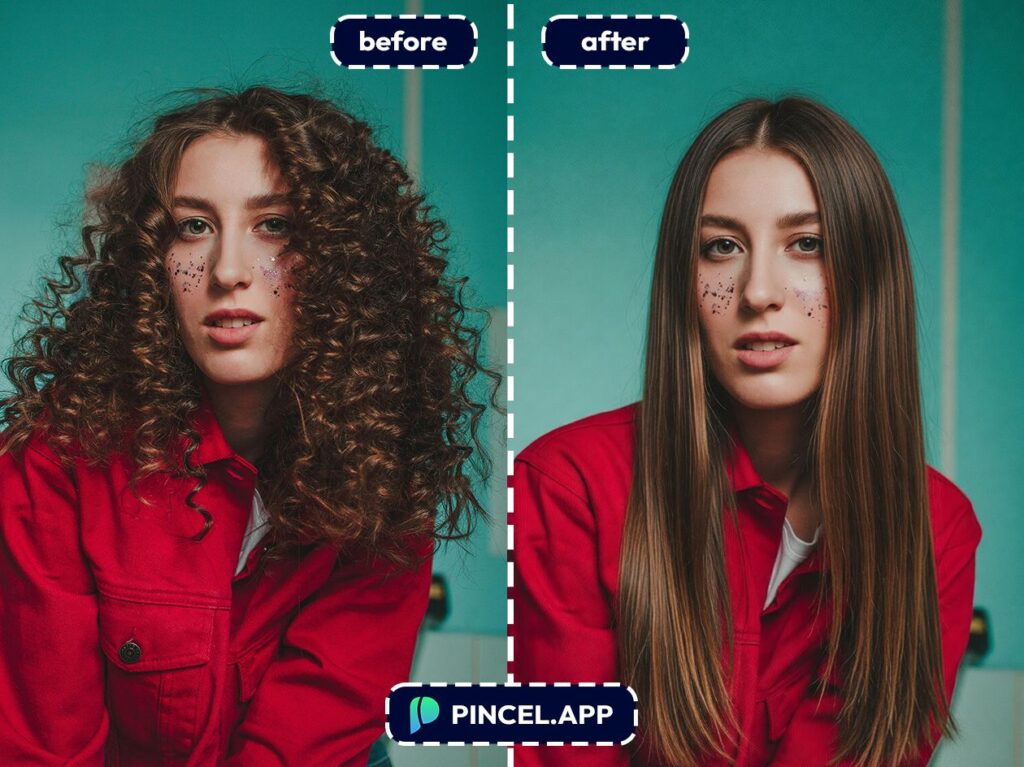
In just a few seconds, you’ll see a realistic straight-hair version of your photo.
Because the tool preserves your identity, your face still looks like you but just with a new texture and style.
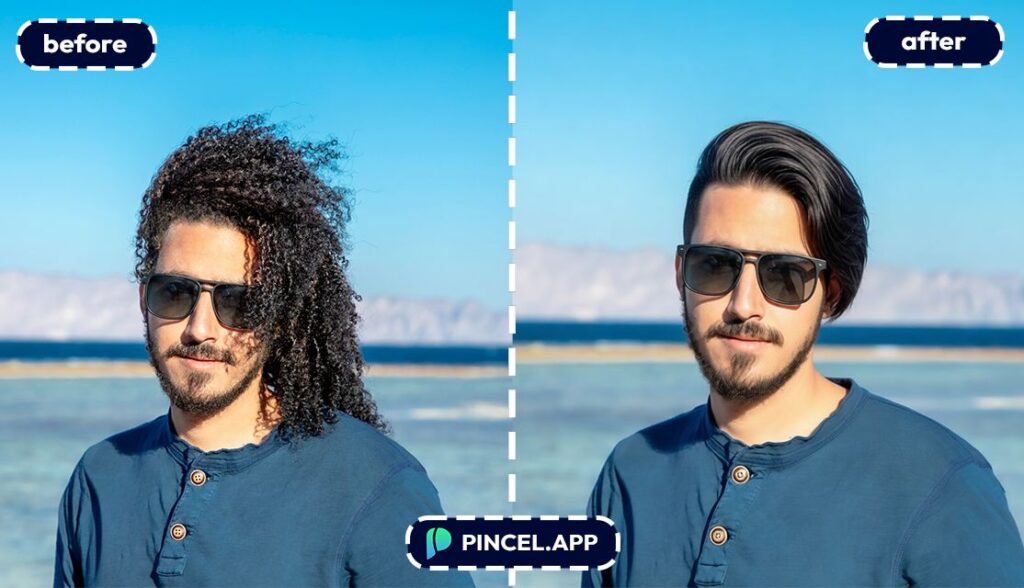
🌓 Step 4: Compare before/after, then download
Use the built-in before/after slider to check realism fast.
When it looks right, download with one click.
If you want to explore more options, just pick a different style and generate again.
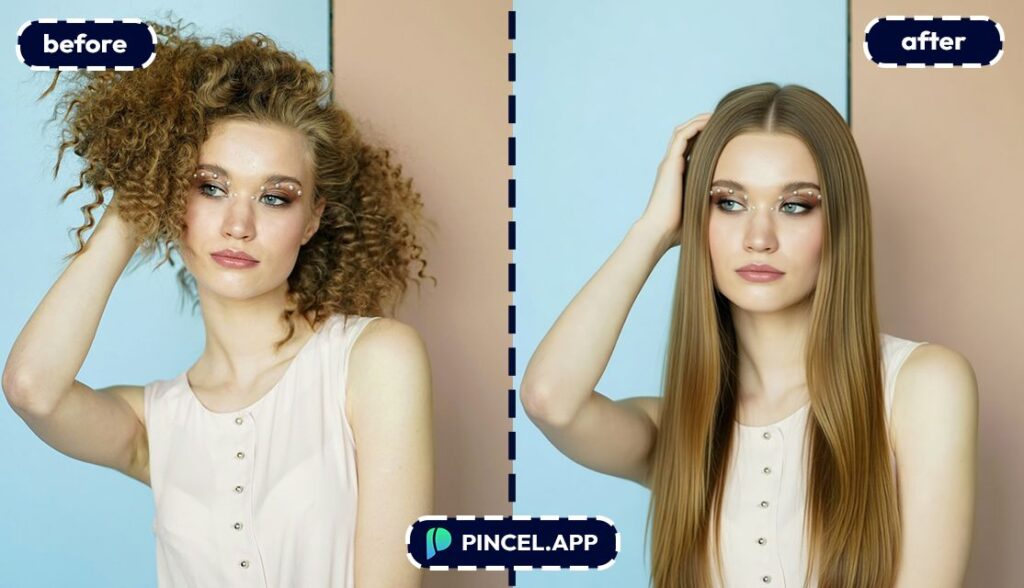
Who Is This For? Real-World Use Cases 👇🏼
Pre-salon decision makers — If you’re thinking about a silk press, straightening treatment, or a cut that looks best straight, you can preview it before you book.
“Should I get bangs?” people — Bangs + straight hair is a whole commitment, and you shouldn’t have to guess.
Pair this with a clean, ID-style shot if you want a super clear baseline like in AI passport photo.
Hair color experimenters — Straight hair often shows color placement differently (balayage, ombré, face-framing highlights).
If you’re also exploring shades, check out AI coloring for more color-play ideas.
Brides and event prep — When you need a predictable look for photos, “sleek and straight” is a classic.
Test options ahead of time, the same way you’d polish your overall look with relight photos with AI.
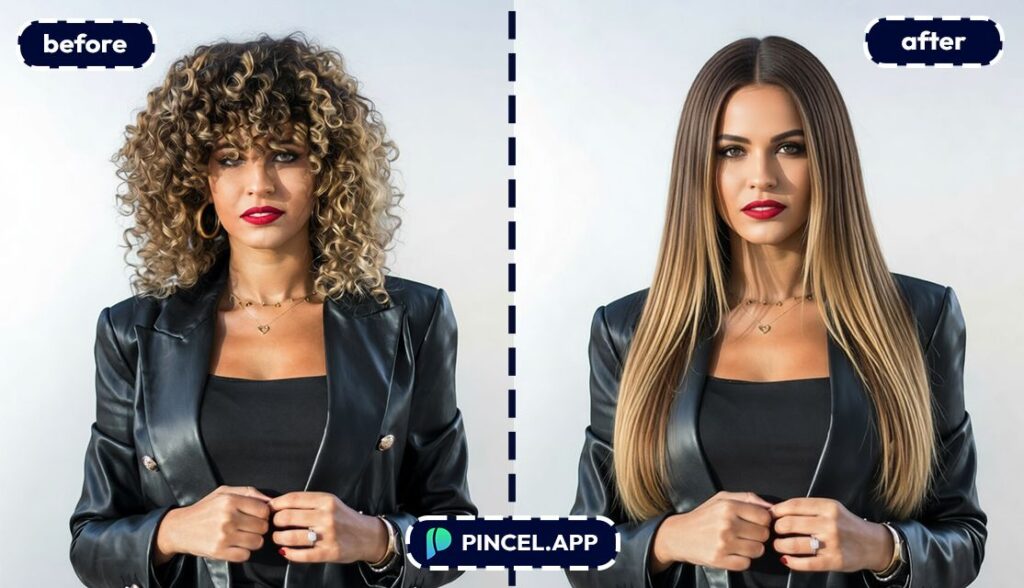
Hairstylists and barbers — Consultations go faster when your client can see straight hair on their actual face shape.
You can even compare multiple options quickly and decide what to cut for.
Hair-loss curious folks — Straight hair changes perceived volume and hairline visibility.
If you’re curious how a shorter, straighter look affects your overall vibe, it’s a great low-stakes preview (and yes, you can experiment with super-short styles too—see buzz cut filter).
Profile photo upgraders — LinkedIn, dating apps, speaker bios, auditions. A consistent, polished hairstyle helps, especially when you’re also refining your overall portrait like in AI resume photo.
Frequently Asked Questions 🤔
How can I make hair straight on photo using AI?
You can make hair straight on photo using AI by uploading a clear face image to Pincel AI Hair Studio and choosing a straight-hair style from the visual picker.
Then you generate and get a realistic preview in seconds.
Will the straight-hair result still look like me?
Yes, the tool preserves your identity, facial features, and expression.
It changes the hair while keeping the rest of the photo consistent, so it doesn’t feel like you turned into a different person.
Do I need to type prompts to make hair straight?
No, there’s no prompt box.
You pick styles visually (texture, length, cut, and color), and the AI handles the transformation.
How fast does Pincel AI Hair Studio generate the result?
Most results appear in a few seconds.
That means you can test multiple straight styles back-to-back without turning it into an all-day project.
Is Pincel AI Hair Studio free to try?
Yes, you get 20 free credits to test it with no credit card needed.
Each generation uses a small number of credits, so you can explore several straight-hair options before you decide to upgrade.
Straight to the Hair ✂️
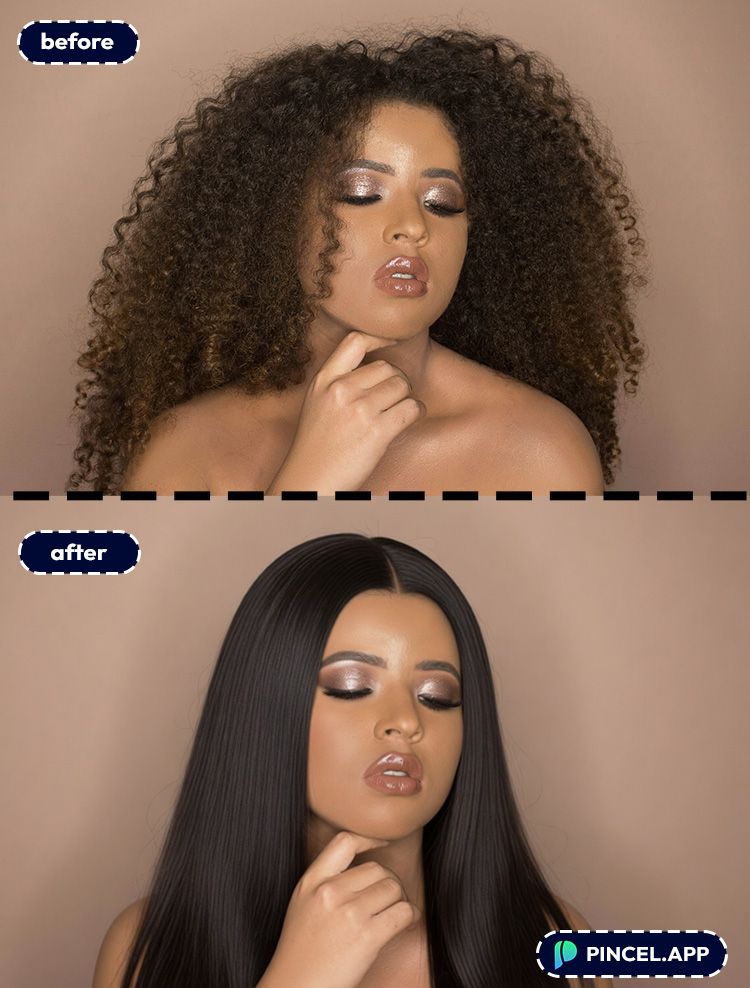
Straight glossy hair has a way of making everyone look beautiful.
But committing to a full straightening routine can be a big ask.
Before making any decisions, take help from Pincel AI Hair Studio and see how you will look with straight hair.
Simply upload your photo and see the magic happens.

