
Pets are nature’s gift and man’s best friend.
We want to keep them in our memory forever.
But getting them to actually cooperate for a photo is a different story.
Maybe you wanted a cute holiday shot.
The moment you reached for the props, they walked off.
Dressing up pets for photos has always been a battle of wills.
And the pet usually wins.
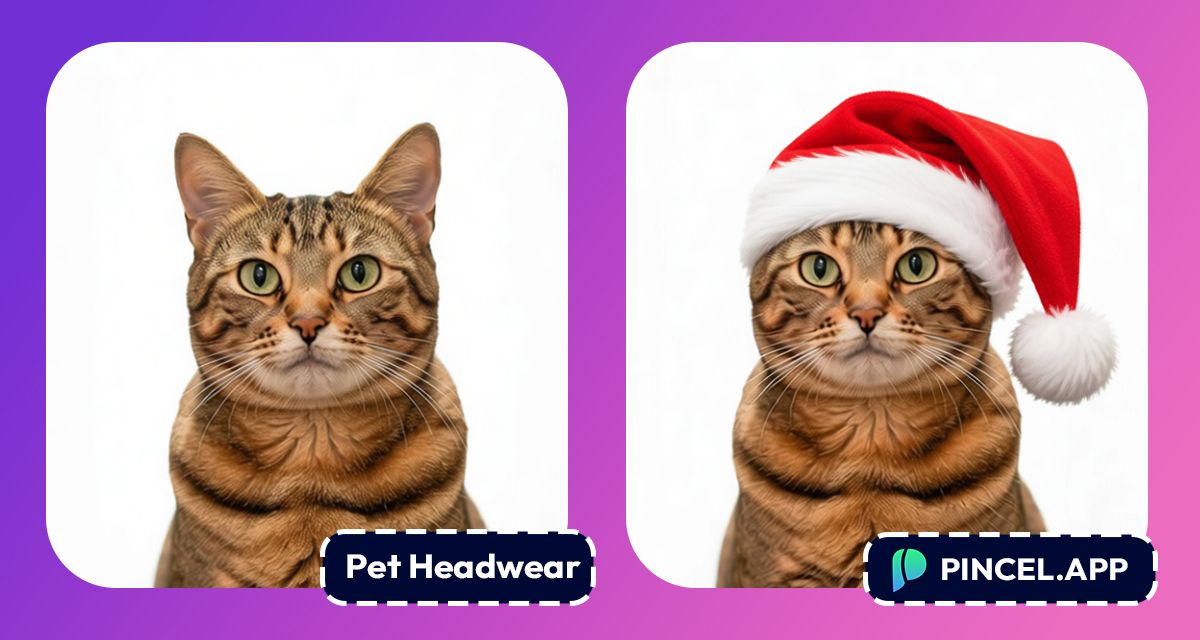
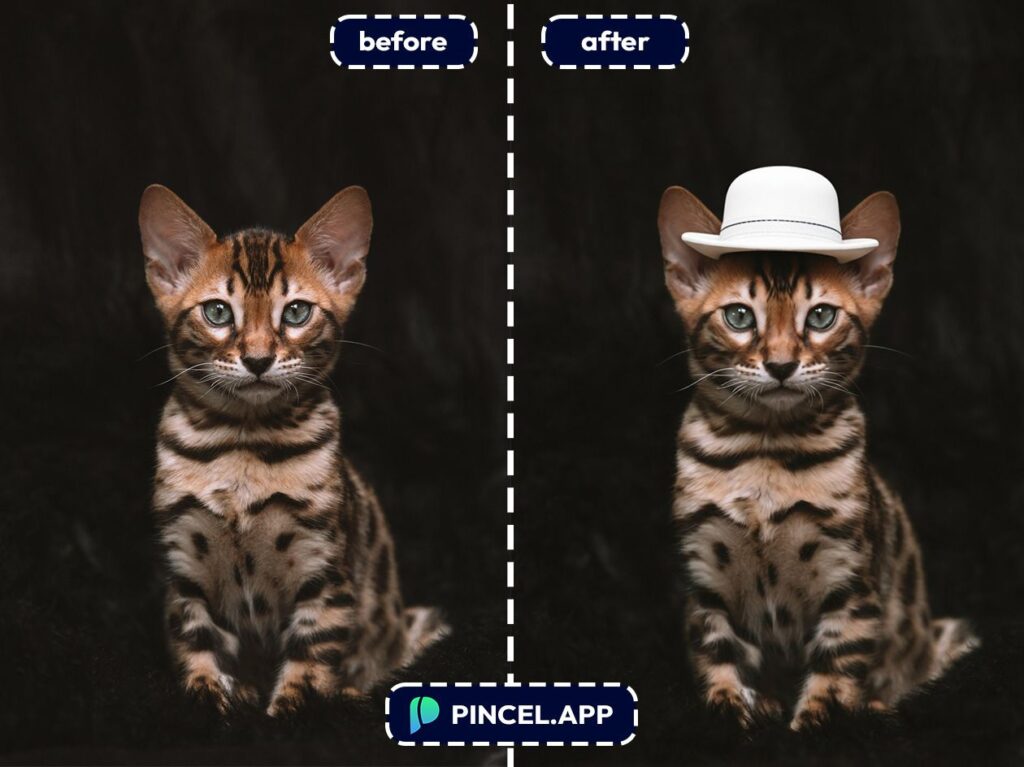
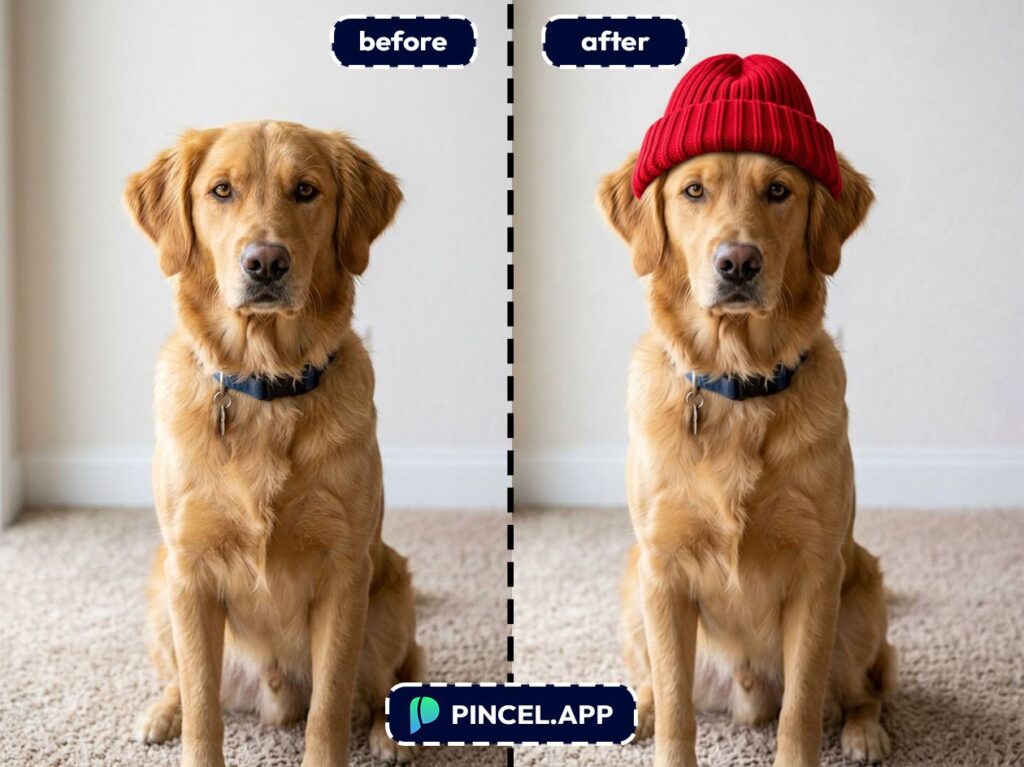
But with the Pincel AI Photo Editor, you can add any headwear to your pet’s photo without touching a single prop.
No struggle and no blurry photos of a retreating tail.
Here’s how it works:
Getting a Pet to Wear a Hat
is Mission Impossible 🐾
Sure, Photoshop can do it.
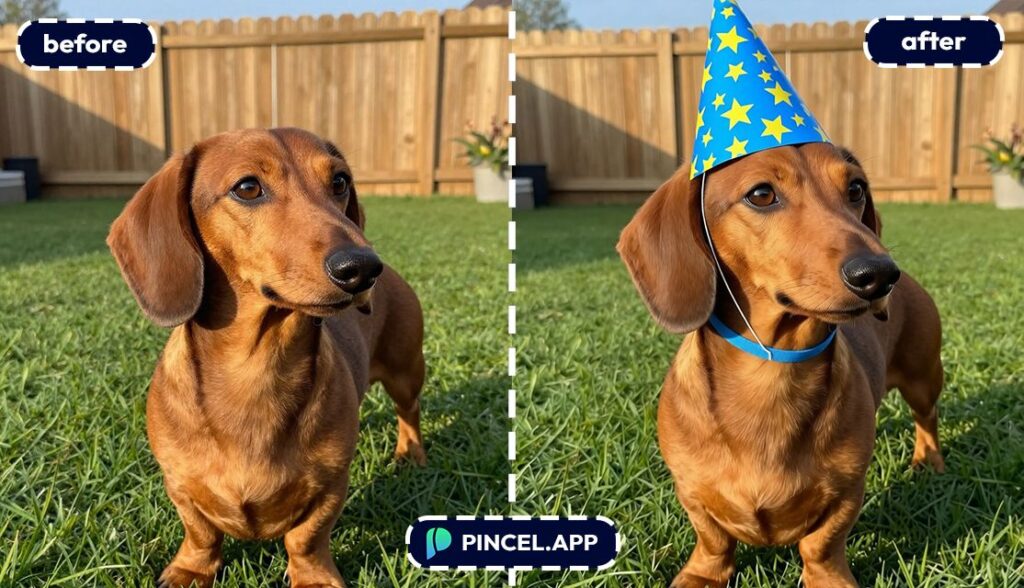
But first you need a hat PNG. Then you warp it and then you mask the fur edges.
Then you realize the lighting is completely wrong and the hat looks like it’s hovering.
That’s exactly why Pincel AI Photo Editor. exists.
You describe the hat. The AI figures out the angle, the lighting, and the fur edges.
It looks like it was always there.
How to Add a Hat to Pets — Step by Step ✅
🖼️ Step 1: Upload Your Pet Photo
Go to the Pincel AI Photo Editor.
Upload a photo where your pet’s face is visible, even if it’s a casual snapshot.
Front-facing is easiest.
But side profiles work too if you describe the angle in your prompt.
📝 Step 2: Type a Simple Headwear Prompt
In the prompt box, tell the AI what headwear you want and how it should sit.
Try prompts like these (copy/paste ready):
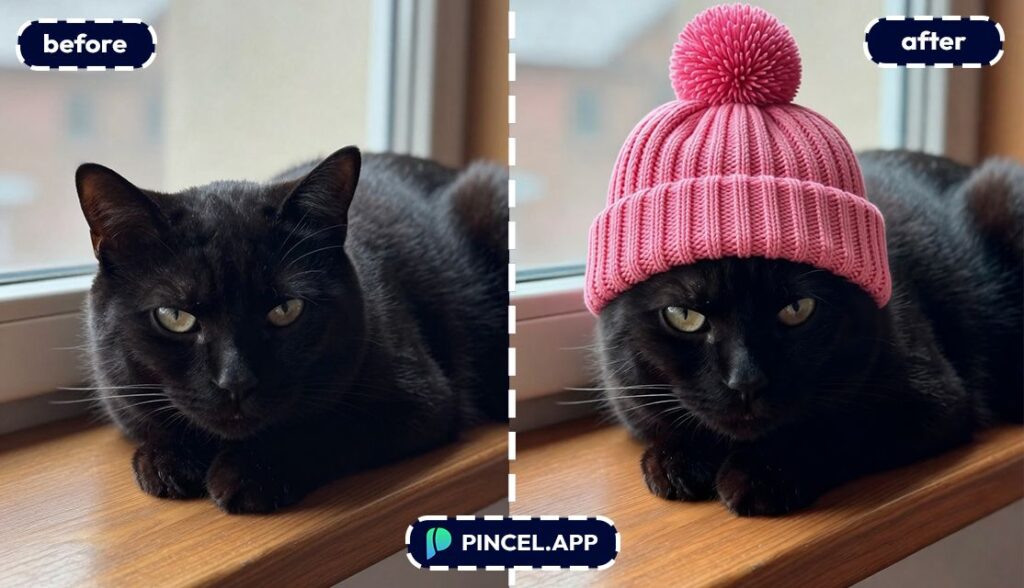
- “Add a small red knit beanie on the cat’s head, natural fit, soft shadow, realistic fur edges”
- “Put a black top hat on the dog, centered between the ears, match the lighting of the scene”
- “Add a tiny cowboy hat to the puppy, slightly tilted, realistic texture, not cartoon”
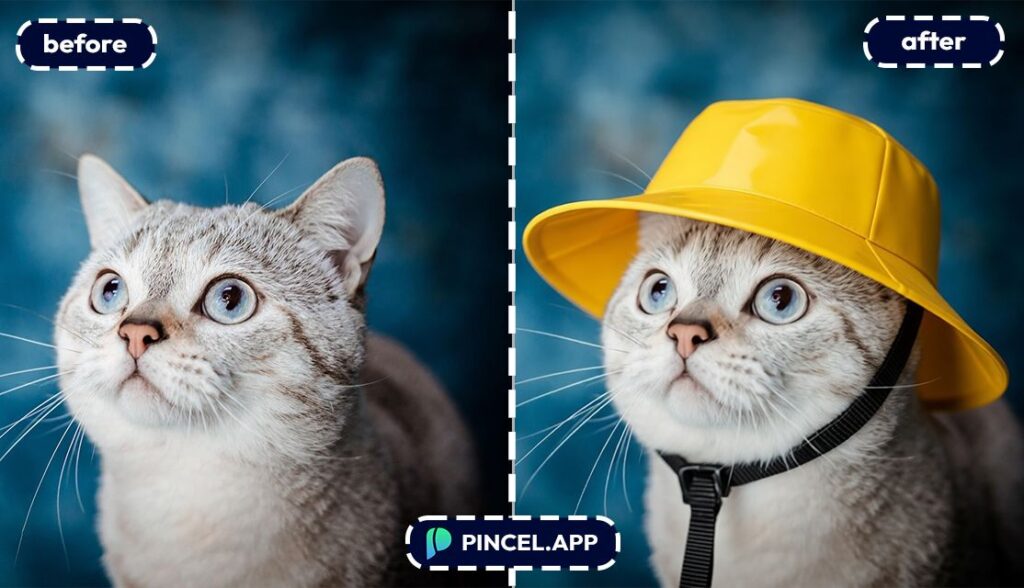
- “Create a yellow rain hat on the dog with a chin strap, photorealistic, keep the background unchanged”
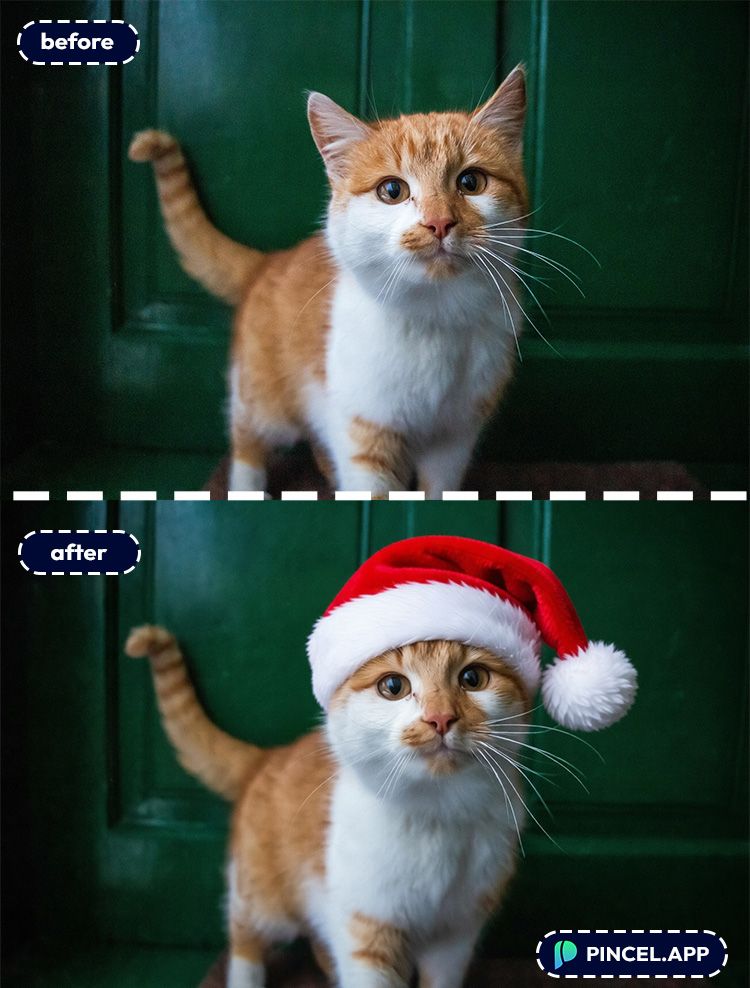
- Put a red Santa hat on the dog, white fluffy pom-pom at the end, centered between the ears, match the lighting of the scene.
- Add a pink knitted beanie on the puppy with a small pom-pom on top, snug fit, soft shadow, match the fur texture at the edges.
Want it to look extra believable?
Add details like “soft shadow,” “match lighting,” “same camera angle,” and “realistic texture.”
⚡ Step 3: Click Generate
Hit Generate and wait a few seconds.
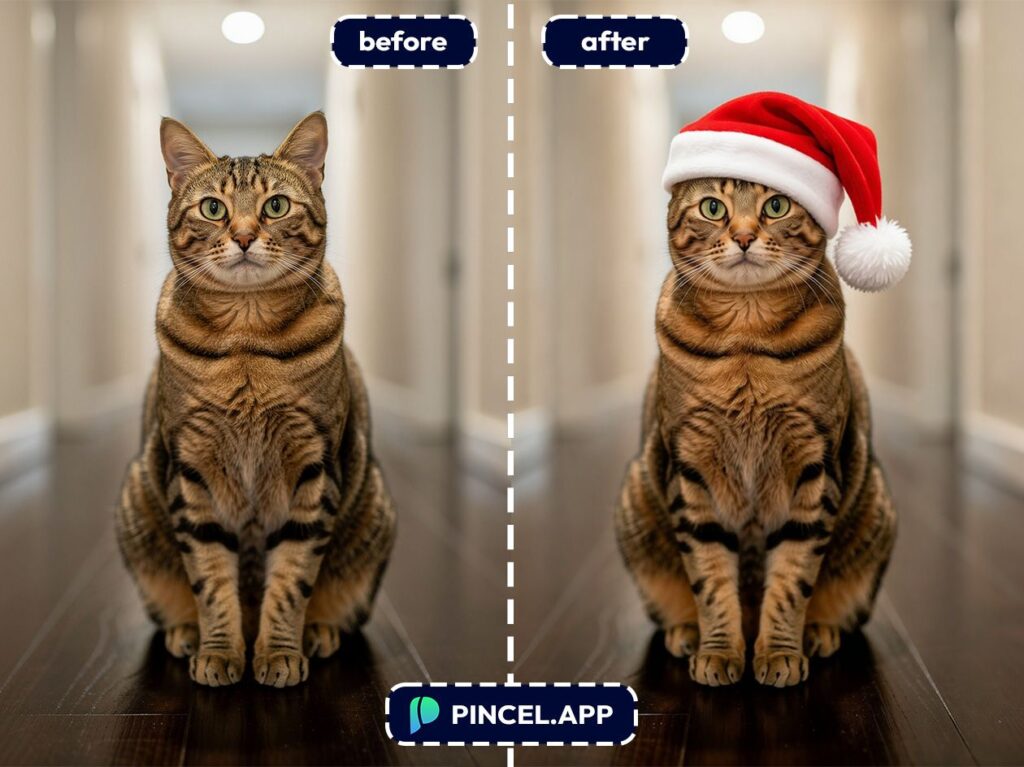
Most edits land in 5–10 seconds, and you’ll instantly see the hat blended onto your pet.
If the hat looks too big, too small, or slightly off-center, don’t fight it.
Just tweak the prompt: “smaller,” “lower,” “between the ears,” “tilted left,” and generate again.
📥 Step 4: Download (or Keep Iterating)
Download the version you like.
Or make a whole series with different hats for a mini “pet fashion week. ”
When you’re ready, upload your image and try your first headwear edit.
Who Is This For? 👇🏼
Pet parents (aka you) — Make holiday cards, profile pics, or group chats 10x funnier without bribing your pet with snacks.
And if you want to go full character-mode, pair it with a themed background change like in replace sky or change weather.
Instagram/TikTok creators — Turn one good pet photo into a week of content.
You can even build a consistent “series” by keeping the same pet photo and just changing the hat.
Pet businesses — Groomers, trainers, shelters, and pet boutiques can create quick promos without staging a real shoot.
Need cleaner product-style visuals? Check AI product photography for that studio look.
Shelters and rescues — Add a little personality (tastefully) to adoption posts.
A tiny bandana or party hat can help a photo stand out without changing the pet’s identity.
Birthday and event invites — Got a “dog turns 5” party invite or a cat-themed brunch?
Add party hats, crowns, or tiny formalwear, then drop in text using edit text on image.
Gift makers — Create a “Sir Barkington” portrait, print it, frame it, and become the best gift-giver in the family.
If you want to go even harder, the vibe pairs perfectly with royal pet portrait.
Kids’ crafts and coloring pages — Turn your pet into a simple line-art character with headwear themes.
Then use AI coloring to generate fun variations.
Meme builders — Add a detective hat, chef hat, or graduation cap, then clone props for chaos.
If you want “copy-paste but smarter,” see clone objects.
People who want “matching” couple pics — Put a beanie on your dog, then put the same beanie on you.
If you’re already swapping outfits, change clothes in photo is a fun next step.
Frequently Asked Questions 🤔
How do I add headwear to pets using AI without it looking fake?
To add headwear to pets using AI realistically, describe placement and lighting in your prompt.
Use phrases like “between the ears,” “match lighting,” and “soft shadow” so the hat blends with fur and the scene.
What’s the best type of pet photo for adding a hat?
A clear photo where your pet’s face and ears are visible works best.
If your pet is blurry or the head is cropped, the AI has less to anchor the hat placement.
Can I add hats to pets using AI on cats and dogs (or other animals)?
Yes, it works on cats, dogs, and most pets as long as the head is visible.
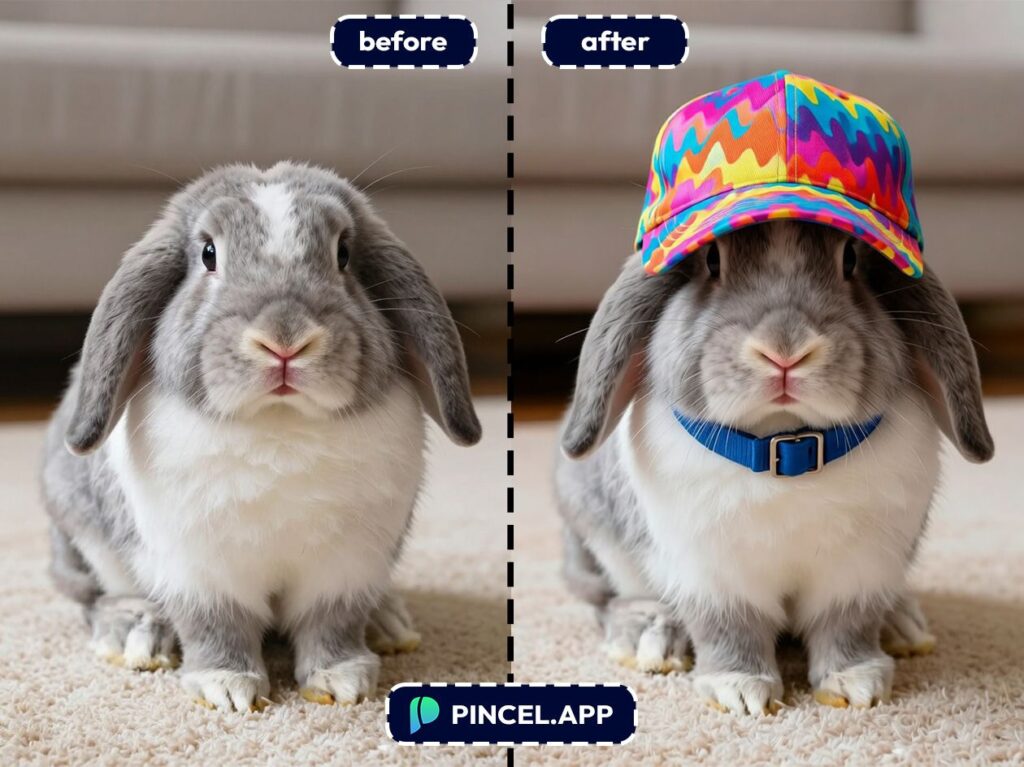
For animals with different head shapes (rabbits, birds), add a detail like “fit to head shape” or “wrap around the crown.”
Is Pincel free to try for pet hat edits?
Yes. Pincel includes 20 free credits for new users with no credit card required.
That’s enough to test multiple hat styles and find the one that makes your pet look like the main character.
Hat’s Off On to Your Pet 🎩
It only takes a few clicks to turn your dog into a gentleman.
They’ll never know. And honestly, that’s the best part.
You can try the cowboy hat.
Try the birthday crown.
Try the tiny top hat that makes zero practical sense but somehow works perfectly.
Your pet refused to wear any of it in real life?
Post it like it was always their aesthetic.

