For a long time, Pincel only lived in the browser.
It wors everywhere, it’s fast and it does not need an installation.
And yet… something was missing.
I’ve always believed image editing should feel like using a brush.
Simple and almost invisible.
That’s why Pincel was built in the first place.
But over time, one thing became clear:
People don’t want to open a tab to edit photos.
They want to tap an app.
So We Built the App 👇🏼
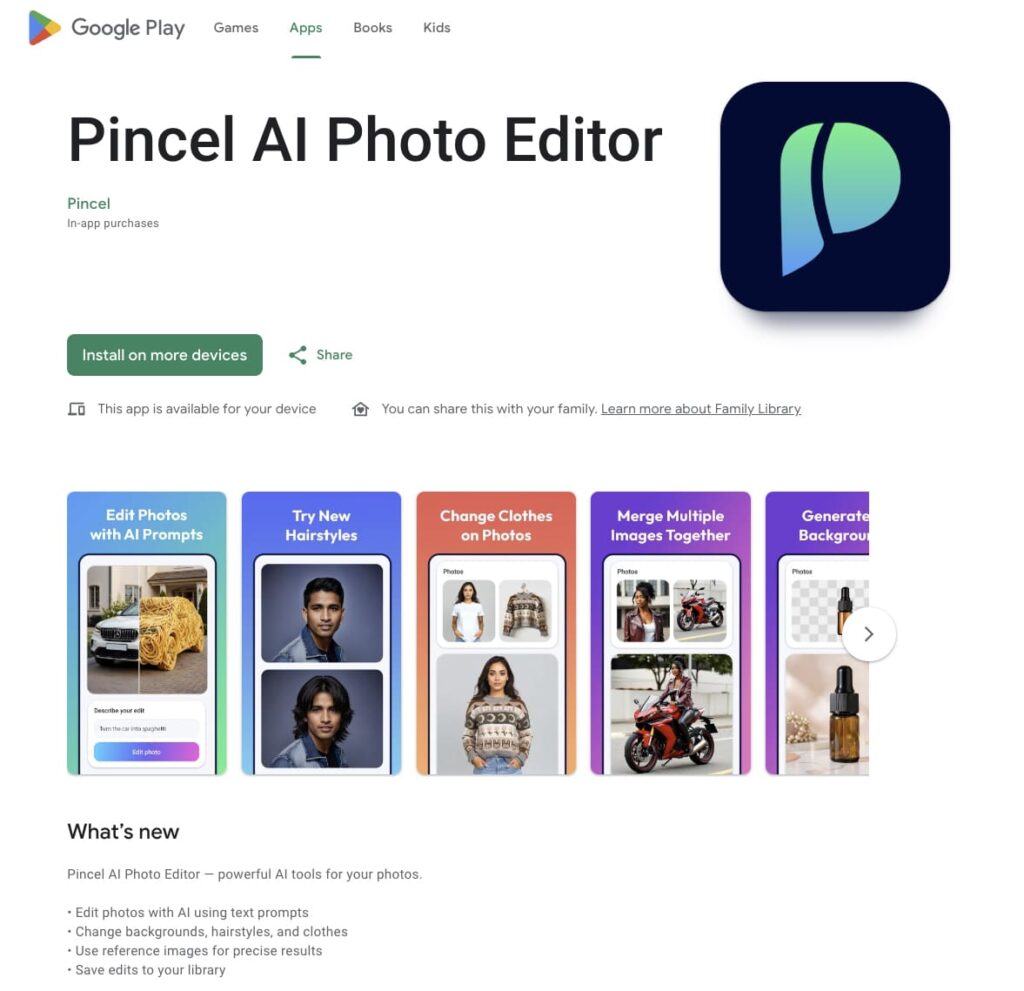
Today, Pincel is officially live on Android Google Play Store.
👉 You can download it here:
https://play.google.com/store/apps/details?id=com.pincel.mobile
This is not just a wrapper around the website.
It’s customized toward specific use cases.
What You Can Do With the Pincel App:
If you’ve used Pincel before, you already know the core idea:
You don’t edit photos manually.
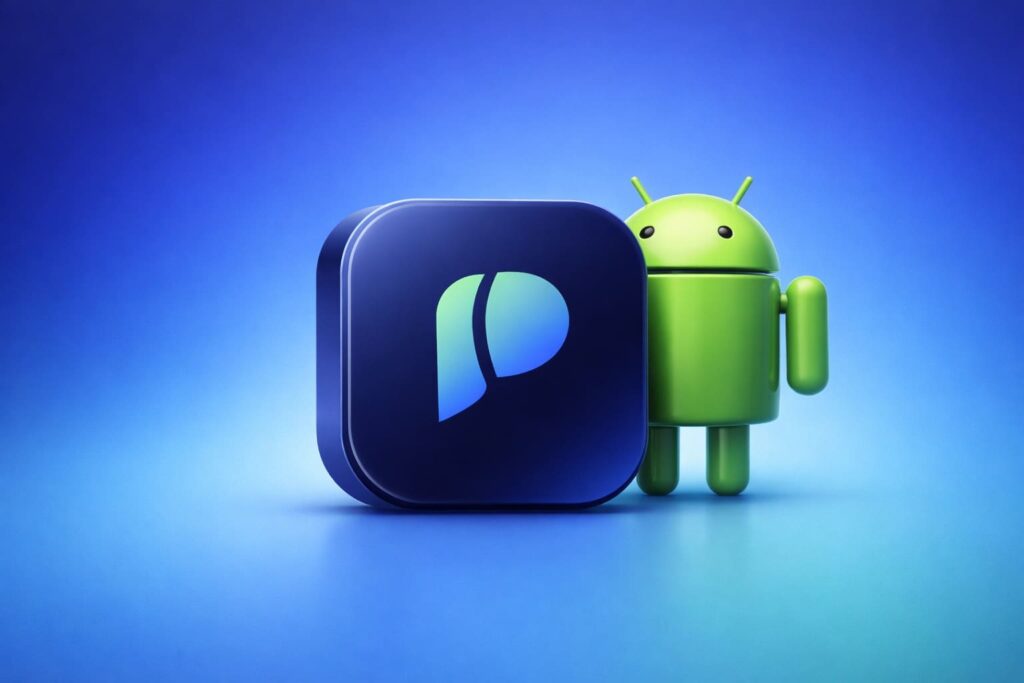
You describe what you want and the AI does it.
Upload a photo and type something like:
- “change outfit to red jacket”
- “add sunglasses”
- “replace background with beach”
And it just… happens.
The Core Tools ⚒️
The mobile app brings the same tools people already use daily:
- General AI photo editing with text prompts;
- Change hairstyles and outfits;
- Replace backgrounds;
- Remove or add objects;
- Add elements into photos;
- Improve or change lighting;
- Make creative Photo styles and effects
Everything built around one idea that editing should feel like describing, not clicking.
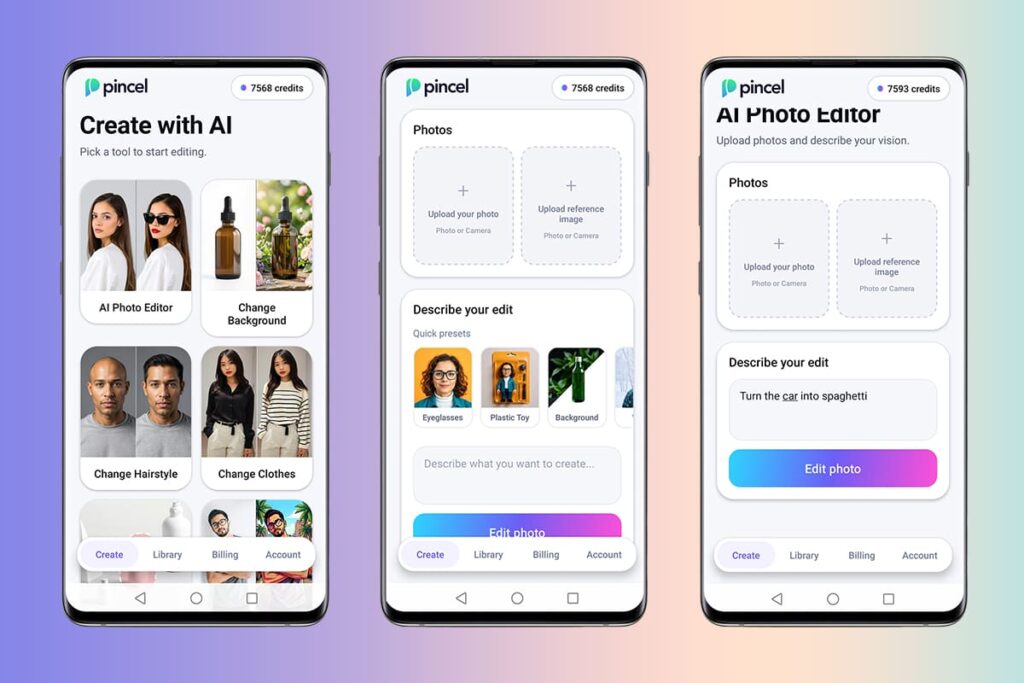
What’s on the App? ✨
The mobile app isn’t just the same experience in a smaller screen.
There are a few important differences.
First, every new user gets 100 free credits.
No credit card, just install and try it.
Credits and Pricing 💵
Pincel App also runs on a simple credit system.
Each edit uses credits depending on what you generate.
You can either subscribe or buy credits when you need them.
Subscriptions
Weekly – 4.99 USD
200 credits per week
Monthly – 14.99 USD
1000 credits per month
One-time Credit Packs
100 credits – 2.99 USD
500 credits – 7.99 USD
1000 credits – 15.99 USD
This gives flexibility, because you can use it occasionally.
Saved Images 💾
This is another key difference.
If you’re a premium user, all your generated images are automatically saved to your library.
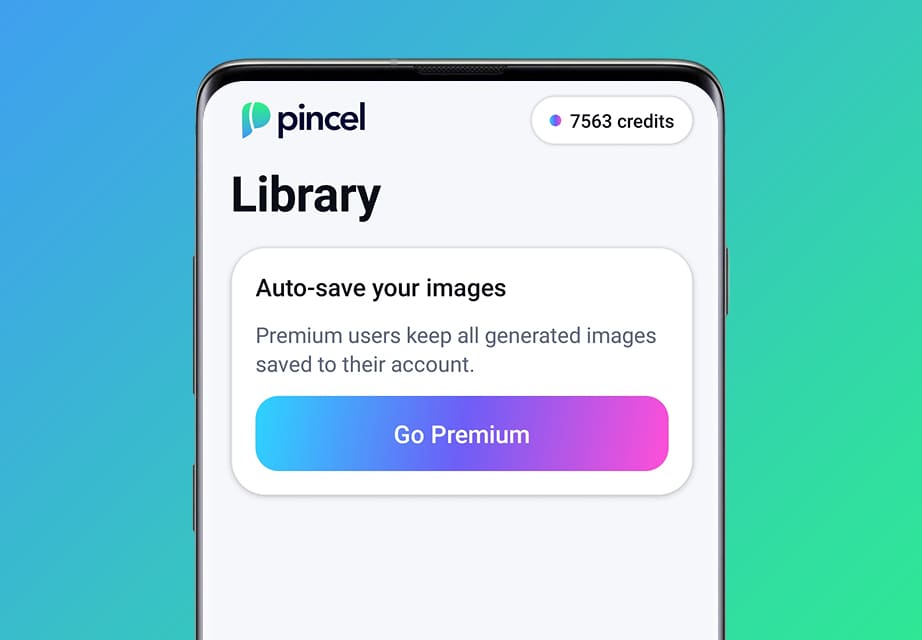
So you can:
- come back later, and reuse the prompts;
- re-download generated images;
- keep your work organized.
Free users can still generate images, but they are not stored long-term.
Accounts Are Separate:
One thing to know:
Your existing Pincel account is not linked to the Android app yet.
That means:
- web and mobile accounts are currently separate;
- credits do not carry over between platforms.
This will likely change in the future, but for now, mobile is its own environment.
What’s Next 🤔
The Android app launch is just the beginning.
We’re watching:
- how people use it;
- where they get stuck;
- what they expect next.
And improving fast based on the feedback and also preparing for the launch of IOS version of the app.
Download the App 📱
If you’ve ever thought:
“I wish editing photos was easier”
This is exactly what Pincel is built for.
More updates and IOS version coming soon.
How to download the Pincel Android app?
Search for Pincel on Google Play or click the link below: